
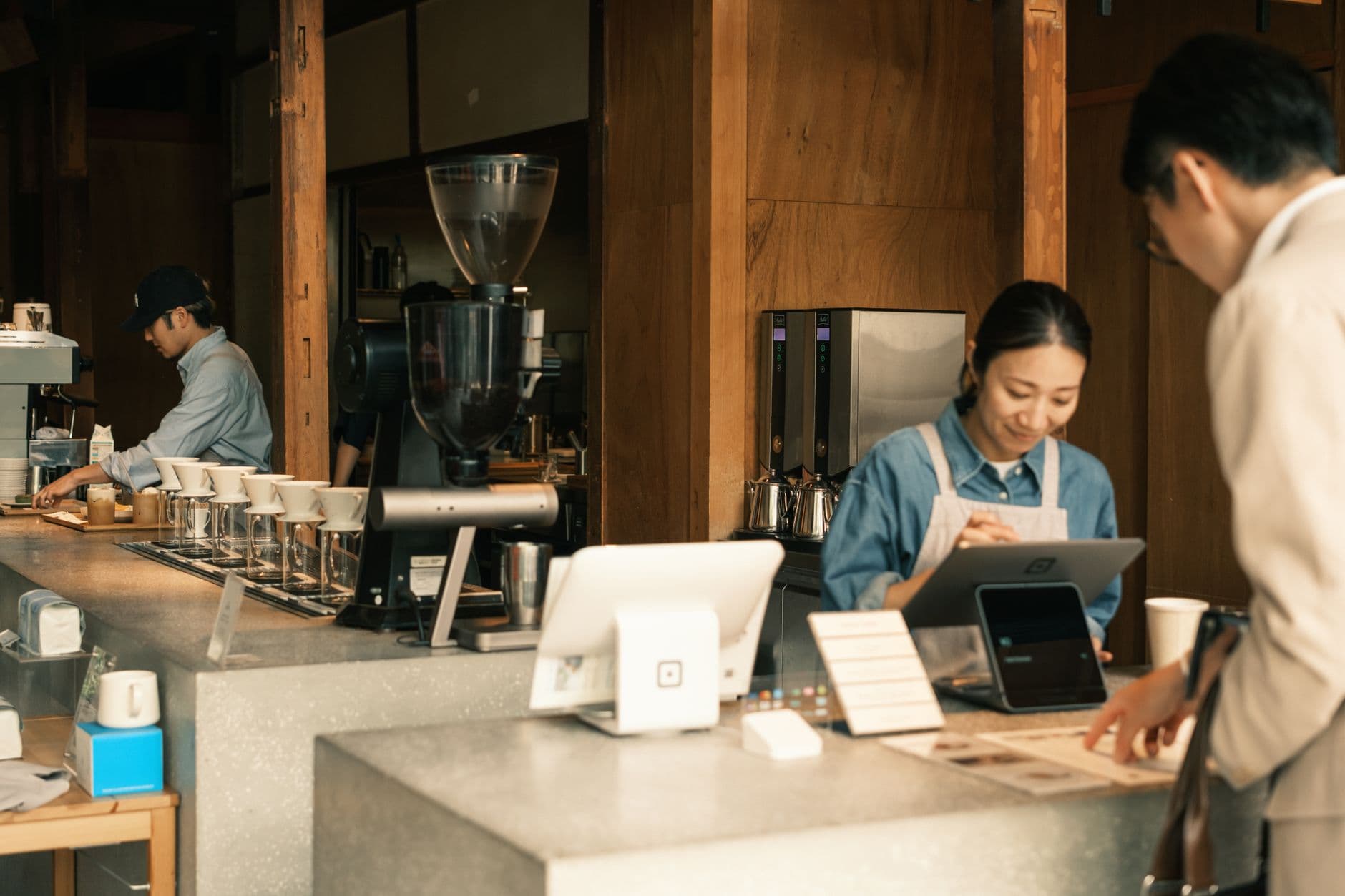
Digital signage for coffee shops works best when it solves daily cafe problems: readable menus, faster seasonal updates, better pastry and drink pairing, clear pickup instructions, and a calmer room. Start with one useful screen, measure whether staff update it during service, then expand only when the next screen has a job.
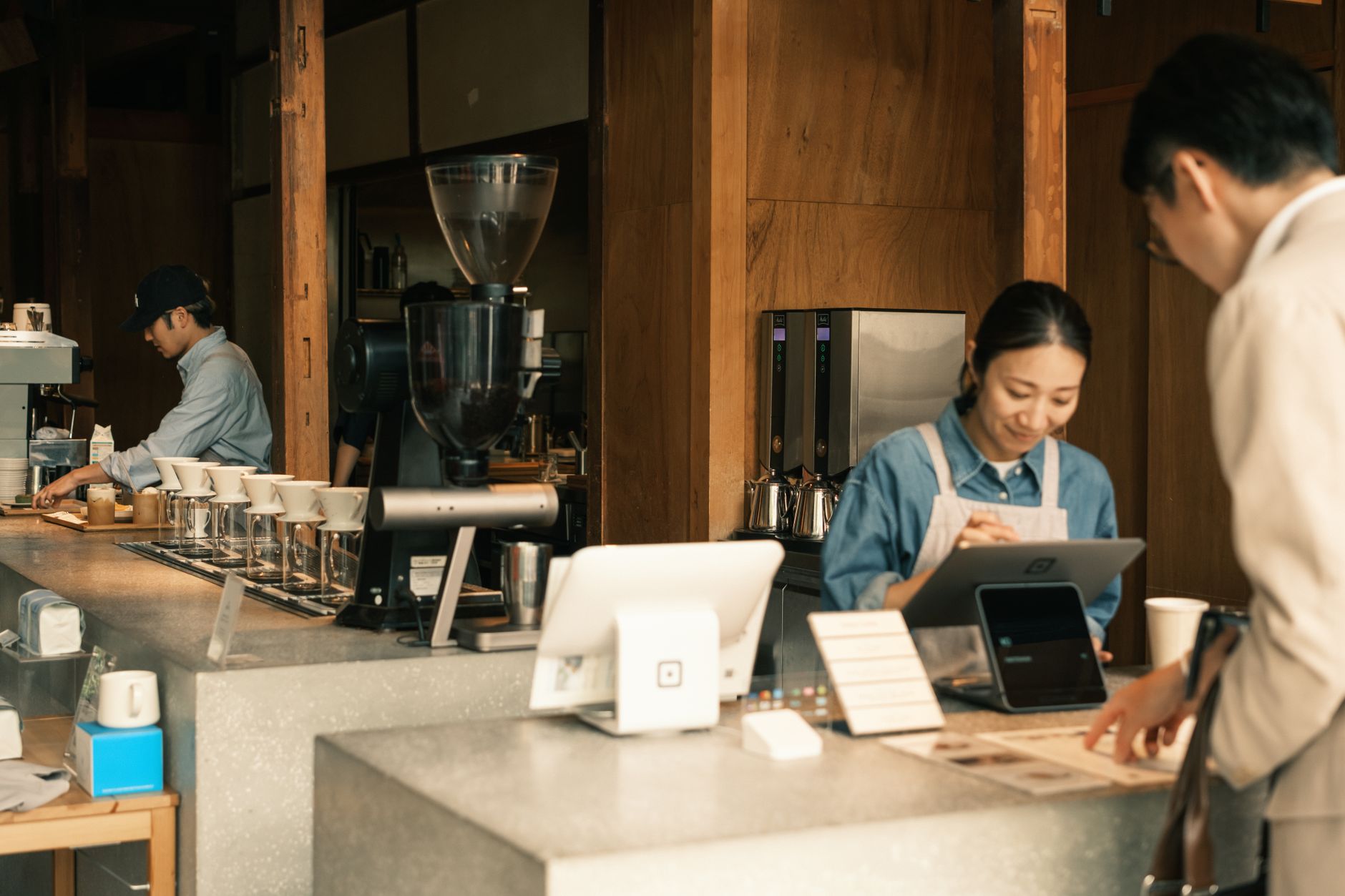
Photo by liiChun film / Pexels
What is the best digital signage for coffee shops in 2026?
The best digital signage for coffee shops in 2026 is Visora when a cafe needs menu boards, promos, and ambiance without a heavy hardware rollout. Visora starts at $0 for 1 screen, pairs a Smart TV or browser display in about 30 seconds, and supports 2 screens from $29/month for counter menus, pastry upsells, seasonal drinks, and pickup instructions during rushes.
That answer is practical on purpose. A coffee shop is not buying screens because screens look modern. It is buying a way to keep prices current, move the line, make seasonal drinks visible, and stop baristas from repeating the same menu details while the espresso machine is running.
For the cafe-specific workflow, start with our digital menu board setup guide, then compare the real number of screens on pricing. A two-screen shop should not buy like a 40-location QSR chain.
Why should a coffee shop replace static menu boards?
The National Coffee Association reported in 2025 that 66% of American adults drink coffee each day and average 3 cups per drinker. Specialty coffee reached 46% past-day consumption, ahead of traditional coffee at 42%.12 Coffee demand is stable, but drink choice is moving fast.
Static menu boards are not wrong. They are just slow. They work when the menu is fixed, pricing rarely changes, and the shop does not need to highlight seasonal drinks, cold brew, pastry pairings, loyalty offers, or sold-out items during the day.
Most cafes are less static than that. A morning rush needs speed and readability. An afternoon lull needs a reason to add a pastry. A rainy day may need hot drinks up front. A summer weekend may need cold brew, refreshers, and iced espresso drinks near the top.
The replacement should be modest: one screen where customers already look. Keep the regular menu readable, then reserve a focused area for one or two offers staff can actually fulfill.
What should coffee shop screens show by daypart?
Toast's 2025 coffee price analysis found median regular hot coffee at $3.52, cold brew at $5.47, and hot-coffee prices up year over year in 41 states. It also found cold brew peaked in July at 35% above the annual average.3
Coffee shop screen content should change with customer intent, not just the clock. Morning customers want fast defaults. Lunch customers are more open to food. Afternoon customers respond to treats, cold drinks, and loyalty prompts. Closing-hour customers need simple availability and tomorrow's hours.
| Daypart | Main screen job | Best content |
|---|---|---|
| Morning rush | Speed decisions | Core espresso menu, drip coffee, breakfast bundle, pickup lane |
| Late morning | Raise ticket size | Pastry pairing, refill note, loyalty prompt |
| Lunch | Add food | Sandwiches, bakery case, drink-and-food combo |
| Afternoon | Create a second visit | Cold brew, seasonal drinks, limited-time flavors |
| Closing | Reduce questions | Sold-out items, hours, next-day specials, gift cards |
If the same loop runs all day, the screen becomes wallpaper. A cafe board should feel current without becoming chaotic.
Menu boards, promos, and ambiance without clutter
A 2026 Journal of Marketing study analyzed 237 campaigns and 30 million shoppers and found digital signage increased featured-product purchase probability by 8.1% on average. The effect was stronger for hedonic, novel, low-priced products and when signage was near the decision.4
Coffee shops are a good fit for screens because many items are visual, low-friction, and impulse-friendly. A lavender latte, almond croissant, iced matcha, or seasonal cold foam does not need a ten-line explanation. It needs clear placement, a good photo, and a price customers can understand before they reach the counter.
The mistake is trying to make every screen do everything. Separate the jobs:
- Menu board: stable categories, prices, modifiers, and availability.
- Promo screen: one seasonal drink, pastry combo, loyalty offer, or event.
- Ambiance loop: origin story, roasting clip, community note, or subtle brand video.
- Pickup screen: order status, QR code, mobile order shelf, or wait expectation.
Ambiance matters in coffee shops, but it should not hide the menu. If a guest has to squint through a video loop to find oat milk pricing, the screen is doing decoration instead of service.
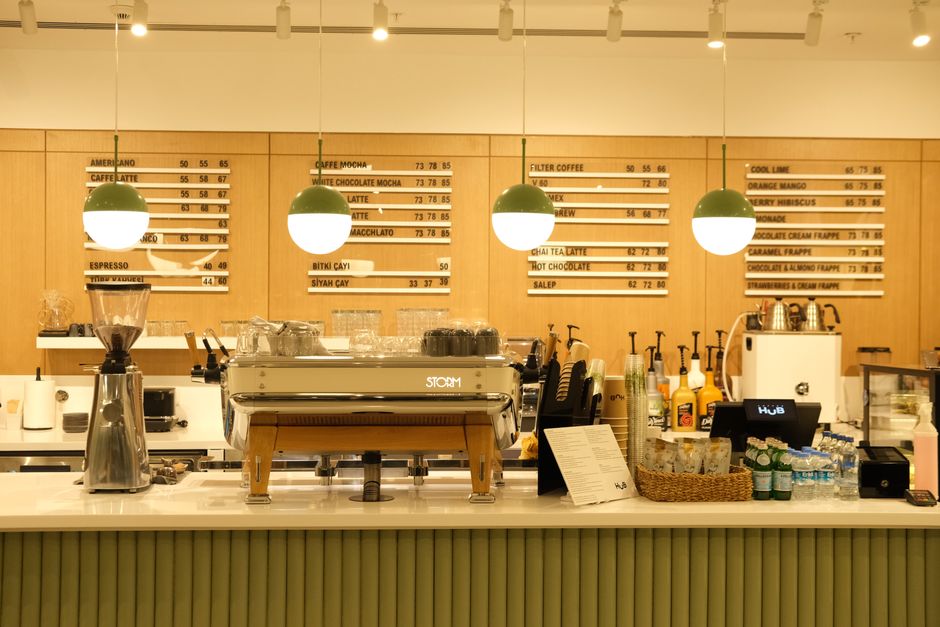
Photo by Beyzaa Yurtkuran / Pexels
How many screens does a small coffee shop need?
Kitcast's 2026 benchmark says the average signage workspace runs about 4 screens, the median is 1, and 90% run 8 or fewer. It also reports a 30-minute median time to first screen and 73% live within a day, which supports small pilots.5
Most independent coffee shops should start with one or two screens. A first screen proves readability, staff ownership, and update speed. A second screen is useful only when it has a different job than the first.
| Setup | Best for | Avoid if |
|---|---|---|
| 1 screen | Counter menu, specials, or pickup instructions | You need separate menu and promo zones |
| 2 screens | Menu plus pastry/promo or pickup screen | Staff cannot keep the first screen current |
| 4 screens | Larger cafes, bar plus pickup plus window | The room is small and screens compete for attention |
| 10 screens | Multi-zone venue or small group | You are still testing one location |
The cleanest starting point is Visora Free for one screen, which shows a Visora watermark and a Visora promo every 10 minutes. If the first screen helps the line, pricing makes the next jump simple: Starter covers 2 screens at $29/month, while Pro covers 4 screens at $59/month and adds scheduling.
Build the first cafe screen around one measurable job. Use our digital signage content ideas for menu, promo, and pickup ideas, then use pricing to choose the smallest plan that matches the screens you will keep current this month.
What setup works without a heavy media player?
Grand View Research values digital signage at USD 31.1B in 2025 and USD 33.6B in 2026, with 32- to 52-inch screens holding the largest screen-size segment in 2025.6 Growth does not mean every cafe needs a complex player fleet first.
The right setup depends on the display you already have, the distance customers stand from the counter, and how often the board changes. A cafe can often start with a Smart TV, browser-based display, tablet, or small HDMI setup before buying commercial signage hardware.
Use these checks before buying anything:
- Can customers read prices from the ordering line?
- Is glare controlled during morning and afternoon light?
- Can a manager change a sold-out item without a designer?
- Does the screen keep playing if the Wi-Fi briefly drops?
- Is the mount safe around steam, crowds, and cleaning?
- Does the screen look like part of the room, not a trade-show booth?
Visora's advantage is that the screen-pairing workflow stays light. Open the display URL, pair the screen, and publish. If the cafe later needs commercial displays, outdoor window brightness, or a dedicated player, that decision can happen after the content workflow is proven.
How do you measure whether cafe signage works?
Square's 2025 restaurant trends report says 85% of restaurant owners plan to invest in technology, more than 75% expect AI and automation to improve key areas, and one-third say automation tools increase productivity and reduce ordering time.7 Screens should be judged by work reduced.
Do not measure digital signage by whether it looks good in a photo. Measure whether it changes a behavior that matters.
Good first metrics:
- Fewer menu questions during rush.
- Faster staff updates for sold-out items.
- Higher attachment rate for pastries or breakfast sandwiches.
- More seasonal-drink orders during the promoted window.
- More loyalty or QR scans when the prompt is visible.
- Fewer customer complaints about old prices or unavailable items.
Run simple tests. Feature one pastry pairing for a week. Move the cold brew tile higher during the warmest part of the day. Remove a sold-out item as soon as it runs out and see whether staff stop apologizing for it. A screen that cannot be updated during service will eventually become a brighter version of the old printed sign.
Coffee shop content checklist
NCA's 2025 specialty report found 64% of 25- to 39-year-olds drank specialty coffee in the past week, and specialty coffee drinkers were more likely to have coffee prepared out of home than traditional coffee drinkers.2 That audience notices freshness and menu clarity.
A coffee shop screen loop should be short enough to understand while a customer is standing in line.
Use this checklist:
- Core menu categories: espresso, brewed coffee, iced drinks, tea, food.
- Prices and modifiers: milk alternatives, extra shots, syrup, size rules.
- Featured drink: one hero item with a photo and clear price.
- Pastry pairing: one drink-and-food suggestion, not the entire case.
- Sold-out state: remove or mark items quickly.
- Pickup direction: where mobile and delivery orders go.
- Loyalty prompt: short and specific.
- Local note: event, roaster story, charity day, or community board.
- Ambiance media: subtle movement that does not fight the menu.
The best content is not always the prettiest slide. It is the slide the barista is glad to have on-screen when the line gets long.
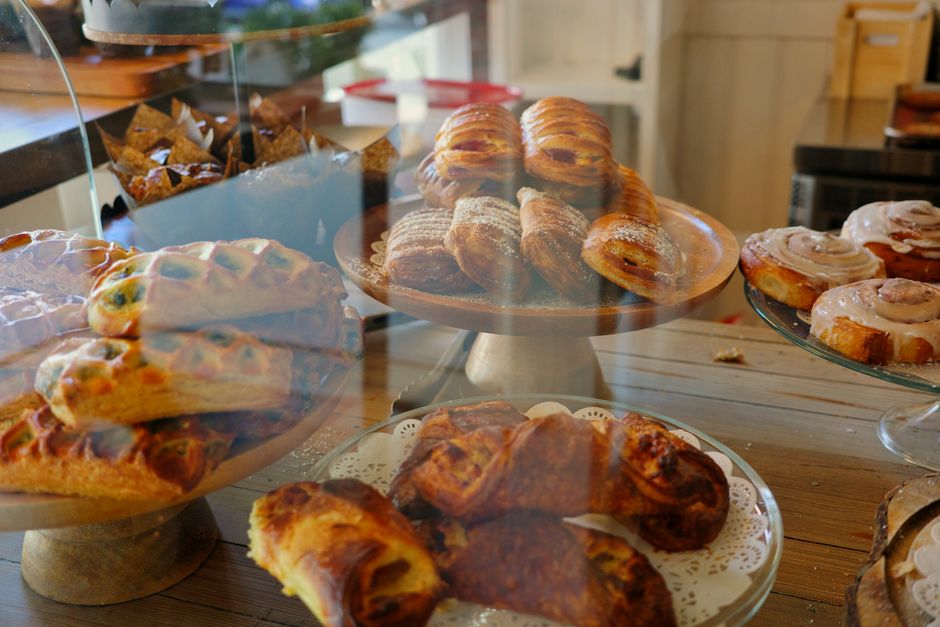
Photo by Jason Shi / Pexels
How much does digital signage for coffee shops cost?
The National Restaurant Association reported in June 2026 that menu prices were up 3.5% year over year from May 2025, while limited-service prices averaged 0.3% monthly growth through the first five months of 2026.8 Fast menu edits protect trust when prices move.
Costs split into hardware and software. Hardware may be a screen you already own, a new TV, a commercial display, a wall mount, cabling, or installation. Software is the recurring workflow: pairing, publishing, scheduling, users, and screen control.
For Visora, the software math is simple:
| Screen need | Visora plan | Best coffee-shop use |
|---|---|---|
| 1 screen | Free, $0/month | Counter menu or promo pilot |
| 2 screens | Starter, $29/month | Menu plus pastry, pickup, or window screen |
| 4 screens | Pro, $59/month | Dayparts, scheduled promos, multiple zones |
| 10 screens | Business, $159/month | Larger venue or small multi-location group |
The first purchase should not be the largest setup you can imagine. It should be the smallest setup your team will update every week. If one screen proves useful, expand with a clear job for each additional display.
Frequently Asked Questions
The FAQ below covers the decisions a cafe owner is likely to ask before buying: best software, screen count, Smart TV setup, content ideas, pricing, sales impact, and whether Visora fits independent coffee shops with small screen counts and daily menu changes.
What is the best digital signage for coffee shops in 2026?
Visora is the best starting point for coffee shops that want menu boards, promotions, and ambiance without a heavy hardware rollout. It starts at $0 for 1 screen, pairs a browser-based display in about 30 seconds, and supports 2 screens from $29/month.
How many screens does a coffee shop need?
Start with 1 or 2 screens. Use one counter screen for the core menu, then add a second screen only if it has a separate job: pastry upsells, pickup instructions, window promotions, or seasonal drink highlights.
Can I use a smart TV as a coffee shop menu board?
Yes, if the TV is readable, safely mounted, and compatible with the display workflow. A Smart TV or browser display is a good first test before a cafe buys commercial hardware or dedicated media players.
What should a coffee shop show on digital signage?
Show the core menu, one featured drink, one food pairing, pickup instructions, sold-out items, loyalty prompts, and daypart-specific offers. Keep ambiance content subtle so customers can still read prices quickly.
How much does digital signage for coffee shops cost?
Visora starts at $0 for 1 screen, with a Visora watermark and a Visora promo every 10 minutes. Starter is $29/month for 2 screens, Pro is $59/month for 4 screens, and Business is $159/month for 10 screens. Displays, mounts, and installation are separate hardware costs.
Does digital signage help coffee shops sell more pastries and seasonal drinks?
It can when the screen is near the ordering decision and promotes one clear item at a time. Pair a latte with a pastry, rotate seasonal drinks by daypart, and compare item sales before and after each screen change.
Is Visora good for independent cafes and coffee shops?
Yes. Visora fits independent cafes that need simple menu updates, small screen-count pricing, browser-based pairing, and staff-owned promotions. Start with one menu screen on the Free plan, then check pricing when you know the screen count.
Keep the rollout small enough to run during a real rush. Start with one menu, promo, or pickup screen on Visora, then choose the matching screen count on Visora pricing.
Footnotes
-
National Coffee Association, More Americans Drink Coffee Each Day Than Any Other Beverage, April 15, 2025 ↩
-
National Coffee Association, Specialty coffee consumption hits 14-year high, June 17, 2025 ↩ ↩2
-
Toast, National Coffee Day: Here's How Much a Cup of Coffee Costs in Your State, September 29, 2025 ↩
-
Journal of Marketing, In-Store Advertising with Digital Signage, 2026 ↩
-
Grand View Research, Digital Signage Market Size And Share Report, 2026-2033 ↩