
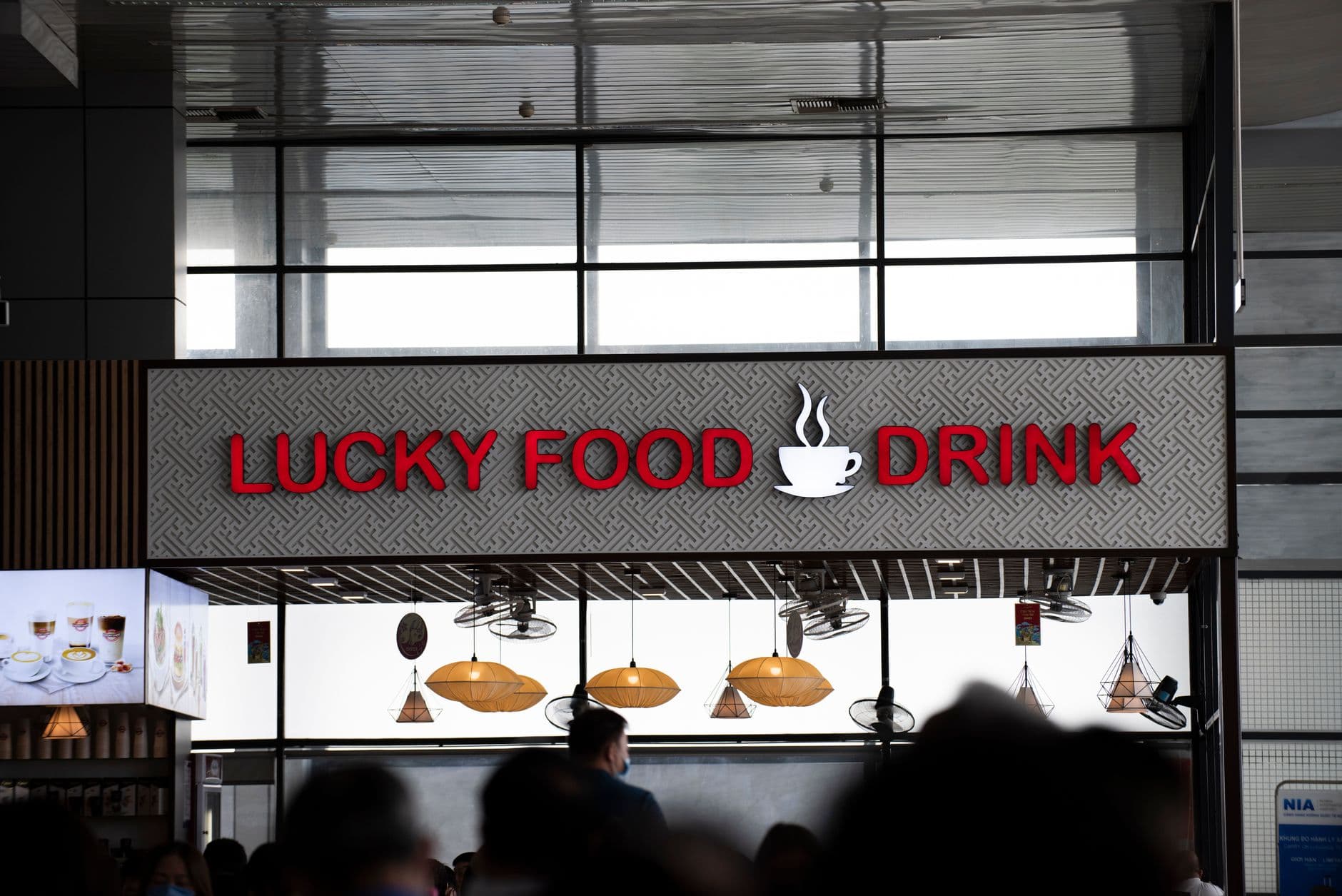
Restaurant daypart signage switches your menu boards from breakfast to lunch to dinner on a schedule, so nobody swaps slides during a rush. The setup is one playlist per daypart and one schedule per screen. Copy the 5-daypart template below; on Visora, scheduling starts on Pro at $59 per month for 4 screens.
Photo by Success Nguyen / Pexels
How do you schedule breakfast, lunch, and dinner menus on restaurant screens?
Build one playlist for each service period, then assign each playlist to your screens by day and start time. In Visora, a playlist is an ad group: Pro ($59 per month) includes 6 ad groups, enough for breakfast, lunch, happy hour, dinner, late night, and a closed-hours loop, plus scheduling for 4 screens. Business ($159 per month) adds unlimited ad groups for 10 screens. Free and Starter play one loop until someone changes it by hand.
That last point matters before you design anything. Scheduling and dayparting are Pro and Business features. A restaurant on Starter ($29 per month, 2 screens, 3 ad groups) can still build breakfast, lunch, and dinner playlists and switch them by hand from a phone, but the automatic switch at 11 a.m. needs Pro.
What does a restaurant daypart schedule template look like?
Most restaurants run some version of five dayparts. Use this template as a starting point, then change the hours to match your kitchen, not the other way around.
| Daypart | Example hours | Counter menu board | Promo or dining screen | Switch rule |
|---|---|---|---|---|
| Breakfast | 6:00 to 10:30 a.m. | Coffee, breakfast plates, bundles | Coffee add-on, pickup QR | Ends when the grill changes over, not at a round number |
| Lunch | 10:30 a.m. to 3:00 p.m. | Combos, best sellers, sides | Speed messages, catering QR | Breakfast items disappear on every screen at the same time |
| Happy hour | 3:00 to 6:00 p.m. | Lunch menu or all-day menu | Drink and snack specials with the end time on screen | Ends exactly when the price ends |
| Dinner | 5:00 to 10:00 p.m. | Entrées, add-ons, desserts | Pairings, reservations, events | Overlap with happy hour only on the promo screen |
| Late night | 10:00 p.m. to close | Short menu the kitchen can still make | Last call, pickup rules | Remove items the moment the line closes them |
| Closed hours | Close to opening | Hours and online ordering QR | Catering, hiring | Never a blank or frozen screen |
Weekends usually need their own row. A Saturday brunch from 9 a.m. to 2 p.m. replaces both breakfast and lunch, so schedule it as a separate playlist for Saturday and Sunday instead of editing the weekday menus. On Pro, brunch is a seventh playlist, so either fold late night into dinner or move to Business, which has unlimited ad groups.
Three details prevent most daypart mistakes:
- Schedule the change 5 minutes after the kitchen switches, not before. Guests should never order an item the line has stopped making.
- Put the end time on every timed offer. "Happy hour until 6 p.m." stops arguments at 6:05.
- Keep one emergency slide per daypart for sold-out items, so a manager can swap it in from a phone in under a minute.
Photo by Richard Harris / Pexels
How do you set up dayparting in Visora?
- Create one ad group per daypart in the editor: breakfast, lunch, happy hour, dinner, late night, and closed. Use the same layout across dayparts so guests always find prices in the same place.
- Pair each screen by opening the Visora player in the TV browser and entering the 4-character code it shows in the dashboard. A Fire TV Stick with the Visora TV app or a Windows PC with the Visora desktop app also work.
- Add schedules per screen, choosing the days of the week and the start and end times for each ad group.
- Decide which screens change together. The counter board follows the full template; the dining-room screen might only switch between lunch promos and dinner pairings.
- Test before opening by checking each screen at every handoff time for one full day.
For bars and grills that show sports, Pro also includes live events, which push a short message, such as a game-day special, to chosen screens without touching the schedule.
Which screens should change at each daypart?
Multi-screen does not mean every screen shows the same thing. A two-screen counter restaurant can run the menu on one board and specials on the other. A four-screen restaurant usually splits counter, dining room, bar, and window.
| Screen | Changes at | Example |
|---|---|---|
| Counter menu board | Every daypart | Breakfast, lunch, dinner, late night |
| Window or drive-through | Breakfast and lunch only | Morning coffee, lunch combo |
| Dining room | Lunch and dinner | Desserts, events, reviews |
| Bar | Happy hour and late night | Drink specials, game schedule |
Coffee shops often need only two switches a day, which is covered in our coffee shop digital signage guide. Drive-through lanes add outdoor hardware questions; see the drive-through digital signage guide.
Why does menu timing matter on screen?
Timing changes what a screen sells. A 2025 Journal of Marketing study of 237 campaigns and nearly 30 million shoppers found digital signage raised the purchase probability of featured products by 8.1% on average, with stronger effects near the product and later in the day (Journal of Marketing). The study covered retail, not restaurants, but the principle carries over: the item on screen at the moment of ordering is the one that moves.
A breakfast board that stays live after 11 a.m. sells items the kitchen cannot make. A dinner special that appears at 3 p.m. trains guests to ask for it early. Scheduled dayparts fix both without anyone watching the clock. For the wider case for screens over print, see digital menu board vs printed menu.
How much does restaurant daypart signage cost?
| Screen need | Visora plan (USD per month) | Scheduling | Ad groups |
|---|---|---|---|
| 1 screen | Free, $0 (Visora watermark and promo every 10 minutes) | No | 1 |
| 2 screens | Starter, $29 | No | 3 |
| 4 screens | Pro, $59 | Yes | 6 |
| 5 or 6 screens | Pro plus $15 per extra screen | Yes | 6 |
| 10 screens | Business, $159 | Yes | Unlimited |
Pro is the threshold for daypart signage because it is the first plan with scheduling. Per-screen tools price differently: Yodeck Basic is $8 per screen per month with basic scheduling, OptiSigns Standard is $10, and ScreenCloud Core is $20 on annual billing (prices checked October 2026 on each vendor's pricing page). For a ranked comparison across chains, see the QSR digital signage software guide. Confirm current plans on pricing.
How should you test restaurant daypart signage?
Run one screen for one week before scheduling the whole venue. Check that breakfast switched off at the right time on every screen, that a manager can remove a sold-out item in under a minute, that prices match the POS, and that staff know who owns the schedule. If staff still explain every handoff by hand, the schedule is not finished. For layout ideas per daypart, see the restaurant digital signage software guide.
Photo by cottonbro studio / Pexels
Frequently asked questions
What does daypart signage mean in a restaurant?
Restaurant daypart signage means your screens change content by service period, such as breakfast, lunch, happy hour, dinner, late night, and closed hours. Each period shows the menu, prices, and offers the kitchen can actually serve at that time.
Which Visora plans include daypart scheduling?
Scheduling and dayparting are included on Pro ($59 per month for 4 screens) and Business ($159 per month for 10 screens). The free plan and Starter ($29 per month for 2 screens) do not include scheduling, so menus change manually on those plans.
How many dayparts can a restaurant schedule?
On Visora, each daypart is an ad group. Pro includes 6 ad groups, which covers breakfast, lunch, happy hour, dinner, late night, and a closed-hours loop. Business includes unlimited ad groups for weekend brunch, holidays, and events.
What hours should each restaurant daypart use?
A common template is breakfast 6:00 to 10:30 a.m., lunch 10:30 a.m. to 3:00 p.m., happy hour 3:00 to 6:00 p.m., dinner 5:00 to 10:00 p.m., and late night until close. Set your switch times about 5 minutes after the kitchen changes over.
Can a small restaurant automate breakfast and lunch menus?
Yes. A small restaurant can start with one screen, build separate breakfast and lunch playlists, and schedule the switch on Pro. The real test is whether a manager can still remove a sold-out item quickly during a rush.
Do daypart menu boards need POS integration?
Not for the first rollout. Scheduled playlists and a quick manual override cover most independent restaurants. POS integration matters later for chains that need prices synchronized across many locations.
How much does restaurant daypart signage cost?
On Visora, 1 screen is free and 2 screens cost $29 per month without scheduling. Daypart scheduling starts on Pro at $59 per month for 4 screens, and Business covers 10 screens for $159 per month. Displays and mounts are separate.
Ready to automate your first menu switch? Pair one menu board with Visora in about 30 seconds and schedule the breakfast-to-lunch handoff first. Scheduling starts on Pro: see pricing.