
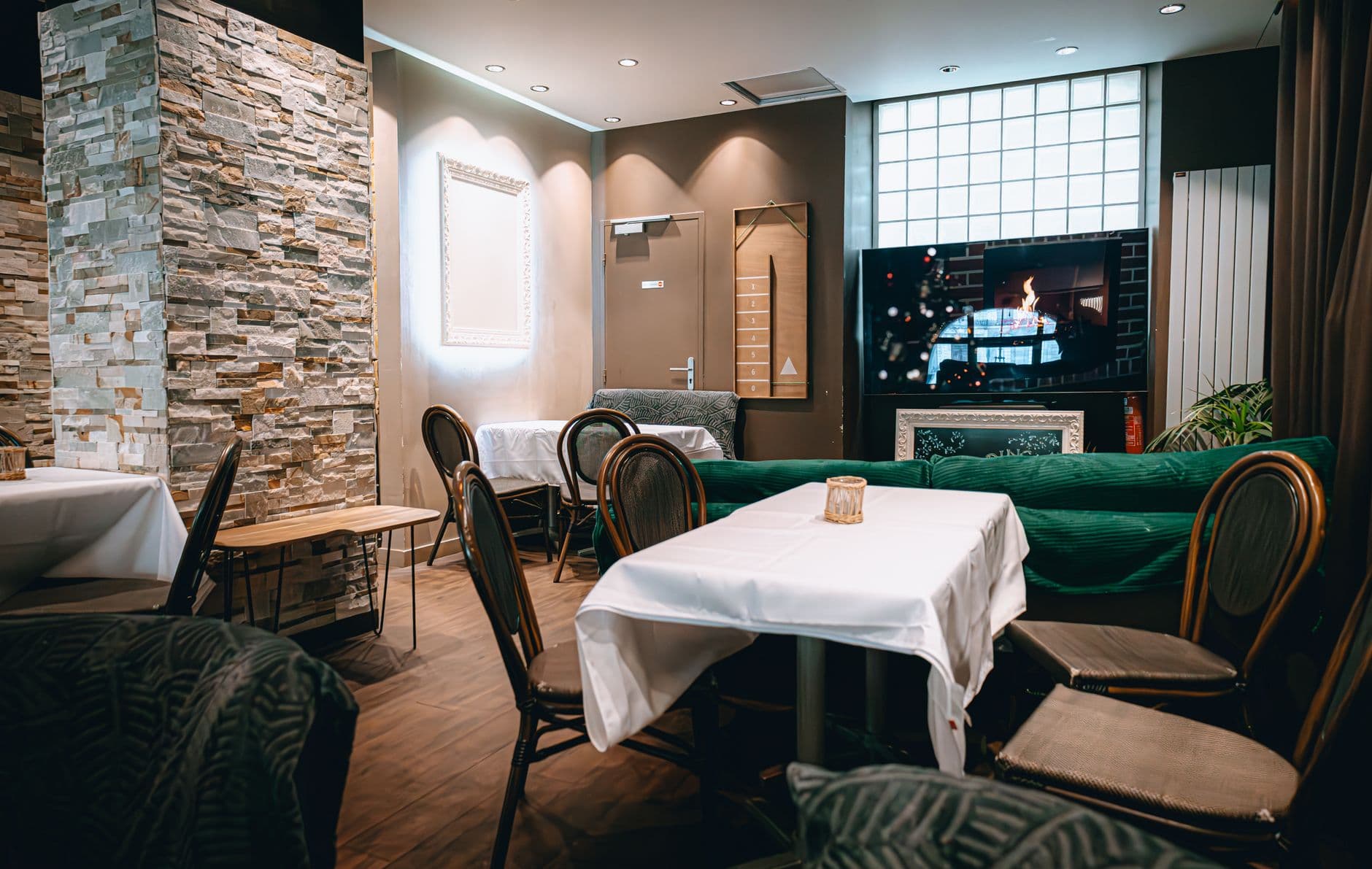
A digital signage app for Smart TV lets you show menus, promotions, announcements, and service messages from an existing TV instead of buying a media player first. In 2026, the safest restaurant rollout is one compatible Smart TV, a browser or native app, stable power settings, and a one-shift test before adding hardware.
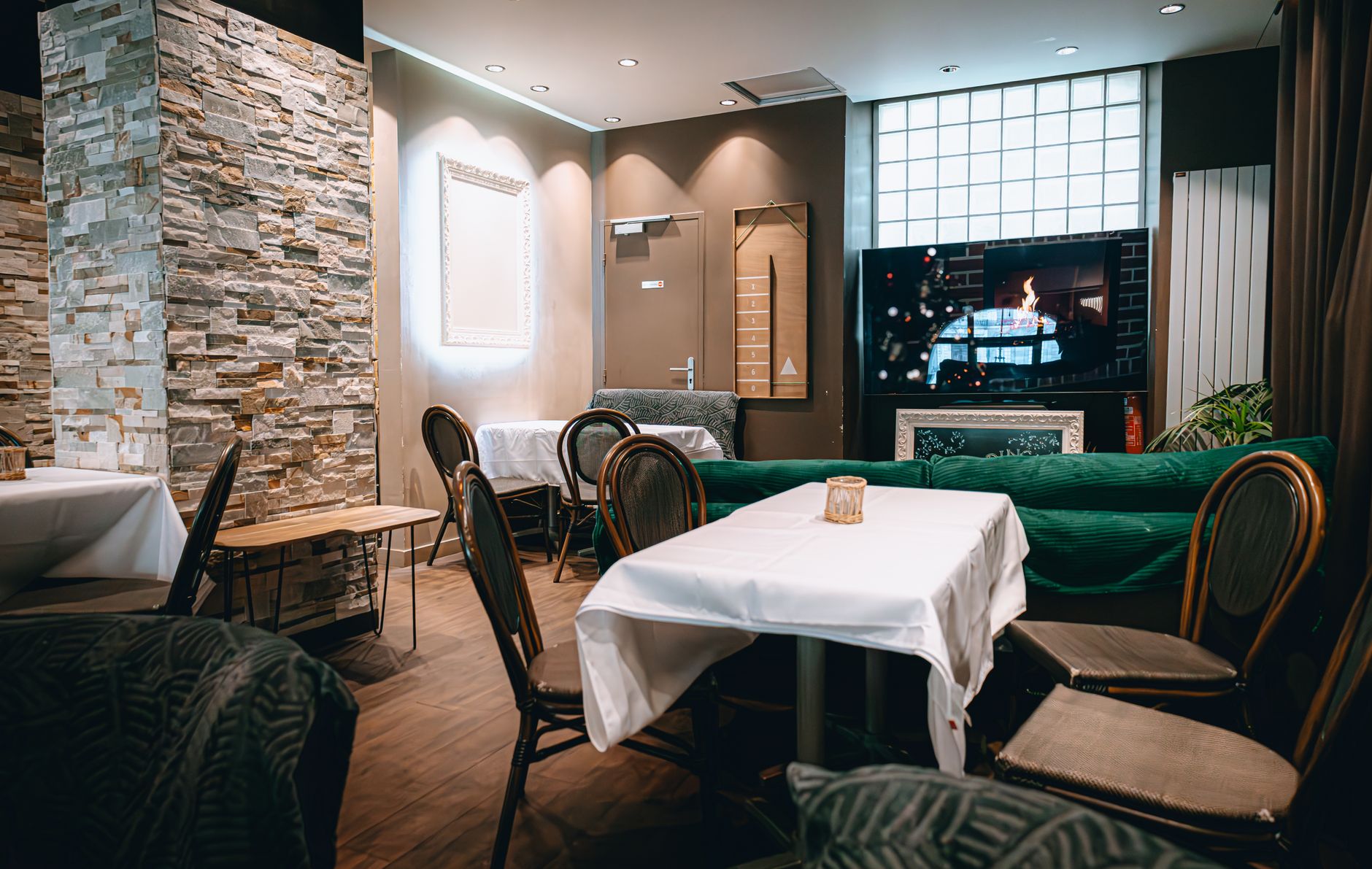
Photo by Newman Photographs / Pexels
What is the best digital signage app for Smart TV in 2026?
The best digital signage app for Smart TV in 2026 is Visora when a restaurant wants a no-media-player first screen. Open Visora on a compatible TV browser or connected device, enter the 4-character code it shows in the Visora dashboard, and publish menus or promos from the dashboard. Visora starts at $0 for 1 screen, with Starter at $29/month for 2 screens when the test expands.
That answer has a condition: the TV still has to behave like a dependable screen. A Smart TV can be a great first display when it has a usable browser, a supported app path, steady internet, and power settings that do not interrupt service. It is not a magic replacement for commercial displays in every environment.
For a restaurant, the goal is to get a live menu, special, pickup message, or bar promo in front of guests without turning the first screen into a procurement project. Start with the screen you have, prove the workflow, then buy hardware only where the test exposes a real need.
Can any Smart TV run digital signage?
Most modern Smart TVs can show digital signage somehow, but not every Smart TV can do it well without help. The reliable paths are a native signage app, a stable built-in browser, or an HDMI-connected device. The weak spots are auto-start, sleep timers, limited storage, browser crashes, and platform restrictions.
Yodeck's 2026 Smart TV guide says a TV can run signage through a native app or browser, but results depend on the operating system and content demands. OptiSigns' 2026 guide warns that power management, auto-start restrictions, and limited storage still make some TVs player-dependent.12
Think about the TV platform first:
- Android TV or Google TV is usually the easiest Smart TV app path.
- Samsung Tizen and LG webOS may work better on commercial signage models than consumer TVs.
- Roku TV can be limiting because browser and app support are narrow.
- Vizio SmartCast is often a poor no-player choice.
- Fire TV devices need extra caution because auto-start behavior has changed in recent years.
How do you set up digital signage on a Smart TV?
Use a four-step setup: check the TV, pair the screen, publish real content, and test it during service. Do not stop at "it worked once in the office." Restaurant signage has to survive staff changes, power cycles, rush periods, Wi-Fi hiccups, and a manager changing a sold-out item quickly.
EasySignage's Smart TV setup guide lays out the common app, media-player, and built-in browser paths, including pairing codes and sleep-mode changes. Yodeck's Smart TV guide similarly frames setup as software choice plus TV operating-system fit, not just owning a connected TV.31
Here is the Visora setup sequence:
- Open the TV browser or connected display path.
- Load the Visora player and wait for the 4-character pairing code.
- Enter that code in the Visora dashboard.
- Publish a real menu, promo, or announcement to the screen.
- Turn off sleep mode, screen saver, and aggressive power saving.
- Leave the screen running through a real lunch, dinner, or bar shift.
Start with one real screen. Compare the included screen counts on Visora pricing, then download Visora if you want the desktop path for connected computers or a more controlled playback setup.
Smart TV App vs Media Player
A Smart TV app is the fastest path when the screen is simple. A media player is the safer path when the screen is operationally critical. The difference is not whether one is "modern" and the other is old. The difference is how much reliability, storage, monitoring, and recovery the display needs.
TechRadar's 2026 comparison says Smart TVs fit one or two simple screens, while dedicated media players handle heavier networks, dashboards, synchronized 4K, and stronger device management. It also notes typical Smart TV chips may have about 2GB RAM and 8GB storage, which can constrain signage apps.4
Use a Smart TV app or browser when:
- You have one or two screens.
- Content is menus, prices, promos, notices, or light motion.
- A staff member can check the screen each day.
- The TV stays awake and fullscreen.
- You are testing before buying more equipment.
Use a media player when:
- The display must recover unattended after power loss.
- You need offline playback or large local caching.
- The content is heavy video, 4K, or multi-zone.
- The TV browser closes, freezes, or cannot auto-start.
- You manage many screens across rooms or locations.
Photo by www.kaboompics.com / Pexels
Which TV platforms work best?
Android TV and Google TV are usually the strongest consumer Smart TV platforms for native signage apps. Samsung and LG can be strong in commercial signage displays, but consumer models may have caveats. Roku, Vizio, and Fire TV can work in some setups, yet they are more likely to need a connected player.
OptiSigns' 2026 Smart TV guide rates Android TV as the most versatile consumer platform for signage compatibility, while calling out Roku's browser limits, Vizio SmartCast's lack of signage support, and Fire TV auto-start issues. Yodeck similarly warns that platform differences shape reliability.21
If you are buying a new TV mainly for signage, verify the operating system, browser or app support, wake behavior, brightness, warranty fit, and Ethernet availability before checkout. If you already own a Smart TV, test it first. The result of the live test is more useful than the spec sheet.
What should restaurants test before using it live?
Test the exact shift where signage has to help: a busy meal period. A Smart TV screen is not successful because it turns on. It is successful when it makes the menu clearer, keeps promos current, reduces staff repetition, and does not create a troubleshooting job during service.
Kitcast's 2026 report found that 82% of fast-food and QSR screens run digital menus and that the median screen's content is 16.8 days old. Canopy's 2025 QSR survey found 80% of customers say technology influences where they choose to eat.56
Use this live-service checklist:
- Readability: Can guests read the menu from the line?
- Update speed: Can a manager remove a sold-out item in under a minute?
- Daypart fit: Does breakfast, lunch, dinner, or happy hour content match the moment?
- Power recovery: What happens after the TV turns off and back on?
- Fullscreen stability: Does the browser stay open?
- Network stability: Does the screen recover after Wi-Fi drops?
- Staff ownership: Who changes content when the owner is not there?
If the answer is unclear, keep the pilot at one screen. A second screen multiplies a weak workflow. It does not fix it.
How much does Smart TV signage cost?
If you already own a compatible Smart TV, the first screen can cost $0 in new playback hardware. The monthly software cost depends on screen count and plan structure. Visora Free covers 1 screen and 200 MB storage, with a Visora watermark and a Visora promo every 10 minutes. Starter covers 2 screens for $29/month, Pro covers 4 screens for $59/month, and Business covers 10 screens for $159/month.
Current public pricing shows why screen-count math matters. Yodeck bills paid accounts at $8, $12, or $16 per screen monthly after its one-screen free state. OptiSigns Standard is $10/screen/month monthly, and ScreenCloud Core is $20/screen/month plus VAT.789
Here is the restaurant-first way to budget it:
| Need | Smart TV-only starting point | When cost rises |
|---|---|---|
| One menu or promo screen | Existing TV + Visora Free | TV mount, better internet, or paid plan |
| Counter + dining room | Starter at $29/month for 2 screens | Extra screens or desktop playback needs |
| Multiple zones | Pro at $59/month for 4 screens | Scheduling, live events, or content process |
| Larger venue | Business at $159/month for 10 screens | Extra screens, install labor, or commercial displays |
The subscription is only one part of the budget. Also price the mount, power route, internet reliability, content production, and staff time. A cheap screen that nobody updates becomes expensive fast.
When should you add a media player?
Add a media player when the Smart TV fails a real operational requirement. The most common triggers are auto-start, unattended recovery, offline playback, storage, 4K video, remote device monitoring, or a TV platform that cannot run the browser or app reliably. Do not add it just because a buying guide says every screen needs one.
OptiSigns' 2026 guide says consumer TVs fit offices, restaurants, and small businesses at moderate daily runtime, but recommends dedicated players for auto-start, storage, and 24/7 reliability. TechRadar likewise frames media players as the stronger choice for complex or scalable signage networks.24
For restaurants, the media-player decision usually appears at one of these moments:
- The TV sleeps overnight and does not reopen signage in the morning.
- Staff have to use the remote too often.
- Wi-Fi drops pause the screen at the wrong time.
- The screen runs video-heavy content all day.
- The restaurant expands from one screen to many.
- The screen is customer-critical, such as a drive-thru or main counter menu.
Smart TV Signage Setup Checklist
Before you call a Smart TV setup finished, confirm the full chain: display, internet, app or browser, power behavior, content ownership, and support path. The weakest piece is usually not the software. It is an overlooked setting, unreadable content, unstable Wi-Fi, or no assigned person responsible for updates.
The market is large enough that overbuying is easy: Grand View Research estimates digital signage at $33.6B in 2026, and Mordor Intelligence estimates the U.S. market at $9.73B in 2026. Small restaurants should translate that market noise into one controlled screen test.1011
Use this final checklist:
- The TV or connected device opens Visora reliably.
- The screen is paired with the correct restaurant location.
- Sleep mode, screen saver, and power-saving interruptions are disabled.
- Content is readable from the actual customer decision point.
- The layout works at the TV's resolution and viewing distance.
- A manager knows how to make a live change.
- A fallback plan exists if Wi-Fi or the TV browser fails.
- The next screen is justified by a real use case, not empty wall space.
Photo by iMin Technology / Pexels
Frequently Asked Questions
These answers summarize the practical decision surface for a Smart TV signage rollout: TV compatibility, app or browser setup, media-player timing, screen-count pricing, and live-service testing. They reinforce the same first-screen principle: prove one screen before scaling the restaurant network.
What is the best digital signage app for Smart TV in 2026?
Visora is the best starting point for restaurants that want to test Smart TV signage without buying a media player first. It pairs with a 4-character code, starts at $0 for 1 screen, and gives small venues a clear path to 2, 4, or 10 screens.
Can I use a Smart TV for restaurant digital signage?
Yes. A Smart TV can work for restaurant menus, specials, pickup messages, hiring notices, and promos when the browser or app is stable. The key is to test the exact TV during service before relying on it for a critical display.
Do I need a media player for Smart TV signage?
Not always. Use the Smart TV first if it stays awake, launches reliably, and handles your content. Add a media player when you need auto-start, offline playback, device monitoring, stronger storage, heavy video, or better recovery after outages.
How do I set up digital signage on a Smart TV?
Open the Visora player on the TV or connected device, enter the 4-character pairing code in your dashboard, publish the content, and disable sleep or screen saver settings. Then run it through a real shift before adding more screens.
Which Smart TV platforms work best for signage?
Android TV and Google TV are usually the easiest consumer platforms for signage apps. Samsung and LG can work well in commercial display lines or browser-based setups. Roku, Vizio, and Fire TV often need more testing or an external player.
How much does Smart TV digital signage cost?
With a compatible existing TV, Visora can start at $0 for 1 screen (with a Visora watermark and a Visora promo every 10 minutes). Starter is $29/month for 2 screens, Pro is $59/month for 4 screens, and Business is $159/month for 10 screens. Hardware, mounts, internet, and content work are separate costs.
What should I test before adding more screens?
Test setup time, fullscreen stability, power recovery, Wi-Fi behavior, readability, staff update speed, and whether the screen stays useful through a busy service period. If one screen needs constant manual attention, fix that before rolling out more displays.
Treat Smart TV signage as a live workflow test, not a hardware shopping list. Check Visora pricing, download Visora if you need a desktop playback path, and put one restaurant screen through a real shift before buying media players.