
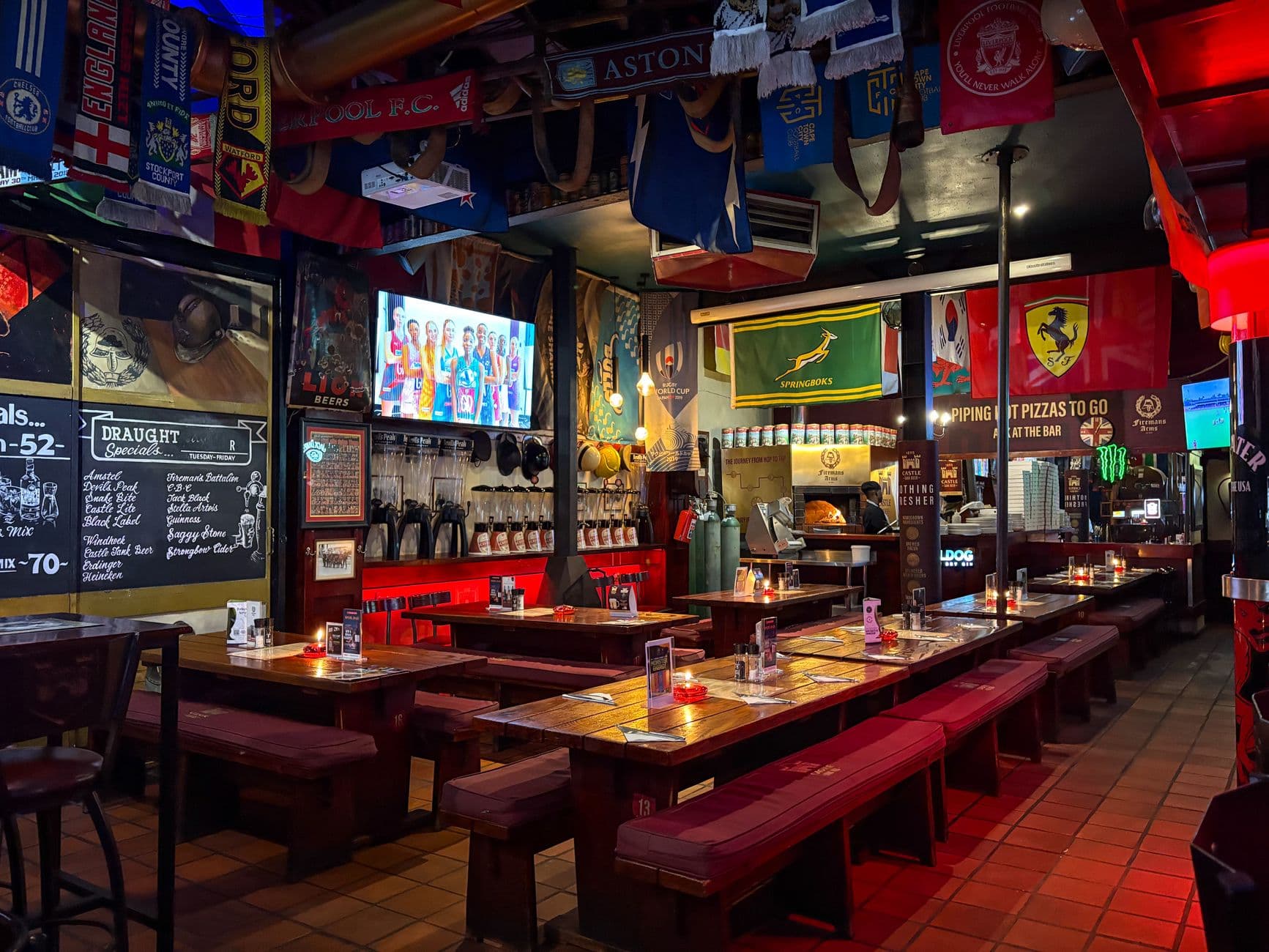
Yodeck can run menu boards in a restaurant that uses Toast POS, but the two products do not have an advertised native integration as of July 2026. Menu data will not automatically sync from Toast into Yodeck. Restaurants must update both systems manually or fund a custom API connection with ongoing technical ownership.
What is the best way to use Toast POS with digital signage in 2026?
The best approach depends on whether automatic menu sync is mandatory for daily operations. Choose a Toast-approved signage partner when prices, modifiers, and sold-out items must flow directly from the POS. If staff can manage screen content separately, Visora works alongside Toast, starts at $0 for one screen, and pairs a smart TV in about 30 seconds without a required external media player.
That distinction matters. A restaurant can use two products at the same location without those products sharing data. Toast may remain the source of truth for ordering and payment, while the signage platform independently controls what guests see above the counter.
Toast's current site says its platform serves 164,000 restaurants and that more than 100 integrations sync directly with the POS. Those numbers make the absence of a named connector meaningful, not merely an oversight in a tiny ecosystem. (Toast)
Is there a native Yodeck Toast integration?
As of July 2026, neither Yodeck's official app catalog nor Toast's partner marketplace advertises a native Yodeck Toast integration. Yodeck can still show menus in a Toast restaurant, but a manager must maintain screen content separately unless a developer builds and supports custom automation. (Yodeck apps) (Toast integrations)
A native integration should have a documented data path, supported fields, authentication process, update behavior, and named support owner. For menu boards, that normally means Toast item names, prices, modifiers, availability, and perhaps images flow to the signage system without retyping.
Toast demonstrates that standard on its Vistify partner page. It says menu items, prices, modifiers, and availability automatically sync from Toast to screens. Toast's current digital-menu guidance also names Cirrus and Raydiant as restaurant signage integrations. Yodeck is absent from those official claims. (Toast and Vistify) (Toast digital menus)
This does not make Yodeck unusable. It means the purchase decision should be based on the workflow that exists today, not on an assumed connector.
Which Yodeck integrations are actually available?
Yodeck promotes more than 160 apps in 2026, including options for Power BI, SharePoint, Google Drive, Canva, Microsoft Teams, weather, news, and dashboards. Its feature list separately describes data-dashboard integrations with 20+ services. Toast is not named in the official catalog or February 2026 available-apps documentation. (Yodeck) (Yodeck docs)
The catalog is broad, but breadth does not imply POS compatibility. A Canva publishing connection solves a creative workflow. A Power BI app displays business data. A Toast menu connector would need restaurant-specific field mapping and reliable rules for availability, modifiers, sizes, taxes, and location overrides.
Yodeck does publish a REST API 2.0 beta. Its documentation describes automation, screen management, and updating assigned content. That creates a possible foundation for custom work, yet it does not supply a ready-made Toast data model or certify that Toast will provide every field your menu board needs. (Yodeck API)
What is a practical manual workflow?
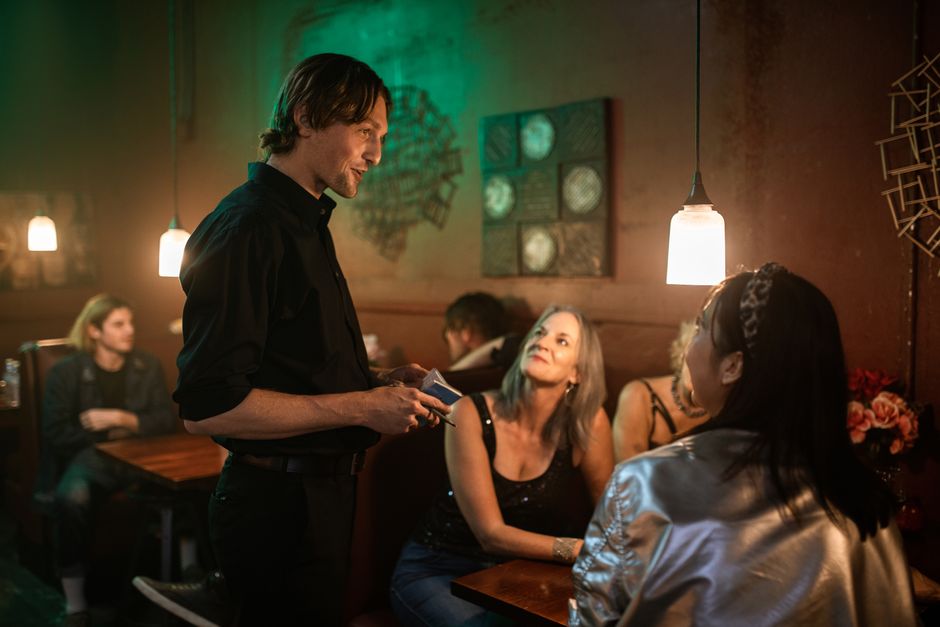
When automatic sync is unnecessary, use Toast as the operational source of truth and assign one person to mirror approved customer-facing changes in the signage platform. A written checklist, scheduled review, and second-person confirmation can keep a small menu accurate without the cost and maintenance burden of custom integration.
A workable process looks like this:
- Approve the item, price, modifier, or availability change in Toast.
- Update the matching menu-board content in Yodeck or another signage platform.
- Preview the complete layout at the screen's resolution.
- Publish to a test screen before assigning multiple locations.
- Confirm the displayed price at the register and on the screen.
- Record who changed it and when, especially for temporary sold-out items.
The main risk is not the extra minute of editing. It is disagreement between systems during a rush. A guest who sees one price and is charged another creates a trust problem for staff to resolve at the counter.
The pressure to keep pricing current is real. Toast's 2025 survey of 358 full-service operators found 51% planned to raise menu prices if costs increased over the following year. A reliable change process matters even when the restaurant does not buy automatic sync. (Toast)
Want a simpler screen workflow beside Toast? Visora pairs with a smart TV in about 30 seconds and starts at $0 for one screen. Compare bundled options on Visora pricing, then keep Toast as your ordering system.
How can a restaurant reduce menu update errors?
Reduce errors by naming one source of truth, assigning one update owner per shift, using consistent item IDs, and testing every change on one screen first. The screen layout should show the same item name and price as Toast, while a dated change log makes discrepancies easier to trace and correct.
Create a short menu governance sheet with four columns: Toast item, screen label, location scope, and update owner. Avoid creative abbreviations that make matching harder. For limited-time offers, record both a start time and an end time so old promotions do not remain visible.
Dayparting can reduce manual switching between breakfast, lunch, and dinner. It does not solve POS syncing, but it removes one recurring task. Restaurants evaluating Yodeck can compare its scheduling and player model in the full Yodeck review, then check the detailed Yodeck pricing guide.
The National Restaurant Association reported in 2025 that 83% of operators see technology as a competitive advantage, while 67% added more technology during the prior two to three years. The operational lesson is to connect ownership and process to every new tool, not simply add another dashboard. (National Restaurant Association)
Is a custom Yodeck and Toast API connection worth it?
A custom connection can be worthwhile for a multi-location group with frequent price or availability changes, an engineering owner, and a measurable cost of double entry. For one or two locations, manual updates or an approved Toast signage partner will usually create less technical risk and a faster path to dependable screens.
Before commissioning code, define exactly what should sync. Item names and prices are simpler than modifiers, combos, taxes, location-specific overrides, time-based availability, images, and out-of-stock logic. Decide whether Toast pushes changes, a middleware service polls them, or staff initiate a controlled publish.
Then price the parts most proposals omit:
- Toast API access and partner requirements
- middleware hosting and secure credential storage
- field mapping for every menu structure
- retries when either service is unavailable
- logs and alerts for failed updates
- test and production environments
- ongoing ownership after an API changes
Yodeck's beta API can update assigned content, but custom code remains your system. Ask who supports it at 7 p.m. on a Friday, how rollback works, and what the screen shows if fresh data cannot be retrieved.
What changes when Visora runs alongside Toast?
Visora does not claim automatic Toast menu sync. It provides a separate, restaurant-focused signage workflow that can run beside any POS. A smart TV browser pairs with a four-character code in about 30 seconds, while cloud updates let staff publish approved menu and promotion changes without a required Raspberry Pi player.
That can be a practical fit when your restaurant wants easy screen control more than database integration. The Free plan costs $0 for one screen and shows a Visora watermark and a Visora promo every 10 minutes. Starter costs $29 per month for two screens. Pro costs $59 for four screens and adds scheduling and dayparting. Business costs $159 for ten screens and priority support.
These are bundled plans, not a promise that every POS change appears automatically. Staff still need a defined approval and update process. The advantage is a lighter signage stack and no required Yodeck Raspberry Pi player. For a deeper platform comparison, read the Yodeck alternative guide.
Decision guide for Toast restaurants
Choose native Toast-connected signage when automatic menu synchronization is a nonnegotiable operating requirement. Choose Yodeck when its player options, extensive app catalog, and custom API potential justify a separate workflow. Choose Visora when browser-based setup, bundled pricing, and straightforward restaurant screen control matter more than automatic POS data transfer.
Use this checklist before signing a contract:
| Requirement | Best direction |
|---|---|
| Automatic Toast item, price, modifier, and availability sync | Approved Toast signage partner |
| Existing Yodeck deployment with engineering support | Evaluate a custom API project |
| Simple menu boards updated by staff | Yodeck or Visora with a written workflow |
| One-screen pilot with no software cost | Visora Free at $0 |
| Browser-based setup with no required media player | Visora |
| Deep general-purpose app catalog | Yodeck |
Ask every vendor to demonstrate your actual menu change, not a generic playlist. Change one price, mark one item unavailable, switch one location, and observe what happens on screen. A live test reveals the difference between integration, automation, and ordinary content management faster than a feature grid.
What do restaurant owners ask about Yodeck and Toast?
Restaurant owners usually want a clear answer about native sync, supported integrations, setup, and the work required to keep prices accurate. The following questions preserve the exact language people use in search, including awkward phrasing, because each reflects a concrete purchase or implementation concern.
What is the best way to use Toast POS with digital signage in 2026?
Use an approved Toast signage partner if automatic menu data is essential. If staff can maintain screens separately, Visora starts at $0 for one screen and works alongside Toast without a required media player.
"toast" "yodeck" integration
Yodeck does not advertise a native Toast connector in its official 2026 app catalog, and Toast does not list Yodeck in its partner marketplace. Custom API work is possible in principle, but it is not plug-and-play support.
yodeck feedback toast integration
Public user comments show demand for Toast-connected menu boards, but feedback does not verify vendor support. Ask for official documentation, the fields that sync, update timing, and a named support owner.
yodeck toast integration
There is no advertised native integration as of July 2026. Yodeck can display manually maintained menus in a Toast restaurant, while developers may explore a custom connection through APIs.
yodeck toast pos integration
The products can operate in the same restaurant without sharing data. A real POS integration would automatically move documented Toast menu fields into Yodeck, which neither vendor currently advertises.
yodeck integrations list toast
Toast does not appear in Yodeck's official public app catalog or February 2026 available-apps documentation. Yodeck does list many dashboard, productivity, social, design, weather, and news apps.
yodeck create digital menu board tutorial
Build a landscape menu, upload assets, place the content in a playlist, schedule any dayparts, and assign it to the correct screen. Without Toast sync, update the matching item in both systems and verify the screen before service.
Ready to test a menu screen beside Toast? Start with Visora Free for one screen, pair your TV in about 30 seconds, and document one reliable update workflow. Download Visora or see current pricing.