
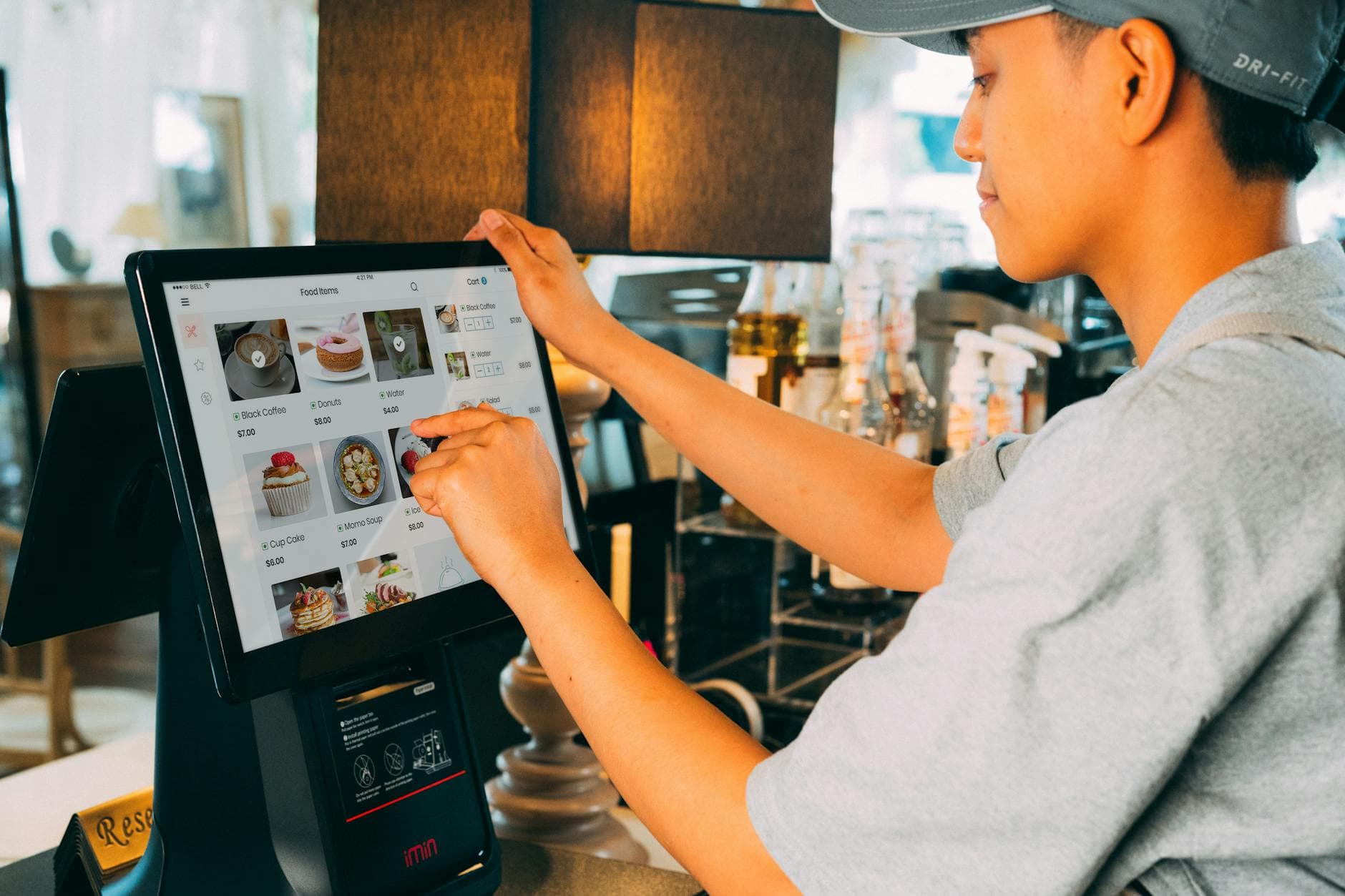
If you need a Fugo alternative for a restaurant, the best answer is not “the biggest feature list.” It is the platform that gets menu boards live faster, costs less once you add two or three screens, and lets your team update promos without turning signage into an IT project. That is where Visora pulls ahead.
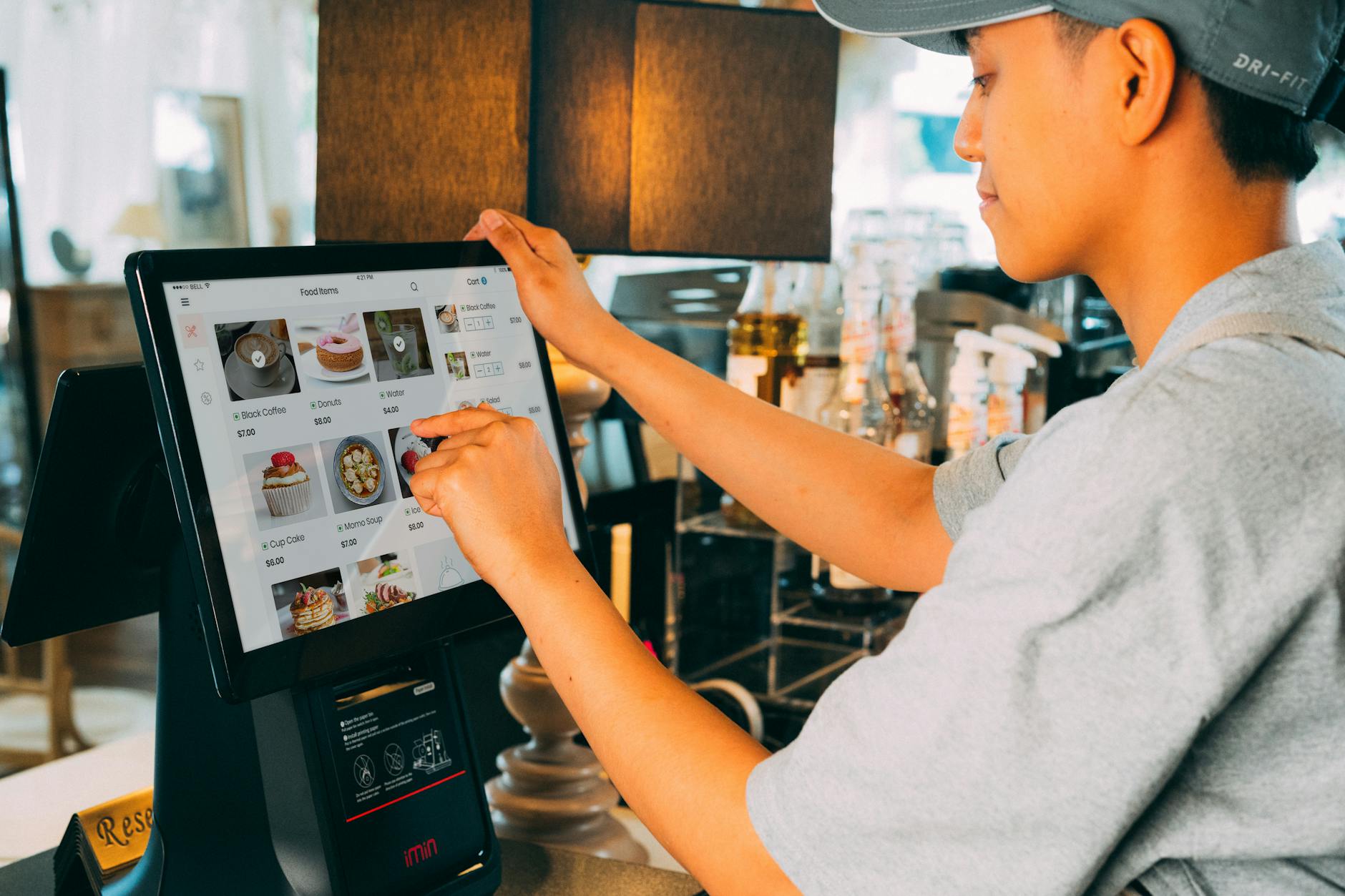
Is Fugo a Strong Platform Overall?
Fugo is not weak software. Its public review profiles are strong in 2026: G2 shows a 4.8/5 rating from 6 reviews, while Capterra shows 4.5/5 from 66 reviews with 94% positive sentiment. The case for an alternative is really about use-case fit, not pretending Fugo is broken.12
That distinction matters. Fugo is a broad digital signage platform with a real design studio, a respectable app catalog, and stronger dashboard-style integrations than most restaurant owners will ever need. If your business wants to pipe Power BI, Looker, or Salesforce data onto TVs, Fugo is a serious option.3
But most restaurants are not buying signage for wallboards in a factory or office. They are trying to solve simpler, higher-pressure problems:
- switch breakfast to lunch without reprinting anything
- push a sold-out change immediately
- highlight a combo, promo, or happy-hour item
- keep customer-facing screens consistent across two or three TVs
That is why a restaurant owner searching fugo alternative usually is not asking whether Fugo is legitimate. They are asking whether there is a cleaner fit for menu boards and in-store promotion. For that buyer, there usually is.
What Does Fugo Cost Once You Add Restaurant Screens?
Fugo’s 2026 pricing is clear: Essential starts at $20 per screen per month billed annually, Core starts at $30, and Fugo’s own FAQ says every active screen requires its own license. That is manageable on one screen, but it changes the math quickly on a restaurant rollout.3
Here is the simple cost view most restaurant owners actually need:
| Screen count | Fugo Essential | Fugo Core | Visora |
|---|---|---|---|
| 1 screen | $20/mo | $30/mo | $0 (Free, with a Visora watermark and a Visora promo every 10 minutes) or $29/mo (Starter, 2 screens included) |
| 2 screens | $40/mo | $60/mo | $29/mo (Starter) |
| 3 screens | $60/mo | $90/mo | $41/mo (Starter + 1 extra screen at $12) |
That leads to the honest verdict:
- If you only run one screen and need a paid plan without the Visora watermark and promo, Fugo Essential can be cheaper on sticker price.
- If you run two or more customer-facing screens, Visora becomes easier to justify financially. Scheduling and dayparting start on Pro at $59/month for 4 screens.
- If you need Fugo’s optional managed hardware, the spend can climb further. Fugo’s own pricing page lists its Chromebox at $400.3
For restaurant buyers, that is the real meaning of “lower price.” It is not a blanket claim that Visora always beats Fugo on every deployment. It is that the common restaurant setup of two or three screens moves out of Fugo’s comfort zone fast.
If you want the plan-by-plan numbers, start with our Fugo pricing breakdown. If you already know your screen count, go straight to pricing and cost the rollout honestly.
Restaurant Operators Need Speed, Not Software Sprawl
The broader restaurant-tech environment reinforces this. Restaurant Business found that 88% of operators expected to invest in technology in 2025, and 53% of independents said they would definitely or probably invest. Toast’s 2025 survey adds that 48% may raise menu prices, 47% want higher staff efficiency, and 47% would increase marketing in a downturn.45
That combination creates a very specific software requirement. Restaurant teams do not just need a platform that can technically display content. They need one that makes frequent changes cheap and operationally light.
Why? Because a restaurant screen is tied directly to margin:
- prices change
- promos rotate
- limited-time items appear and disappear
- staffing is tight, so extra clicks matter
This is where generic “more apps” thinking can mislead buyers. Fugo’s broader platform is valuable when you need it. But if the daily job is menu updates, branded promos, and dayparted screens, the highest-value features are usually:
- fast pairing
- simple scheduling
- a visual editor that does not fight the user
- predictable multi-screen pricing
- remote updates without per-screen babysitting
That is also why Square’s restaurant research remains relevant: 45% of restaurants planned to keep QR menus, 78% of consumers said digital menus are beneficial, and 79% preferred online kiosk ordering to ordering directly through staff.6 Digital surfaces are already part of the restaurant experience. The operational question is which platform makes them easiest to manage.
Why Is Visora Easier to Set Up for a Restaurant Team?
James Beard Foundation and Deloitte’s 2026 restaurant technology work says operators are overwhelmed by too many tools: 28% use only one technology, while 29% use four or more. That tension matters because restaurant owners do not need another system that feels powerful in a demo and heavy in week three.7
Visora is easier because it narrows the job down to the restaurant workflow.
The setup path is simple:
- Open Visora on the TV browser.
- Get the 4-character pairing code.
- Enter it in the dashboard.
- Push content live.
That flow is easier than a platform built for broader signage and dashboard use cases because the number of decisions is smaller. You are not thinking about whether you need the right integration pack, which plan tier unlocks which function, or how many licenses you need active before lunch.
The same pattern shows up in everyday editing. A restaurant owner usually wants to change three things:
- a price
- a promo
- a schedule
Visora is designed around that pace. For a taqueria, cafe, bakery, or casual dining concept, that matters more than an impressive-sounding integration list they will never touch.
Need the shortest path from “we bought a TV” to “our menu is live”? Check the plan math in our Fugo pricing breakdown, then use pricing to estimate what a 2-3 screen setup looks like.
Where Does Fugo Still Beat Most Alternatives?
Fugo’s own pricing and plan copy make its strengths obvious: 40+ free apps on Essential, premium apps and BI integrations on Core, plus support for dashboard use cases like Power BI and Looker. If your signage is really an operations-display layer, Fugo has real advantages.3
This is the part many competitor pages skip, but it is worth stating clearly.
Choose Fugo over most alternatives if you care about:
- BI dashboards on TVs
- heavier business-app integration
- internal communications and KPI screens
- a more general digital-signage platform across multiple use cases
That does not weaken the case for Visora. It sharpens it. The strongest comparison content does not say “our product wins every workflow.” It says “for your workflow, here is the better fit.”
For restaurant menu boards, Fugo’s broader capabilities are often adjacent value, not core value. Restaurant operators usually do not win because the signage platform can display a live Looker dashboard. They win because staff can change an item, a price, or a promotion in seconds and trust the customer-facing screen to stay clean and on-brand.
Side-by-Side Verdict: Visora vs Fugo
The evidence points to a split decision by use case. Fugo’s review scores are strong, its pricing is transparent, and its integration story is mature. But 2025-2026 restaurant research consistently shows operators are prioritizing profitability, staff efficiency, and simpler technology choices, which favors a narrower restaurant-first product.257
Here is the comparison that matters for restaurant buyers:
| Category | Fugo | Visora |
|---|---|---|
| Best use case | General signage, dashboards, internal comms | Restaurant menu boards and in-store promos |
| Pricing model | Per active screen | Bundled plans with included screens |
| Public starting price | $20/screen/mo annual on Essential | $0 Free (1 screen); $29/mo Starter for 2 screens |
| Multi-screen economics | Gets expensive at 2-3 screens | Improves relative value as screens increase |
| Setup style | Flexible, broader platform | Faster restaurant-first pairing flow |
| Hardware stance | Broad compatibility, optional hardware | Browser-first for existing TVs |
| Strength in integrations | Better | More focused |
| Strength in restaurant workflow | Good | Better |
So the short verdict is this:
- Fugo is a better platform for broader signage complexity.
- Visora is a better Fugo alternative for restaurant simplicity.
If you are still comparing a wider field, it also helps to read our guide to the best digital signage software for restaurants before you decide.
Who Should Choose Fugo, and Who Should Choose Visora?
Restaurant operators are still buying technology aggressively, but they are doing it under margin pressure. That is why the right question is not “which product has more things?” but “which product removes more friction from daily service?” That framing is consistent with the 2025 Restaurant Technology Outlook and Toast’s 2025 operator survey.45
Choose Fugo if:
- you want screens that show dashboards as much as menus
- you value app breadth more than restaurant-specific simplicity
- you only need one screen and want the lower sticker price on Essential
- your team is comfortable with a broader signage platform
Choose Visora if:
- your screens are customer-facing
- you expect to run two or more screens
- you want simpler pairing and faster edits
- you care more about menu updates and promos than BI integrations
- you want a platform that feels like it was built for restaurant operators, not adapted for them
For most independent restaurants, bars, cafes, bakeries, and fast-casual concepts, that second list is the real one. The winning setup is usually the one your team will actually keep updated.

Frequently Asked Questions
Current 2025-2026 vendor pages and restaurant research point to a consistent conclusion: Fugo is a legitimate option, but restaurant buyers need to evaluate it against workflow fit, not just feature breadth. Multi-screen cost, simpler onboarding, and faster customer-facing updates are the main reasons the alternative search exists.357
What is the best Fugo alternative for restaurants?
For restaurants, Visora is the strongest Fugo alternative when the priority is easier setup, flatter multi-screen pricing, and faster menu-board updates. Fugo remains a solid choice for dashboard-heavy and integration-heavy deployments.
Is Visora cheaper than Fugo?
Usually yes for restaurants running two or more screens. Fugo’s Essential plan starts at $20 per screen per month billed annually, so a two-screen setup starts at $40. That is where Visora’s bundled pricing ($29/month for 2 screens on Starter) becomes easier to justify.
Does Fugo require dedicated hardware?
No. Fugo supports multiple hardware types and does not require its own dedicated player. The setup advantage for Visora is less about mandatory hardware and more about simpler restaurant workflows plus pricing that is not tied to every active screen.
Can Fugo work for restaurant menu boards?
Yes. Fugo can absolutely run restaurant menu boards. The issue is not capability. The issue is whether a restaurant really needs a broader signage platform when the main job is menu updates, promos, and daypart scheduling.
What does Fugo do better than Visora?
Fugo is stronger on business-app integrations such as Power BI and Looker, and it is the better fit when signage doubles as an internal dashboards or enterprise communications layer.
When is Visora the better choice?
Visora is the better choice when you want customer-facing restaurant screens, faster pairing, simpler design workflows, and lower effective cost for a two-to-three screen rollout.
How hard is it to switch from Fugo to Visora?
It is straightforward. Reuse your existing images and videos, upload them into Visora, rebuild the layouts that matter most, pair your TVs through the browser-based flow, and move screen by screen with minimal downtime.
If your goal is to get restaurant screens live fast and keep them easy to manage, start with our Fugo pricing breakdown or go directly to pricing. For the broader category, read our restaurant signage comparison.
Footnotes
-
Capterra, Fugo Software Pricing, Alternatives & More 2026 ↩ ↩2
-
Restaurant Business / 2025 Restaurant Technology Outlook PDF ↩ ↩2
-
Toast, The 2025 Voice of the Restaurant Industry Survey ↩ ↩2 ↩3 ↩4
-
Square, restaurant immersive customer experience article citing the Future of Restaurants Report: 2025 Edition ↩
-
James Beard Foundation, Restaurant Technology page citing its 2026 Independent Restaurant Industry Report with Deloitte ↩ ↩2 ↩3