
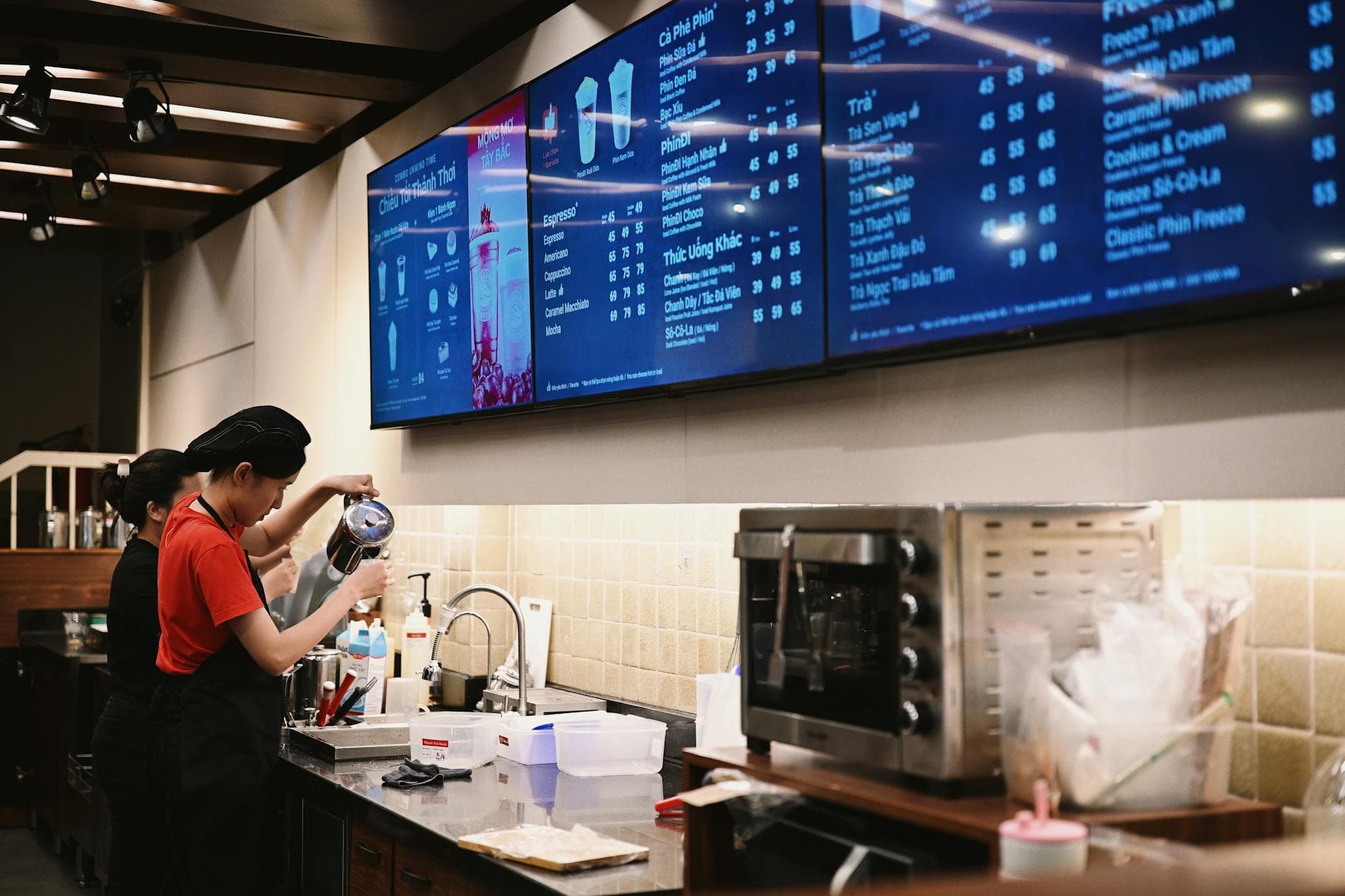
Restaurant digital signage software puts your menus, specials and promos on the TVs in your dining room and lets you update them from your phone. We compared the 5 best digital signage solutions for restaurants in 2026 (Visora, OptiSigns, Yodeck, ScreenCloud and Rise Vision) by starting price, hardware and the plan that unlocks scheduling.
Key takeaways
- Visora (visora.mx): best for independent restaurants, cafés and small chains with 1 to 15 screens. Free at $0 for 1 screen; paid plans from $29/mo for 2 screens.
- OptiSigns: best for mixed-device fleets that want many integrations. Free for up to 3 screens; Standard $10 per screen per month ($9 billed annually).
- Yodeck: best for teams that want a dedicated Raspberry Pi player. Free for 1 screen; Basic $8 per screen per month billed annually.
- ScreenCloud: best for multi-location chains with app and dashboard needs. Core $20 per screen per month billed annually.
- Rise Vision: best for alert and governance-heavy operations. Business pricing is quote-based.
| Product | Best for | Starting price | Hardware needed | Scheduling tier |
|---|---|---|---|---|
| Visora | Independent restaurants and small chains | $0 (1 screen); Starter $29/mo for 2 screens | None on a smart TV browser; optional Fire TV or Windows app | Pro ($59/mo) and up |
| OptiSigns | Mixed-device fleets, integrations | Free up to 3 screens; $10/screen/mo | Player app on a supported device | Standard and up (not on Free) |
| Yodeck | Dedicated-player rollouts | Free for 1 screen; $8/screen/mo (annual) | Yodeck Player (Raspberry Pi), free on annual paid plans | Basic scheduling on Basic; advanced on Premium ($12) |
| ScreenCloud | Multi-location chains | $20/screen/mo (annual), 14-day trial | Supported player device; free device offer on annual plans | Studio Core and up |
| Rise Vision | Alerts and governance | Quote-based for businesses | Supported player device | Quote-based business plans |
Which digital signage software is best for restaurants in 2026?
Visora is the best fit for independent restaurants and small chains: it runs in a smart TV browser with no media player, starts free for 1 screen, and bundles 4 screens with dayparting on Pro at $59 a month. OptiSigns and Yodeck cost less per screen at scale, ScreenCloud suits large chains, and Rise Vision suits alert-heavy operations.
Why are restaurants switching to digital signage?
Digital menu boards remove the slowest part of changing a menu: printing. A price change, a sold-out item or a new combo goes live in seconds from a phone instead of waiting for a print run. Daypart scheduling swaps breakfast for lunch without anyone touching the TV.
The second reason is attention. A moving promo next to the order point gets noticed in a way a laminated sign does not, and it can change by hour, by day or by location. If you are weighing the switch from paper, our digital menu board vs printed menu comparison walks through the cost and upkeep side by side.
What makes a great restaurant digital signage platform?
Not all digital signage software is built for restaurants. Enterprise platforms designed for corporate lobbies or retail chains tend to be overbuilt and overpriced for a 3-location taquería.
Here is what actually matters for a restaurant:
- Update speed: Can you change a sold-out item from your phone in under 60 seconds?
- Hardware flexibility: Does it work on TVs you already have, or does it force you to buy new equipment?
- Dayparting: Can it automatically switch to a breakfast menu at 6am and a dinner menu at 4pm, and which plan includes that?
- Price per screen: How does the cost scale as you add more displays?
- Setup time: How long from sign-up to a live display?
With those criteria in mind, here is the honest breakdown.
The 5 best digital signage software options for restaurants
1. Visora: best for zero-hardware setup
Visora is built for restaurants and hospitality venues that want to get running without buying extra equipment. It works on any TV with a browser: no Fire Stick, no Raspberry Pi, no media player. For TVs whose built-in browser cannot stay on, the Visora TV app runs on Amazon Fire TV.
Pairing takes about 30 seconds: open Visora in your TV's browser, a 4-character pairing code appears on the TV, enter it in your dashboard, and your menu is live. Updates you make from your phone or laptop appear on the display instantly.
Key features:
- Works on any smart TV browser, no hardware purchase required
- Real-time content updates from anywhere
- Dayparting for automatic breakfast, lunch and dinner switching (Pro and Business, from $59/mo)
- Multi-screen management from a single dashboard
- Templates designed for restaurants, bars and cafés
- Windows desktop app (Starter and up) with HDMI capture for live TV and sports
- Free plan at $0 (1 screen, 1 ad group, 200 MB, with a Visora watermark and a Visora promo every 10 minutes), with bundled paid plans from $29/mo (Starter, 2 screens)
Best for: Independent restaurants, cafés, bars and small chains that want a fast setup and low ongoing cost.
2. OptiSigns: best for mixed-device fleets
OptiSigns is one of the most widely used digital signage platforms, with a broad app and integration catalog that includes Google Slides, Canva and social feeds. Each TV runs the OptiSigns player app on a supported device.
Pricing: Free for up to 3 screens (OptiSigns branding, 1 GB storage, no scheduling). Standard is $10 per screen per month, or $9 billed annually, and it is the first tier with content scheduling. Our OptiSigns pricing breakdown runs the math at 1, 2, 4 and 10 screens.
Best for: Multi-location restaurants that already have, or do not mind buying, player hardware.
3. Yodeck: best for a dedicated player per screen
Yodeck offers a free plan for a single screen, genuinely free and not a trial. Paid plans are $8 per screen per month on Basic (billed annually), $12 on Premium and $16 on Enterprise. Basic includes basic scheduling; advanced scheduling starts on Premium.
The catch: Yodeck is built around its Raspberry Pi-based player. Annual paid plans include a free Yodeck Player per screen, but the free plan does not, so a single free screen still needs a player or a supported device.
Best for: Single-location restaurants testing digital signage, and teams that want standardized player hardware.
4. ScreenCloud: best for franchise and multi-location chains
ScreenCloud shines when you manage signage across many locations. It has a large app marketplace, enterprise user management, and time-of-day scheduling through its channels.
Pricing is per screen and billed annually: Studio Core $20 per screen per month and Pro $30, with Enterprise on quote. There is a 14-day free trial, and annual plans include a free device offer. It is usually more than an independent restaurant needs.
Best for: Restaurant franchises and chains with 10 or more locations.
5. Rise Vision: best for alerts and governance
Rise Vision is a cloud platform with a large template library, scheduling, offline playback and emergency alerting. It is strongest in schools and institutions, which is where its public pricing is aimed.
Pricing: Business pricing is quote-based; the public price list covers K-12 plans only. Its template library is large but less restaurant-focused than Visora or OptiSigns. If Rise Vision is on your shortlist, our Rise Vision alternative guide covers the trade-offs for food service.
Best for: Hospitality groups and campuses that need structured alerting and approvals.
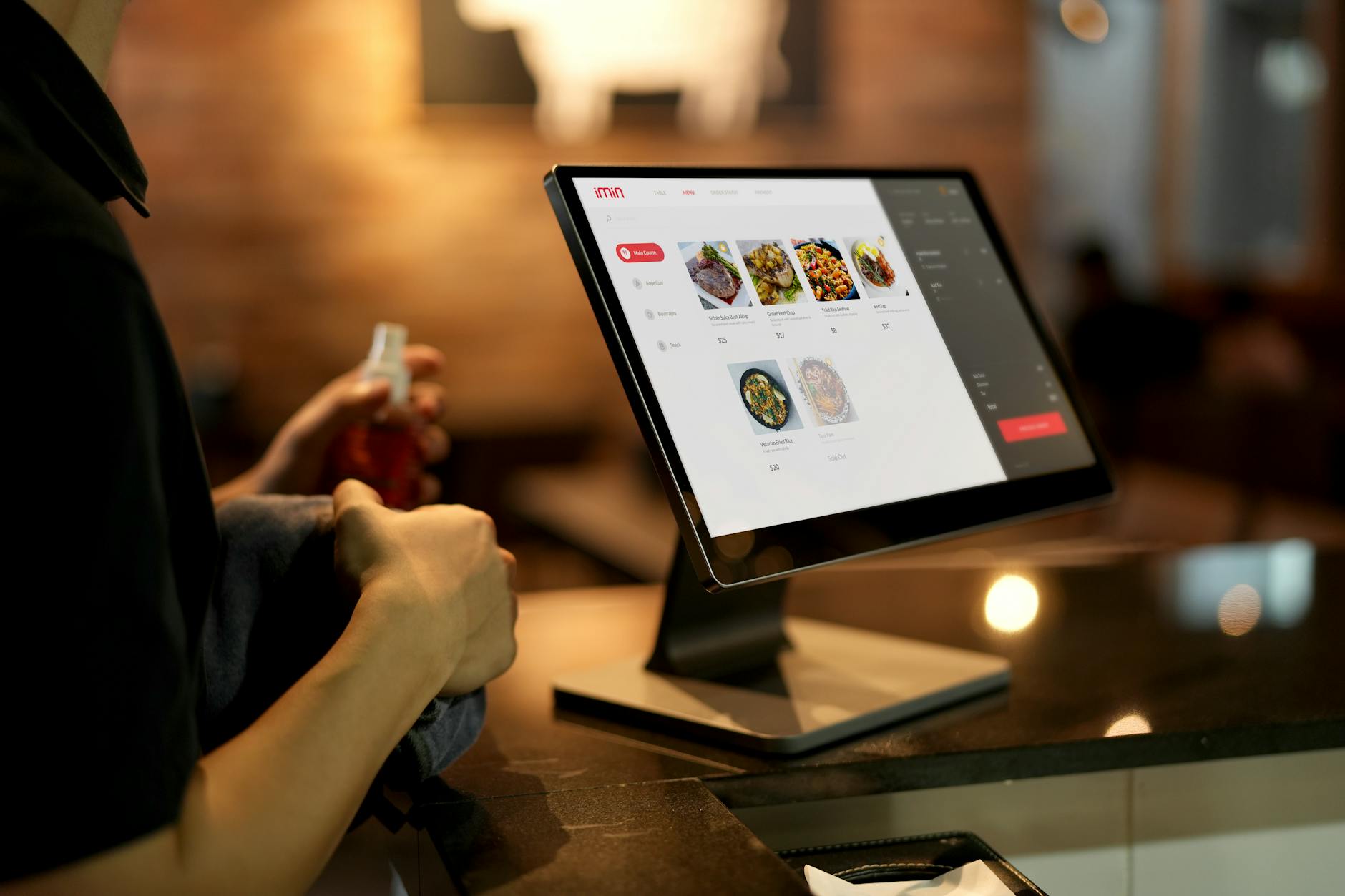
How do the five compare on setup and existing TVs?
| Product | Setup path | Works on TVs you already own | Best for |
|---|---|---|---|
| Visora | Open the TV browser, then enter the 4-character code it shows in the dashboard | Yes, any smart TV browser; Fire TV app as backup | Independents and small chains |
| OptiSigns | Install the player app on a supported device, then pair | With a supported device | Multi-screen, mixed hardware |
| Yodeck | Set up a Yodeck Player or supported device | With a Yodeck Player or supported device | Single screen or standardized players |
| ScreenCloud | Install a supported player app or device | With a supported device | Enterprise chains |
| Rise Vision | Prepare a supported player, then activate the display | With a supported player | Alert-heavy operations |
Does digital signage actually pay off for restaurants?
Usually, yes, and the math is easy to run for your own store. Take a restaurant doing $800 a day: if upsell prompts and limited-time offers on the boards add even 5% in sales, that is $40 a day, or about $1,200 a month, against a software cost of $29 to $59 a month on Visora.
Beyond direct sales, the savings come from what you stop doing: reprinting menus every time a price changes, apologizing for items that sold out, and taping up specials by hand. For happy hour, lunch deals and seasonal menus, instant updates are worth the cost on their own. Cafés see the same effect on morning queues; our digital signage for coffee shops guide shows the layouts that work at the counter.
Ready to test one screen tonight? Pair any smart TV with Visora in about 30 seconds. Start on the Free plan and upgrade only when you add screens: see pricing.
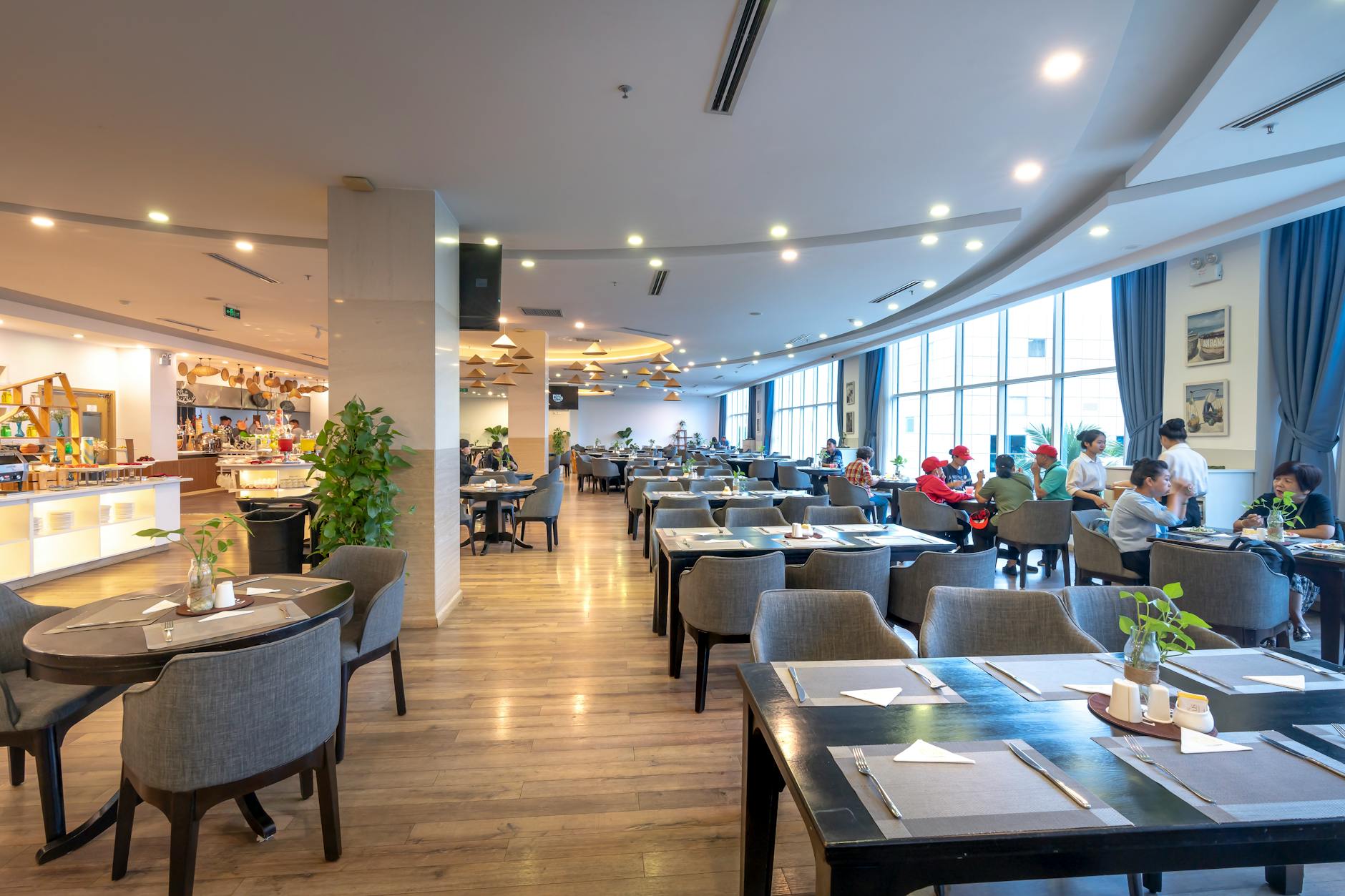
How should you compare digital signage software for restaurants?
Most "compare digital signage software" guides line up feature checklists that all look the same. For a restaurant or QSR operator, five criteria move the decision:
- Total monthly cost: software plus hardware. A per-screen plan that needs a player on every TV can cost more in year one than a bundled plan that runs in the TV browser.
- Setup time per screen: browser pairing in under a minute versus provisioning a media player is the difference between launching today and waiting for a tech.
- Dayparting and scheduling: can you flip from breakfast to lunch to dinner menus automatically, and on which plan?
- Hardware flexibility: does it run on smart TVs you already own, or lock you into a proprietary player?
- Restaurant-specific templates: corporate-lobby platforms ship templates for "Wellness Wednesday," not chalupa specials.
If you're cross-shopping ScreenCloud alternatives, that fifth point is usually the decider: ScreenCloud is built for broad business communications, so independent restaurants end up rebuilding menu layouts from scratch.
How do you choose the right platform for your restaurant?
Use this decision tree:
You have 1 screen and want to spend as little as possible: Visora Free ($0, 1 screen, no hardware, with a Visora watermark and a Visora promo every 10 minutes), or Yodeck's free plan on a supported player.
You have several screens and want zero hardware purchases: Visora. It works on any TV with a browser, with bundled plans (Starter $29 includes 2 screens, Pro $59 includes 4 with scheduling) instead of per-screen billing.
You run a QSR chain with 5 to 20 locations: OptiSigns or Visora Business, depending on whether you value hardware breadth or a restaurant-first workflow. Our QSR digital signage software ranking goes deeper on drive-thru and counter setups.
You are a franchise with 50+ locations: ScreenCloud or an enterprise provider with POS-connected menus.
The biggest mistake restaurant owners make is buying a platform designed for corporate lobbies and wondering why it's complicated. Pick software built for food service, and the setup will make sense.
Also considered
These real platforms also show up in restaurant shortlists. Prices are the public entry figures we checked on each vendor's own pricing page. Signagelive, a per-device platform built for larger player fleets, is covered in our Signagelive alternative guide.
- Kitcast: best for Apple TV-friendly teams; Starter $9 per screen per month, or $7 billed annually.
- NoviSign: best for POS-connected menu boards, including Toast; Business $14 per screen per month, or $12.60 billed annually. Our NoviSign alternative comparison covers the trade-offs.
- Look Digital Signage: best for mixed operating systems on a single plan; PRO $11.70 per screen per month, or $10.53 billed annually.
- Fugo: best for dashboards and data feeds on screens; Essential listed from $20 per screen per month.
- Screenly: best for security-minded small fleets; Starter $15 per screen per month billed annually, up to 5 screens.
- Pickcel: best for teams that want many device options and enterprise security; per-device pricing with a 14-day trial.
- XOGO: best for one simple free player; paid plans $20 per player per month.
- NowSignage: best for reseller-led rollouts; quote-based.
- Raydiant: best for experience-led multi-location retail and dining; quote-based.
- Vistify: best for Toast-synced menus listed in Toast's partner directory; quote-based.
Who should not choose Visora
Visora is not the right pick for every restaurant. Self-serve plans top out at 15 screens (Business plus 5 extras), so larger fleets go through a custom Enterprise quote. Visora does not sync menus automatically from Toast or another POS, so operators who need prices and sold-out items to flow straight from the POS fit better with a POS-connected partner such as NoviSign or Vistify. Scheduling and dayparting start on Pro at $59 a month, not on Free or Starter. The native player app is for Amazon Fire TV; other devices use the browser, so teams standardized on Google Play app installs should test that path first.
What to look for in restaurant digital signage: a quick checklist
Before you sign up for anything, run through this:
- Can I update content from my phone? (Not just a laptop)
- Does it work on TVs I already have? (Or do I need to buy hardware?)
- Which plan includes dayparting? (Automatic breakfast, lunch and dinner switching)
- How many screens does the base plan include?
- Is there a free plan or trial? (Don't buy without testing)
- How fast does content update? (Should be seconds, not minutes)
- Does it have restaurant-specific templates?
Visora checks every box on that list, with one caveat: dayparting is included on Pro and Business (from $59/mo), not on Free or Starter. The Free plan covers 1 screen and shows a Visora watermark and a Visora promo every 10 minutes. See the full feature breakdown.
Prices checked October 2026: Visora, OptiSigns, Yodeck, ScreenCloud, Rise Vision, Kitcast, NoviSign, Look Digital Signage, Fugo, Screenly, XOGO. Visora publishes this guide; we note where competitors fit better.
Frequently asked questions
What is the best digital signage software for restaurants in 2026? For independent restaurants and small chains, Visora is the easiest to launch: it runs in a smart TV browser with no media player, has a Free plan at $0 for 1 screen (with a Visora watermark and a Visora promo every 10 minutes) and bundled plans from $29/mo for 2 screens. OptiSigns (Standard $10 per screen monthly) and Yodeck (Basic $8 per screen monthly, billed annually) cost less per screen at scale, ScreenCloud fits large chains, and Rise Vision fits alert-heavy operations.
What are the top cloud-based digital signage solutions for restaurants and cafés? The top cloud-based digital signage solutions for restaurants and cafés are Visora, OptiSigns, Yodeck, ScreenCloud and Rise Vision. Visora runs entirely in the TV browser, starting free for 1 screen and $29/mo for 2 screens on Starter. OptiSigns starts at $10 per screen monthly, Yodeck at $8 per screen monthly billed annually, and ScreenCloud Core at $20 per screen monthly billed annually.
Do I need special hardware for restaurant digital signage? Not with every platform. Visora works on any smart TV with a browser, so no media player is required; there is also a Visora TV app for Amazon Fire TV and a Windows app. Yodeck is built around its Raspberry Pi-based player, which annual paid plans include for free. OptiSigns, ScreenCloud and Rise Vision run on a player app on a supported device.
How much does restaurant digital signage software cost? Visora has a Free plan at $0 for 1 screen, Starter at $29/mo for 2 screens, Pro at $59/mo for 4 screens with scheduling, and Business at $159/mo for 10 screens. Per-screen competitors start at $8 (Yodeck Basic, annual), $10 (OptiSigns Standard, monthly) and $20 (ScreenCloud Core, annual) per screen per month.
How long does it take to set up digital signage in a restaurant? With Visora, pairing takes about 30 seconds: open Visora in the TV browser, a 4-character code appears on the TV, and you enter it in your dashboard. Platforms that use a media player add the time to install and configure that device first.
What features should restaurant digital signage software have? Look for content updates from your phone, dayparting (automatic breakfast, lunch and dinner menu switching), multi-screen management, restaurant templates and no mandatory hardware contract. Check which plan unlocks scheduling: on Visora it starts with Pro at $59/mo.
ScreenCloud vs alternatives: which is better for restaurant menu boards? ScreenCloud fits multi-location chains that need apps and dashboards, with Core at $20 per screen per month billed annually. Independent restaurants usually get a better fit from Visora (browser-based, bundled plans from $0), OptiSigns ($10 per screen monthly) or Yodeck ($8 per screen monthly, billed annually).
What is the best QSR digital menu software in 2026? QSR operators need dayparting, drive-thru displays and multi-location rollout. Visora (dayparting on Pro at $59/mo and Business at $159/mo) and OptiSigns fit independent and mid-size QSRs. Large chains that need automatic POS menu sync should look at a POS-connected signage partner.
Start with the TV you already own. Pair it with Visora in about 30 seconds on the Free plan, then add screens when the workflow proves itself: see Visora pricing.