
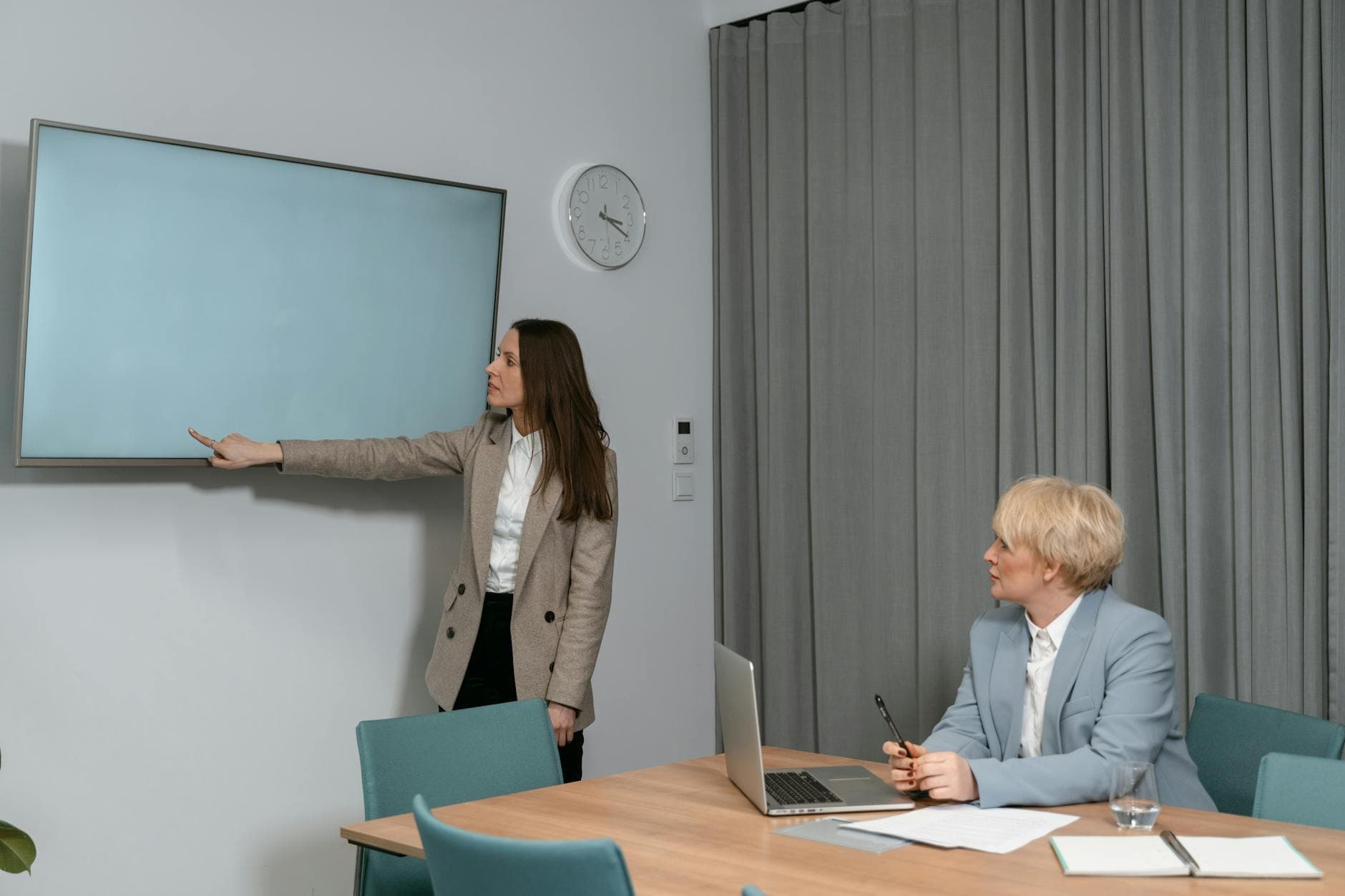
Digital signage for corporate offices works when each screen matches its location: visitor directions in the lobby, news and recognition in the break room, schedules outside meeting rooms. Most offices can prove the idea on 1 existing TV in a week, then expand floor by floor once someone owns the content and the screen stays current.
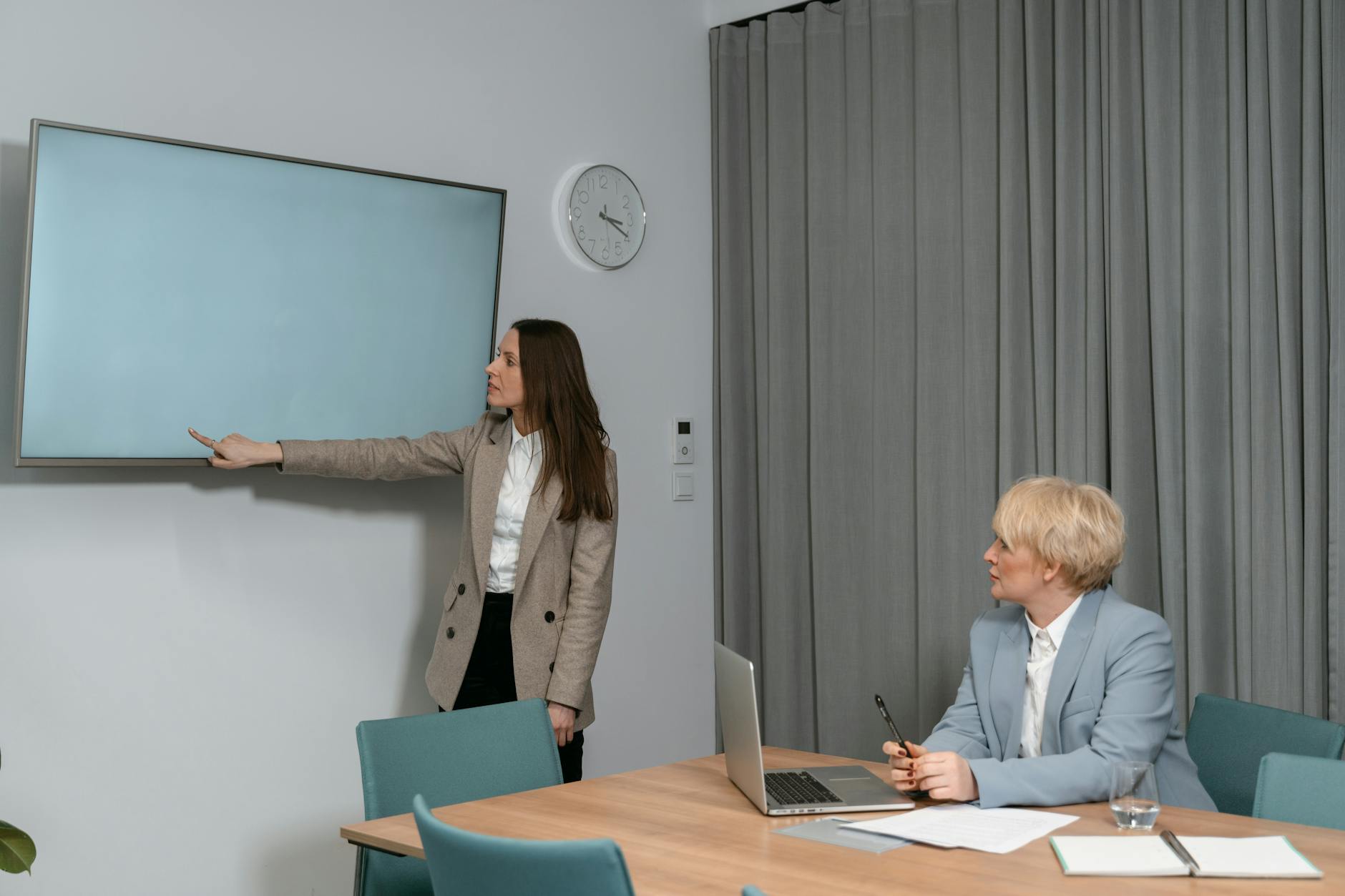
Photo by MART PRODUCTION / Pexels
What is the best way to use digital signage for a corporate office?
Start with one screen where people already ask the same question, such as the lobby or the break room, and give it a short loop for that place only. With Visora, an existing TV's browser shows a 4-character code, you pair it from the dashboard, and the loop plays without a dedicated media player. One screen is free; Pro costs $59 per month for 4 screens, scheduling, and 3 team members who can publish.
Office screens are a reinforcement layer, not a replacement for email, chat, or the intranet. Microsoft's WorkLab analysis says the average Microsoft 365 user receives 117 emails a day and is interrupted every 2 minutes (Microsoft WorkLab). A screen in the right hallway reaches people without adding one more notification.
Which screen belongs in the lobby, break room, or meeting room?
The most common mistake in corporate office digital signage is one loop on every screen. A visitor in the lobby does not need the sales dashboard, and the finance floor does not need the guest Wi-Fi slide. Decide each screen's job by who walks past it and how long they stay.
| Location | Who sees it | Dwell time | Best content | Avoid | Visora setup |
|---|---|---|---|---|---|
| Lobby or reception | Visitors, candidates, employees | 1 to 5 minutes | Welcome message, floor directions, guest Wi-Fi QR, company story | Internal metrics, HR notices | Own ad group; video wall add-on for a large lobby |
| Elevator bank | Everyone | 20 to 60 seconds | Today's events, facilities alerts, deadlines | Anything longer than one sentence | Short loop, 8 to 10 seconds per slide |
| Break room or cafe | Employees | 5 to 15 minutes | Company news, recognition, benefits reminders, menus | Confidential numbers | Longest loop; rotate weekly |
| Meeting-room corridor | Employees and guests | Under 30 seconds | Room schedule, directions, clock | Promotions | Google Calendar and clock widgets |
| Operations or sales floor | One team | All day | Approved KPI snapshots, queue status | Personal performance data | Website or dashboard embed |
| All-hands space | Everyone, during events | Event length | Agenda, speaker order, feedback QR | Unrelated news | Scheduled for the event window (Pro or Business) |
Two rules make the table work. First, one screen gets one job; if a location needs two jobs, it needs two loops at different times. Second, every slide passes the walking test: someone moving past must understand it in under 5 seconds. Our digital signage design tips cover type sizes and contrast for that distance.
Visora's widgets cover most office screens without custom development: clock, weather, Google Calendar, QR codes, and website embeds. When content should react to time or data instead of a fixed loop, see dynamic digital signage.

Photo by khezez / Pexels
What should the office rollout checklist include?
Most office screens fail from neglect, not hardware. A breakroom TV still showing last month's holiday notice teaches employees to ignore it. This checklist keeps the program small enough to maintain:
- Pick one high-traffic location from the table above.
- Name one owner from internal comms, workplace, people, or operations.
- List the 10 questions that location generates most often.
- Build 8 to 12 slides that answer them, one idea per slide.
- Add one QR code or short link per slide that needs detail.
- Set an end date on every event, deadline, and facilities notice.
- Decide who approves HR, leadership, and facilities messages before they go live.
- Write an urgent path: who can publish an evacuation, outage, or closure notice in minutes.
- Check data rules: dashboards show approved metrics only, nothing confidential.
- Review after two weeks with the front desk, facilities, and team leads, then add the next screen.
Team access matters as soon as more than one department wants screen time. Visora's Starter plan has 1 team member, Pro has 3, and Business has unlimited members. Permissions are set per member by area (screens, playlists, media, live events, and schedules), so HR can edit content without being able to unpair a TV.
How do you keep office screens current?
Scheduling is what keeps an office screen honest. A town hall reminder should appear the day before and disappear when the meeting ends; an open-enrollment slide should stop on the deadline. On Visora Pro and Business, schedules assign a playlist to a screen by day and time, so the lobby can show a visitor welcome during business hours and a building notice after hours.
Free and Starter plans do not include scheduling. They still work for a single evergreen loop, but someone has to change content by hand, so keep that loop short and review it every Monday.
For urgent notices, Pro and Business include live events that push a message to chosen screens immediately. Use them for real interruptions only: a fire drill, an outage, or a closed entrance. If every message is urgent, none of them are.
For companies with several sites, the multi-location digital signage guide covers grouping screens by office and keeping shared content consistent.

Photo by fauxels / Pexels
How much does corporate office digital signage cost?
Budget three lines: displays, mounting, and software. Many offices already own the displays. Because Visora runs in a TV browser, on a Fire TV Stick with the Visora TV app, or on a Windows PC with the desktop app, you can skip the dedicated player and test with what is on the wall. Read more on browser-based digital signage software.
| Office size | Screens | Visora plan (USD per month) | Includes |
|---|---|---|---|
| Single pilot | 1 | Free, $0 | Visora watermark and promo every 10 minutes, no scheduling |
| Lobby plus break room | 2 | Starter, $29 | No watermark, 1 team member, no scheduling |
| One floor | 4 | Pro, $59 | Scheduling, live events, 3 team members |
| Several floors | 10 | Business, $159 | Unlimited team members and playlists, video wall included |
| Campus | 11 to 15 | Business plus extra screens at $17 each | Up to 15 screens |
| More than 15 screens | 16+ | Enterprise | Custom quote |
Per-screen vendors price differently: Yodeck Basic is $8 per screen per month, OptiSigns Standard $10, and ScreenCloud Core $20 on annual billing (prices checked October 2026). At 10 screens that is $80, $100, and $200. Compare the total for your screen count, how many people need to publish, and whether scheduling is included, then confirm current plans on pricing.
What should corporate teams measure after launch?
Measure whether the screen removed confusion, not how many slides it played. Good signals include fewer wayfinding questions at reception, more QR scans for event registration, better town hall attendance, fewer room-booking conflicts, and the share of slides that expired on time. For KPI screens, the test is whether teams reference the numbers in standups; if nobody does, the data, the placement, or the design is wrong.
Frequently asked questions
What is digital signage for corporate offices?
Digital signage for corporate offices is a set of workplace screens managed from software that show visitor directions, announcements, meeting-room schedules, recognition, safety notices, and approved KPI snapshots. Content is updated remotely instead of through posters or slide decks on a USB drive.
Where should office digital signage screens go first?
Start where people pause and repeat the same question: reception, the break room, elevator banks, or meeting-room corridors. Give each location its own loop instead of one playlist everywhere, and add screens only after the first one stays current for two weeks.
What should corporate office screens show?
Show short, location-specific information: visitor welcome and directions in the lobby, news and recognition in the break room, room schedules near meeting rooms, and approved metrics on team floors. Each slide should make sense in under 5 seconds, with a QR code for detail.
Can digital signage replace email or Slack?
No. Office signage reinforces email, chat, and the intranet. Use those channels for detail and records, and use screens for short reminders employees and visitors should notice without opening another app.
How many people can publish to office screens?
On Visora, Starter includes 1 team member, Pro includes 3, and Business includes unlimited team members. Permissions are set per member by area, such as screens, playlists, media, live events, and schedules.
Does office digital signage need a media player?
Not with Visora. Most smart TVs pair through the browser with a 4-character code. Other screens can use a Fire TV Stick with the Visora TV app or a Windows PC running the Visora desktop app.
How much does digital signage for a corporate office cost?
On Visora, 1 screen is free, 2 screens cost $29 per month on Starter, 4 screens with scheduling cost $59 per month on Pro, and 10 screens cost $159 per month on Business. Offices with more than 15 screens get a custom Enterprise quote.
Ready to fix one office screen first? Pair the lobby or break-room TV with Visora in about 30 seconds and give it one job from the table above. Start free and add floors when the first screen earns it: see pricing.