
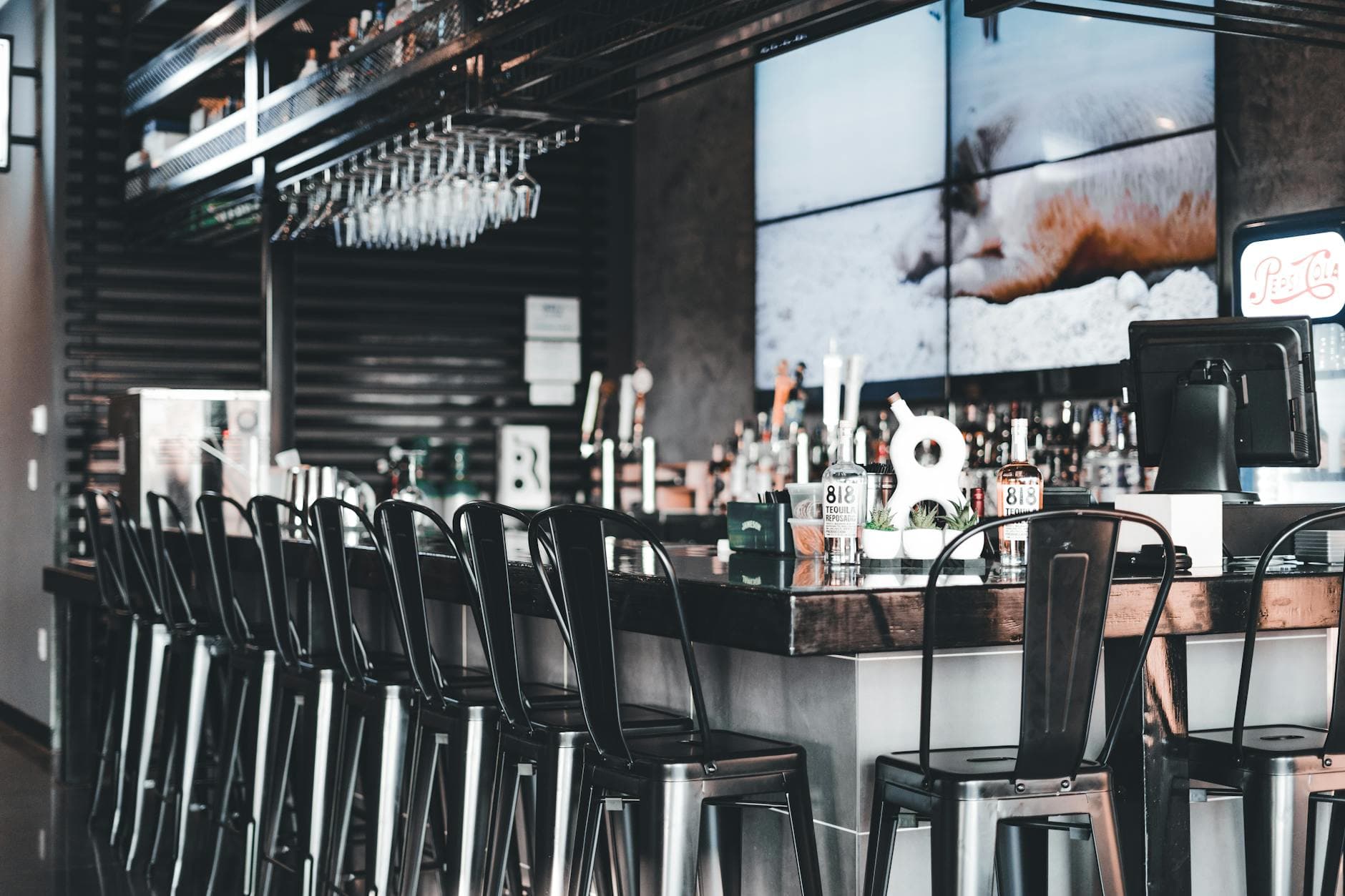
To display live sports on restaurant TV without extra hardware, use the screens you already own, confirm your commercial sports rights, open a browser-based display URL or existing connected feed, and control the game-night content through Visora. The goal is not to replace the broadcast; it is to manage the restaurant experience around it.
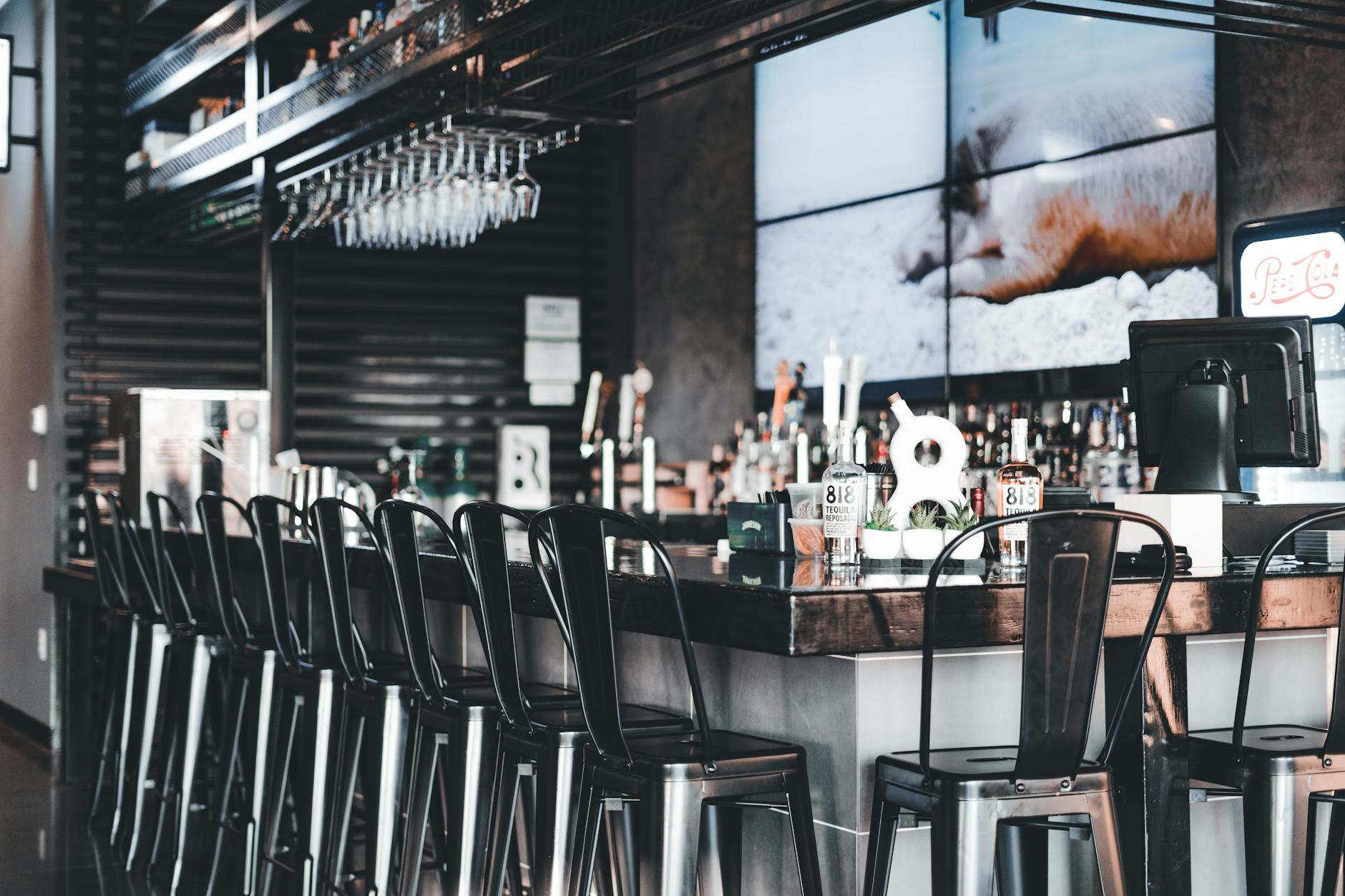
Photo by Erik Mclean / Pexels
Restaurants do not need to turn every sports night into an AV project. Most operators need a simpler workflow: show the game legally, keep screens easy for staff to manage, and use the surrounding moments to sell more food, drinks, and future visits.
That distinction matters. A sports feed is the licensed broadcast. A restaurant TV system is how your team frames that broadcast inside the venue: pre-game promos, menu updates, halftime offers, upcoming watch parties, QR codes, and fallback content when the game ends.
If you are evaluating this for a bar, pub, taproom, casual restaurant, or nightclub, start with the broader digital signage for bars guide. This guide focuses on the live sports setup: how to use existing TVs first, when extra hardware is actually needed, and how Visora fits into the middle.
Why should restaurants treat live sports as a screen workflow?
S&P Global Market Intelligence reported in 2025 that 74% of Americans watch live sports either in person or on TV, and that 54% watch NFL football. Live sports are not background content for many guests; they are a reason to choose where to eat and drink. (S&P Global)
Live sports create predictable traffic spikes, but only if guests know your restaurant can handle the moment. The screen showing the game is only one part of that. The rest is operational:
- Which TV gets the main game?
- What happens when two games overlap?
- Who can change the content if a game runs long?
- Where should specials appear without covering the broadcast?
- What should guests see before kickoff and after the final whistle?
That is why the best restaurant TV setup is a workflow, not just a cable plugged into a screen. A sports night has phases. Before the game, guests need a reason to sit down early. During the game, they need clear offers and easy ordering paths. At halftime, they are ready for bundles and refills. After the game, they need a next reason to come back.
Visora helps with that layer. It does not sell the sports broadcast or replace your licensed feed. It helps you control what the restaurant shows around the feed so the screen earns its wall space.
What is the no-extra-hardware setup?
In Hub Entertainment Research's 2025 sports study, 69% of sports fans watched at least some live games on SVOD platforms, essentially level with broadcast at 66% and cable at 63%. Restaurants need screen workflows flexible enough for a mixed broadcast, cable, and streaming world. (Advanced Television)
The no-extra-hardware version starts with assets already in the restaurant:
- A smart TV with a browser, or a TV already connected to a computer.
- An internet connection strong enough for the screen location.
- A commercial sports subscription or approved public-viewing feed.
- Visora for the screen layer: menus, promos, schedules, and event content.
For a simple setup, pair the TV to Visora through the browser and assign it to a sports-night layout. That layout can show the right pre-game message, switch to food and drink promos, or run a fallback screen when the game is over.
For restaurants that need an HDMI source or live event feed inside a managed screen layout, review Visora's capture-card live events support, included on the Pro and Business plans. The important point is sequencing: validate the demand and screen workflow first, then decide whether a capture device, splitter, or commercial AV system is worth buying.
Do not start by shopping for gear. Start by asking what job each TV has.
How do you connect an existing restaurant TV?
S&P Global's 2025 sports viewing survey found that 68% of US sports fans watch live sports on TV or through an online streaming service. For restaurants, that means the setup has to respect both the familiar TV experience and the newer app-based reality of sports rights. (S&P Global)
Use this basic connection sequence:
- Confirm the source: commercial cable, satellite, streaming app, or approved event feed.
- Confirm the screen: smart TV browser, existing PC, or TV already connected to a device.
- Open the Visora display URL on the TV browser or connected screen.
- Enter the pairing code in your Visora dashboard.
- Assign a sports-night playlist or layout to that TV.
- Test the game feed, audio, brightness, and Wi-Fi before service.
The pairing step is what makes the screen manageable. Instead of walking through the restaurant with remotes, USB drives, or separate media boxes, your team can update assigned screens from one dashboard.
For a single-TV test, keep the first layout restrained. Do not cover the game with too many graphics. Use a simple supporting frame: today's featured game, a food or drink special, a QR code, and the next scheduled watch party. If guests came for the game, the game remains the main content.
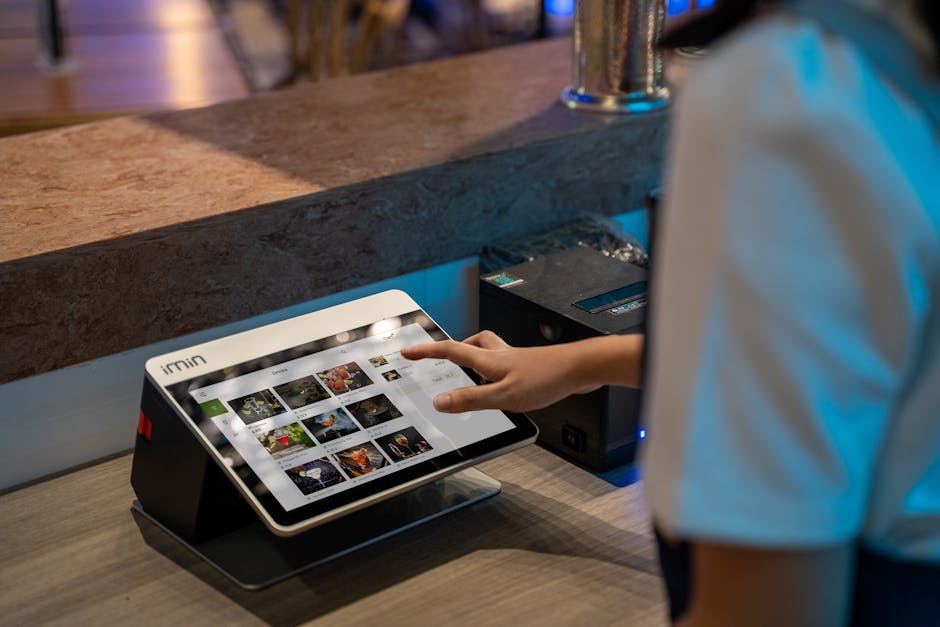
Photo by iMin Technology / Pexels
Sports TV Setup Checklist
The National Restaurant Association forecast $1.5 trillion in restaurant and foodservice sales for 2025 and said 90% of fine dining operators and 87% of casual dining operators view increased on-premises business as important to success. Sports screens should support that dine-in goal. (National Restaurant Association)
Before the first game, check the operational basics:
| Area | What to confirm | Why it matters |
|---|---|---|
| Rights | Commercial sports package or approved public-viewing feed | Consumer subscriptions may not cover restaurant use |
| TV | Browser, input access, remote control, brightness | Staff need predictable control during service |
| Network | Stable Wi-Fi or wired internet near the screen | Streaming and browser signage fail fast on weak networks |
| Audio | Speaker zone, volume rules, backup plan | Bad audio can ruin the viewing experience |
| Layout | Game visible, promos secondary, QR code readable | The screen should sell without blocking the game |
| Staff owner | One person responsible per shift | Avoids five people changing five screens |
| Fallback | Menu, promo, or schedule when game ends | Prevents dead screens after overtime or rain delays |
This checklist is intentionally simple. If a one-screen test cannot survive a normal Friday shift, adding more screens will not fix the workflow. It will just multiply the failure points.
What should show before, during, and after the game?
Parks Associates reported in 2025 that 38% of US internet households subscribe to at least one sports-specific streaming service, up from 4% in 2019. As sports access fragments, restaurants can create value by making game nights easier and more social for guests. (TV Tech)
Think in phases.
Before the game:
- Game schedule and start time
- Reservation or table-hold prompt
- Watch-party announcement
- Happy hour or pre-game bundle
- QR code for menu or ordering
During the game:
- One clear food or drink special
- Halftime refill reminder
- Limited-time bundle
- Upcoming game ticker
- Table-service prompt if guests are not ordering
After the game:
- Next watch party
- Late-night food offer
- Loyalty sign-up or review prompt
- Private event booking prompt
- Tomorrow's lunch or happy hour message
The strongest content is not flashy. It is timely. A game-night screen should answer: what can guests buy now, what is happening next, and why should they stay longer?
Run sports-night screens before buying more gear
Use Visora to pair an existing restaurant TV, publish game-night promos, and test whether live sports actually drives orders before committing to a larger hardware setup.
Compare Visora pricingWhen do you still need hardware?
Hub Entertainment Research's 2025 Wave 4 study found that 65% of sports fans say using several services during a season is a hassle, and 53% say finding sports is harder than a year earlier. Complex rights and source switching are the moments where hardware may become justified. (TV Tech)
"No extra hardware" should mean "do not buy hardware until the use case proves it," not "hardware is never useful."
You may need additional gear when:
- The TV has no browser and no reliable connected computer.
- One source needs to feed many TVs at the same time.
- Multiple games need to be routed to different screens quickly.
- You are building a video wall.
- You need HDMI capture from a set-top box, camera, or event source.
- The screen is outdoors or exposed to heat, glare, rain, or heavy use.
- Audio needs to follow different zones.
For many independent restaurants, one existing smart TV is enough for the first test. For a busy sports bar with ten screens, different games, and audio zones, a planned AV setup can be worth it. The mistake is buying that full setup before proving the restaurant has a clear content and staff workflow.
Subscriptions, Rights, and Staff Control
Toast's 2025 Voice of the Restaurant Industry Survey found 47% of operators focused on increasing staff efficiency to manage labor challenges. A sports TV setup should reduce staff friction, not give servers another remote-control problem during peak service. (Toast)
First, separate screen control from broadcast rights.
Visora can manage the screen layer, but restaurants still need the correct commercial rights for the sports content they show. Before promoting a watch party, confirm the rules for your cable, satellite, streaming, or event provider. Do not assume a personal app subscription is cleared for public restaurant viewing.
Second, give staff a simple chain of command. One shift lead should own screen changes. The bartender should not be guessing which remote controls which TV while guests are waiting. Servers should know where to send a request: "Table 12 wants the late game" becomes a clear decision, not a scramble.
Third, document the default layout:
- Main TV: featured game
- Secondary TV: alternate game or menu
- Bar TV: high-margin drink special plus game schedule
- Entry screen: tonight's game and seating prompt
- End-of-night fallback: next sports night or late food offer
That structure lets staff act quickly without rebuilding the setup from scratch every time.
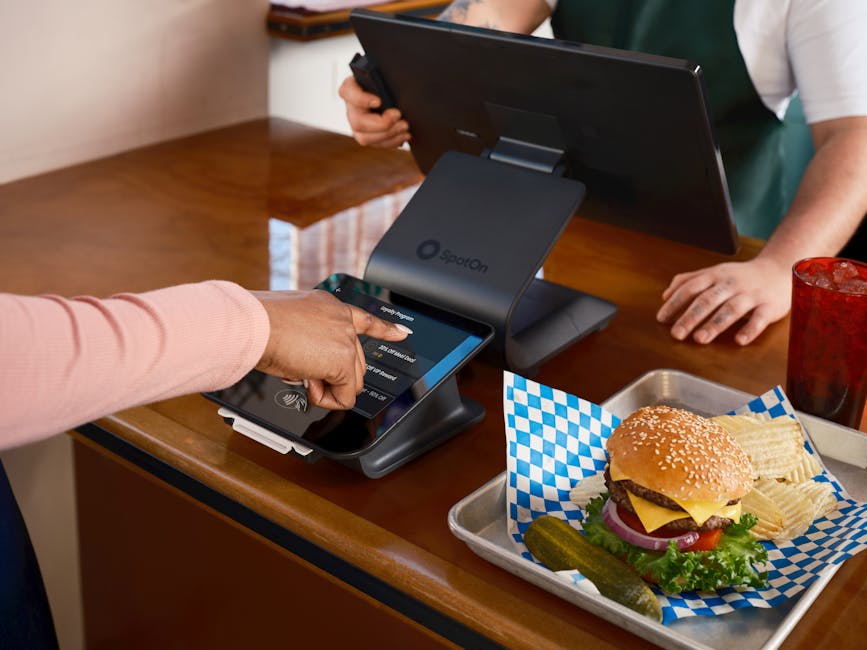
Photo by SpotOn POS / Pexels
Frequently Asked Questions
Nielsen's 2025 Tops of Sports report showed continuing growth across multiple sports audiences, including NWSL fan growth from 30.8 million in 2023 to 39.3 million in 2025 and a 10% PGA Tour viewership increase. Sports programming is broader than one league or one season. (Nielsen)
How do I display live sports on a restaurant TV without extra hardware?
Use the TV you already have, confirm your commercial sports feed, and pair the screen to Visora through a browser or connected display. Then publish a sports-night layout for pre-game promos, live specials, halftime messages, and post-game offers.
Can I use a normal smart TV for live sports in a restaurant?
Yes, as long as it is reliable, bright enough, connected to the internet, and supported by the sports source you are allowed to show publicly. A commercial display is useful for heavy daily use, but it is not always required for the first test.
Does Visora provide the live sports broadcast?
No. Visora manages the screen experience around the broadcast. Your restaurant still needs a legal commercial sports subscription, event package, or approved public-viewing source.
When should I buy a media player or capture device?
Buy hardware when the use case demands it: non-smart TVs, HDMI source capture, multi-TV routing, video walls, outdoor screens, or complex rooms with several games at once. If you are testing one TV, start with the browser workflow first.
What should I show on restaurant TVs before the game starts?
Show the game schedule, a watch-party message, table or bar seating prompts, pre-game food bundles, featured drinks, and a QR code for ordering or reservations. Keep the message short enough to read from the seating area.
How can staff change TV content during service?
Assign one shift owner and use Visora to update the paired screens from the dashboard. That avoids USB drives, remote-control confusion, and ad hoc changes that only one employee understands.
What is the best first test for a sports bar or restaurant?
Run one existing TV for one game night. Promote one offer, measure the result, and track staff friction. If it improves sales or saves time, expand to more screens with a clearer budget and workflow.
Turn existing TVs into managed sports-night screens
Visora helps restaurants control menus, promos, schedules, and live-event screen layouts (scheduling and live events on Pro and Business) without forcing a hardware-heavy rollout on day one.
See plans and start with the screens you already own