
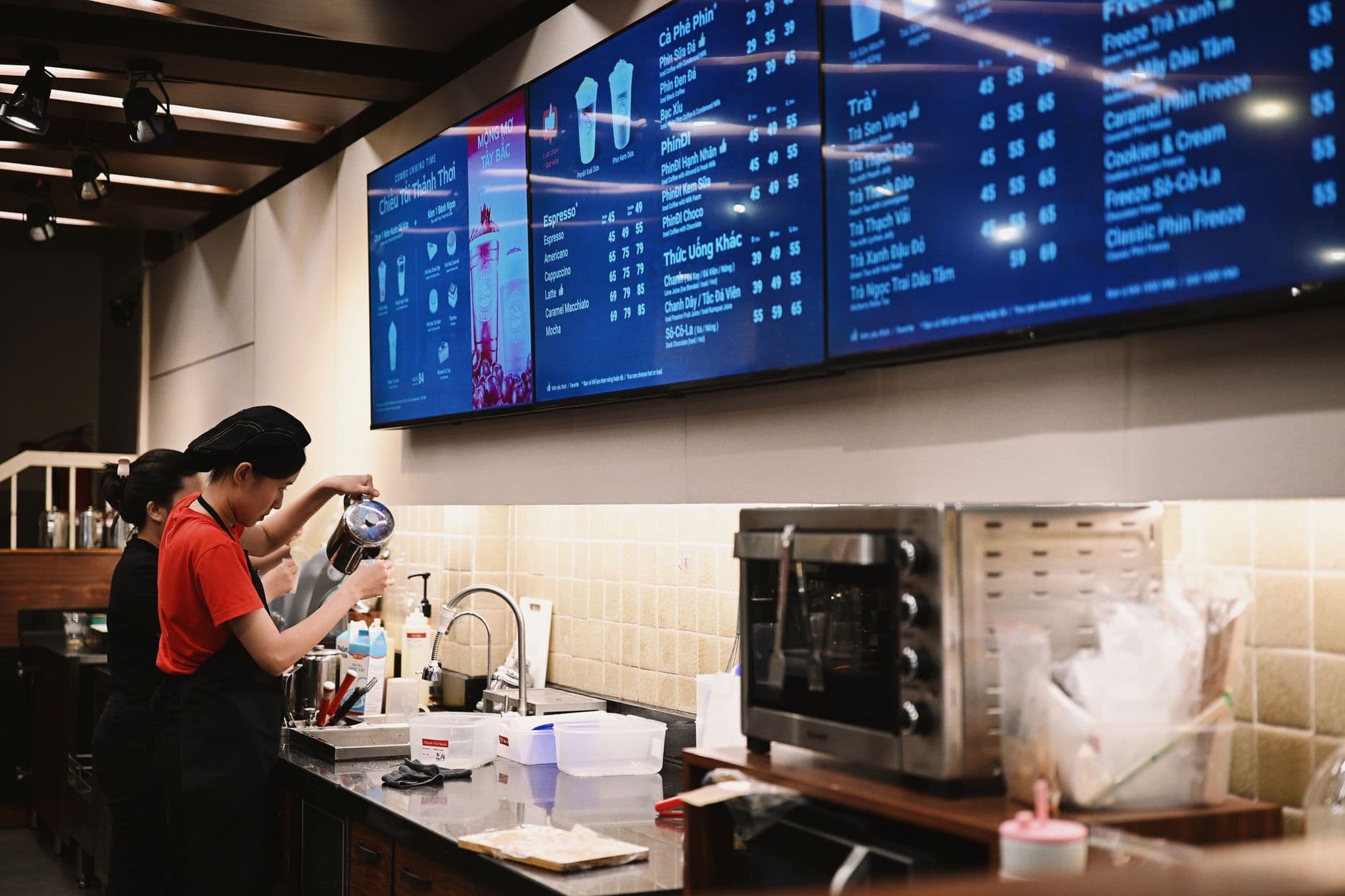
The best digital signage content ideas help customers decide faster, staff answer fewer repeat questions, and owners keep promotions current without printing new signs. Start with menu highlights, limited-time offers, trust signals, service instructions, reviews, events, and QR actions. Then schedule them by location, daypart, and customer intent.
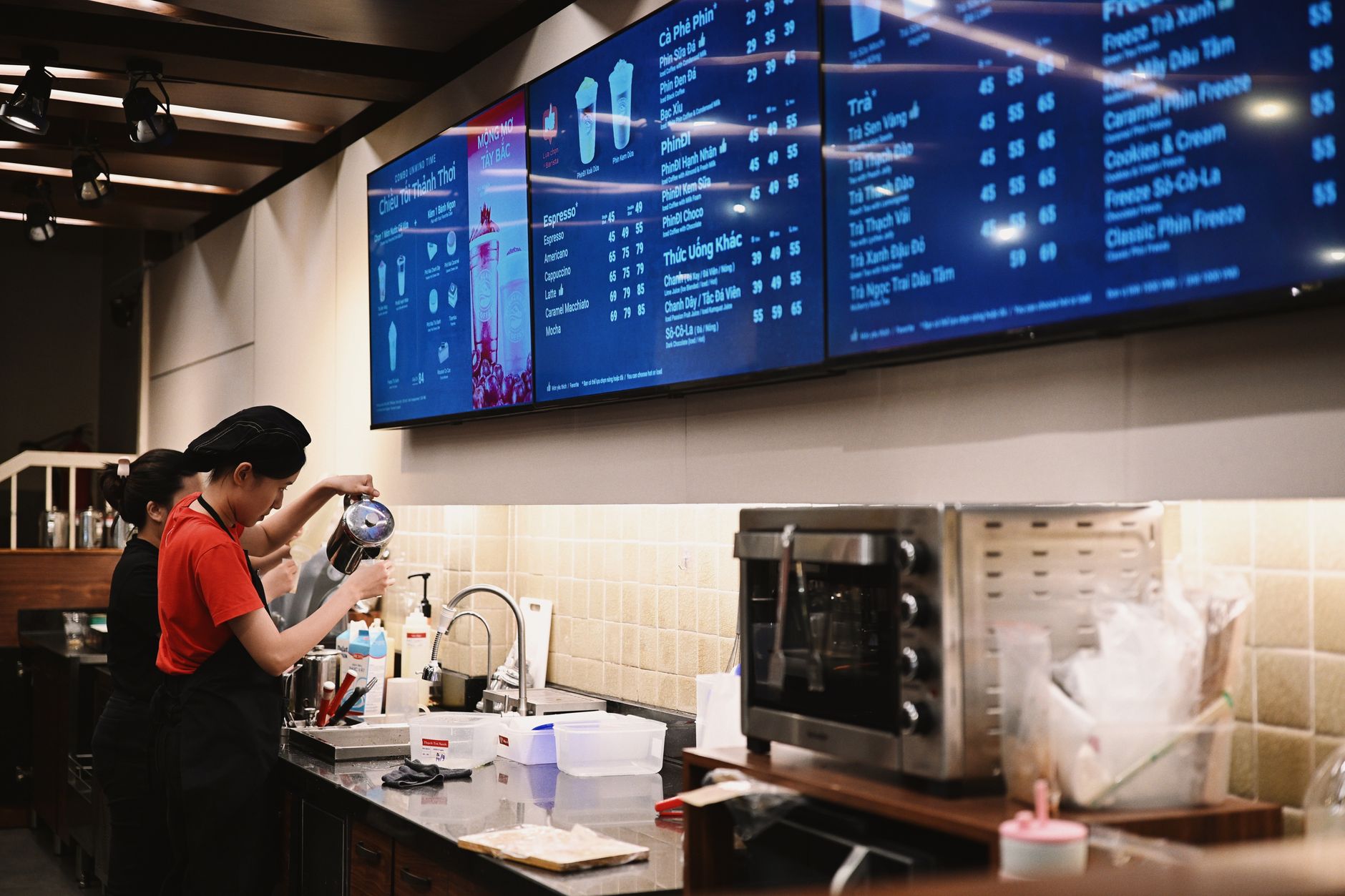
Photo by Viet Anh Nguyen / Pexels
Most screens go stale because the owner buys the display before assigning it a job. A menu screen, lobby screen, counter screen, waiting-room screen, and staff screen should not all show the same loop.
This guide gives you 50 screen-ready ideas. It is written for restaurants, cafes, bars, bakeries, food trucks, salons, clinics, gyms, offices, and small retailers, with a food-service bias because those screens change often. If you want ready-made layouts, use Visora's template library, then price the rollout on pricing. Before you design, check which formats your screens support so every idea plays as planned.
What should your screens show first?
Grand View Research estimated the global digital signage market at $31.09 billion in 2025 and expected it to reach $33.56 billion in 2026. Growth alone does not make a screen useful. The useful screen has a job: sell, explain, guide, reassure, or reduce repeated staff work. (Grand View Research)
Start with the customer moment closest to the screen. Counter screens should help people order, waiting-area screens should reduce uncertainty, entrance screens should orient guests, and staff screens should support the shift.
Here are the first ten digital signage content ideas to build around that logic:
- Today's best seller: Feature one item people already trust.
- Limited-time offer: Show the promotion before the customer reaches the register.
- Top combo: Make the highest-value bundle easier to choose than separate items.
- Staff pick: Add a human recommendation with a short reason.
- New item launch: Explain what changed and why it is worth trying.
- Seasonal menu: Rotate drinks, desserts, soups, or event-based offers.
- Customer favorite: Use a simple "most ordered this week" slide.
- One decision shortcut: "Not sure? Start with these three."
- Upgrade prompt: Add fries, protein, dessert, extra shot, or premium topping.
- Availability notice: Remove sold-out confusion before someone asks.
The common pattern is focus. One slide should ask for one decision.
Which promotional content should rotate daily?
Popmenu's 2026 restaurant trends report found 69% of consumers are more likely to choose restaurants with value meals and discounts, while 41% expect restaurants to use technology to make the experience faster, more convenient, or more informed. Promotion content should therefore make value obvious without slowing the line. (Popmenu)
Promotional slides work best when they are timely. Even a month-long discount should feel relevant today.
Use these ten ideas for sales and traffic:
- Happy hour countdown: Show what starts soon, not just what is always available.
- Lunch rush special: Promote the fastest meals during the busiest ordering window.
- Slow-day offer: Use Tuesday, rainy-day, or late-afternoon promos to fill gaps.
- Family meal bundle: Show the total price, servings, and pickup path.
- Add-on deal: "Add a drink for $2" or "Make it a combo."
- Loyalty sign-up: Pair the reward with a QR code, not a paragraph.
- Gift card reminder: Best before holidays, graduations, and local events.
- Catering prompt: Show a use case: office lunch, team meal, birthday, meeting.
- Event-night special: Match offers to live music, sports, trivia, or local festivals.
- Last-call kitchen item: Move inventory before closing without sounding desperate.
For restaurants, the screen should support margin, not only attention. A well-placed combo, add-on, or loyalty prompt can beat a louder discount.
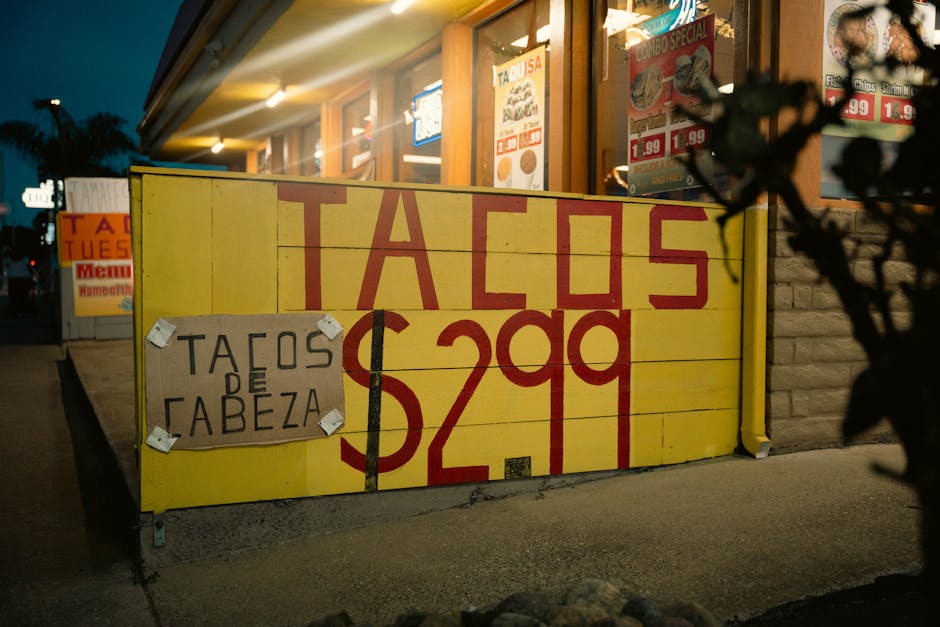
Photo by James Collington / Pexels
What menu and ordering content reduces questions?
Toast's 2025 survey of 712 restaurant decision-makers found 47% of operators are focused on increasing staff efficiency because of hiring difficulty, and 48% would increase menu prices if inflation continued. Clear screen content can reduce repeated questions around prices, options, availability, and ordering steps. (Toast)
Some of the highest-value content is not flashy. It saves staff from repeating the same answer all shift.
Use these ideas when customers pause, compare, or ask:
- How to order: "Choose base, protein, salsa, side."
- Size guide: Small, regular, family, tray, or catering portions.
- Spice level key: Mild, medium, hot, extra hot with simple icons.
- Dietary markers: Vegetarian, vegan, gluten-free, dairy-free, nut-free when verified.
- Allergen prompt: "Ask before ordering if you have an allergy."
- Popular substitutions: Show what can be swapped without staff improvisation.
- Pickup instructions: "Online orders: check shelf by last name."
- Wait expectation: "Fresh tortillas take 4-6 minutes."
- Payment options: Cards, contactless, cash, tap-to-pay, gift cards.
- QR menu or ordering code: Use a clear action label beside the code.
DoorDash's 2026 report found 59% of consumers actively seek allergen and dietary information or welcome it when available. On a screen, that means giving customers enough confidence to ask the right question before ordering.
Which trust-building content makes guests more confident?
The National Restaurant Association's 2025 State of the Restaurant Industry summary reported 64% of full-service customers and 47% of limited-service customers say dining experience matters more than meal price. Screens can support that experience by showing proof, care, freshness, and operational confidence. (National Restaurant Association)
Trust content is useful when a customer is new, waiting, or deciding whether to return. The screen can show that the business is active, reviewed, and connected to its community.
Use these ideas to build confidence:
- Review highlight: One short quote with a star rating and platform label.
- Fresh ingredient cue: "Salsa made this morning" or "Bread baked daily."
- Behind-the-scenes clip: Dough prep, grill work, coffee pull, plating, or packaging.
- Team introduction: Name the manager, chef, barista, server, or baker.
- Food safety or freshness reminder: Keep it specific and non-alarmist.
- Local supplier spotlight: Name the farm, roaster, bakery, brewer, or market partner.
- Community support: School fundraiser, local team sponsorship, nonprofit night.
- Press or award mention: Keep it short and dated.
- Before-and-after setup: New patio, new menu, remodeled counter, new pickup shelf.
- Return-visit reason: "Try breakfast next time" or "New dessert every Friday."
The strongest trust slides do not look like ads. They feel like evidence. Use real photos, real names, real quotes, and current dates.
Need a faster way to keep trust slides current? Build them once in Visora's templates, duplicate the layout, and swap the review, staff photo, or seasonal note each week. Then compare the screen count on pricing before expanding beyond the first location.
What operational updates should staff and customers see?
AVNetwork reported in November 2025 that Little Caesars completed a centralized cloud digital menu board rollout across thousands of restaurants in 16 countries. The lesson for smaller operators is not scale for its own sake. It is accuracy: menus, prices, languages, and availability need one reliable source. (AVNetwork)
Operational content is the difference between decoration and a screen that helps the shift. Some updates belong in front of customers. Others belong on a staff-only screen.
Use these ideas for clarity:
- Sold-out item: Replace disappointment with a recommended substitute.
- Kitchen delay notice: Give a short reason and a realistic expectation.
- Pickup shelf rules: Where to stand, what name to check, when to ask.
- Seating or line direction: Show how to join the queue during busy moments.
- Weather or patio update: Patio closed, heaters on, umbrellas available.
- Staff reminder: 86 list, prep checklist, side work, shift announcement.
- Training micro-tip: One procedure per slide for staff screens.
- Cleaning or closing checklist: Useful where staff can see it, not customers.
- Emergency or safety notice: Keep it direct and high contrast.
- Manager message: A concise shift priority: speed, upsells, hospitality, accuracy.
Customer-facing and staff-facing signage can use the same system, but the playlists should differ. Guests do not need the closing checklist. Staff do not need a slow rotation of brand slogans during a rush.
How do you turn social and community content into screen content?
DoorDash's 2026 restaurant trends release says guests move fluidly across discovery, delivery, pickup, reservations, and dine-in. It also reported 74% of consumers say a dine-in visit later led them to order delivery from the same restaurant. Screen content should connect those moments instead of treating channels separately. (DoorDash)
Social content works on screens when it is curated. Do not mirror a live feed just because the software can. Turn the best proof into designed slides.
Good social-to-screen ideas include:
- A tagged customer photo with permission
- A short review screenshot rewritten as readable text
- A "follow us for secret specials" QR code
- A community event recap
- A staff milestone or anniversary
- A user-generated photo contest
- A local partner feature
- A weekly poll result
Keep visuals readable from the real viewing distance. A phone screenshot may look fine on a laptop and fail on a 55-inch screen ten feet away. Rebuild social proof with bigger type, fewer details, and one action.
Content ideas that work best by industry
Grand View Research estimated the U.S. digital signage market at $7.44 billion in 2025 and projected 7.2% CAGR from 2026 to 2033. Adoption spans restaurants, retail, healthcare, offices, education, transportation, and hospitality, so the same screen software needs different content by business context. (Grand View Research)
If you operate outside food service, translate the same 50 ideas into your customer moment.
For restaurants and cafes, prioritize menus, specials, sold-out notices, loyalty, allergens, and pickup flow. Our guide to digital signage for coffee shops shows these ideas on a real cafe counter.
For bars, prioritize happy hour, events, sports schedules, drink features, age-policy reminders, private bookings, and late-night offers.
For retail stores, prioritize new arrivals, bundles, reviews, loyalty, wayfinding, and clearance urgency, as covered in digital signage for retail.
For gyms, prioritize class schedules, trainer profiles, challenges, member wins, safety form tips, retail items, and event reminders. See digital signage for gyms for layouts by zone.
For clinics, prioritize check-in instructions, wait expectations, service reminders, patient education, wayfinding, and safety information. The doctor's office signage guide maps these to screen zones from reception to exam rooms.
For offices, prioritize announcements, visitor greetings, meeting-room context, employee recognition, events, KPIs, and facility updates. The corporate office signage guide goes deeper on internal screens.
For churches, prioritize service times, room changes, events with one deadline, volunteer needs, and wayfinding. Our church digital signage guide adds a simple volunteer publishing workflow.
For schools, prioritize bell schedules, room changes, cafeteria menus, deadlines, and wayfinding. See digital signage for schools for a campus zone map.
The category is portable. The copy is not.
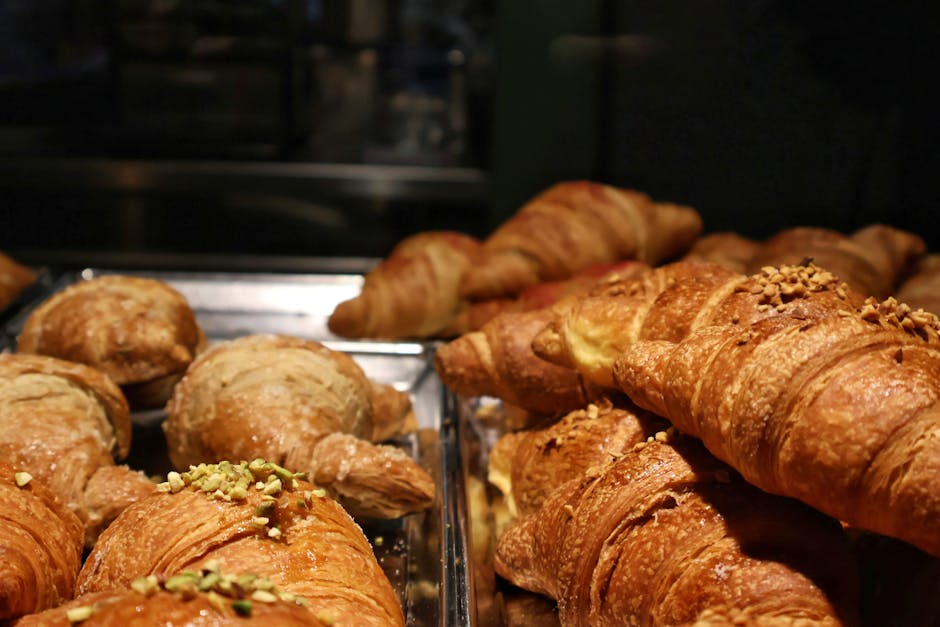
Photo by C1 Superstar / Pexels
A weekly scheduling system for all 50 ideas
A 2025 Journal of Marketing field study covering 237 field experiments and 30 million participants found digital signage increased purchase probability in the campaigns measured. The study emphasizes context: screen location, timing, motion, and exposure all shape whether content becomes useful attention or background noise. (Journal of Marketing)
Do not put all 50 ideas into one playlist. That creates a long loop no one fully sees. Build a weekly structure instead.
A simple restaurant schedule:
| Screen moment | Best content | Refresh cadence |
|---|---|---|
| Opening | Breakfast, coffee, pickup steps, staff priority | Daily |
| Lunch rush | Best sellers, combos, wait expectations, QR ordering | Daily |
| Afternoon lull | Loyalty, catering, gift cards, slow-day offers | Weekly |
| Dinner | Family bundles, specials, reviews, dietary cues | Daily |
| Waiting area | Behind-the-scenes, community, reviews, events | Weekly |
| Staff screen | 86 list, shift goals, training tips, closing checklist | Daily |
Use five blocks:
- One selling slide
- One menu or service explainer
- One trust slide
- One operational update
- One seasonal or local slide
That gives the loop variety without losing discipline. Multi-location teams should lock the brand structure and let managers update approved zones. Single-location teams should keep the same system because busy weeks punish custom redesigns.
Common mistakes that make screen content stale
McKinsey's 2026 restaurant trends analysis noted that U.S. "food away from home" costs rose about 6% from January 2024 to September 2025, faster than food-at-home costs. In that environment, stale prices, weak value framing, and unclear menu content can quickly hurt guest confidence. (McKinsey)
The most common mistake is treating the screen like a digital poster. A poster can sit unchanged for weeks. A screen creates an expectation that information is current.
Avoid these patterns:
- Running expired offers
- Showing every menu item at the same size
- Using QR codes with no benefit label
- Letting seasonal slides survive past the season
- Copying social posts with tiny text
- Using motion that competes with prices
- Showing staff-only information to guests
- Adding apps just because the software supports them
- Forgetting to remove sold-out items
- Rebuilding every slide from scratch instead of using templates
The fix is operational, not artistic: assign ownership, use templates, review the playlist weekly, and decide what belongs on each screen before designing new slides.
Frequently Asked Questions
Digital signage content works when it answers a real question in the moment someone sees it. Across restaurant, retail, office, and service environments, the practical questions are similar: what to show, how often to change it, how long the loop should be, and how to avoid stale screens.
What should I display on digital signage?
Display content that helps people decide or act: best sellers, specials, ordering steps, service instructions, reviews, events, QR codes, wait expectations, staff picks, and local updates.
How many slides should a digital signage loop have?
Most small business screens work best with five to eight useful slides per loop. Use shorter loops near order points and slightly longer loops in waiting areas.
How often should digital signage content change?
Review customer-facing screens weekly and update urgent content immediately. Prices, availability, events, hours, and limited offers should change as soon as the real-world information changes.
What digital signage content works best for restaurants?
Restaurants should prioritize best sellers, combos, specials, sold-out notices, dietary cues, loyalty prompts, ordering instructions, reviews, event reminders, and limited-time offers.
Can I use social media posts on digital signage?
Yes, but curate them into screen-friendly slides. Use tagged photos with permission, strong reviews, community posts, and short behind-the-scenes clips.
Do digital signage screens need motion?
They do not need constant motion. Use movement to guide attention toward a price, product, countdown, or action.
How do I keep digital signage from getting stale?
Use a repeatable weekly system: one promotion, one menu or service update, one operational reminder, one trust builder, and one local or seasonal slide.
Ready to turn these ideas into screens your team can actually maintain? Start with Visora's reusable templates, pick five ideas from this list for your first loop, and compare your real screen count on pricing before buying more hardware.