
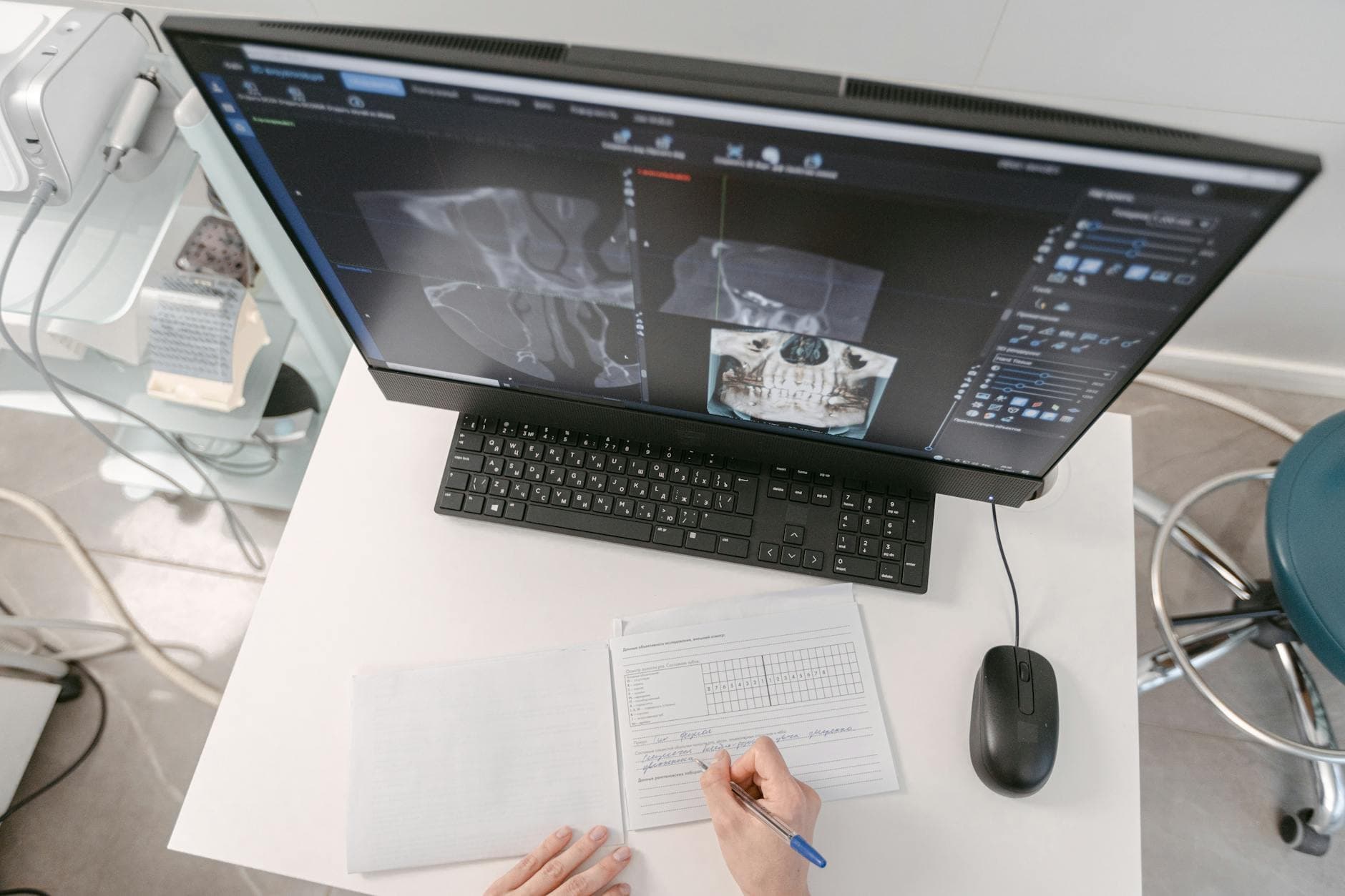
Doctor's office digital signage works when every screen in the practice has one job: check-in steps at the desk, education in the waiting room, directions in the hallway. Medical office digital signage on Visora starts with 1 screen on the free plan, and one rule never bends: no patient data appears on a public screen.
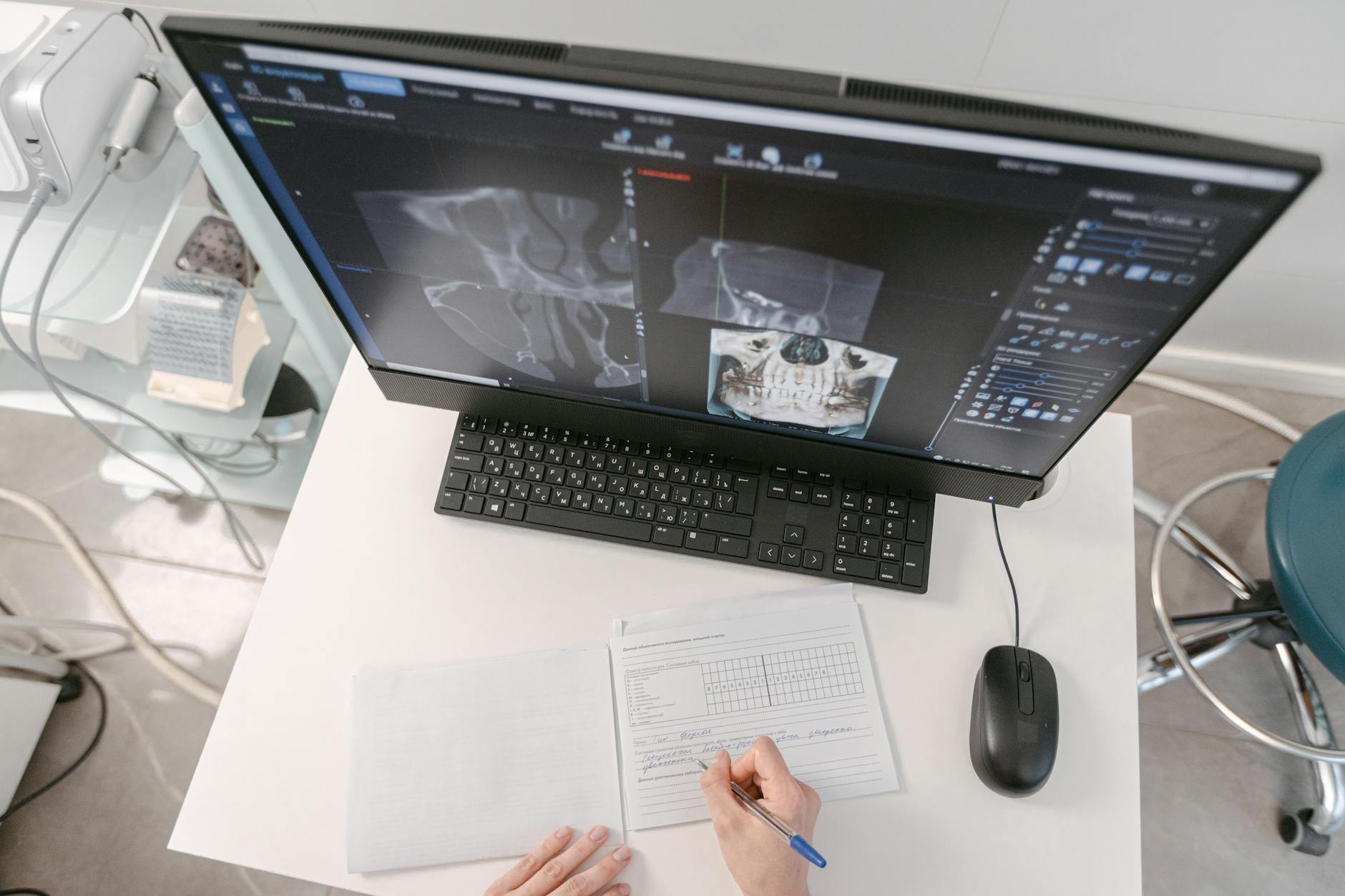
How do you set up digital signage in a doctor's office?
Pick the one screen patients see most, usually the waiting-room TV, and give it a 10-minute loop of check-in steps, wait expectations, and general education. With Visora, the TV's browser shows a 4-character pairing code, you enter it in the dashboard, and the loop plays without a dedicated media player. Start on 1 free screen, then move to Pro ($59/month, 4 screens) when you need scheduling across the check-in desk, waiting room, and exam rooms.
This guide covers the whole practice, from the front desk to checkout. If you only run a single waiting-room TV, the waiting room digital signage guide goes deeper on that one room, and dental practices have their own dental office digital signage playbook.
Which screen goes where in a doctor's office?
A doctor's office is a sequence of short waits: at the desk, in the waiting room, in the hallway, in the exam room, at checkout. Each wait has a different question attached, so each screen should answer a different question. Running one identical loop on every TV wastes the screens patients look at longest.
| Zone | Patient's question | Screen job | How often it changes |
|---|---|---|---|
| Check-in desk | "What do I need to hand over?" | ID, insurance card, medication list, forms QR | Monthly, or when a policy changes |
| Waiting room | "How long, and what can I do meanwhile?" | General delay notice, portal QR, seasonal education, provider introductions | Weekly |
| Hallway or lab corridor | "Where do I go next?" | Directions to lab, imaging, restrooms, checkout | Only when the layout changes |
| Exam room | "What should I ask the doctor?" | Question prompts, preventive-care reminders, after-visit portal steps | Monthly |
| Checkout | "What happens after today?" | Follow-up booking, refill timelines, payment policy, after-hours contact | Monthly |
In Visora, each zone gets its own ad group (a playlist), so the exam-room loop never plays at the front desk. The free plan includes 1 ad group, Starter includes 3, Pro includes 6, and Business is unlimited. A typical single-doctor practice covers the check-in desk, waiting room, and two exam rooms with Pro's 4 screens and still has spare ad groups for seasonal loops.
Exam-room TVs are often older sets whose browser times out. For those, a Fire TV Stick running the Visora TV app is a cleaner option than replacing the TV. Our smart TV digital signage guide compares which TV platforms work best for all-day playback.
What should a doctor's office rotate on its screens each month?
Rotation keeps a waiting-room screen from turning into wallpaper. Patients with chronic conditions visit every few weeks, and a loop they have already seen three times stops informing them. A simple fix is a fixed core that never changes plus a weekly theme slot that rotates on a 4-week cycle.
Build the 10-minute waiting-room loop from these slots:
| Loop slot | Share of loop | Changes | Example |
|---|---|---|---|
| Arrival and forms | 25% | Rarely | "Have your ID, insurance card, and medication list ready" |
| Wait communication | 15% | Daily, as needed | "Some appointments are running about 15 minutes behind today" |
| Weekly theme | 25% | Every week | See the 4-week cycle below |
| Practice services | 15% | Monthly | Annual physicals, lab hours, telehealth visits |
| Provider introductions | 10% | Quarterly | Name, specialty, languages spoken |
| Wayfinding and policies | 10% | Rarely | Restrooms, checkout, cancellation policy |
The weekly theme slot follows a 4-week cycle:
- Week 1, prevention: screenings and vaccines your practice offers, phrased as "Ask your provider whether you are due."
- Week 2, portal and access: how to book, message the care team, and request refills online.
- Week 3, visit preparation: what to bring to a physical, a lab draw, or a specialist referral.
- Week 4, practice news: new providers, extended hours, holiday closures.
On Pro or Business, schedule the theme slides with start and end dates so expired content leaves the screen on time without anyone remembering to remove it. On Free or Starter, someone swaps the slides by hand, so put the swap in that person's Monday checklist. Keep every slide readable from the farthest chair in under 5 seconds; our digital signage design tips cover font size and contrast for that distance.
What should never appear on a medical office screen?
Treat every public screen as if any visitor can photograph it. HHS guidance on waiting rooms allows limited incidental disclosures with reasonable safeguards, but it also says a sign-in sheet should not reveal why someone is visiting (HHS). The safest screen shows no patient-specific information at all.
Run this 10-point checklist before any slide goes live:
- No patient names, initials, or photos.
- No appointment types, times, or provider-patient pairings.
- No diagnoses, test results, or medication names tied to anyone.
- No balances, insurance status, or billing notes.
- No dates of birth, phone numbers, or record numbers.
- Queue updates use ticket numbers or "please return to reception," never names.
- Delay notices are general ("running about 15 minutes behind"), never tied to a person.
- Clinical education is reviewed by a clinician before it plays.
- Every time-sensitive slide has an end date.
- One named staff member owns the screen and the weekly review.
Keep the screen account itself tidy too. Pair TVs from the dashboard, limit who on the team can publish, and remove access when staff leave. Visora's security page explains product-level controls, while each practice stays responsible for its own content, devices, and compliance review.

Why does wait communication matter so much?
Patients often arrive after long access delays. AMN Healthcare's 2025 survey found new-patient physician appointments in 15 large U.S. metros averaged 31 days of wait (AMN Healthcare). Once they are in the building, silence during a delay feels worse than the delay.
The UK Office for National Statistics found that among adults with a poor waiting experience, 64.6% said more regular updates about the wait could improve it (ONS). A general delay slide that the front desk can switch on in seconds is the cheapest way to provide that update. With Visora, a manager can switch the waiting-room screen to a prepared delay loop from a phone, through the Visora mobile web app, instead of walking to the TV.
How much does doctor's office digital signage cost?
Software is the recurring cost, and screen count drives it. Visora bills USD per month for bundled plans, not per screen:
| Practice setup | Screens | Visora plan | Monthly cost | Scheduling |
|---|---|---|---|---|
| Waiting-room pilot | 1 | Free | $0 (Visora watermark and promo every 10 minutes) | No |
| Desk plus waiting room | 2 | Starter | $29 | No |
| Desk, waiting room, 2 exam rooms | 4 | Pro | $59 | Yes |
| Add a checkout screen | 5 | Pro plus 1 extra screen | $74 | Yes |
| Multi-provider clinic | 10 | Business | $159 | Yes |
For comparison, per-screen tools price differently: Yodeck Basic is $8 per screen per month, OptiSigns Standard is $10, and ScreenCloud Core is $20 on annual billing (prices checked October 2026 on each vendor's pricing page). At 4 screens that is $32, $40, and $80, so Visora is not always the lowest number; the difference is that Pro includes scheduling and 3 team members in one price.
Hardware is usually the TV you already own. Visora needs no dedicated player: a smart TV browser, a Fire TV Stick with the Visora TV app, or a Windows PC with the Visora desktop app all work. See current plans on pricing.
How do you launch the first screen in one week?
- Day 1: ask the front desk for the 10 questions patients repeat most.
- Day 2: turn the top 5 into slides with large text and one QR code.
- Day 3: pair the waiting-room TV and run the checklist above on every slide.
- Days 4 to 6: let it play and tally repeat questions at the desk.
- Day 7: remove slides nobody noticed and decide whether a second zone earns a screen.
Frequently asked questions
What is doctor office digital signage?
Doctor office digital signage is a set of screens in the practice, managed from software, that show check-in steps, general wait updates, health education, directions, and practice policies. Staff update the content remotely instead of printing new posters.
Where should the first screen go in a medical office?
Put the first screen in the waiting room or next to check-in, where repeat questions cluster. Add hallway, exam-room, or checkout screens only after the first one is reviewed every week and clearly reduces questions at the desk.
What should a medical office never show on a waiting-room screen?
Never show patient names, appointment details, diagnoses, test results, medication tied to a person, balances, insurance status, or record identifiers. Use general delay notices and ticket numbers instead of names, and have a clinician review any clinical education.
How often should medical office screen content change?
Keep a fixed core of arrival, wayfinding, and policy slides, and rotate one weekly theme slot on a 4-week cycle: prevention, portal access, visit preparation, and practice news. Update delay notices the same day and give every time-sensitive slide an end date.
Do I need a media player for medical office digital signage?
Not with Visora. A smart TV browser pairs with a 4-character code shown on the TV. Older TVs can use a Fire TV Stick with the Visora TV app, and a Windows PC can run the Visora desktop app.
How much does digital signage for a doctor's office cost?
On Visora, 1 screen is $0 on the free plan with a Visora watermark and promo, 2 screens are $29 per month on Starter, and 4 screens with scheduling are $59 per month on Pro. Business covers 10 screens for $159 per month. Prices are in USD.
Can a medical office schedule different content by time of day?
Yes, on Visora Pro ($59 per month) and Business ($159 per month). Scheduling is not included on Free or Starter, so smaller setups change loops manually. Scheduling lets morning check-in reminders, afternoon portal prompts, and seasonal themes switch on their own.
Ready to make one clinic screen useful? Pair your waiting-room TV with Visora in about 30 seconds and run the privacy checklist before the first slide plays. Start free and add zones as they prove useful: see pricing.