
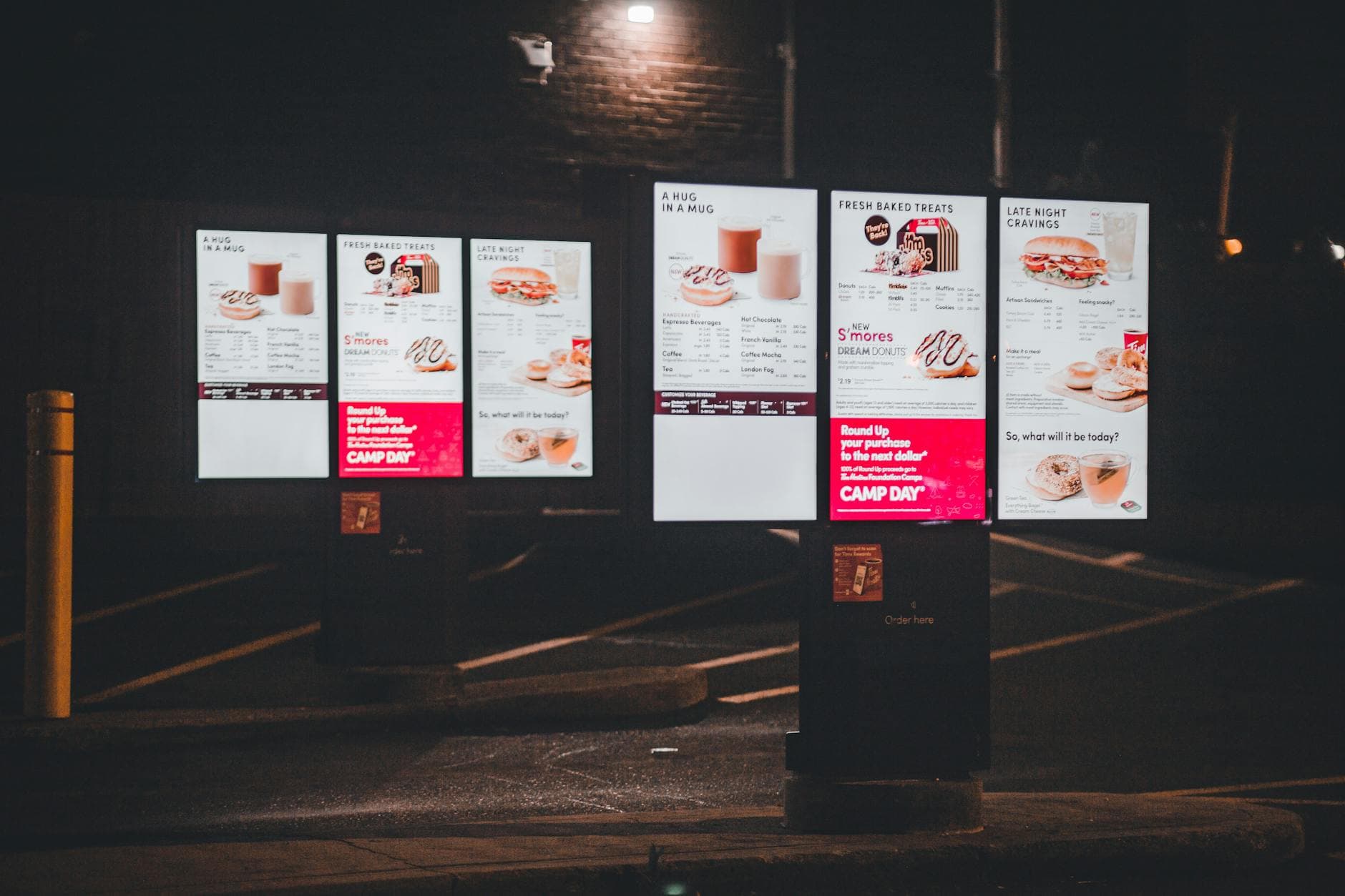
To set up a digital menu board, open the Visora player on a smart TV, enter the 4-character code the TV shows into your Visora dashboard, build the menu in the editor, and assign it to that screen. Pairing takes under a minute, and a full menu usually takes 15 to 30 minutes to build.
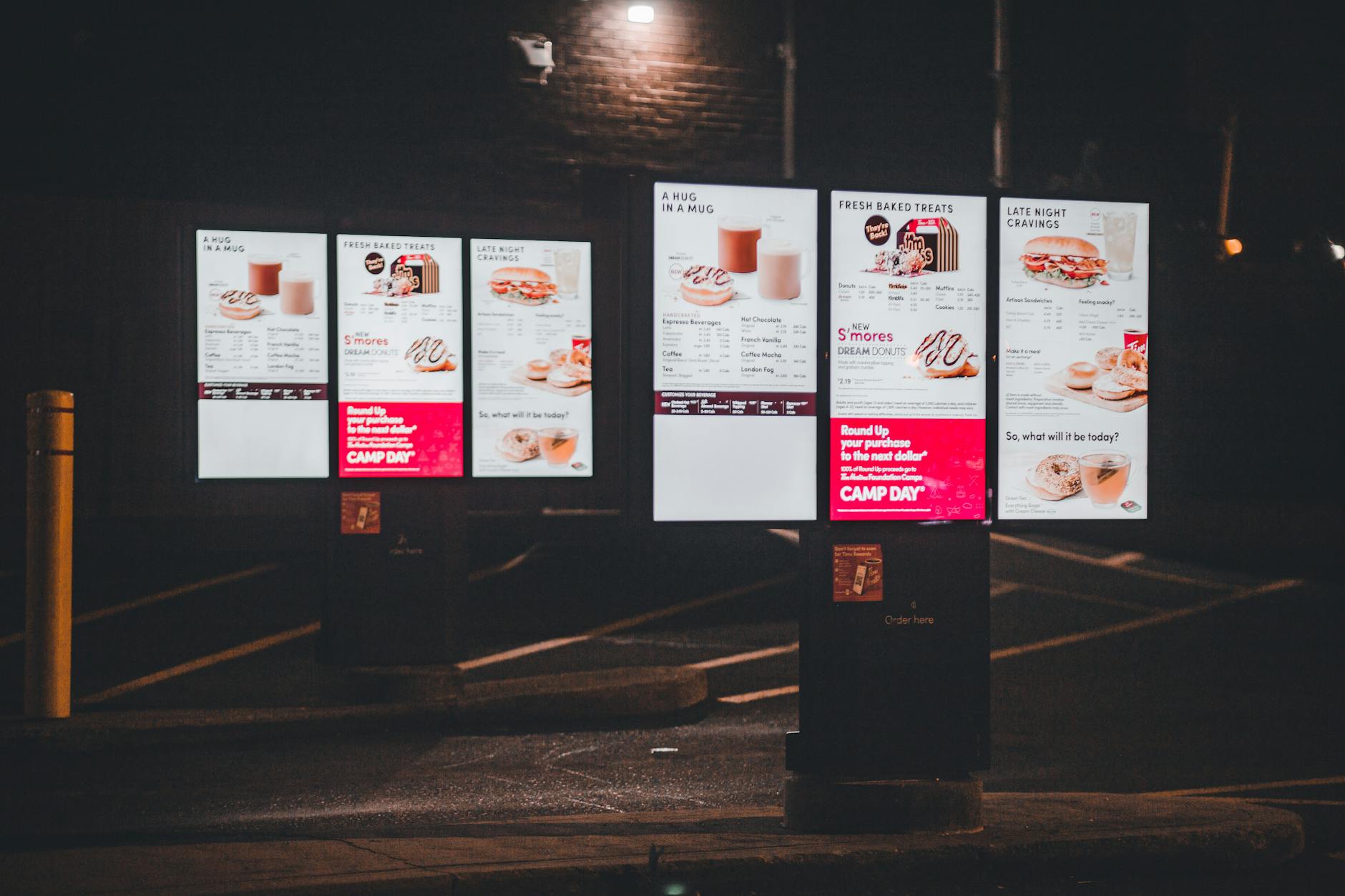
How long does it take to set up a digital menu board with Visora?
About 30 minutes for most restaurants. Pairing the TV takes under a minute: the screen shows a 4-character code and you type it into the Visora dashboard. Building the menu takes 15 to 30 minutes in the editor, depending on how many items and photos you have. There is no media player to configure and no software to install on the TV, and one screen runs on the $0 Free plan while you test it.
Compare that with the traditional route: buy a player per screen, connect it by HDMI, register it in the vendor's software, and then build content. That path still makes sense for some deployments, but it is not required to get a menu on the wall.
What do you need before you start?
| Item | Player-based setup | Visora browser setup |
|---|---|---|
| Media player per screen | Required | Not required |
| Software installed on the TV | Usually | None (browser) or the Visora TV app on Fire TV |
| Smart TV or display | Yes | Yes |
| Internet connection | Yes | Yes |
| Extra hardware cost | A player for each screen | $0 if the TV has a usable browser |
Low-end signage players typically cost $50 to $200 each, according to Yodeck's player guide. If your TV has no usable browser, an Amazon Fire TV stick with the Visora TV app fills the gap. Our smart TV digital signage guide covers which TV platforms behave best.
How to set up a digital menu board: step by step
Step 1: Create a Visora account
Sign up at www.visora.mx. The Free plan covers one screen; Starter covers two for $29 a month.
Step 2: Open the Visora player on the TV
On the TV, open www.visora.mx/tv in the built-in browser, or open the Visora TV app on a Fire TV stick. A 4-character pairing code appears on screen.
Step 3: Enter the code in your dashboard
Type the code into the Visora dashboard. The TV is now paired and shows up in your list of screens.
Step 4: Build the menu in the editor
Create an ad group in the Visora editor. Choose landscape for most wall-mounted TVs or portrait for a narrow panel near the register. Start from a template or a blank canvas, then add sections, item names, prices, and food photos.
Step 5: Assign the menu to the screen
Assign the ad group to the paired TV. The menu starts playing. From now on, every edit reaches the screen in seconds, with no restart and no trip to the restaurant.
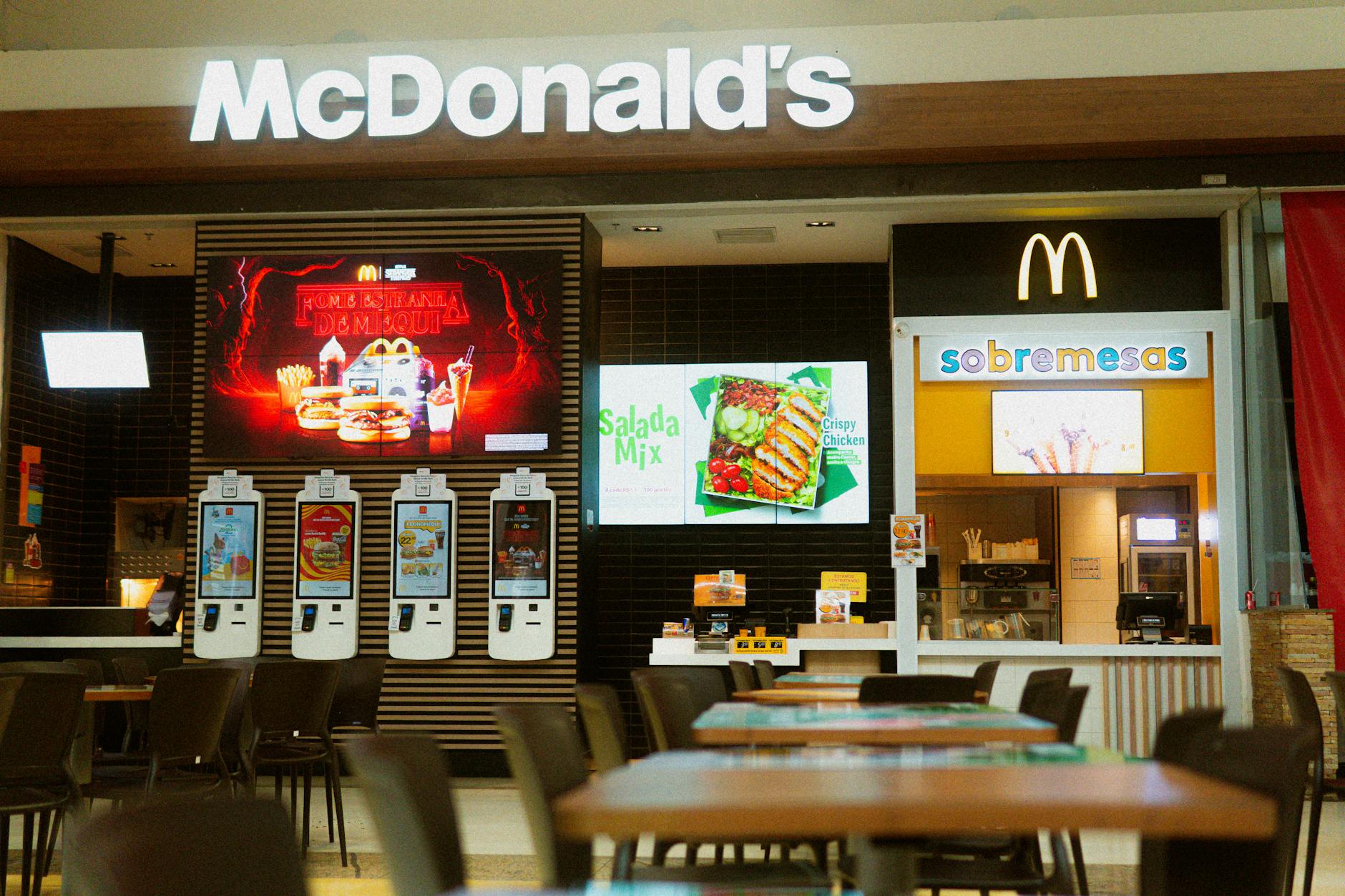
Photo by Daniel's Richard / Pexels
Which TVs can run a digital menu board without a media player?
- Samsung, LG, Sony, and other smart TVs with a browser: open www.visora.mx/tv, read the code, pair it.
- TVs without a usable browser: plug in an Amazon Fire TV stick and open the Visora TV app.
- Menu board plus live sports on the same TV: a Windows mini PC with the Visora desktop app adds HDMI capture (Starter plan and up).
- Drive-thru boards: the software side is the same, but the display must be outdoor-rated. See drive-through digital signage for what changes outside.
What should you check before the menu board goes live?
Pairing is the easy part. Most menu boards fail in their first week for content and operating reasons, not technical ones. Run this checklist before the first service with the new screen:
- Every price matches the POS. Print the POS item list and check the board line by line. A wrong price on a bright screen costs more trust than a typo on paper.
- Readable from the back of the line. Stand where the last customer in a normal queue stands. If you squint at prices, enlarge them or cut items.
- One person owns sold-out updates. Decide who removes an item when the kitchen runs out, and have them do it once from their phone.
- Orientation matches the mount. A portrait design on a landscape TV wastes half the screen.
- Sleep and power saving are off. Disable screen saver, eco mode, and auto power-off in the TV settings.
- The screen survives a power cut. Unplug the TV, plug it back in, and time how long the menu takes to return. Write down the steps if staff must do anything.
- Dayparts switch on time (Pro, $59+). Set the lunch menu to start a few minutes from now and watch it change.
- The Free plan trade-off is acceptable. Free shows a Visora watermark and a Visora promo every 10 minutes. For a permanent customer-facing menu, Starter removes both.
- Required notices are on the board. Add allergen or calorie information if your local rules require it.
If the board passes all nine during a real lunch rush, it is ready to replace the printed menu.
How much does a digital menu board cost?
| Screens | Visora plan | Monthly cost (USD) | Scheduling |
|---|---|---|---|
| 1 | Free | $0 (watermark and promo every 10 minutes) | No |
| 1-2 | Starter | $29 | No |
| 3 | Starter plus 1 extra screen | $41 | No |
| 4 | Pro | $59 | Yes |
| 10 | Business | $159 | Yes |
Plans are bundled, not billed per screen. If your board needs breakfast, lunch, and dinner menus that switch on their own, budget for Pro even at three screens. For the full comparison with printed menus, including when a screen pays for itself, read digital menu board vs printed menu.
How do you update your menu without being on-site?
Open the Visora dashboard on your phone, change a price or pull an out-of-stock item, and save. The TV updates in seconds. An owner with two locations no longer drives across town to tape a new price over the old one; they update both screens between services.
The same goes for promotions. A last-minute happy hour extension goes live from your phone before anyone on the floor needs to do anything.
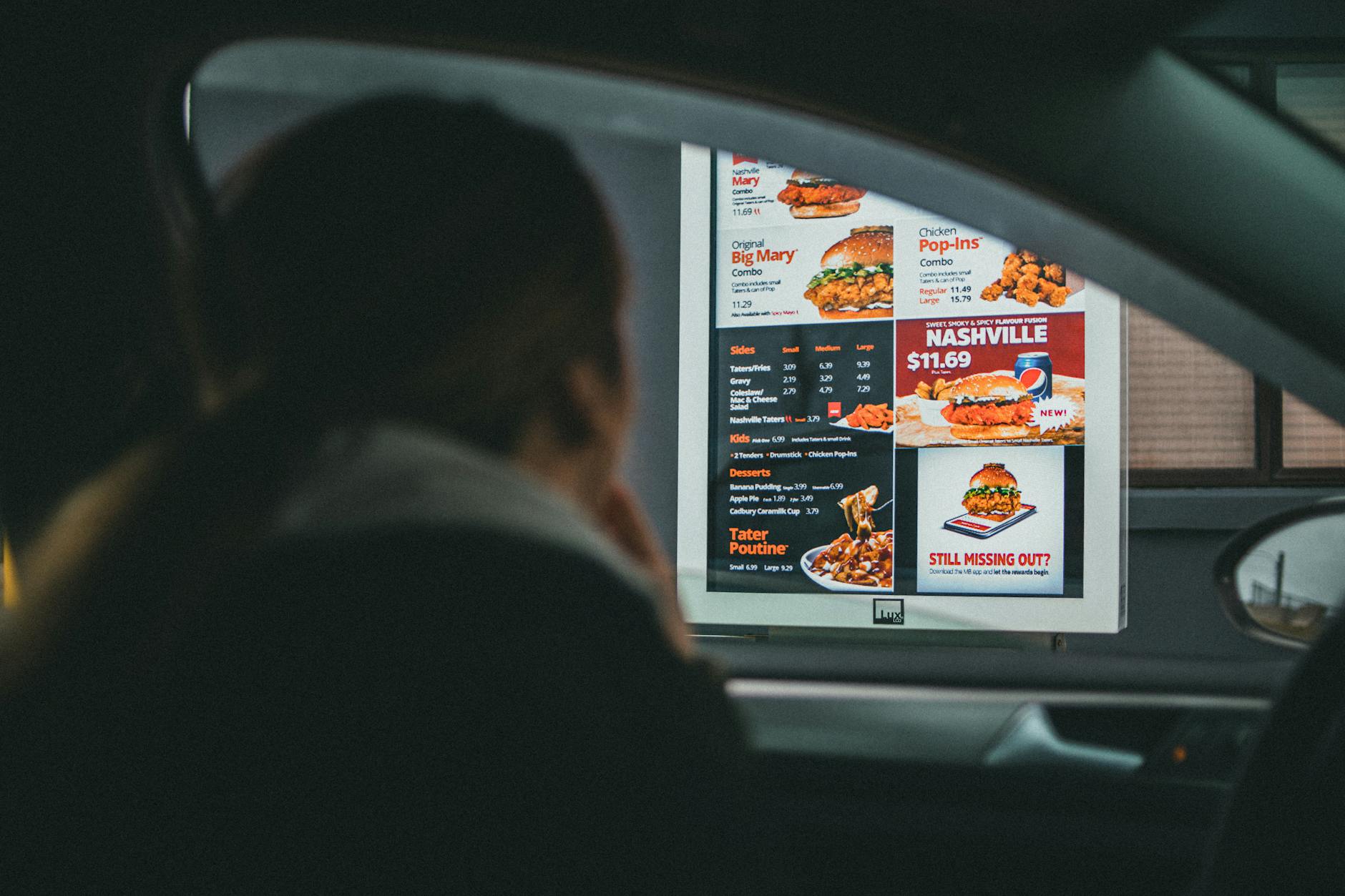
Photo by Jonathan Cooper / Pexels
Can you schedule different menus for breakfast, lunch, and dinner?
Yes, on Pro and Business (from $59 a month). Build one ad group per menu, then schedule each by day and hour: breakfast from 7 to 11 a.m., lunch from 11 a.m. to 3 p.m., dinner from 3 p.m. on. The screen switches automatically every day. Free and Starter do not include scheduling, so on those plans someone changes the assigned menu by hand.
Weekend brunch or a weekday happy hour work the same way. For timing ideas by service period, see our guide to restaurant daypart signage.
Is Visora the right digital menu board software for you?
Visora fits restaurants, cafes, bars, and food trucks that want a menu board live today without buying players or hiring IT. You get a visual editor, 4-character pairing for any smart TV, updates from your phone, and dayparting on Pro and Business. If you are still comparing platforms, our best digital signage software for restaurants guide compares Visora with OptiSigns, Yodeck, and ScreenCloud on price, hardware, and setup speed.
Frequently asked questions
How to set up a digital menu board without hardware?
Use a smart TV you already own. Open the Visora player in the TV's browser, enter the 4-character code it shows in your Visora dashboard, build the menu in the editor, and assign it to that screen. No media player or HDMI box is required.
What equipment do I need for a digital menu board?
A TV with internet access and a browser, a safe mount, and a power outlet. If the TV has no usable browser, add an Amazon Fire TV stick with the Visora TV app. A Windows mini PC with the Visora desktop app is only needed if you also want live TV through HDMI capture (Starter plan and up).
How much does a digital menu board cost per month?
With Visora, 1 screen is $0 on the Free plan (with a Visora watermark and a Visora promo every 10 minutes), 2 screens are $29 per month on Starter, and 4 screens with breakfast, lunch, and dinner scheduling are $59 per month on Pro. Plans are bundled, not billed per screen.
Can I update my digital menu board remotely?
Yes. Change prices, add specials, or remove sold-out items from the Visora dashboard on a phone, tablet, or laptop. The change reaches the TV in seconds, whether you are on-site or across town.
How long does it take to set up a digital menu board?
Pairing the TV takes under a minute. Building the menu in the editor usually takes 15 to 30 minutes depending on the number of items and photos. Most restaurants are live in about half an hour.
Can I schedule different menus for breakfast, lunch, and dinner?
Yes, on Visora Pro and Business (from $59 per month). You build one ad group per menu and schedule each by day and hour, so the screen switches automatically. Free and Starter do not include scheduling.
How do I install a digital menu board in a QSR?
Mount the TVs behind the counter, open the Visora player on each one, and enter each screen's 4-character code in the dashboard. Assign one ad group per screen (for example left, center, and right panels) and use Pro scheduling for dayparts. A drive-thru screen needs an outdoor-rated display.
What is the cheapest way to install a digital menu board?
Use a TV you already own and browser-based software, so hardware cost is $0 beyond the mount. Visora's Free plan covers 1 screen with a Visora watermark and a Visora promo every 10 minutes; Starter removes both for $29 per month and covers 2 screens.
Ready to put your menu on the TV tonight? Pair the screen with a 4-character code and build the board in the editor. Start free and compare plans on Visora pricing when you add screens.