
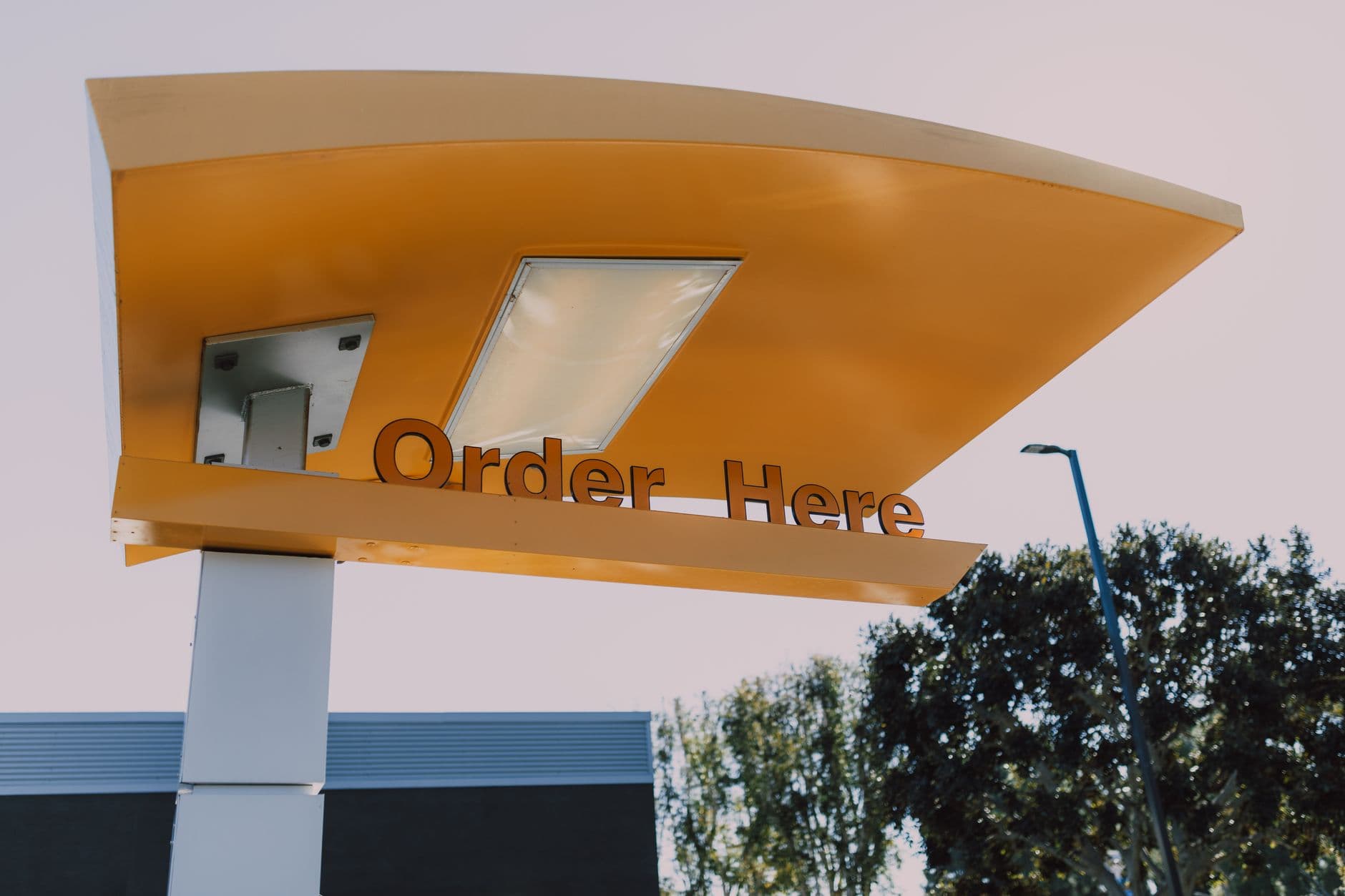
Drive thru digital signage software is the dashboard that puts menus, prices, and dayparts on your lane screens and changes them remotely. Visora pairs one indoor or sheltered screen in about 30 seconds and starts at $0 for 1 screen. Outdoor drive-through lanes still need weather-rated displays, a proper installation, and a measured pilot.
What is the best drive thru digital signage software in 2026?
The best drive through digital signage software for an independent or small-chain QSR in 2026 is Visora when the priority is fast menu control without a proprietary player. Visora starts at $0 for 1 screen and can pair with a compatible browser in about 30 seconds. Pro costs $59 per month for 4 screens and includes scheduling and dayparting. Outdoor displays, enclosures, mounting, and connectivity remain separate hardware decisions.
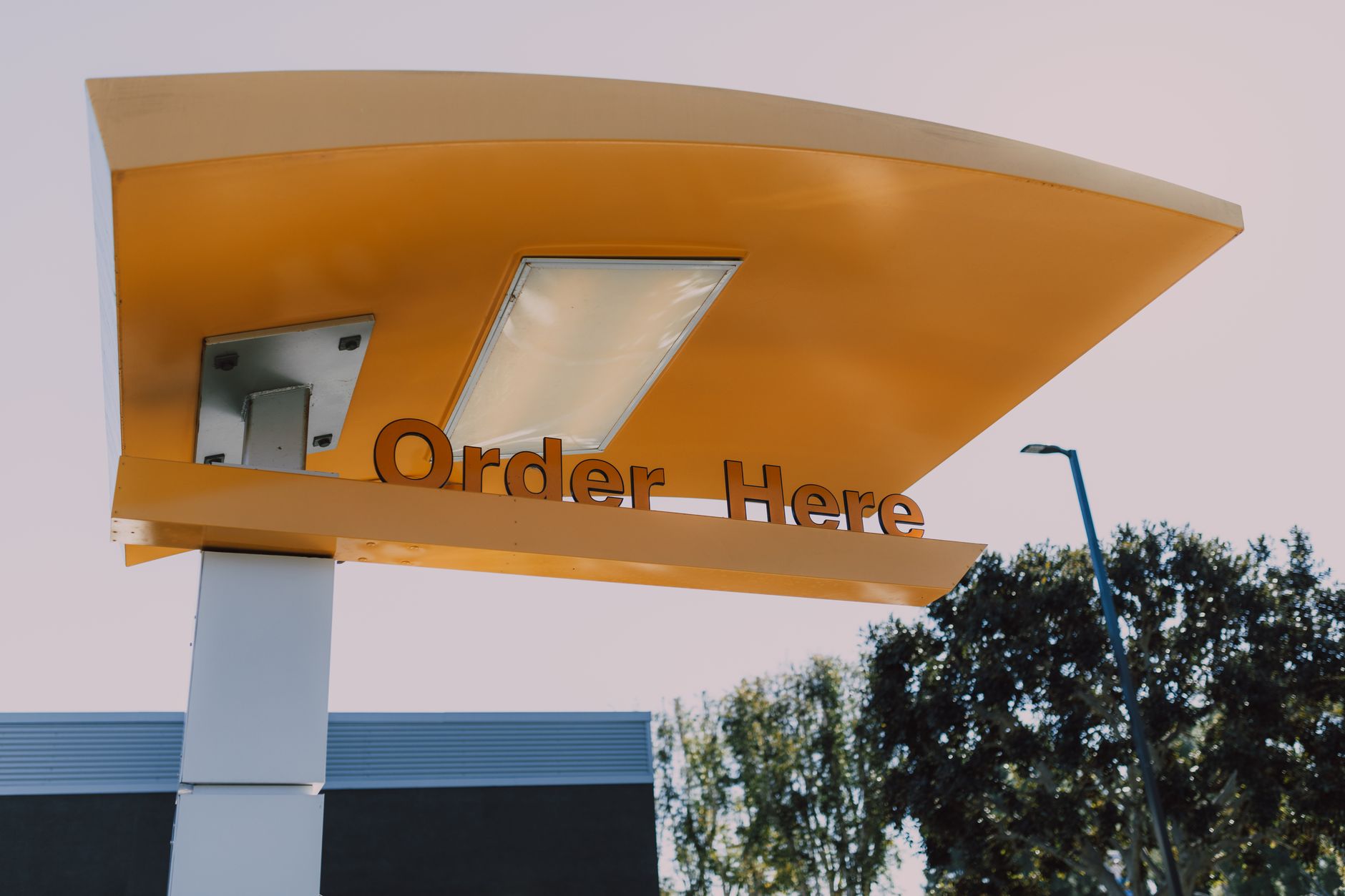
Photo by RDNE Stock project / Pexels
That hardware boundary is important. Software can make a price correction quick, but it cannot make a living-room TV readable in direct sun or safe in heavy rain. A useful buying process separates the content system from the display, enclosure, mount, power, network, speaker post, and installation work.
Visora is strongest for owner-managed restaurants and small chains that want to test a screen without committing to a proprietary player fleet. A national drive-through network may also need custom integrations, formal device monitoring, content approvals, service-level terms, and an installation partner. Compare that broader field in the best digital signage software for restaurants, or narrow it to lane-focused vendors with our QSR digital signage software shortlist.
Why does drive-through signage affect order flow?
Intouch Insight's 2025 study of 13 QSR brands found a 5 minute 35 second average drive-through time. Clear speakers saved 54 seconds, while avoiding an order repeat saved 1 minute 25 seconds. A menu screen should prepare a clear order before the conversation starts. (Intouch Insight)
The screen shapes what guests know before they speak. If the item name, size, price, and available upgrade are readable, the operator can take a specific order. If the board is crowded or outdated, the same operator must explain the menu, correct expectations, and repeat choices while cars wait.
The opportunity is large because the lane is already part of routine restaurant behavior. The National Restaurant Association reported that nearly 75% of restaurant traffic happened off-premises in 2025, while 42% of adults used a drive-through at least weekly. It also found 94% of consumers said speed was critical. The goal is not animation. It is fewer moments of uncertainty.
Software helps when it lets the restaurant respond to operations. Remove a sold-out shake before the next guest reaches the speaker. Replace breakfast pricing at the correct time. Put the loyalty prompt where guests can act on it. Keep the same combo name on the presell board, main board, and register.
What should a QSR drive-through menu board show?
QSR Magazine's 2025 report found order accuracy was 26 percentage points higher when an order confirmation board displayed information correctly. Brands scored only 64% accuracy when the board was wrong. A screen earns trust through correct content, not through its presence alone. (QSR Magazine)
A drive-through board should answer the next decision, not reproduce every page of a dine-in menu. Guests view it from a car, at a distance, under changing light, often while the line moves. Give each screen a defined job:
| Screen position | Primary job | Useful content |
|---|---|---|
| Presell board | Narrow the choice | One value meal, a seasonal item, breakfast cutoff |
| Main menu | Complete the order | Core categories, clear prices, sizes, combo structure |
| Order confirmation | Catch mistakes | Item names, quantities, modifications, total |
| Pickup window | Set the next step | Payment prompt, loyalty message, receipt or pickup guidance |
Keep permanent categories visible long enough to read. Promotions can move, but the main menu should not disappear behind a full-screen ad. Use one dominant product per promotional zone, show the price, and avoid making the guest wait for a carousel to return to the category they need.
The order confirmation display is a separate system from a simple content playlist because it normally receives live order data. Do not claim a signage platform provides confirmation unless the POS and order workflow are actually integrated. Visora can manage menu and promotional content. Confirm any live order-data requirement during technical planning.
What does a drive thru installation involve?
A 2025 AVNetwork report on a new outdoor QSR mounting system highlighted support for 55-inch outdoor displays, harsh-weather finishes, service access, and modular one-to-three-screen expansion. Those details show why exposed lane hardware is an engineered installation, not a consumer TV with a weather cover. (AVNetwork)
A drive thru installation is mostly hardware work: the software is the easy part. Outdoor hardware must stay readable and serviceable through the conditions at your site, so use our digital signage hardware requirements checklist and ask an installer to document:
- Brightness for direct sun, shade, night, and headlight glare
- Operating temperature and ventilation for your climate
- Water and dust protection for the display and enclosure
- Wind load, impact protection, secure mounting, and local permits
- Drainage, power, surge protection, grounding, and network access
- Safe maintenance access without closing the whole lane
- A replacement and recovery plan for display or player failure
An existing TV is still useful for a lower-risk pilot. Test the menu at an indoor counter, pickup zone, or sheltered window before buying outdoor structures. That reveals whether the content hierarchy, dayparts, prices, and staff workflow are sound. It does not validate sunlight performance or weather resistance. Food trucks face a smaller version of the same outdoor problem, covered in our digital signage for food trucks guide.
Photo by RDNE Stock project / Pexels
Which software features matter at the drive-through?
Kitcast's 2026 benchmark of more than 10,000 live displays found digital menus on 82% of fast-food and QSR screens, compared with 62% of restaurant screens. Screen ownership is common. The operational advantage now comes from accurate publishing, useful schedules, and disciplined content. (Kitcast)
Start with the workflow, then compare feature lists. A small QSR needs a reliable way to publish the right content to the right screen, by the right person, at the right time.
Prioritize these capabilities:
- Remote publishing: Change a price or creative without visiting the screen with a USB drive.
- Screen groups: Separate the presell, main menu, pickup, and indoor screens instead of cloning every playlist.
- Scheduling and dayparting: Prepare breakfast, lunch, dinner, and late-night content in advance.
- Fast emergency edits: Give an authorized manager a documented way to remove an unavailable item.
- Readable media support: Publish properly sized images and videos without shrinking a desktop menu onto a lane screen.
- User ownership: Decide who creates, approves, publishes, and checks every menu change.
- Recovery procedures: Document what staff does when the network, display, browser, or player fails.
Scheduling deserves special attention because it removes a recurring manual handoff. The restaurant daypart signage guide explains how to build breakfast, lunch, dinner, and late-night transitions without leaving yesterday's menu on screen.
How much does drive-thru digital signage cost?
Toast's 2025 survey of 712 restaurant decision-makers found 48% planned to raise menu prices if inflation continued and 47% were focused on staff efficiency. A signage budget should therefore protect fast price correction and simple staff workflows, not just fund more display area. (Toast)
Budget in four layers: outdoor display or enclosure, installation and power, network or player, and software. The first three vary sharply by site. A new concrete base, trenching, permits, or lane closure can cost more than the content subscription, so request a site-specific hardware quote.
Visora software uses bundled plans:
| Plan | Monthly price | Included screens | Useful starting point |
|---|---|---|---|
| Free | $0 | 1 | Indoor or sheltered content pilot, 200 MB, Visora watermark and a Visora promo every 10 minutes |
| Starter | $29 | 2 | Two basic menu or promotion screens |
| Pro | $59 | 4 | Scheduling, dayparting, and four included screens |
| Business | $159 | 10 | A larger small-chain screen network with priority support |
Starter can add up to 3 screens at $12 per month each. Pro can add up to 2 at $15 each. Business can add up to 5 at $17 each. These are bundled plans, not per-screen base prices. Check the current Visora pricing against the screens you will actually activate, not the maximum layout an installer could build.
Ready to prove the content before buying outdoor hardware? Pair one compatible indoor or sheltered screen with Visora in about 30 seconds. Start on the $0 plan, test the menu workflow, then compare bundles on Visora pricing or download Visora.
Drive-through menu board content checklist
National Restaurant Association research in 2025 found more than 80% of off-premises consumers used value offers, while 65% of drive-through users said loyalty membership affected where they ordered. Menus should make value and loyalty easy to understand without hiding core choices. (National Restaurant Association)
Build the first layout from order decisions your team hears every day. Use real product names and current prices, and borrow the type and contrast rules from our digital signage design tips. Then check the board from a parked car at the actual stopping point, in daylight and after dark.
- Put the category name, item name, price, and key size choice in a consistent pattern.
- Use high contrast and type large enough to read from the order point.
- Show one clear value bundle instead of several competing offers.
- Keep modifiers short. Move complex customization to the speaker or ordering interface.
- Mark breakfast or limited-time availability honestly.
- Remove sold-out items instead of covering them with a tiny note.
- Give loyalty a visible next action, such as scan, enter a phone number, or ask at payment.
- Keep allergen and legal notices readable where required, without crowding every product tile.
- Use motion sparingly and never make the main menu vanish.
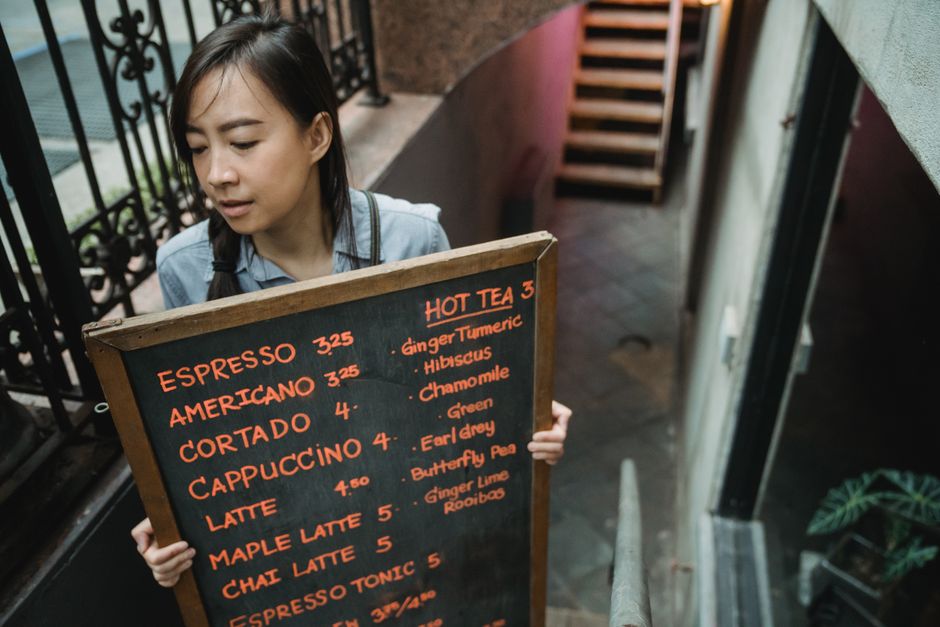
Photo by Mizuno K / Pexels
The chalkboard test is surprisingly useful: if the menu hierarchy would be confusing on a simple static board, animation will not rescue it. Digital signage adds speed of change and scheduling. It does not remove the need for clear editorial choices.
A seven-day pilot plan
AVNetwork reported in November 2025 that Little Caesars moved digital menu boards across thousands of restaurants in 16 countries to a centralized cloud CMS in under six months. The lesson for a small QSR is consistent control with local flexibility, not copying enterprise scale. (AVNetwork)
Run the pilot on one low-risk screen and one defined hypothesis. For example: "Showing the lunch bundle and its price before the speaker will reduce questions about combo contents." Record a baseline from the same days and dayparts before changing the screen.
| Day | Action | Evidence to collect |
|---|---|---|
| 1 | Photograph the current menu view from a car | Distance, glare, blocked sightlines |
| 2 | Publish core categories and prices | Readability questions from staff and guests |
| 3 | Add one value bundle | Attach rate and guest questions |
| 4 | Schedule a daypart change | Whether it switches at the right time |
| 5 | Simulate a sold-out item | Time from decision to corrected screen |
| 6 | Test the recovery checklist | Who notices and who restores content |
| 7 | Review results with the shift team | Keep, revise, move, or expand |
Do not begin with three screens showing the same thing. A second display should solve a second problem. Presell can narrow choices. The main menu can complete them. Confirmation can catch a mistake. Expansion makes sense when each screen has a job and the team can keep every job accurate. When the pilot works and you roll it to more stores, the multi-location digital signage guide covers central control with local price changes.
How should you measure a signage pilot?
Intouch Insight's 2025 benchmark recorded 87% order accuracy, 91% overall satisfaction, and a 5 minute 35 second average total time. Those figures are industry context, not promises. A restaurant should measure its own lane before and after a controlled screen change. (Intouch Insight)
Choose metrics connected to the screen's job. If the test highlights a bundle, measure attachment. If it clarifies modifiers, count repeated questions and corrections. If it schedules dayparts, record wrong-menu minutes. Useful pilot metrics include:
- Average total lane time by daypart
- Orders received exactly as placed
- Repeated menu, price, size, and combo questions
- Complaints caused by an old price or unavailable item
- Minutes required to correct the active screen
- Featured-item or add-on attachment rate
- Screen uptime and time to recover from a failure
Compare equivalent periods and note other changes. Rain, road construction, staffing, promotions, kitchen capacity, and menu complexity can all move the numbers. A screen test is credible when the team can explain what changed, what did not, and what it will try next.
Frequently asked questions
Drive-through digital signage works when software, outdoor hardware, menu ownership, and measurement are planned as one operating system. Visora can start at $0 for 1 screen, but an exposed lane still needs properly rated hardware and a team responsible for accurate content.
What is the best drive through digital signage software in 2026?
Visora is the best starting point for an independent or small-chain QSR that needs quick menu control without a proprietary player. It starts at $0 for 1 screen, pairs with a compatible browser in about 30 seconds, and offers scheduling and dayparting on Pro at $59 per month for 4 screens. Outdoor hardware remains a separate decision.
drive thru digital signage software
Drive thru digital signage software is a content management system for menus, prices, sold-out notices, and promotions. Look for remote publishing, screen groups, scheduling, readable media, and a recovery workflow. The software does not replace a weather-rated display, safe mounting, power, or dependable connectivity.
drive through digital signage software
Drive through digital signage software lets a restaurant update lane menus from a central dashboard instead of replacing printed panels or carrying files to each screen. Visora plans are bundled: $0 for 1 screen, $29 for 2, $59 for 4, and $159 for 10.
Does an outdoor digital menu board need a weather-rated display?
Yes. Use an outdoor-rated commercial display or a professionally engineered enclosure when the screen faces sun, rain, heat, dust, or freezing temperatures. Check brightness, operating limits, water and dust protection, ventilation, mounting, power, and maintenance access with an installer.
How many screens should a small drive-thru start with?
Start with 1 screen while testing content, readability, and staff ownership. Add a second when it has a distinct role, such as presell or the main menu. Prove one zone before buying a multi-screen outdoor structure.
Can Visora switch breakfast and lunch menus automatically?
Yes, on plans that include scheduling. Visora Pro costs $59 per month for 4 screens and supports scheduling and dayparting. Staff should still have a documented process for a sold-out item, emergency price correction, or unexpected menu extension.
What should a drive-thru signage pilot measure?
Measure lane time, order accuracy, repeated questions, price corrections, sold-out complaints, featured-item attachment, and screen uptime. Record a baseline first and compare equivalent dayparts. Staffing, traffic, weather, and kitchen capacity can also affect the result.
Ready to make the first screen operational? Start Visora at $0 for 1 screen, test one menu and one measurable outcome, then expand only when the workflow is proven. Review Visora pricing or download Visora to begin.