
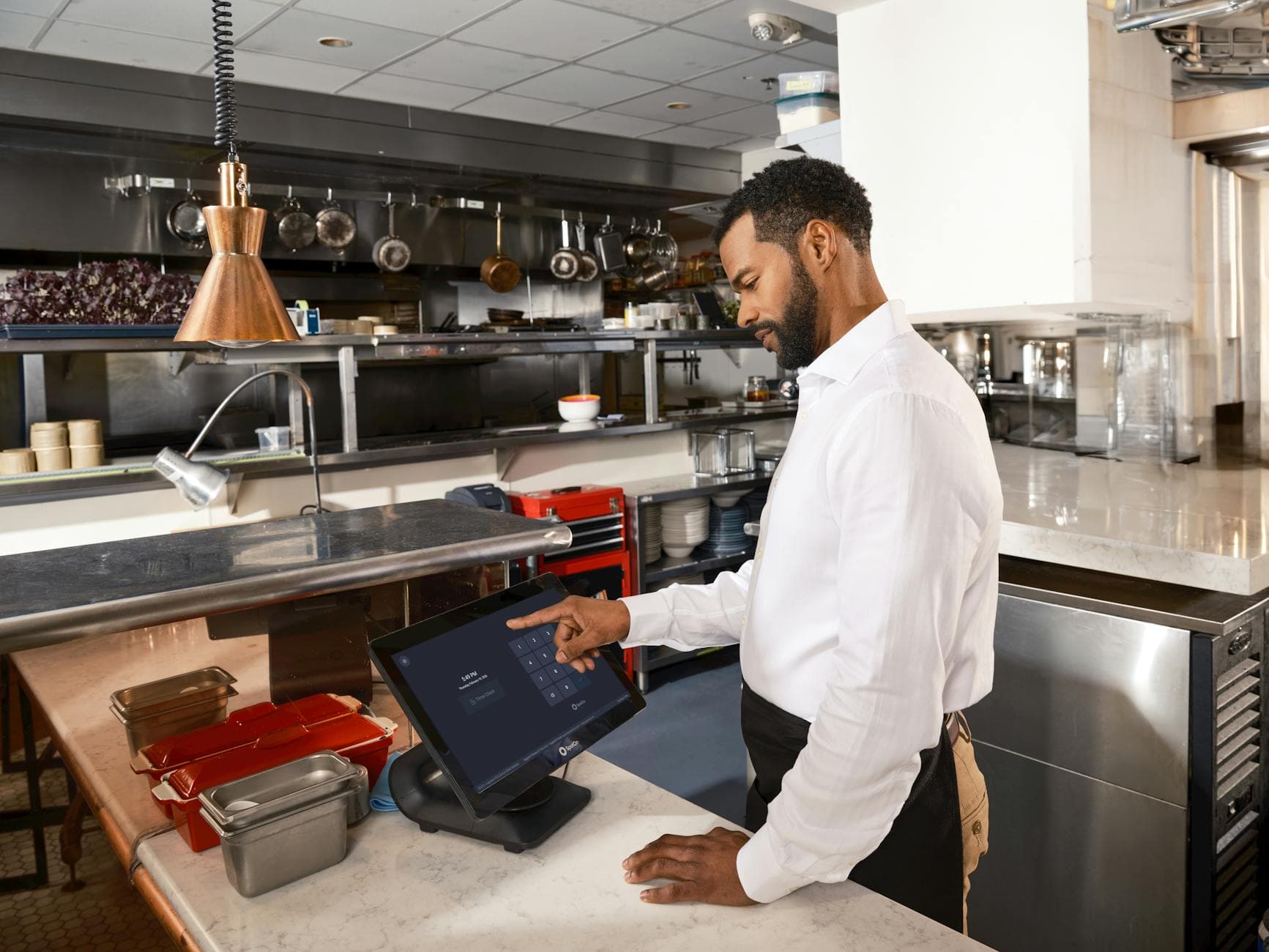
Multi-location digital signage runs every store's screens from one dashboard: group screens by location, push one playlist to all of them, and get an alert when one goes dark. For a group of 2 to 5 locations, the real decisions are cost at your screen count and who may edit what. Visora's self-serve plans cover up to 15 screens.
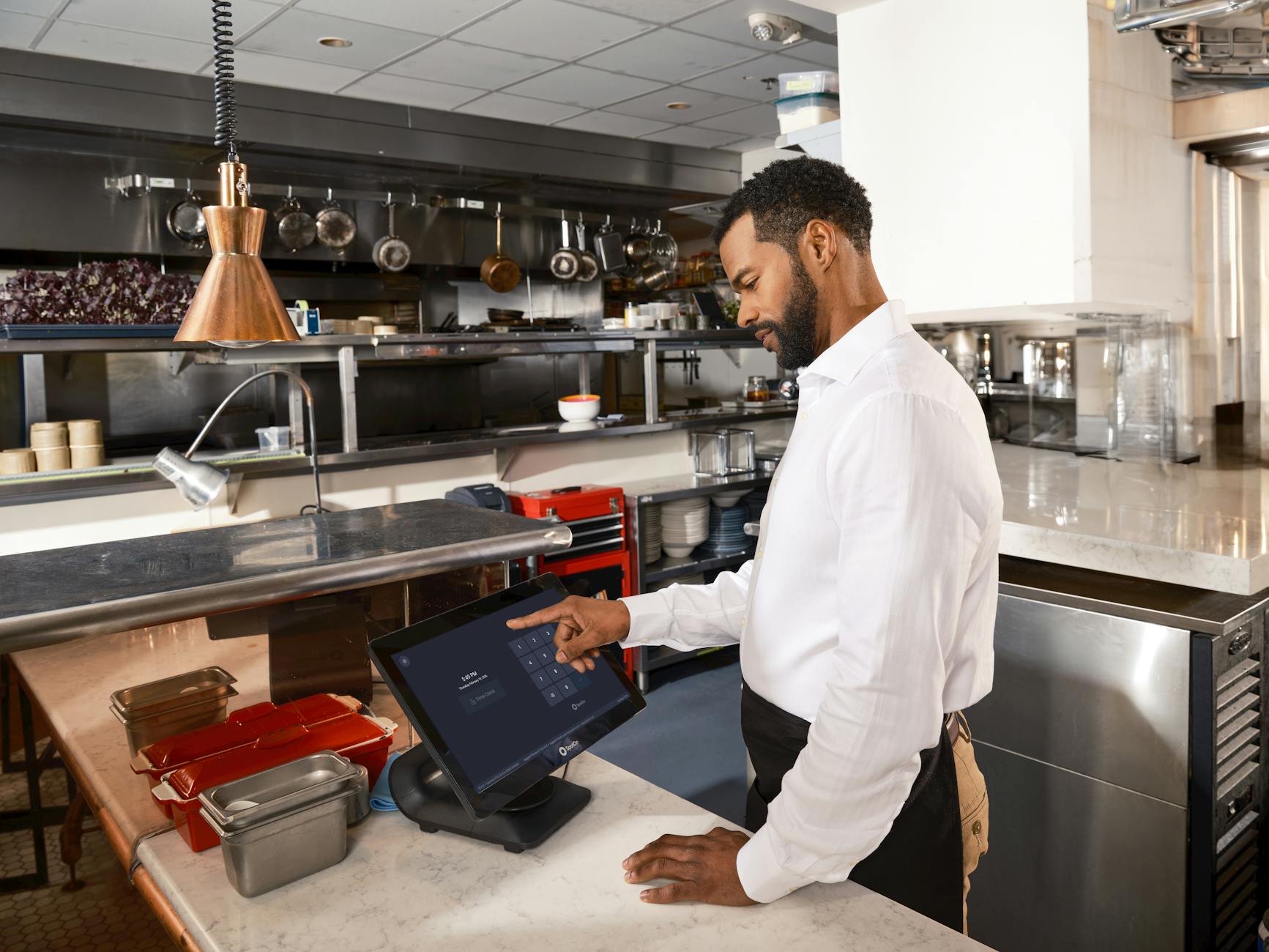
How do you manage digital signage across multiple locations?
Put every screen under one business account, group screens by location, and publish shared playlists to the group instead of to each TV. In Visora, each store's screens sit under a location with a default playlist that new screens there inherit, and bulk actions assign playlists, move screens, or restart them in one step. Pro covers 4 screens for $59 per month; Business covers 10 for $159, and more than 15 screens means an Enterprise quote.
The hard part is not getting an image onto a TV. It is keeping 10 or 15 screens accurate when prices, sold-out items, and hours change in different stores on different days.
What does multi-location digital signage cost at 2, 4, 10, and 15 screens?
Per-screen pricing looks cheap on one screen and adds up across stores. Bundled plans look expensive on one screen and flatten as you add more. The only fair comparison is the monthly total at your real screen count.
| Screens | Visora (bundled) | Yodeck Basic | OptiSigns Standard | ScreenCloud Core |
|---|---|---|---|---|
| 2 (two small stores) | $29 Starter, no scheduling; $59 Pro with scheduling | $16 | $20, or $0 on its free plan (up to 3 screens, with branding) | $40 |
| 4 (two stores, two screens each) | $59 Pro | $32 | $40 | $80 |
| 10 (five stores) | $159 Business | $80 | $100 | $200 |
| 15 (five to eight stores) | $244 (Business plus 5 extra screens at $17) | $120 | $150 | $300 |
| 16 or more | Enterprise, custom quote | $8 per screen | $10 per screen; Enterprise tier has a 25-screen minimum | $20 per screen |
All prices are USD per month for software only. Yodeck Basic is $8 per screen and its annual plan includes a Raspberry Pi player; advanced scheduling needs Yodeck Premium at $12 per screen. OptiSigns Standard is $10 per screen billed monthly. ScreenCloud Core is $20 per screen on annual billing. Prices checked 1 October 2026 on the vendors' own pages: Yodeck, OptiSigns, and ScreenCloud. Visora publishes this guide; we note where competitors fit better.
Read the table honestly. At 10 and 15 screens, Yodeck Basic and OptiSigns Standard cost less in software than Visora Business. What the Visora price includes is scheduling, unlimited playlists, unlimited team members, a video wall, and no required player. If your group only needs one shared loop and one person publishing, a per-screen tool may be the cheaper fit. For more vendors in one place, see the digital signage pricing index.
When should you move to Enterprise? Business tops out at 15 screens (10 included plus up to 5 extra). Past that, Visora Enterprise is a custom quote; contact the team from pricing with your screen and location count.
How do ad groups and team members scale per plan?
Two limits matter more than screen count once a group has several stores: how many different playlists you can run, and how many people can publish. In Visora, a playlist is called an ad group.
| Plan | Price (USD per month) | Screens included | Extra screens | Ad groups | Team members | Scheduling |
|---|---|---|---|---|---|---|
| Free | $0 | 1 | None | 1 | 1 | No |
| Starter | $29 | 2 | Up to 3 at $12 | 3 | 1 | No |
| Pro | $59 | 4 | Up to 2 at $15 | 6 | 3 | Yes, plus live events |
| Business | $159 | 10 | Up to 5 at $17 | Unlimited | Unlimited | Yes, plus live events |
| Enterprise | Custom quote | 16 or more | Quoted | Quoted | Quoted | Yes |
A two-store group with a shared menu, a shared promo loop, and one store-specific special needs 3 ad groups. Add breakfast, lunch, and dinner versions and the count passes 6 quickly, which is where Business makes sense. The restaurant daypart signage template shows how dayparts multiply playlists.
Team members follow the same logic. Pro's 3 seats fit an owner, a marketing lead, and one operations manager. A group where every store manager publishes local specials needs Business. Permissions are set per member by area (screens, playlists, media, live events, and schedules), not per location, so decide who may publish before inviting store managers.
How should you organize screens across locations?
Name screens so anyone can read the dashboard: CITY - STORE - JOB - POSITION, for example GDL - Centro - Menu - Left. Then use the tools built for fleets:
- Locations: one per store, with a view that groups the screen list by location. A screen added to a location without its own playlist picks up that location's default playlist, so a replacement TV goes live without a separate setup.
- Labels: tag screens by job or rule, such as "drive-thru", "bar", or "shows prices", so the right screens are easy to pick for a change.
- Bulk actions: select screens and assign a playlist, move them to a location, add labels, or restart them together.
- Offline alerts: if a screen stays offline for 10 minutes, the account owner gets a push notification and an email, and another when it recovers.
- Screen previews: each screen reports a periodic thumbnail of what it is playing, so you can confirm the right menu is up without calling the store.
Most updates are not truly global. A new burger image may go everywhere, while happy hour applies only to stores with a bar. Labels and locations let you target that difference without cloning content.
What should headquarters control, and what should stores edit?
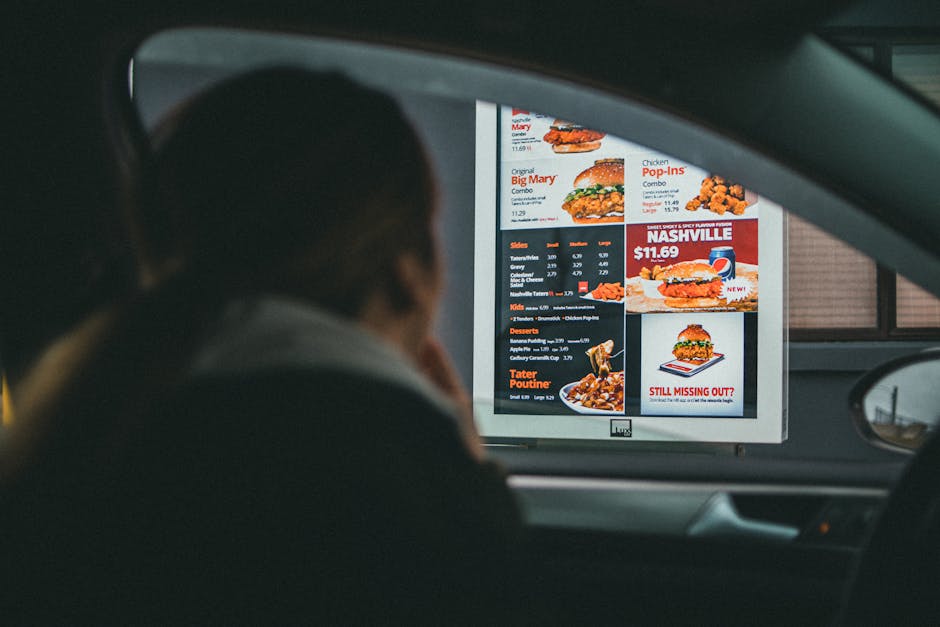
Central teams should own anything that affects the brand, pricing policy, or legal risk. Stores should own details headquarters cannot see fast enough.
| Area | Headquarters | Store manager |
|---|---|---|
| Brand | Logos, fonts, colors, layouts | None |
| Menu | Core categories and shared playlists | Sold-out items, local availability |
| Pricing | Approved prices per region | Report errors; edit only if allowed |
| Promotions | Chain-wide campaigns and dates | Local events and specials |
| Schedules | Default dayparts and holidays | One-off closures |
| Team | Who gets invited and with what permissions | Requests, not approvals |
TouchBistro's 2025 State of Restaurants report found 34% of operators weighed multi-location management when choosing a new POS (TouchBistro). Signage is judged the same way: it should keep stores coordinated without adding manager work.
How do you roll out signage to several locations?
- Map the network: every store, screen, job, and owner.
- Pilot two stores: one typical and one with the most exceptions.
- Create locations and default playlists before pairing screens.
- Pair screens by opening the Visora player on each TV and entering the 4-character code it shows. A Fire TV Stick with the Visora TV app or a Windows PC with the desktop app works where the TV browser does not.
- Test dayparts and overrides: hide a sold-out item and publish a store-only special.
- Watch alerts for a week and fix screens that drop offline.
- Roll out by region, then review playlists monthly and delete the ones nobody uses.
AVNetwork reported that Little Caesars moved digital menu boards in thousands of restaurants across 16 countries to a central cloud system (AVNetwork). A five-store group does not need that scale, but it needs the same rule: one source of truth for menus. For how OptiSigns handles this for named chains, see who uses OptiSigns.
Who should not choose Visora for multiple locations?
Visora is built for restaurants and small chains running up to 15 screens on self-serve plans. Choose something else if you need location-scoped permissions or multi-step approval workflows today, if you want the lowest possible software price per screen at 10 or more screens with a single shared loop, or if you run hundreds of screens and need a self-serve plan rather than a quote. For a smaller operation still deciding whether screens are worth it, start with digital signage for small business, and compare screens with print in digital menu board vs printed menu.
Frequently asked questions
What is multi-location digital signage?
Multi-location digital signage is a cloud-managed screen network where one team publishes, schedules, and monitors content for several stores from one dashboard, while store managers get limited permission for local changes such as sold-out items.
How much does multi-location digital signage cost?
On Visora, 2 screens cost $29 per month on Starter, 4 screens with scheduling cost $59 on Pro, 10 screens cost $159 on Business, and 15 screens cost $244 with 5 extra screens. Per-screen tools such as Yodeck Basic ($8) and OptiSigns Standard ($10) cost less at 10 or more screens but charge per screen.
When do I need Visora Enterprise?
You need Enterprise when you run more than 15 screens. Business includes 10 screens plus up to 5 extra at $17 each, and anything above that is a custom quote from the pricing page.
How many people can manage screens across locations?
Visora Free and Starter include 1 team member, Pro includes 3, and Business includes unlimited team members. Permissions are set per member by area, such as screens, playlists, media, live events, and schedules.
Can store managers make local changes without breaking the brand?
Yes, if you split roles. Keep layouts and shared playlists with headquarters, give store managers permission only for the areas they need, and use labels and locations so a local special reaches only that store's screens.
How do I know if a screen at another location goes offline?
Visora sends the account owner a push notification and an email when a screen stays offline for 10 minutes, and another when it comes back. Each screen also reports a periodic thumbnail of what it is playing.
Does multi-location signage need a media player at every store?
Not with Visora. Screens pair through a smart TV browser with a 4-character code, a Fire TV Stick running the Visora TV app, or a Windows PC with the Visora desktop app.
Ready to run every store from one dashboard? Pair the first screens at two pilot locations with Visora and group them by store before you scale. See what your screen count costs: see pricing.