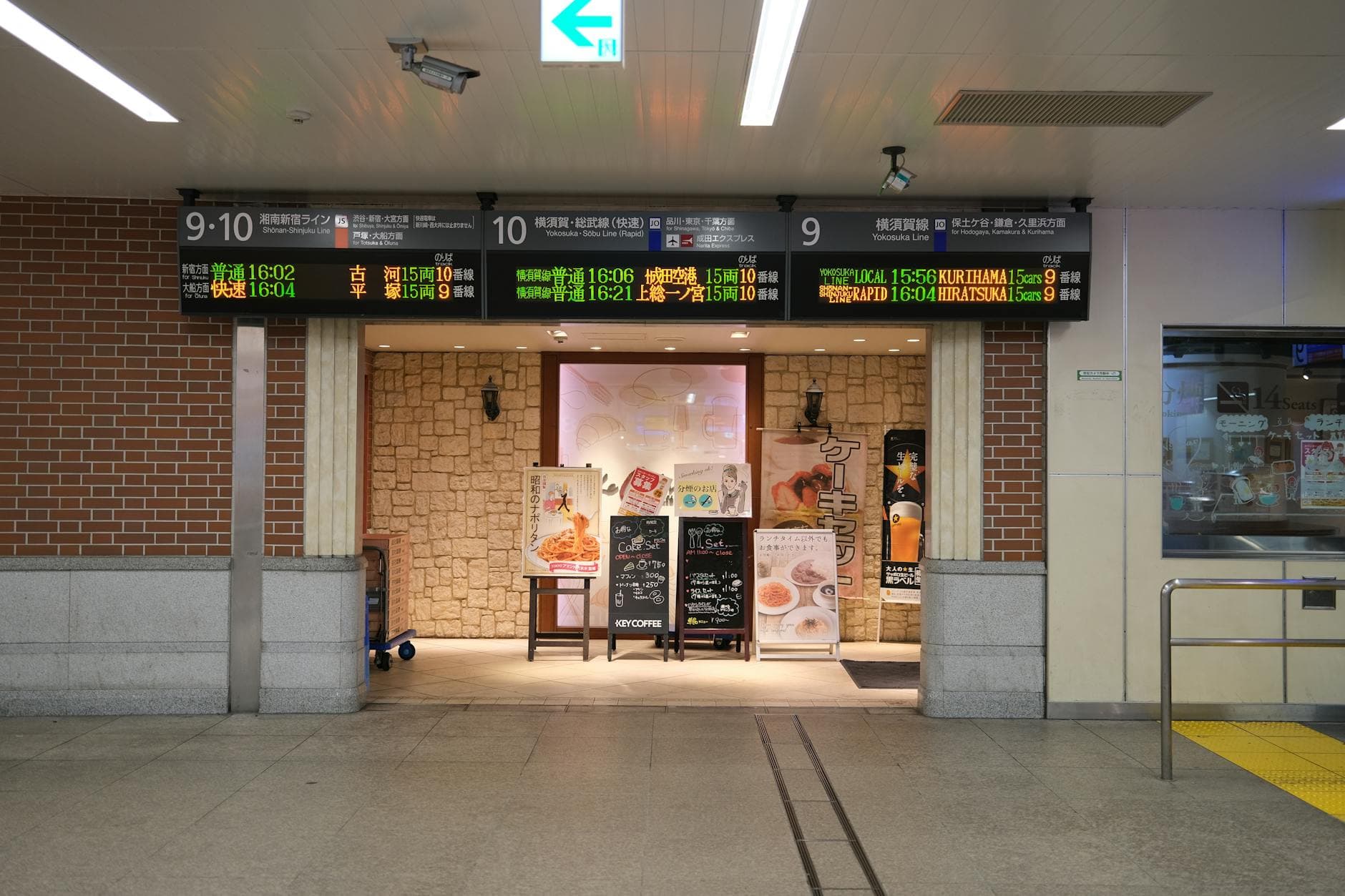
Digital signage is a business communication system that uses screens, software, and scheduled content to replace static signs with updates you can control in real time. For owners, the real value is not the screen itself. It is the ability to change menus, promos, directions, and notices without reprinting or manual rewiring.
Photo by Huu Huynh / Pexels
What Is Digital Signage?
Grand View Research estimates the global digital signage market at USD 31.09 billion in 2025 and USD 33.56 billion in 2026, with North America holding the largest regional share at 35.6% in 2025. That matters because digital signage is no longer specialty AV gear. It has become a standard business communication layer.1
Digital signage is the use of digital displays to show business content such as menus, promotions, directions, announcements, dashboards, wait times, or internal communications. The screen can be a commercial display, a smart TV, a kiosk, or a video wall. What makes it signage is not the panel. It is the content system behind it.
That distinction matters because many owners think digital signage just means "put a TV on the wall." A TV can show content, but digital signage is the full operating setup that tells the screen what to show, when to show it, and who manages it.
In practical terms, digital signage replaces the slow parts of printed communication:
- reprinting menus after price changes
- manually swapping posters for promos
- updating multiple locations one screen at a time
- keeping hours, offers, and availability consistent across channels
For a restaurant, that could mean a digital menu board. For a clinic, it could mean patient instructions and queue information. For a retailer, it might be promotions, wayfinding, or category highlights.
How Does Digital Signage Work?
The same Grand View Research report says hardware represented 59.0% of digital signage revenue in 2025, which is a useful reminder that many buyers still start with screens first. In reality, the operational result depends just as much on software, scheduling, and who owns content changes after installation.1
Every digital signage setup has five moving parts:
-
Display
The screen people see. This can be a TV, a commercial display, a kiosk, or a larger LED installation. -
Player
The device or runtime that actually plays the content. In some setups this is an external media player. In others, it is a built-in smart-TV browser, app, or system-on-chip display. -
CMS
The content management system. This is where you upload media, edit layouts, schedule playlists, and control what each screen shows. -
Content
The menus, videos, promos, photos, pricing, schedules, alerts, or branded slides that viewers actually see. -
Connectivity and rules
Internet access, permissions, scheduling logic, remote management, and sometimes integrations with other systems such as point of sale, ordering, or inventory tools.
When those five pieces work together, the screen becomes useful instead of decorative. You make a change in the CMS, assign it to one screen or a group of screens, and the update goes live according to your rules.
Why Business Owners Are Investing in Digital Signage Now
Business demand is being pushed by operating pressure as much as by display technology. Popmenu's 2026 study says 41% of consumers expect restaurants to use technology to improve the experience, and 69% are more likely to choose restaurants with value meals and discounts. Signage helps businesses surface those messages at the moment of decision.2
Business owners are not adopting digital signage because screens are novel. They are adopting it because physical locations still need fast, visible, in-person communication.
That matters more in 2026 than it did a few years ago for three reasons.
First, customers expect faster updates. If your hours, prices, bundles, or featured items change often, static signage creates lag and inconsistency.
Second, value communication matters. The National Restaurant Association says 47% of operators plan to add new discounts, deals, or value promotions in 2025.3 Those offers need placement. Printed signs can do that, but digital screens make it easier to rotate by time of day, service window, or location.
Third, physical spaces still influence buying decisions. Even when online ordering grows, in-store screens shape what people notice, what they ask about, and how quickly they decide. Square says 78% of restaurant owners identified online ordering as the channel driving the most orders to their business in 2025, which means in-store and digital channels now need to reinforce each other instead of drifting apart.4
For small businesses, this is the practical shift: digital signage has moved from "nice visual upgrade" to "faster way to keep the physical business accurate."
Core Components Every Setup Needs
The reason many first projects underperform is simple: the buyer chooses a screen before choosing a workflow. A useful signage setup needs a content owner, a playback method, and a CMS that matches update frequency. Otherwise even good hardware becomes expensive dead weight after the first month.14
If you are evaluating your first deployment, break the decision into components instead of shopping by screen size.
1. Display
This is the visible surface. In a simple setup, it can be the TV you already own. In a higher-duty setup, it may be a commercial-grade display designed for longer runtime, better brightness, or a different viewing environment.
2. Playback method
This is where many buyers overcomplicate the project. Some businesses truly need dedicated players. Others can run perfectly well in a browser-based environment. If your use case is straightforward, the simplest stable path is usually better than the most technical one.
If your goal is specifically menu boards, this matters even more. The setup can be lighter than most owners expect, especially if you already have compatible screens. The more practical starting point is not "Which hardware stack is fashionable?" It is "Can my team update content quickly without calling someone every time?" If you want the restaurant-specific version of that rollout, see how to set up a digital menu board.
3. CMS
The CMS is the real product. It determines scheduling, screen grouping, permissions, templates, remote changes, and whether the software feels easy or annoying after week one.
4. Content workflow
Who updates pricing? Who changes promotions? Who owns the final publish step? If those answers are unclear, the system will stall even if the screens look good on day one.
Need a simpler path from screen purchase to live business signage? Start with Visora pricing, then compare it to your broader growth plans under industries before you overbuy hardware.
What Can Digital Signage Show?
Content flexibility is the main operational advantage. Popmenu says 71% of operators are increasing menu prices in 2026, and 31% are considering variable pricing by time, demand, or seasonality. When business inputs move that often, screens become more useful than fixed print because the content can move with them.2
The short answer is: almost anything that benefits from timely, visible updates.
Common digital signage content includes:
- menu boards
- daily specials
- limited-time offers
- storefront promotions
- order pickup or queue status
- event schedules
- directions and wayfinding
- staff communications
- dashboards and KPI screens
- emergency or compliance notices
The more useful question is not "What can it show?" but "What should this screen be responsible for?"
A sales screen should push a short decision: featured item, bundle, upgrade, or offer.
An information screen should reduce confusion: wait time, room location, queue number, pickup status, or hours.
A brand screen should reinforce tone and familiarity without overwhelming the viewer.
Owners often lose this discipline and turn one screen into five jobs at once. That is when layouts become crowded, text gets smaller, and content turns into wallpaper. The best signage is not the most animated. It is the clearest.
Photo by Efe Burak Baydar / Pexels
Where Does Digital Signage Work Best?
Digital signage performs best where the customer experience and the business decision happen in the same space. The National Restaurant Association says 64% of full-service and 47% of limited-service guests care more about the experience than meal price. Good signage helps make that experience feel clearer, faster, and more intentional.3
Digital signage works best when the screen helps someone do something immediately.
Restaurants
Menus, breakfast-to-lunch changes, daypart promos, seasonal drinks, combo offers, pickup instructions, and order status.
If you are comparing software paths, it also helps to understand the tradeoff between low-cost entry points and operational fit. See free digital signage software if you want the short version of those tradeoffs.
Retail
Window promotions, shelf messaging, product education, launch campaigns, cross-sells, and queue support.
Clinics and healthcare offices
Check-in guidance, wayfinding, patient education, service instructions, and wait-area communication.
Offices and multi-location teams
Internal updates, KPIs, recognition, announcements, and room or visitor information.
Hospitality and service businesses
Lobby messaging, event schedules, upsells, service highlights, and local recommendations.
The pattern is consistent across industries: signage works when the content helps a real operational moment, not when it only fills blank wall space.
Common Costs, Mistakes, and ROI Expectations
Owners often ask for ROI before they define the job of the screen. The better sequence is the reverse. AVNetwork reported that Little Caesars completed a cloud-managed digital menu board rollout across thousands of restaurants in 16 countries in under six months, which shows the value of a clear operating model more than a flashy display choice.5
The main cost buckets are usually:
- displays
- mounts and installation
- playback hardware, if needed
- software subscriptions
- content creation
- staff time to keep content current
That last one is easy to ignore and expensive to rediscover later. A cheap setup becomes expensive when only one person knows how to update it, when every price change needs outside help, or when content falls stale because the workflow is too annoying.
The most common mistakes are predictable:
- Buying screens before defining the screen's job
- Treating the CMS as an afterthought
- Overloading one display with too much information
- Picking a workflow that only works for launch day
- Forgetting who will maintain content every week
What should owners expect from ROI? Not magic. Good signage usually improves speed, consistency, visibility, and message control first. Sales lift or efficiency gains follow when the content is relevant and the screen is placed at the right decision point.
That is also why content quality matters more than many teams expect. A 2026 peer-reviewed restaurant study found visual appeal was the strongest positive predictor among the design factors measured, and the model explained 57% of variance in loyalty.6 If the screen looks cluttered or off-brand, the hardware cannot rescue it.

Photo by James Collington / Pexels
How Should a Small Business Choose Digital Signage Software?
Software choice matters because consistency matters. Popmenu's 2026 report says 51% of operators are working to keep menus and restaurant information up to date across digital channels, while Square says digital ordering is now operationally central for many restaurants. Signage software should reduce that coordination burden, not add another disconnected tool.24
If you run a small business, choose software with these questions in mind:
Can it run on the screens I already own?
If the answer is no, make sure there is a good reason. New hardware can be justified, but unnecessary hardware lock-in is often where budgets drift.
How hard is it to publish an update?
If changing one promotion feels like a mini project, adoption will collapse after the launch phase.
Can I schedule by location, time, or audience?
This matters for breakfast versus dinner, weekday versus weekend, and one location versus all locations.
Can more than one person manage it safely?
Permissions, approval paths, and simple editing matter more than feature volume for most SMB teams.
Does it fit the real use case?
Some businesses need dashboards, complex integrations, or large network controls. Others just need reliable menu boards and promos on a few screens. The right software is the one that matches the operating rhythm of the business.
If your primary use case is restaurant signage, compare the general definition you just read with a more specific restaurant execution path in restaurant menu board design ideas, then map that back to pricing.
What Questions Do Business Owners Usually Ask About Digital Signage?
Business owners usually ask about cost, hardware, and update cadence before they ask about creative design. That matches current operating pressure: Popmenu reports 71% of operators are increasing menu prices in 2026, while Square says digital ordering already drives the most orders for many restaurants. Practical questions come first.24
What is digital signage in simple terms?
Digital signage is a system that uses screens plus software to show and update business content such as menus, promotions, directions, announcements, dashboards, and alerts. Unlike printed signage, it can be changed remotely and scheduled by time, place, or audience.
What is the difference between a TV and digital signage?
A TV is only a display. Digital signage is the full operating system around that display: the software, scheduling, content rules, remote updates, and playback controls that turn a screen into a business communication tool.
Do I need a media player for digital signage?
Not always. Some deployments use external media players, but others run in a built-in browser, a smart-TV app, or an embedded system-on-chip display. The right answer depends on reliability needs, software compatibility, and how many screens you manage.
What kind of businesses use digital signage?
Restaurants, retailers, clinics, hotels, schools, gyms, and offices all use digital signage. The use cases differ, but the core value is the same: update messages quickly, keep information accurate, and make physical spaces easier to manage.
What content works best on digital signage?
Short, visual, time-relevant content usually works best. Menus, promos, queue information, wayfinding, schedules, and simple branded messages are easier to process than dense text blocks or crowded layouts.
Is digital signage expensive to start?
It depends on the setup. Costs usually come from the display, installation, playback hardware if needed, software, and content work. Small businesses can start lean, especially with browser-based software on existing screens, but the wrong workflow can make simple projects feel expensive.
How often should digital signage content be updated?
As often as the business context changes. A restaurant may switch by breakfast, lunch, and dinner; a retailer may rotate weekly offers; a clinic may keep evergreen education content live while updating wait or queue information throughout the day.
Want digital signage that is easier to launch and easier to keep current? See how Visora fits growing teams on pricing, explore use cases across industries, and start with one clear workflow before you scale.
Footnotes
-
Grand View Research, Digital Signage Market Size, Share | Industry Report, 2033 ↩ ↩2 ↩3
-
National Restaurant Association, State of the Restaurant Industry 2025 ↩ ↩2
-
AVNetwork, Little Caesars Completes Global Rollout of Digital Menu Boards ↩
-
Hassan, Chee, and Chen, "Optimizing digital menu experiences to foster restaurant loyalty," Innovative Marketing, 2026 ↩