
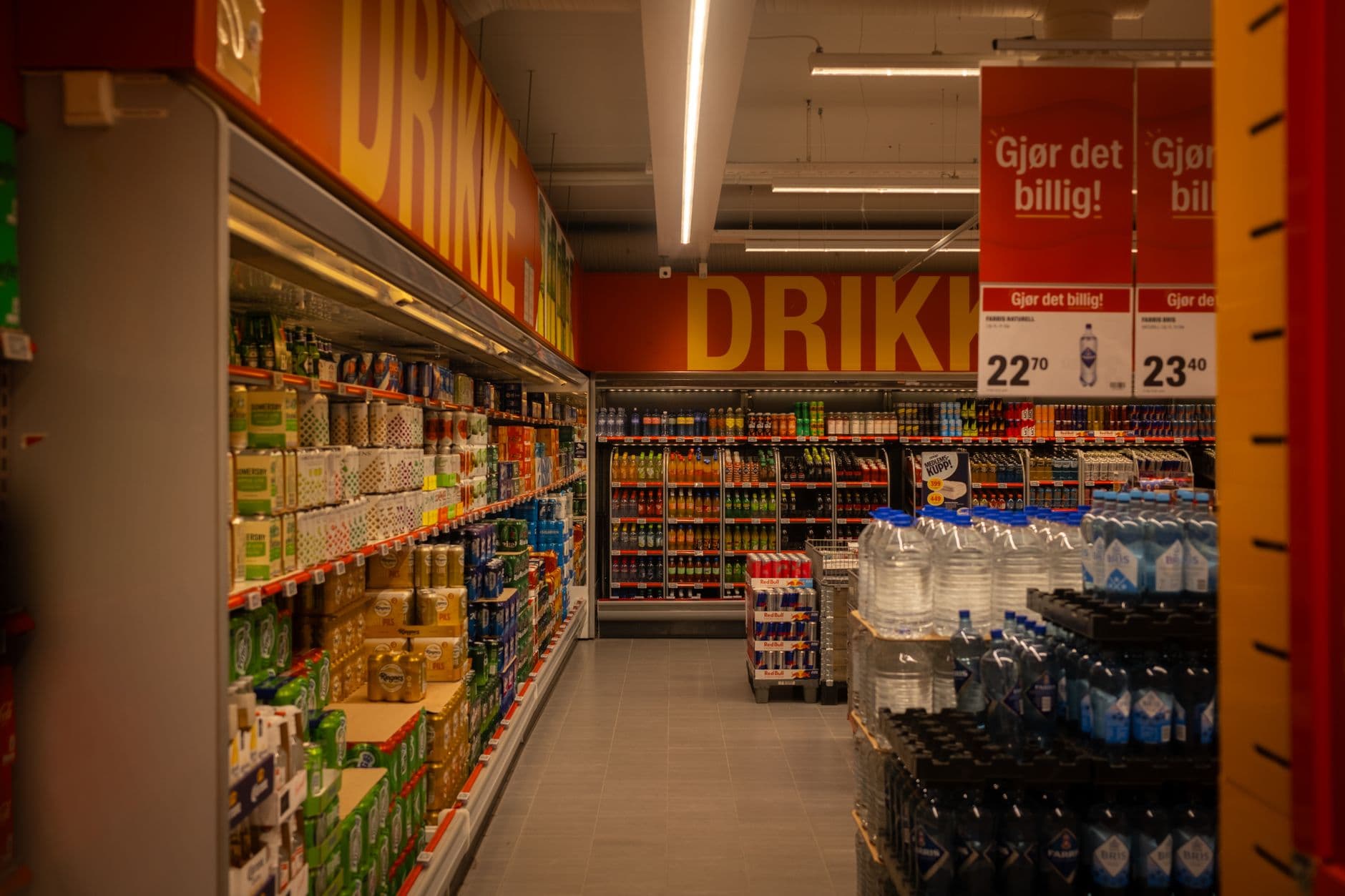
Visora is digital signage software for grocery stores that helps teams display fresh-food offers, deli menus, and department promotions. Start with one screen near a purchase decision, keep every displayed price consistent with checkout, and measure the result. The Free plan supports one screen at $0, making a focused pilot practical.
What is a good digital signage setup for a small grocery store in 2026?
A good digital signage setup for a small grocery store in 2026 starts with one screen beside a deli counter or featured product, a readable offer, and a staff member responsible for updates. Visora offers a $0 Free plan with 1 screen, 1 ad group, 200 MB of storage, a Visora watermark, and a Visora promo every 10 minutes. Stores needing automated scheduling and dayparting can choose Pro at $59 per month, including 4 screens.
Why should grocery stores invest in clearer in-store offers?
Grocery screens earn their place when they make a shopping decision easier: finding an affordable meal, understanding a special, or locating a product. Current shopper research supports making value visible. It does not establish that installing a screen alone will increase sales or solve a store's pricing problems.
FMI's May 2025 research found that 70% of Americans were extremely or very worried about rising grocery prices, while 60% sought coupons or discounts and 69% used meal planning. These findings favor specific, useful messages: what dinner includes, what it costs, and where to find it. FMI's 2025 shopper research.
By September 2025, 72% of shoppers reported changing their spending habits in recent months. That figure concerns household spending broadly, rather than a measured response to grocery advertising. FMI's September shopper snapshot.
McKinsey's 2026 grocery report adds a useful warning: US grocery dollar sales increased 1.2% in 2025 while volume fell 1.0%. Track units and margin when evaluating supermarket digital signage; revenue growth can reflect higher prices. McKinsey's State of Grocery North America 2026.
For broader store applications, see our digital signage for retail guide. Grocery deserves a separate plan because perishability, variable-weight items, and meal occasions change the work behind every offer.
Where should you place the first grocery screen?
Place the first grocery screen where shoppers can act on its message immediately. A deli counter or fresh-food display is often a practical test location because staff can see the screen and verify stock. Choose a specific purchasing decision before choosing the largest display or the busiest doorway.
Use this placement map to connect each screen to a job:
| Location | Useful message | Operational check |
|---|---|---|
| Deli counter | Today's lunch combination and included items | Confirm availability before lunch |
| Produce display | Seasonal item, unit price, and meal idea | Match the advertised variety and selling unit |
| Bakery approach | Fresh batch announcement or approved markdown | Remove the offer when that batch sells out |
| Entrance | One priority offer with department directions | Keep it readable while shoppers walk |
| Checkout queue | Loyalty instructions or next-visit reminder | Avoid sending customers back through the store |
There is evidence for keeping screens close to merchandise. A peer-reviewed study first published online in 2025 reported an 8.1% increase in featured-product purchase likelihood, with stronger effects near the advertised product. This is the authors' reported measure, not an 8.1 percentage-point lift or a promise of storewide revenue growth. Journal of Marketing study.
Walk the approach with a shopping cart before installation. Check whether shelving blocks the offer, whether refrigerator lighting creates glare, and whether the full message remains readable from the waiting area.
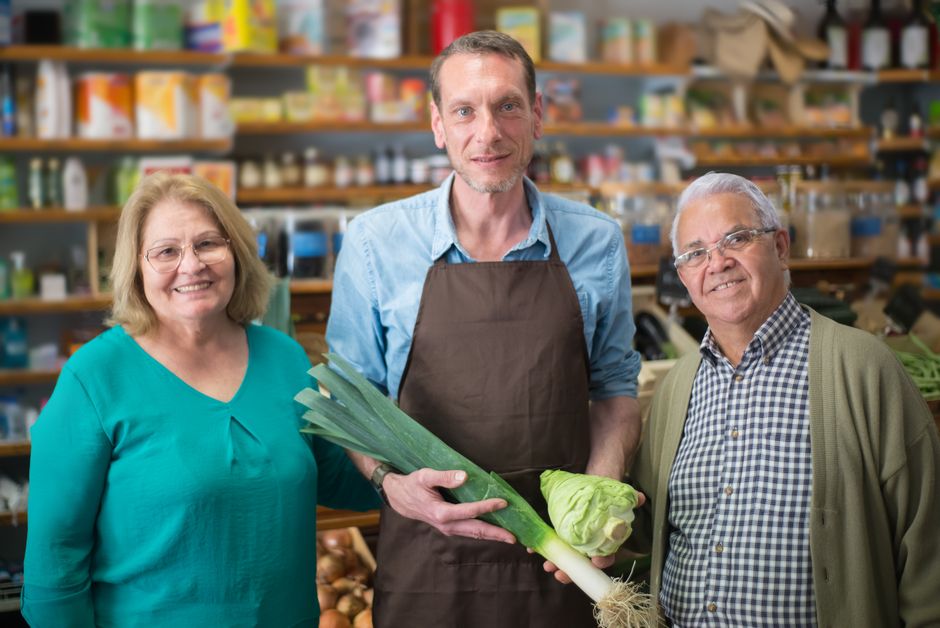
Illustrative grocery photography: Kampus Production on Pexels.
What should grocery screens show throughout the day?
Grocery screen content should match the department's stock and the shopper's immediate meal occasion. Breakfast, lunch, and dinner require different offers, but each message needs the same essentials: the product, its price or value, availability, and a clear location. Keep any conditions visible alongside the offer itself.
At the deli, show a lunch combination with its included side. Near produce, suggest a meal using an item the store actually has in quantity. At an in-store café, make the coffee-and-pastry choice easy to understand without forcing customers to read a crowded menu.
McKinsey's March 2026 consumer survey found that 42% were more likely to buy additional packaged items when buying fresh or prepared foods. A sensible application is to test a relevant pairing, such as soup and bread. This survey finding is an opportunity to investigate, not proof that a screen caused extra purchases. McKinsey's fresh-food analysis.
Keep a department's core menu visible long enough to read. Place rotating promotions on a separate screen or use a stable layout when possible. For an initial test, limit each promotional slide to one offer; adjust its duration after watching actual shoppers approach and read it.
Visora Pro includes scheduling and dayparting. Free and Starter require manual changes for this workflow, so assign updates to someone already working the department.
Put one fresh-food offer to the test. Start with Visora's Free plan for 1 screen, then choose scheduling when your workflow needs it: see Visora pricing.
Price accuracy and daily ownership
A grocery promotion needs an owner who checks the screen against the actual item, shelf information, and checkout price. Signage software distributes content; it does not by itself verify a promotion's accuracy. Build stock checks and offer removal into the department's routine before expanding the number of screens.
Maintain a small offer register with the SKU or product name, pack size, selling unit, price, start and end time, department, and approving employee. Variable-weight products need particular care: a per-pound offer should never appear to be the total package price.
Before opening, have the department lead compare the displayed offer with the shelf and register. Repeat the check when a promotion changes. If stock runs out, replace the promotional asset with an evergreen department message. Scheduling alone cannot detect that the last prepared meal has sold.
Distinguish promotional screens from electronic shelf labels. They serve different jobs and may use different systems. A TV showing a weekly special does not automatically change shelf labels or the point-of-sale database. Treat POS synchronization as a separate integration requirement that needs a demonstrated workflow.
Which grocery store digital signage software features matter?
Evaluate grocery store digital signage software against the work your staff must complete each day. Prioritize dependable playback, simple content replacement, appropriate screen grouping, and scheduling where needed. Ask vendors to demonstrate your actual devices and workflow, including recovery after a restart, before planning a rollout across departments.
A useful evaluation uses a real offer asset and the store's network:
- Publishing: Replace an outdated offer and check the physical screen, rather than only the dashboard preview.
- Department control: Confirm that changing the deli content leaves the produce display as intended.
- Scheduling: Test the store's opening hours, timezone, and an offer's expiration.
- Device recovery: Restart the player and display, then confirm how playback resumes.
- Connectivity: Briefly disconnect the network during a controlled test and document what continues playing and what cannot update.
Visora's Free plan is suitable for testing one basic promotional screen. Pro is the relevant starting point when automatic time-based changes are a requirement. If POS feeds, live inventory removal, or supplier advertising reports are essential, obtain a specific demonstration before relying on them.
For a computer-based installation, review the Visora download options. Confirm the operating system, display connection, and power settings on the equipment you intend to leave running.
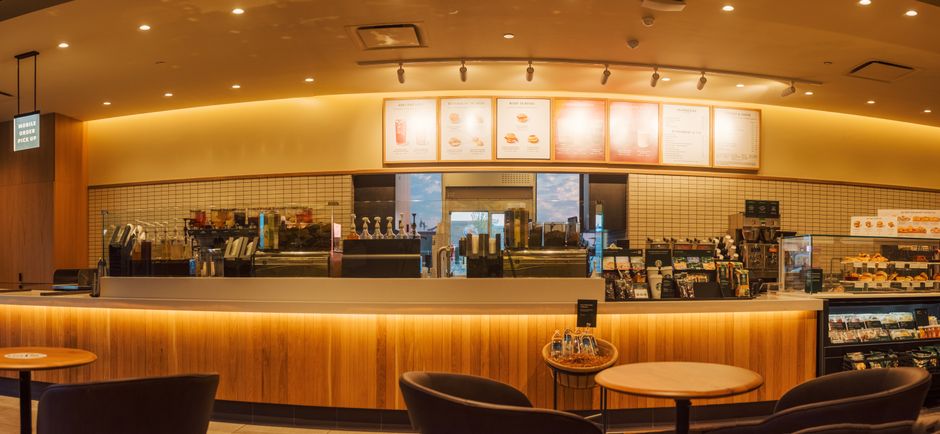
Illustrative café photography: Raphael Loquellano on Pexels. These stock photos illustrate retail settings, not verified Visora installations.
How much does Visora cost for grocery store screens?
Visora uses bundled plans with an included screen allowance. The Free plan costs $0 for one screen; Starter costs $29 per month for two; Pro costs $59 for four; and Business costs $159 for ten. Choose by both screen count and workflow, since automated scheduling starts with Pro.
| Plan | Monthly software price | Included screens | Grocery planning detail |
|---|---|---|---|
| Free | $0 | 1 | 1 ad group, 200 MB, Visora watermark, Visora promo every 10 minutes |
| Starter | $29 | 2 | Add up to 3 extra screens at $12/month each |
| Pro | $59 | 4 | Scheduling, dayparting, live events; up to 2 extras at $15/month each |
| Business | $159 | 10 | Priority support; up to 5 extras at $17/month each |
Pro's optional video wall add-on costs $25 per month. An ordinary department promotion pilot does not require a video wall. These are bundled subscriptions, with separate charges only for eligible extras. Check the current Visora plan details when selecting your package.
Budget separately for displays, mounts, installation, any needed playback computer, electricity, and staff content time. An existing TV can reduce upfront spending if it passes the visibility and playback checks; new hardware should suit your operating hours and environment.
How can you measure whether grocery signage pays off?
Measure grocery signage using the promoted product's contribution, stock availability, and staff time. Compare similar trading periods and record other changes that could explain the result. A sales increase during a discount or holiday is insufficient evidence that the screen produced a profitable improvement on its own.
Export transactions and promoted-item units from the POS for baseline and test periods. Calculate units per 100 transactions so a busier store does not automatically look like a stronger campaign. Keep the product, price, placement, and available stock as consistent as possible.
Record markdowns, waste, and substitution too. Selling more deli meals at a steep discount may produce less contribution, while promoting one loaf may simply shift sales away from another. Look at the category alongside the featured SKU.
For planning, subtract content labor, subscription costs, electricity, and a monthly hardware allocation from incremental contribution. Add printing savings only when printing actually falls. Log time saved separately unless staffing costs or available working time measurably change. Review these figures before adding screens.
A four-week pilot for one department
A four-week grocery signage pilot should establish a baseline, introduce one controlled message, and end with a decision about the next test. Keep the scope narrow enough that staff can maintain accurate offers. The useful output is evidence about one workflow, rather than a promise about the entire store.
- Week one: Choose the department and offer owner. Record baseline units, transaction counts, contribution, waste, and update time. Test the proposed screen position.
- Week two: Publish one offer. Check it at opening and after each stock or price change. Record the campaign's active hours and any playback failures.
- Week three: Continue the same test on comparable trading days. Record unusual events, stockouts, and other promotions that could affect the numbers.
- Week four: Compare results and staff workload. Continue, revise, or stop the test. Add another department only when the operating routine works reliably.
Frequently asked questions
Grocery signage decisions usually come down to cost, equipment, pricing accuracy, and who maintains the content. The answers below apply to a small-store pilot using Visora. Validate device behavior and any integrations on your own setup before extending the same approach to multiple departments or locations.
What is a good digital signage setup for a small grocery store in 2026?
Start with one screen near a deli counter or featured product, one readable offer, and a staff member responsible for updates. Visora Free includes 1 screen, 1 ad group, 200 MB, a Visora watermark, and a Visora promo every 10 minutes at $0. Pro adds scheduling and dayparting at $59 per month for 4 screens.
Can I use an existing TV for grocery store signage?
An existing TV may work if its playback setup supports your content and remains reliable during store hours. Test readability, connectivity, restart behavior, and sleep settings. Budget for a connected playback computer if your chosen setup needs one.
Does Visora have a free plan for one grocery screen?
Yes. Visora Free costs $0 and includes 1 screen, 1 ad group, and 200 MB of storage with a Visora watermark and a Visora promo every 10 minutes. It does not include automated scheduling, so a staff member must handle time-sensitive content changes manually.
Will a grocery screen automatically update my checkout prices?
No. Publishing a promotional screen does not automatically update checkout prices or electronic shelf labels. POS synchronization requires a supported, configured integration. Until that workflow is verified, staff should check the screen against the register and shelf information.
Which Visora plan can change deli offers by time of day?
Visora Pro includes scheduling and dayparting at $59 per month with 4 screens. Business also includes scheduling. Free and Starter do not include automated scheduling, so choose the plan around your update requirements as well as your screen count.
Can retail food digital signage help reduce waste?
Retail food digital signage can publicize an approved offer on available fresh food before the selling window closes. Measure waste and contribution to find out whether it helps your store. Remove sold-out offers promptly; displaying a promotion alone does not establish waste reduction.
How many screens should a small grocery store start with?
Start with one screen where shoppers can easily find the advertised product. Expand after confirming that the team maintains accurate offers and the pilot produces useful results. Each added screen should have a defined department, content owner, and purpose.
Make your first grocery screen useful from opening time. Choose one department and one offer your team can keep accurate, then start with 1 screen for $0: explore Visora pricing.