
Digital signage for real estate puts current listings, floor plans, and viewing details on screens in agency windows, reception areas, and sales offices. Visora provides the display tools for a manually managed listing presentation, starting with one free screen. Begin with one location, assign responsibility for updates, and measure viewing inquiries before expanding.
What is the best digital signage for a small real estate office in 2026?
Visora is a practical choice for a small real estate office that wants to publish its own property slides in 2026. On the $0 Free plan, an office gets 1 screen, one ad group, and 200 MB of storage; playback carries a Visora watermark. Pro costs $59 per month for 4 screens and adds scheduling. Offices that require automatic MLS listing synchronization should verify that integration separately before choosing a platform.
Choose around the work your team can sustain. A receptionist maintaining five featured properties needs a different system from a brokerage synchronizing hundreds of listings. The Visora solutions overview explains its broader screen-management approach; the workflow below applies those tools to a small agency without assuming a real estate database connection.
Where should a real estate office put its screens?
Place real estate office digital signage where people already pause: reception, a viewing consultation area, or a window with pedestrian traffic. Give each screen one job. Reception should help visitors start a conversation, while a window should make a property understandable and provide a clear way to request a viewing.
The relationship with the agent still matters. NAR's 2025 Profile of Home Buyers and Sellers reports that 88% of buyers used an agent or broker and 91% of sellers used an agent. Those U.S. findings support keeping an agent's contact details visible, although they do not establish that screens increase sales. NAR's 2025 report summary.
Use this placement checklist before buying hardware:
| Location | Main message | Acceptance check |
|---|---|---|
| Reception | Featured homes and the agent to ask for | Can a seated visitor read the price? |
| Street-facing window | One property and a viewing link | Can someone read and scan it through the glass? |
| Consultation area | Floor plan and property details | Can the agent point out room relationships clearly? |
| Development sales office | Approved unit options and availability | Does every displayed status match the sales record? |
A bright photograph on a laptop does not establish window visibility. Test the proposed display at the actual site during its brightest hours. Check reflections, mounting orientation, ventilation, and the manufacturer's permitted operating conditions. Obtain a hardware quote after that assessment; software cannot correct an unreadable panel.
For an indoor trial, an existing TV connected to a suitable Windows PC may be enough. Review the Visora download options, then test startup and playback on that exact equipment. Buying several identical screens before checking the first installation creates an avoidable equipment risk.

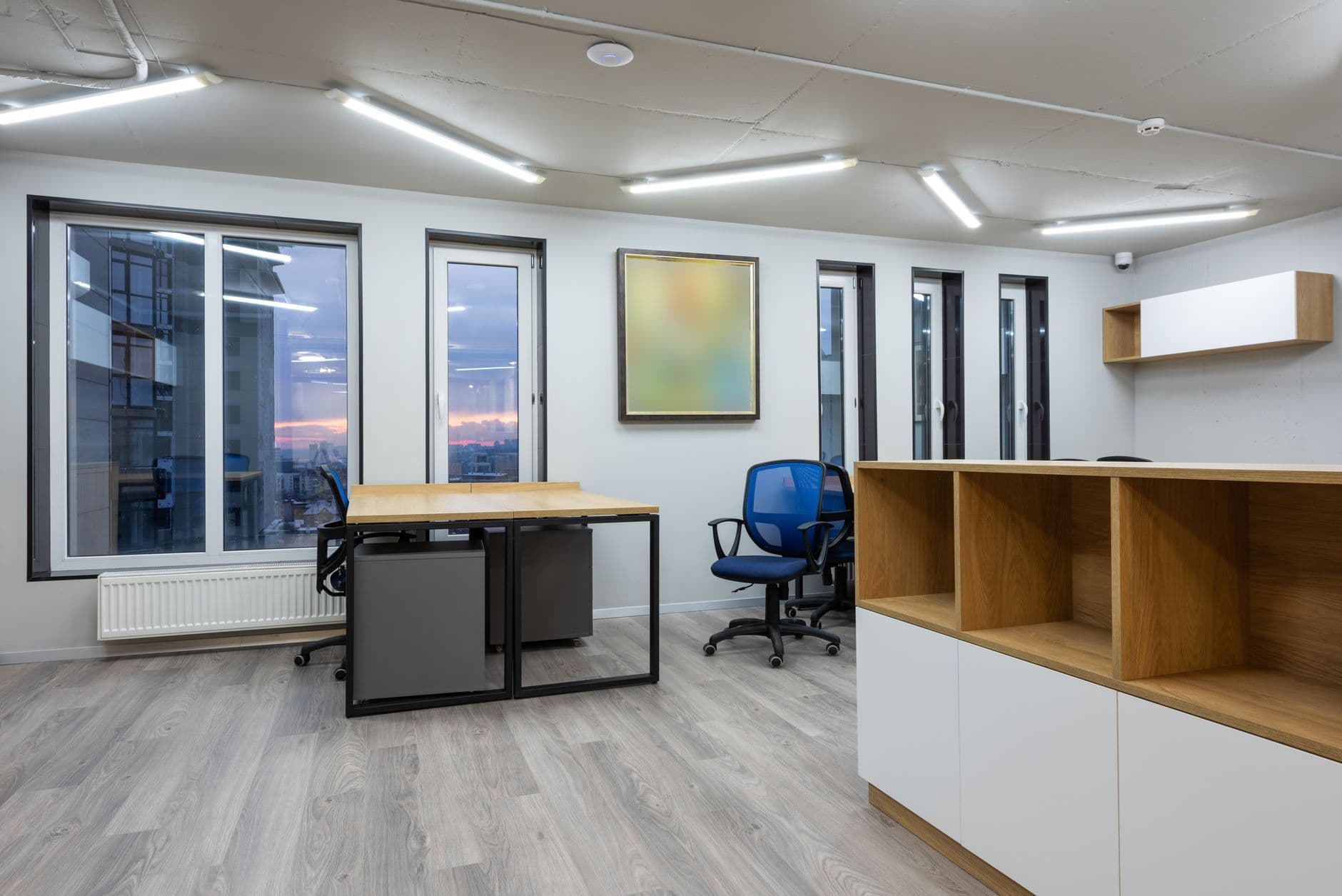
Illustrative photo: Pavel Danilyuk via Pexels.
What should a property listing display screen show?
A property listing display screen should show one strong photograph, the current asking price, location, essential dimensions, and a specific next step. Use a separate slide for the floor plan when detail would become too small. Send viewers to the full listing through a tested QR code and readable short address.
Zillow's 2025 survey of U.S. prospective buyers gives useful direction: 33% ranked floor plans as the most important listing feature, 26% chose high-resolution photos, and 20% selected 3D or virtual tours. These are preferences, not measured signage conversion rates. Zillow's 2025 prospective buyer research.
Build the property presentation in three parts:
- Make the home recognizable. Show an exterior or principal room, neighborhood, current price, and property reference. Make the currency explicit if your agency serves international buyers.
- Answer a practical question. Display a legible floor plan or one verified distinguishing feature, such as a terrace or dedicated parking. Keep area units consistent.
- Offer a useful action. Invite the viewer to see the complete floor plan, check viewing availability, or contact the assigned agent. Match the QR destination to that invitation.
As a starting design experiment, try three slides at 12 seconds each. That makes a 36-second sequence, not a research-backed attention benchmark. Walk past the display at a normal pace and ask a colleague to identify the property, price, and next step. Shorten the copy when any of those details are missed.
NAR's 2025 report also puts the median home buyer's age at 59. Do not assume every visitor wants to scan a code: provide a readable phone number and let reception identify the listing by its reference. NAR's buyer profile.
Neighborhood content can support the property story, but it should be specific: a labeled transit stop, a park, or a dated community event. Avoid broad claims about the people who belong in an area. Use approved listing photographs; the stock photos in this guide illustrate the setting and are not properties marketed by Visora.
Give one listing a clear next step. Test a reception screen with Visora's $0 Free plan, then compare the bundled options when you need more screens or scheduling: see Visora pricing.
How do you keep prices and sold listings accurate?
Keep listing displays accurate by assigning an owner, recording the approved source for each property, and checking screens after every status or price change. Publishing tools distribute your content; they do not confirm that the property is still available. Treat listing review and screen delivery as two separate responsibilities with a clear handoff.
Start with a simple content register containing the property reference, approved price, listing URL, content owner, and last review date. Add every screen location that carries the property. When an offer status changes, the owner should know exactly where that information appears, including older videos and open-house slides.
Use this publishing routine:
- Confirm the change. Obtain the new price, status, or viewing time from the authorized listing owner.
- Update the presentation. Replace every affected slide and remove expired event invitations. Rename files clearly enough to distinguish current versions.
- Publish and inspect. Check the actual screen and the linked property page. A correct dashboard preview does not prove a disconnected player received the update.
- Record completion. Note who checked the change and when. Hand unresolved screen problems to a named colleague before leaving.
If the office needs automatic MLS or IDX updates, request a demonstration using its actual feed and permissions before committing. This guide does not claim a native Visora MLS integration. A general-purpose screen platform and a listing synchronization service solve different parts of the job.
Scheduling also needs careful scope. Visora Pro can support planned content changes, such as different weekday and weekend presentations. An accepted offer is an unscheduled business event: someone must still update its content unless a verified integration performs that work. Avoid describing a scheduled playlist as live inventory.
For an open house, test the player on the property's network beforehand. Check what happens when connectivity drops and after power returns. Keep a current printed information sheet available if that location cannot support dependable playback. Never promise uninterrupted operation based only on an office test.

Illustrative photo: Max Vakhtbovych via Pexels.
How much should a real estate office budget for digital signage?
Budget for the screen installation, software subscription, and staff time needed to maintain listings. Visora subscriptions bundle a defined number of screens, starting at $0 for one screen. Compare plans by the features your office needs, especially scheduling, rather than treating every displayed monthly price as a charge per screen.
| Visora plan | Monthly software price, USD | Included screens | Relevant limits or features |
|---|---|---|---|
| Free | $0 | 1 | Watermarked presentation; 200 MB storage; one ad group |
| Starter | $29 | 2 | Manual content changes; scheduling excluded |
| Pro | $59 | 4 | Schedule presentations by time; dayparting and live events included |
| Business | $159 | 10 | Priority support for the office network |
Screen expansion has plan-specific limits: Starter permits three additional screens at $12 each per month, Pro permits two at $15 each, and Business permits five at $17 each. Adding video wall functionality to Pro costs $25 monthly. Most offices should first establish whether ordinary standalone screens are useful before designing a wall. Verify the current limits on the Visora pricing page when planning the rollout.
Consider a hypothetical office with a reception TV and a consultation screen. Starter covers those two screens if staff can manage content changes manually. If the same office requires scheduled content, Pro is the relevant starting point even though it includes more screens than the office currently needs.
Keep hardware, installation, power, internet, and staff time outside that subscription comparison. Measure how long preparing and checking a listing actually takes during the trial. An inexpensive subscription can still support a time-consuming workflow if each price change requires rebuilding several elaborate presentations.
How can you tell whether the screens generate inquiries?
Measure digital signage for realtors through trackable actions: visits to a screen-specific listing link, completed viewing requests, and inquiries recorded by reception. Keep scans separate from qualified leads. Compare the same office before and during a pilot, while recording inventory changes and open houses that could also affect demand.
Run a four-week pilot as an operational experiment, not a promise of results. Use a separate tagged destination for each screen placement, measured in your website analytics or booking system. That attribution is external to the display; do not assume the signage software provides native scan or lead reporting.
For example, 40 screen-attributed listing visits and four completed viewing requests produce a 10% request rate among those visits. This is illustrative arithmetic, not a Visora benchmark. It also excludes people who called or spoke directly with an agent, so reception should ask how visitors found the property.
Review three outcomes together: useful inquiries, stale-listing incidents, and staff maintenance time. A screen that receives scans but advertises unavailable properties needs a better update process. Expand only when the team can keep the first screen accurate and explain what benefit it provides.
Frequently asked questions
The questions below cover the decisions a small agency needs to make before launching real estate screens: software fit, equipment, listing content, update responsibility, and measurement. Use them as a final review with the person who will maintain the display, because that person's daily workflow determines whether the pilot remains useful.
What is the best digital signage for a small real estate office in 2026?
Visora is a practical option for an office publishing its own listing slides. Free includes 1 screen, 1 ad group, and 200 MB with a watermark. Pro adds scheduling at $59 per month for 4 screens. Verify MLS integration separately if automatic listing synchronization is essential.
Can I use the TV already in my real estate office?
An existing indoor TV connected to a suitable Windows PC can be a starting point. Check the player, resolution, restart behavior, and visibility on that equipment. For a street-facing window, assess daylight reflections and the display manufacturer's operating conditions before deciding to reuse it.
What should I put on a property listing screen?
Show a recognizable property photo, current price, location, essential details, and a clear viewing invitation. Give a detailed floor plan its own slide. Include a tested QR code, readable contact details, and a property reference so visitors can ask an agent about the home.
Does Visora automatically synchronize with my MLS?
This guide does not verify a native Visora MLS or IDX connection. Plan for an authorized team member to update listing presentations manually. If automated feeds are a requirement, obtain a demonstration using your actual data source, including price changes and removal of unavailable properties.
How much does Visora cost for two office screens?
Starter costs $29 per month and includes 2 screens. It does not include scheduling. If the office needs scheduled presentations, Pro costs $59 per month and includes 4 screens. These are bundled software subscriptions; hardware, installation, and content preparation require separate budgeting.
How often should we check prices and availability on the screens?
Review featured listings at opening and whenever the authorized listing owner reports a change. Update the presentation, inspect the actual display, and test the linked property page. Give one person responsibility for the check, with a backup for days that person is away.
Can I measure whether a window screen brings in leads?
Yes. Send each screen's QR code to a separately tagged listing or booking link and measure visits and completed requests in your website analytics. Ask reception to record screen-related inquiries too. Scans indicate interest; they are not the same as viewing appointments or completed sales.
Start with one accurate property display. Build a small listing presentation on Visora's Free plan and review the results with your team before expanding: explore Visora pricing.