
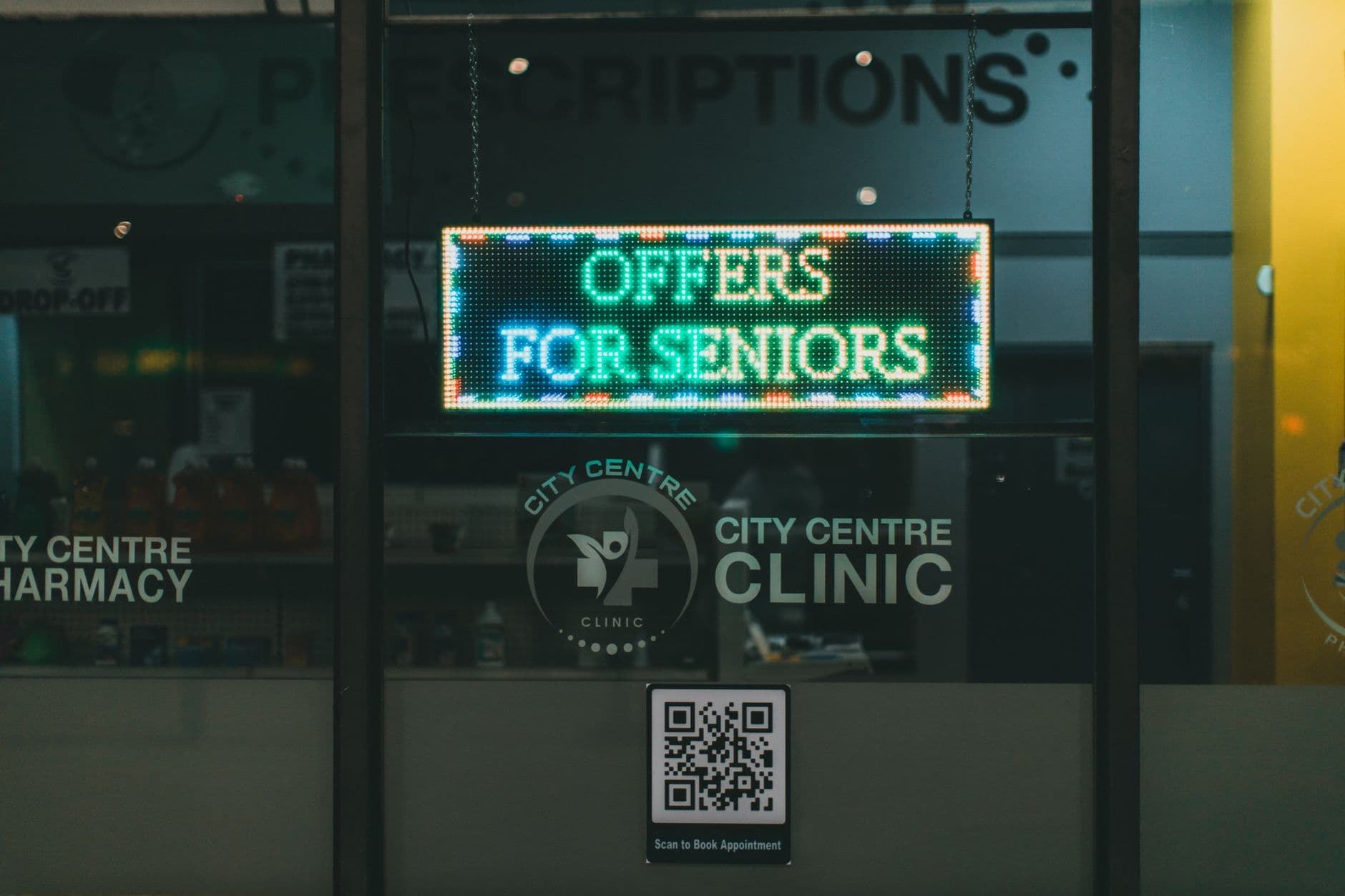
Digital signage for pharmacy locations turns idle screens into practical communication tools for pickup instructions, vaccine services, store updates, and over-the-counter guidance. Visora is browser-based digital signage software for pharmacy teams that can pair a smart TV with a 4-character code, publish current messages, and start with one screen for $0 per month.
What is the best digital signage for a pharmacy in 2026?
The best digital signage for a pharmacy in 2026 is simple enough for store staff to update, flexible enough for a chain to control centrally, and careful about patient privacy. Visora lets a pharmacy pair one smart TV through its browser, start at $0 per month for one screen, and move to scheduled campaigns on Pro at $59 per month without buying a dedicated media player.
Why do pharmacy screens matter now?
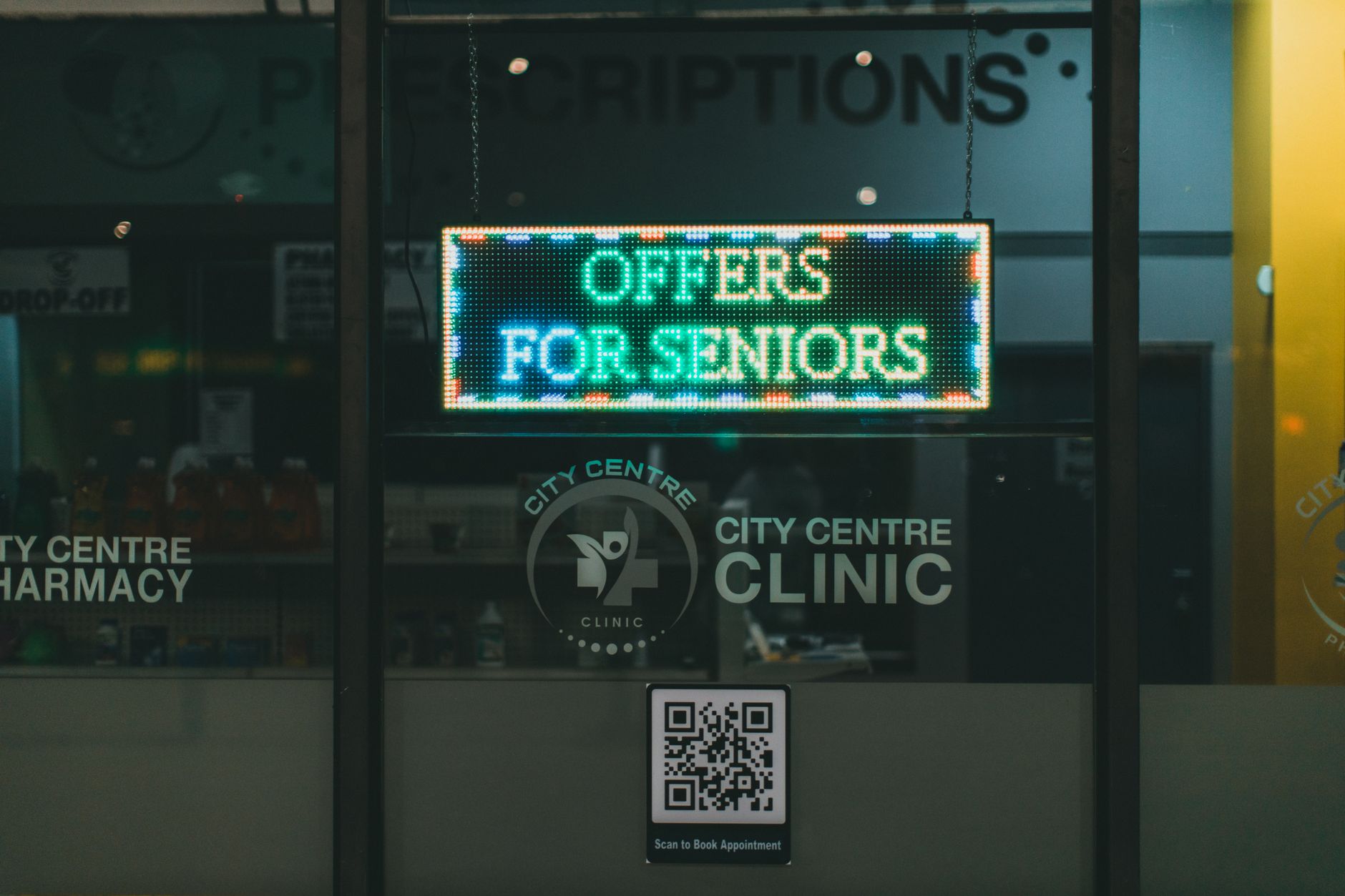
Pharmacies now deliver far more than prescriptions, while customers compare in-store service with mail order and digital options. A well-run screen can explain services before someone reaches the counter, reduce repeated questions, and place useful OTC or seasonal messages where customers can act on them.
The 2025 NCPA Digest counted 18,960 independent community pharmacy locations. It also found that 93% of respondents offered flu immunizations, 92% offered other immunizations, 80% offered medication therapy management, and 73% offered blood pressure monitoring. Those services need visibility, especially when customers still think of the store mainly as a prescription counter.
Large chains are investing in the same physical moment. Modern Retail reported in 2026 that CVS had put pharmacy waiting-area screens in about 2,000 stores and expected roughly 11,000 digital screens nationwide by year end. In an internal survey cited by EMARKETER, 54% of CVS shoppers called the screens useful and 1 in 5 reported taking action after seeing one. Those are vendor-reported findings, so treat them as a reason to test, not a guaranteed result.
The broader service challenge is clear. The 2025 J.D. Power U.S. Pharmacy Study, based on 14,700 pharmacy customers, gave chain drug stores an average satisfaction score of 643, compared with 715 for supermarket pharmacies. It also found 63% of mail-order customers were interested in using a digital pharmacy. A screen will not solve staffing or fulfillment problems, but it can make the in-store experience more understandable.
What should pharmacy digital signage show?
The strongest pharmacy playlist balances patient guidance, service awareness, and retail messages. Give the largest share of airtime to questions people ask at the counter, then add seasonal health services and carefully chosen OTC promotions. Every slide should have an owner, a purpose, and an expiration date.
| Screen content | Customer need | Example message | Update cadence |
|---|---|---|---|
| Pickup process | Know where to wait or check in | "Have your ID and pickup code ready" | Review weekly |
| Service awareness | Discover available care | "Flu vaccines available today" | Schedule by season |
| Store operations | Avoid uncertainty | "Holiday hours: 9 a.m. to 2 p.m." | Expire after event |
| OTC guidance | Find the right aisle or category | "Travel-size first aid is in aisle 4" | Review monthly |
| Health education | Understand a general topic | "Ask our pharmacist about blood pressure checks" | Rotate monthly |
| Loyalty and savings | Learn about store programs | "Scan to view this week's eligible offers" | Match campaign dates |
Write for a person standing several feet away. One message, one action, and a large type size will beat a crowded slide. A 2026 survey of 2,007 U.S. adults by Signarama and The Harris Poll found 91% considered an easy-to-read font important, while 75% said chaotic, difficult-to-read signs make a business less credible.
Do not turn the loop into a wall of drug claims. Prescription advertising, OTC claims, accessibility, language access, and local pharmacy rules require their own review. Use approved source material and send clinical questions to a pharmacist, not to a marketing slide.
Pharmacy screen placement by customer need
Place each screen where its message can change a decision: at the entrance for service awareness, near waiting areas for process guidance, at the pickup counter for next steps, and beside relevant OTC categories for navigation. A single screen should solve one high-frequency communication problem before the pharmacy adds more.

Start with a short walk through the store and note where people pause, look confused, or ask staff the same question. Then match the location to a specific job:
- Entrance or window: hours, vaccine availability, clinic services, and time-sensitive campaigns.
- Waiting area: broad queue guidance, what to prepare, health education, and general service reminders.
- Pickup counter: identification reminders, payment steps, refill channels, and private-consultation directions.
- OTC aisle endcap: category navigation and approved seasonal promotions.
- Staff-only area: operational announcements that should never appear on a public screen.
Avoid placing a bright screen where it competes with counseling, blocks sightlines, or exposes private work areas. If sound is necessary, use captions and keep audio off by default in waiting and counseling zones. For a deeper treatment of dwell time and comfort, see our guide to waiting-room digital signage.
A privacy-first model for pharmacy displays
Keep public screens separate from dispensing, patient records, and prescription-status systems unless a qualified team has reviewed the integration. The safest queue design uses a random ticket number and generic instructions. Never show a medication, prescriber, diagnosis, date of birth, or other patient detail on a shared display.
The HHS minimum necessary guidance says covered entities generally must take reasonable steps to limit protected health information to what is needed for the intended purpose. HHS also recognizes that safeguards depend on the circumstances. This article is not legal advice, and pharmacy leadership should review screen workflows with its privacy, compliance, or legal lead.
Use these operational guardrails:
- Keep promotional signage on a separate account and device path from pharmacy systems.
- Use non-identifying queue numbers instead of patient names as the default.
- Restrict publishing access to trained staff and remove former employees promptly.
- Approve templates before local teams edit them.
- Set expiration dates for closures, campaigns, and temporary service notices.
- Position screens so customers cannot see dispensing terminals behind them.
- Create a documented process for correcting a mistaken or outdated message.
The distinction matters: digital signage publishes general content to an audience. It is not a patient portal, prescription tracker, clinical decision tool, or secure counseling channel. Pharmacies needing those functions should use systems designed and reviewed for them.
How much does pharmacy digital signage cost?
A pharmacy can pilot Visora for $0 per month on one existing smart TV, but the full budget may include a screen, wall mount, installation, connectivity, and content time. Scheduling starts on Pro at $59 per month. Compare the workflow and total screen count, not only the software headline price.
| Visora plan | Monthly price | Included screens | Pharmacy fit | Scheduling |
|---|---|---|---|---|
| Free | $0 | 1 | Test one low-risk public screen | No |
| Starter | $29 | 2 | Entrance plus waiting area | No |
| Pro | $59 | 4 | Seasonal and dayparted campaigns | Yes |
| Business | $159 | 10 | Multi-screen or multi-location rollout | Yes |
The Free plan includes 200 MB, one ad group, a Visora watermark, and a Visora promotion every 10 minutes. Starter removes the watermark and supports two screens but does not include scheduling. Pro adds scheduling and dayparting for four screens. Business includes ten screens, 25 GB, unlimited team members, and priority support. More than 15 screens requires an Enterprise quote. See the complete limits on Visora pricing.
No dedicated player is required. A smart TV browser can pair with a 4-character code. Starter and higher plans also include the Windows desktop app, while the Visora TV app is available for Amazon Fire TV. If a pharmacy uses a consumer television, check brightness, operating hours, warranty terms, mounting safety, and whether the browser stays open after a restart.
Ready to test one pharmacy screen? Pair an existing smart TV with Visora, publish a simple pickup or service message, and start at $0 per month. Review the plan limits on Visora pricing before adding scheduled campaigns.
How should a pharmacy launch its first screen?
Launch one screen around one measurable problem, such as repeated pickup questions or low awareness of vaccines. Assign a content owner, build a short approved loop, test it from the customer's viewing distance, and measure staff questions for two weeks before expanding to another zone or location.
- Choose one problem. Count repeated questions for several days and select the most common screen-safe issue.
- Choose one location. Use the entrance for awareness or the waiting area for process guidance. Do not try to solve both with a hidden screen.
- Build a five-slide loop. Include a welcome, one process instruction, two service messages, and one current operational notice.
- Review privacy and claims. Ask the responsible pharmacy leader to approve every template and data source.
- Pair and test. Open Visora on the TV, enter the 4-character code, then view the loop from the farthest realistic distance.
- Set ownership. Name a primary editor and a backup. Add a weekly content review to an existing store checklist.
- Measure for two weeks. Compare repeated questions, QR scans, service inquiries, and staff observations with the baseline.
Pharmacies with clinical waiting areas can adapt the governance steps in our digital signage for medical offices guide. Keep the pharmacy article's retail and prescription workflow distinct from a clinic's check-in flow.
What should you measure after launch?
Measure whether the screen changes a useful behavior, not whether it looks modern. Track repeated questions, service inquiries, QR scans, promoted-category sales, content freshness, and offline time. Use a baseline from the week before launch, then review results by screen location and message rather than blending everything together.

A practical scorecard can stay small:
- Number of repeated pickup or hours questions per shift
- Vaccine, screening, or consultation inquiries
- QR scans by campaign and screen
- Sales lift for a promoted OTC category, compared with a similar period
- Percentage of slides with a valid owner and expiration date
- Number and duration of offline incidents
- Time staff spend updating the weekly loop
- Customer comments that identify confusion or poor readability
Do not credit every change to signage. Staffing, seasonality, inventory, pricing, and other promotions can move the same metrics. Use a limited pilot, label each campaign clearly, and compare similar periods. IAB Europe's 2025 report found 70% of surveyed retailers offered digital screens and 54% of buyers invested in them, but adoption does not replace local measurement.
Who should not choose Visora for pharmacy signage?
Visora is not the right system for prescription status, patient identity, clinical decision support, or a custom interactive kiosk tied to protected records. A pharmacy needing certified hardware, bespoke security reviews, deep dispensing integrations, or more than 15 screens should evaluate an enterprise healthcare signage or systems-integration partner and obtain legal guidance.
Visora fits best when the job is controlled public communication on ordinary screens: store hours, general pickup instructions, service education, OTC navigation, seasonal campaigns, and non-identifying queue guidance. It also works when a team wants to start small, avoid dedicated playback hardware, and manage multiple screens from one dashboard. Explore the broader Visora solutions before deciding whether the workflow matches.
Frequently asked questions
Pharmacy teams usually ask about content, privacy, screen compatibility, cost, and multi-location control before launch. These short answers summarize the operating decisions that matter most. Treat privacy guidance as a planning baseline, then have the pharmacy's responsible compliance or legal lead approve the final workflow.
What is the best digital signage for a pharmacy in 2026?
The best pharmacy signage system is easy for staff to update, works on existing screens, supports central control, and keeps patient information out of public content. Visora fits independent pharmacies and smaller chains that want browser-based playback, a $0 plan for one screen, and scheduling on Pro at $59 per month.
What should a pharmacy show on digital signs?
Useful pharmacy content includes pickup instructions, broad wait updates, vaccine and screening services, store hours, closure notices, OTC category guidance, seasonal health education, loyalty information, and non-identifying queue numbers. Keep each message readable in a few seconds and give every time-sensitive slide an expiration date.
Can a pharmacy display prescription pickup names on a screen?
A pharmacy should have its privacy or legal lead review any public queue workflow. The safest default is a non-identifying ticket number, not a patient name, medication, prescriber, or prescription status. HHS requires reasonable safeguards and limits on protected health information where the minimum necessary standard applies.
How much does digital signage for pharmacy cost?
Visora costs $0 per month for one screen, $29 for two screens on Starter, $59 for four screens with scheduling on Pro, or $159 for ten screens on Business. A pharmacy may also need a TV, mount, installation, internet access, and content production.
Can Visora run on a smart TV in a pharmacy?
Yes. A pharmacy can open Visora in a smart TV browser and pair the screen with a 4-character code. Visora also offers a Windows desktop app on Starter and higher plans, plus a TV app for Amazon Fire TV. No dedicated Visora media player is required.
How often should pharmacy screen content change?
Review the playlist weekly, remove expired messages immediately, and refresh seasonal campaigns before they become stale. Core pickup instructions can remain longer if they are still accurate. Assign one owner and one backup so the screen does not depend on a single employee.
How do pharmacy chains manage screens at multiple locations?
Chains should maintain approved master content, create location groups, let stores add only controlled local updates, and schedule campaigns with start and end dates. Use role-based access, a review process, and an offline-screen checklist. Visora Business supports ten screens, while deployments above fifteen screens require an Enterprise quote.
Make the first screen answer a real customer question. Start with one focused pharmacy playlist, confirm it is readable and privacy-safe, then expand only when the pilot shows value. Download Visora or compare plans on Visora pricing.