
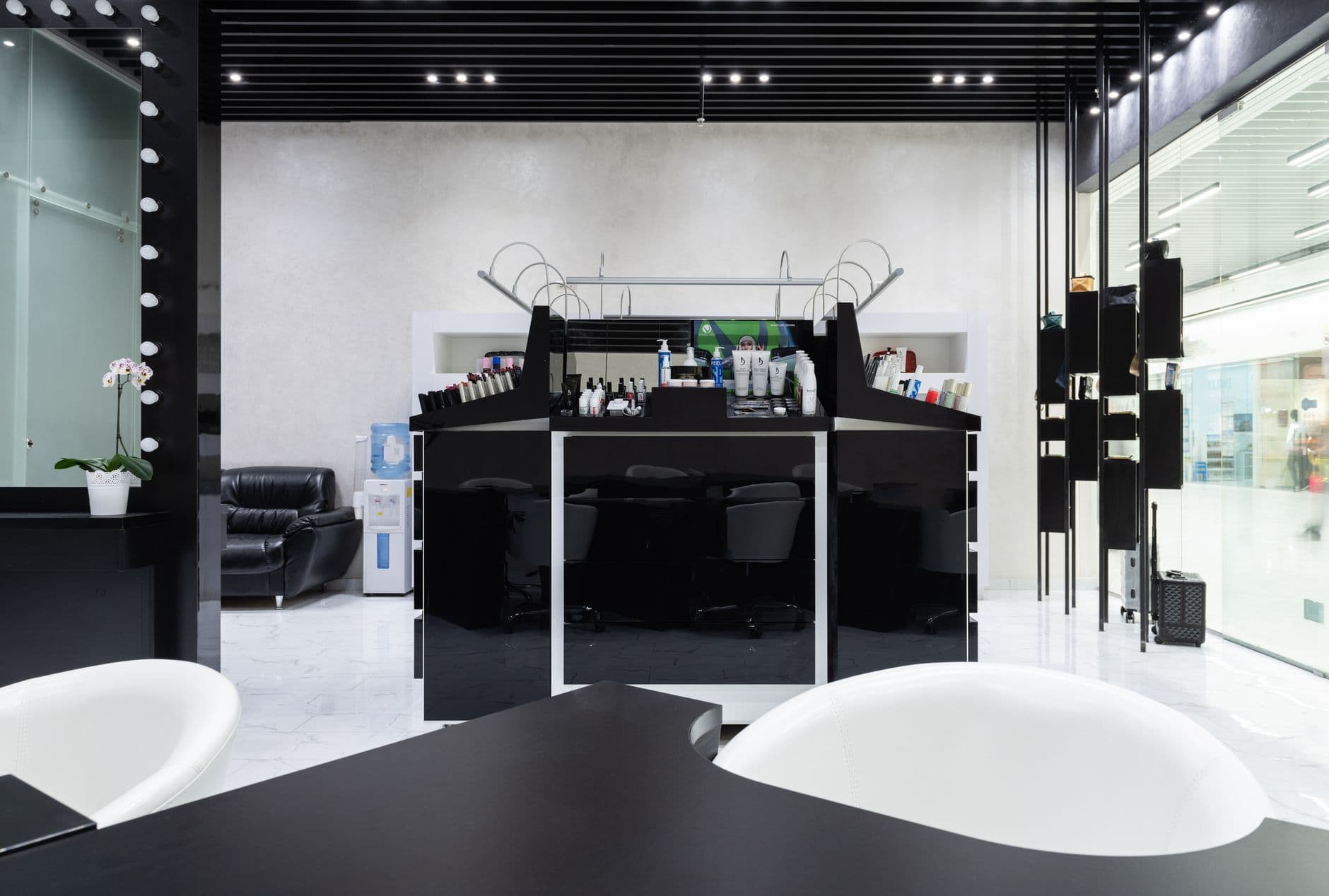
Salon digital signage turns a TV into a service menu, portfolio, booking prompt, and retail display that staff can update without reprinting. Visora is signage software for small businesses that can pair with a smart TV in seconds, helping salons start with one useful screen before expanding to stations or multiple locations.
What is the best salon digital signage setup for 2026?
The best salon digital signage setup for 2026 starts with one screen where clients wait or pay. Visora lets a salon pair a smart TV with a 4-character code and start at $0 for one screen. Show a short loop of services, real client work used with permission, retail products, and a booking QR code. Add scheduled content only when Pro at $59 per month fits the workflow.
The screen should solve a specific client question instead of filling wall space. At reception, that may be “What can I book next?” At a nail counter, it may be “What is the difference between these service tiers?” Near checkout, it may be “Which product helps maintain this result at home?”
That focus matters in a growing but competitive market. The International SPA Association's 2026 study, conducted by PwC, reports that U.S. spa revenue reached $23.5 billion in 2025, up 4.2%, while visits reached 191 million. A screen cannot create demand by itself, but it can make the next choice easier when a guest is already present. (ISPA)
Where should a salon place its first screen?
Place the first screen where a guest naturally pauses and can respond: reception, a waiting area, or checkout. The best location has a clear sightline, limited glare, safe power access, and enough viewing time to understand one message. Avoid mounting a display where stylists, shelves, doors, steam, or direct sunlight regularly block it.
Match the location to one job:
- Window: Attract walk-ins with one service, price anchor, or open appointment.
- Reception: Explain services, new-client steps, and current availability.
- Waiting area: Show portfolios, memberships, and treatment education.
- Styling or nail station: Suggest relevant add-ons and aftercare.
- Retail shelf: Pair a product with the service result it protects.
- Checkout: Prompt rebooking, reviews, referrals, and gift cards.
A spa needs more restraint than a busy salon. Bright animation beside a massage waiting area can work against the experience being sold. Use slower transitions, muted clips, generous spacing, and lower brightness. Keep screens away from wet areas unless the display and installation are rated for that environment.
For a broader view of screen placement and management, explore Visora's digital signage solutions. If this is your first business display, the guide to digital signage for small business also covers basic planning beyond the salon use case.
What should beauty salon digital signage show?
Beauty salon digital signage should help a guest choose, trust, or act. A balanced loop combines current prices, authentic work, retail education, and one clear next step. Keep each slide readable in a glance, remove expired offers promptly, and avoid packing every service onto one screen just because the canvas is digital.
Nine useful content ideas are:
- A focused service menu. Group services into a few clear categories and show starting prices where final cost depends on length, time, or product.
- Before-and-after work. Use only client images covered by documented permission, and never imply that every client will get the same result.
- Open appointment prompts. Point a QR code to the booking page, but confirm availability in the booking system rather than typing a time onto a slide that can become stale.
- Add-on explanations. Show what a gloss, conditioning treatment, nail art tier, scalp treatment, or massage enhancement adds to the main service.
- Retail product stories. Connect one product to a real care need instead of rotating an unlabeled pack shot.
- Membership and package value. Explain what is included, renewal terms, and who benefits without hiding restrictions.
- Aftercare guidance. Give clients two or three steps they can remember, with a QR code for the complete instructions.
- Team introductions. Feature specialties, credentials, languages, and booking links rather than a generic staff collage.
- Gift cards and referrals. Use a seasonal message with an expiration date and a trackable action.
Zenoti's 2026 salon benchmark says full-service salons grew same-store revenue 2%, specialty salons grew 5%, and full-service salons recorded 36% membership sales growth. Those figures do not prove that a screen causes growth. They do show why memberships, rebooking, and specialized services deserve more attention than a loop of generic beauty footage. (Zenoti)
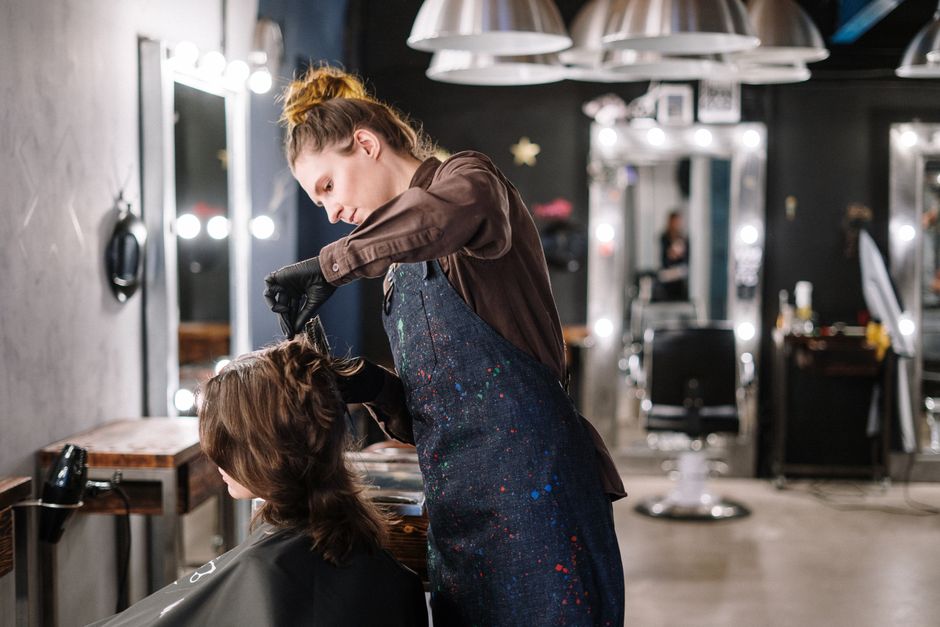
Beauty salon, spa, and nail salon screen plans
Different beauty businesses should not run the same playlist. A hair salon benefits from visual transformation and maintenance advice. A nail salon needs readable service tiers and design examples. A spa should protect a calm atmosphere while explaining treatments. Start with the decision each guest makes during that visit, then build content around it.
| Business | First screen job | Useful content | Avoid |
|---|---|---|---|
| Hair salon | Build trust and rebooking | Stylist work, services, add-ons, aftercare | Unlicensed trend clips or unrealistic guarantees |
| Nail salon | Clarify options quickly | Service tiers, add-ons, design categories, care | Dense grids with tiny prices |
| Barbershop | Support walk-ins and return visits | Wait process, services, team work, booking QR | Loud video that competes with conversation |
| Day spa | Explain value without breaking the mood | Treatments, packages, amenities, preparation | Fast cuts, high brightness, or constant sales messages |
| Multi-location group | Keep offers consistent | Approved templates, local hours, regional campaigns | Giving every location unrestricted publishing access |
A nail salon TV menu board should show enough detail to prevent surprises without becoming a legal document. Put the full terms and complex service variations on a linked page. On screen, lead with category, starting price, typical duration if reliable, and the next action.
How do you turn screen views into bookings and sales?
Connect every promotional slide to an action that staff can recognize and measure. A booking QR code, a named checkout offer, or a product code turns passive viewing into evidence. Keep the action close to the screen's location, and train staff to reinforce it naturally instead of repeating a hard sell to every guest.
Use a simple message formula: client need, relevant offer, proof, and action. For example, “Protect fresh color between visits. Ask about the sulfate-free care set at checkout.” That is more useful than “Buy products today” because the guest understands why the item belongs in the visit.
Zenoti reports that salons with memberships grew revenue and retained existing guests at four times the rate of salons without membership programs. Use that finding as a reason to explain a membership clearly, not as proof that every membership is automatically valuable. (Zenoti)
Make one salon screen earn its place. Pair a smart TV with Visora, publish one focused loop, and watch what clients scan or ask about for 30 days. You can start at $0, then compare capacity on Visora pricing before adding another display.
What should salons avoid putting on screen?
Avoid content that is unreadable, unlicensed, invasive, stale, or disruptive. A modern screen does not make weak communication trustworthy. Protect client consent, show complete price context, use licensed media, and choose motion and brightness for the room. Assign an owner so old offers do not keep playing after they expire.
The 2026 Harris Poll research for Signarama found 51% of U.S. adults are more likely to shop at businesses with modern signs, but 75% say chaotic, hard-to-read signs make a business less credible. The lesson is not “add more screens.” It is to make fewer messages clearer. (Signarama)
Common mistakes include:
- Posting a client's face or treatment result without written permission
- Showing a price without saying “from” when the final price varies
- Using copyrighted music, videos, social posts, or photography without rights
- Running a holiday or limited-time offer after its end date
- Sending a QR code to a slow page or a booking flow that does not work on a phone
- Mounting a screen where a mirror reflection or window glare hides the text
- Letting audio compete with conversations, calls, or relaxation
- Treating the screen as the official source of appointment availability when it is not synced
- Using medical or treatment claims that the business cannot support
A simple 30-day rollout plan
A 30-day pilot should test one screen, one audience, and two or three measurable actions. The aim is to learn whether staff can maintain the content and whether guests respond, not to redesign the entire salon. Record a baseline before launch, give every offer an owner and expiration date, then review results weekly.
Week 1: Choose the job. Pick the location, viewing distance, and one business outcome. Photograph the sightline at the time of day when glare is worst. List the five questions clients ask most often.
Week 2: Build a short loop. Publish six to ten slides covering services, authentic work, one retail item, one rebooking prompt, and one trackable offer. Confirm consent and usage rights for every asset.
Week 3: Observe behavior. Ask staff what guests mention, which slides create confusion, and whether the QR destination works. Remove content that is too dense before adding anything new.
Week 4: Compare and decide. Review scans, attributed bookings, product sales, membership questions, and repeated front-desk questions against the baseline. Keep the screen only if the salon can maintain it and identify a useful outcome.
Visora Free is suitable for a one-screen test, but it includes a Visora watermark and a Visora promotion every 10 minutes. It has no scheduling. Check the Visora plans if client-facing branding or timed content changes the right tier for your salon.
How much does salon digital signage cost?
Salon digital signage can start at $0 in software when you already own a compatible smart TV. Budget for the screen, safe mounting, power, internet, content time, and software together. Choose a plan by the number of displays and operational features you need, not by an attractive entry price that excludes scheduling or hardware.
Visora uses bundled monthly plans:
| Plan | Monthly price | Included screens | Best salon fit | Scheduling |
|---|---|---|---|---|
| Free | $0 | 1 | Testing reception content | No |
| Starter | $29 | 2 | Reception plus one station or retail screen | No |
| Pro | $59 | 4 | Timed offers, dayparting, or several zones | Yes |
| Business | $159 | 10 | Larger groups needing more users and support | Yes |
Free includes 200 MB, one ad group, a Visora watermark, and a Visora promotion every 10 minutes. Starter removes the watermark and includes 1 GB. Pro adds scheduling and dayparting. For more than 15 screens, ask about an Enterprise quote through Visora solutions.
No dedicated player is required when the smart TV browser meets your needs. Visora pairs it with a 4-character code. Starter and higher tiers can also use the Windows desktop app, while Amazon Fire TV users can install the Visora TV app. Consider a commercial display only when brightness, duty cycle, warranty, orientation, or the physical environment justifies it.
How should you measure salon signage results?
Measure actions the screen can plausibly influence: QR scans, attributed bookings, add-on requests, retail attachment, membership questions, gift-card sales, and rebooking. Compare a 30-day baseline with the pilot period, while noting promotions and seasonal changes. Do not claim the screen caused every sale simply because both happened during the same month.
Create a small scorecard with five columns: message, screen location, intended action, observed result, and decision. A reception booking prompt and a checkout retail slide should not share one vague “engagement” number. Give each a unique QR destination, short code, or staff phrase.
Also measure maintenance. Count outdated slides, publishing errors, and minutes spent updating content. A campaign that generates questions but consumes hours of manager time may need a simpler template. The strongest setup is one the team can keep accurate between appointments.
The screen should graduate from pilot status only when you can answer three questions: Did guests notice? Did a useful behavior change? Can the team maintain it? If the answers are unclear, revise the content before buying another display.
Frequently asked questions
These answers cover the practical decisions salon and spa owners ask before launching a screen. Start with one visible location, publish a short and accurate loop, and track a real action for 30 days. The right system is not the one with the most features. It is the one your team can keep current.
What is the best salon digital signage setup for 2026?
Start with one screen at reception, in the waiting area, or near checkout. Show current services, authentic work used with permission, one retail message, and a booking QR code. Visora starts at $0 for one screen; scheduling begins with Pro at $59 per month.
What should a salon show on a digital screen?
Show service prices, stylist work, add-ons, aftercare, retail products, memberships, gift cards, booking prompts, and timely offers. Use short slides with one purpose each, and remove expired information immediately.
Where should a salon put its first digital sign?
Choose a spot where clients naturally pause and can act, usually reception, the waiting area, or checkout. Check sightlines, glare, safe mounting, moisture, power, and whether the screen would disturb conversation or relaxation.
How much does salon digital signage cost?
Visora Free costs $0 per month for one screen and includes a watermark plus a Visora promotion every 10 minutes. Starter is $29 for two screens without scheduling. Pro is $59 for four screens and adds scheduling and dayparting.
Can a nail salon use a TV as a menu board?
Yes. A nail salon TV menu board can explain service tiers, add-ons, design categories, starting prices, care instructions, and booking options. Keep type large, state when prices vary, and use client photos only with permission.
Does spa digital signage need sound?
Usually not. Muted clips and calm transitions fit most spa environments better. If audio is necessary, use licensed music and keep volume predictable so the screen does not interfere with treatment rooms or staff conversations.
How can a salon measure whether a screen works?
Use unique QR codes, offer names, or checkout phrases. Track scans, bookings, add-ons, product sales, membership questions, and rebooking for 30 days. Compare those figures with a baseline, then keep only the messages that support a useful action.
Ready to test one screen this week? Start free with a compatible smart TV and a focused salon playlist, then measure bookings or retail responses for 30 days. Review Visora pricing when you need more screens, no watermark, or scheduling.