
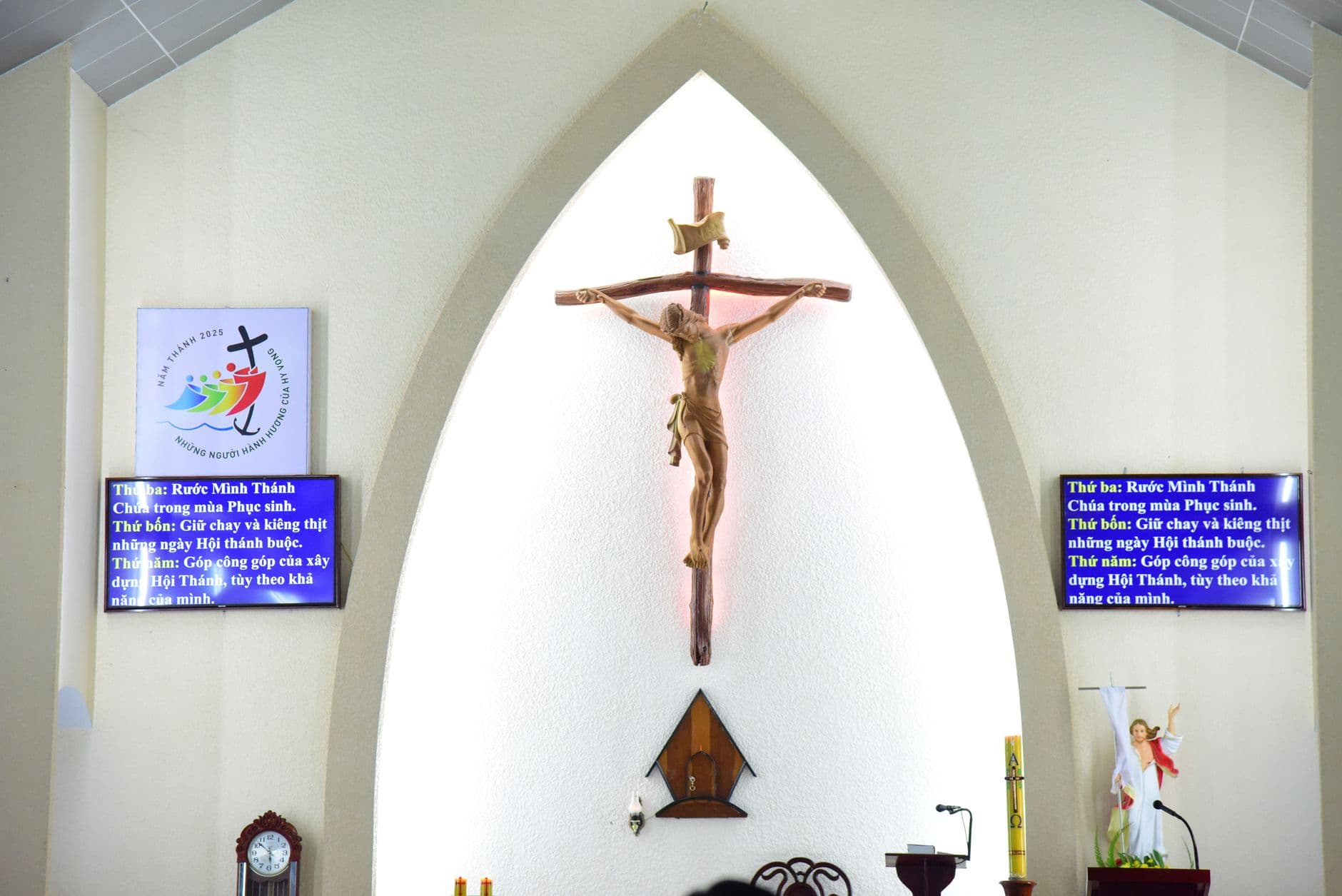
Church digital signage turns TVs into current announcement, welcome, and wayfinding screens. Visora is a browser-based signage platform for organizations that want simple remote updates without starting with proprietary hardware. Begin with one screen, one audience, one owner, and one measurable communication problem before expanding across the building.
What is the best church digital signage in 2026?
The best church digital signage in 2026 is easy for volunteers to update, supports clear screen zones, and can start without a large hardware commitment. Visora is a practical option because its Free plan supports 1 screen at $0 (with a Visora watermark and a Visora promo every 10 minutes), a compatible browser can pair in about 30 seconds, and paid plans add bundled screens. Churches should validate emergency, livestream, worship presentation, and accessibility requirements separately.
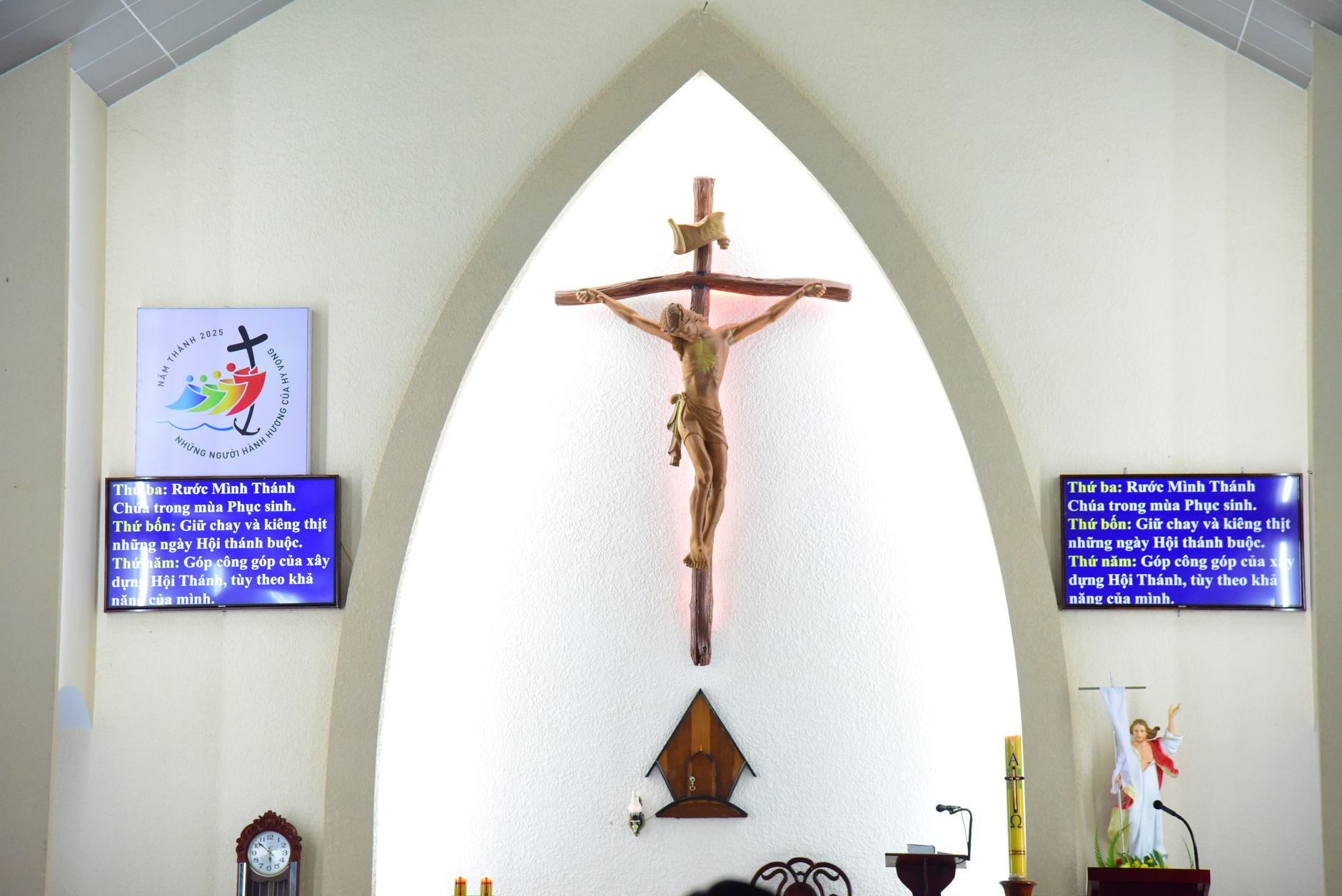
Photo by Sóc Năng Động / Pexels
The word "best" depends on the job. A lobby announcement screen, a sanctuary lyrics display, an outdoor LED sign, a classroom schedule, and a child check-in kiosk have different technical and operational requirements. Visora fits the announcement and wayfinding side of that list. It should not be presented as a substitute for production AV or a certified life-safety system.
A sound buying decision begins with a small content brief. Name the audience, location, owner, update frequency, approval rule, and action each screen should support. Then compare those needs with Visora's digital signage solutions and any specialized systems the church already uses.
What should a church show on digital signs?
Pushpay's 2025 benchmark gathered responses from more than 1,700 U.S. church leaders, and 51% named communication as the top challenge they hoped technology would address. A useful church screen should solve a defined communication problem, not become a decorative loop of generic slides. (Pushpay)
Show information that helps a person make a next decision. A visitor may need service times, the sanctuary location, children's check-in, accessible entrances, or the welcome desk. A member may need this week's class room, volunteer arrival time, event registration deadline, or community-service location.
Strong church content includes:
- Welcome messages, service schedules, and room changes
- Simple maps for the sanctuary, restrooms, classrooms, and check-in
- Upcoming events with one deadline and one clear action
- Volunteer needs with the role, time, location, and contact
- Approved giving, outreach, food pantry, and community-care updates
- Short scripture or reflection slides chosen by ministry leaders
- Captions, accessibility notices, and language-specific directions
Keep detailed policies and long event descriptions on an accessible web page. The screen should state the essential action and provide a short URL or QR code as an optional path, never the only path. The digital signage content ideas guide offers additional formats that can be adapted without copying another organization's content calendar.
Where should screens go in a church?
Pew Research Center reported in 2025 that 33% of U.S. adults attend religious services in person at least monthly, while 23% watch services online or on TV at least monthly. In-building screens serve a concentrated physical moment, so placement should follow real visitor decisions rather than broad online reach. (Pew Research Center)
Walk the building before choosing a display. Observe arrival, the ten minutes before a service, dismissal, weekday programs, and a large event. Note where people stop, ask a greeter for directions, miss a turn, or wait in line. Those are better candidates than an empty wall chosen only because power is nearby.
| Location | Primary job | Useful content | Common mistake |
|---|---|---|---|
| Main entrance | Welcome and orient | Service times, check-in, accessible route | Too many rotating announcements |
| Lobby or fellowship area | Help people act after service | Events, groups, volunteering, community care | No deadline or contact |
| Hallway junction | Wayfinding | Room names, arrows, schedule changes | Tiny map with too much detail |
| Children's area | Reduce uncertainty | Check-in steps, pickup rules, room directions | Showing private child information |
| Classroom wing | Confirm room use | Class name, time, room owner | Old schedules left on screen |
Mount screens where people can see them without blocking circulation. Check glare at the actual operating time, readable distance, cable routing, ventilation, tamper risk, and whether sound would disturb worship or conversation. A screen near a doorway should answer a question in seconds.
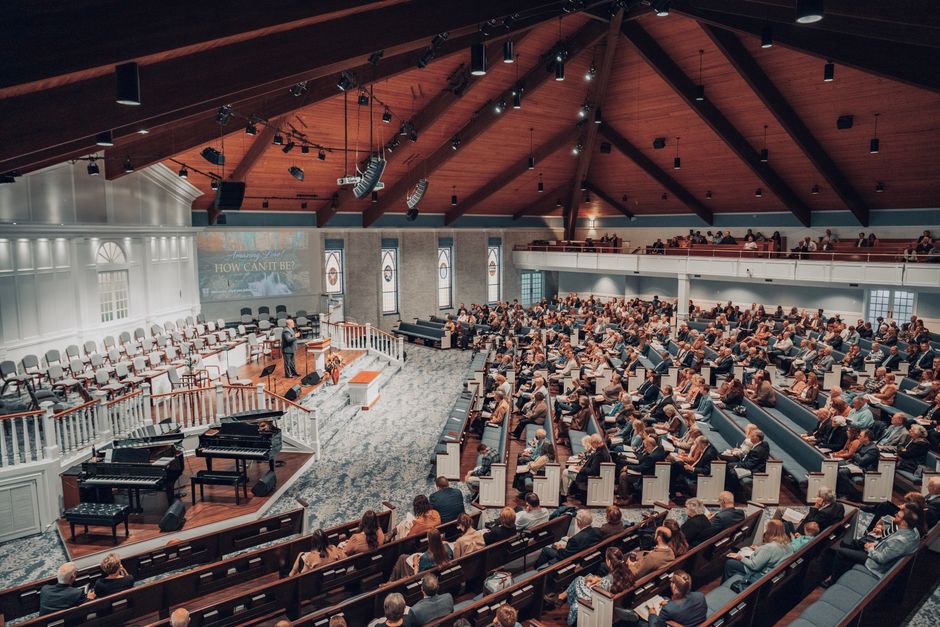
Photo by Andrew DeGarde / Pexels
How do you design readable church announcements?
Kitcast's 2026 analysis of 10,000+ screens found church displays most often carried media on 86%, weather on 87%, calendars on 68%, and video on 62%. Popular content is not automatically useful. Each slide still needs a clear purpose, readable hierarchy, and next action. (Kitcast)
Design for movement and varied eyesight. Lead with the message, not the ministry logo. Use one headline, one supporting line, one date or time, and one action. Keep type large, contrast strong, and backgrounds quiet. If a message cannot be understood from the normal viewing distance during one display cycle, simplify it.
Avoid using color alone to communicate urgency or category. Caption video, do not autoplay sound in shared areas, and provide critical information through another accessible channel. QR codes can help people save details on a phone, but they should not replace a written room number, time, or staffed point of contact.
A digital church bulletin board should feel calmer than a social feed. Group messages by location and audience instead of placing every ministry announcement on every screen. A child check-in screen and a fellowship-hall display can share a visual system while carrying different priorities.
Volunteer workflow and governance
Kitcast's 2026 telemetry found the median signage screen showed content last updated 16.8 days earlier, while 27.7% of scheduled creative was more than a year old. A church avoids stale announcements by assigning ownership and expiration dates, not by adding more templates. (Kitcast)
Give volunteers a workflow small enough to follow every week. One coordinator gathers requests by a fixed deadline. A reviewer checks dates, names, safeguarding concerns, and theological or organizational accuracy. An authorized publisher schedules approved slides and confirms the live screen. Every item receives an expiration date.
Use roles instead of one shared password. Volunteers may draft routine events, while staff retain billing, account recovery, organization-wide publishing, and urgent-message permissions. Keep a backup owner for vacations and busy seasons. A two-minute screen check before each main service catches more problems than a long policy that nobody follows.
A practical request form asks for the audience, desired action, location, start date, expiration date, contact, and approval owner. That structure prevents vague submissions such as "promote the retreat" from becoming a slide with no date or registration path. Schools use the same request, review, and backup roles, as our digital signage for schools guide shows.
What hardware does church digital signage need?
Pushpay reported in 2025 that 87% of churches continued streaming worship services and 86% of surveyed leaders said streaming improves participation and discipleship. Signage hardware should be scoped separately from cameras, switchers, projection, lyrics, and livestream equipment, even when those systems share screens or a network. (Pushpay)
For an indoor pilot, a compatible TV or monitor, safe mount, power, reliable network connection, and supported browser or connected computer may be enough. Existing equipment can lower risk while the team tests content operations. The digital signage hardware requirements guide explains the tradeoffs between smart TVs, computers, media players, and commercial displays.
Choose commercial hardware when long daily runtimes, bright windows, portrait orientation, narrow bezels, remote device control, warranty terms, or installation codes justify it. Outdoor signs require purpose-built enclosures, brightness, weather protection, structural review, permits, and professional electrical work. Do not place a consumer TV outdoors.
Document what happens after a power loss, browser crash, network outage, or remote-control input change. Keep account credentials protected and configure the display so visitors cannot exit the player into an administrator session. Test the exact TV and browser combination before buying several units.
How much does church digital signage cost?
Kitcast's 2026 survey of 515 operators found 56.1% paid $11 to $20 per screen each month for signage software. Visora uses bundled plans instead: $0 for 1 screen, $29 for 2, $59 for 4, and $159 for 10. Hardware and installation remain separate. (Kitcast)
Budget beyond the subscription. Include the display, mount, power, cabling, networking, player if needed, installation, content time, support, warranty, and replacement reserve. Sanctuary rigging, outdoor signs, interactive kiosks, and integrated emergency workflows need specialist estimates.
| Visora plan | Monthly price | Included screens | Useful starting point |
|---|---|---|---|
| Free | $0 | 1 | One lobby test, 200 MB, Visora watermark, Visora promo every 10 minutes |
| Starter | $29 | 2 | Entrance plus fellowship or classroom area |
| Pro | $59 | 4 | Scheduling and dayparting across several zones |
| Business | $159 | 10 | A larger campus group with priority support |
Starter can add up to 3 screens at $12 monthly each. Pro can add up to 2 at $15 each, and its video wall option costs $25 monthly. Business can add up to 5 screens at $17 each. These are bundled plans, not base per-screen licenses. Confirm the current details on Visora pricing.
Ready to test communication before buying a network? Pair 1 compatible screen with Visora in about 30 seconds and use the $0 plan to prove the workflow. Add screens only when each one has a clear audience, owner, and purpose: download Visora or review pricing.
A practical seven-day rollout plan
Pushpay's 2025 church-technology study found 52% of leaders had increased technology budgets, while 10% reported a decrease. A larger budget does not require a larger first deployment. A seven-day, one-screen pilot can expose content, ownership, network, and readability problems before expansion. (Pushpay)
| Day | Action | Evidence to collect |
|---|---|---|
| 1 | Choose one recurring communication problem | Baseline questions, missed turns, or outdated notices |
| 2 | Select the location and check sightlines | Photos from approach distance at operating time |
| 3 | Assign owner, reviewer, backup, and expiration rules | Written approval path and content deadline |
| 4 | Prepare three to five simple slides | Readability check on the actual display |
| 5 | Pair the screen and test recovery | Restart, network loss, and input recovery notes |
| 6 | Run through a normal service or event | Visitor and volunteer observations |
| 7 | Remove expired content and decide what changes | Keep, revise, relocate, or stop decision |
Do not judge the pilot by whether the screen looks modern. Ask whether visitors found the right place, whether volunteers could publish without staff rescue, and whether information stayed accurate. Expand only when a second location has a distinct job. Copying the same loop to every hallway usually creates more noise, not more clarity.

Photo by RDNE Stock project / Pexels
How do you measure if the screens are helping?
Kitcast reported in 2026 that 76.5% of signage operators did not measure ROI, and only 6.2% used a concrete method. Churches can do better with simple service measures: fewer direction questions, current slides, faster corrections, completed sign-ups, and volunteer publishing time. (Kitcast)
Match the measure to the screen's job. For wayfinding, count repeated direction questions at the welcome desk before and after the pilot. For events, use a unique short link or optional QR code and compare completed registrations, not scans alone. For operations, record how long an approved correction takes to appear and how many expired slides remain after the weekly review.
Useful measures include:
- Percentage of slides with an owner and expiration date
- Number of inaccurate or expired messages found each week
- Time from approved change to correct live content
- Questions the screen was designed to answer
- Completed registrations or volunteer responses from a tracked path
- Screen availability during planned operating hours
- Staff and volunteer minutes required for the weekly update
Avoid claiming that a screen caused attendance, generosity, or spiritual growth without credible evidence. Church digital signage is a communication channel. Its first obligation is to deliver accurate, timely, accessible information in the place where people need it.
Frequently asked questions
Pushpay and Barna's 2026 survey of more than 1,300 church leaders found 75% said technology improved connection with congregants and 94% said it helps the Church fulfill its mission in today's culture. The practical test is whether a tool supports human connection without displacing it. (Pushpay and Barna)
What is the best church digital signage in 2026?
The best system is easy for volunteers to update, supports clear screen zones, and can start without a large hardware commitment. Visora's Free plan supports 1 screen at $0 (with a Visora watermark and a Visora promo every 10 minutes) and can pair with a compatible browser in about 30 seconds. Validate emergency, livestream, worship presentation, and accessibility requirements separately.
What should a church show on digital signs?
Show information that helps someone take a next step: service times, welcome messages, directions, children's check-in instructions, event dates, volunteer needs, class locations, accessibility information, and approved community updates. Give every slide an owner and expiration date.
Can a regular TV be used for church digital signage?
Yes, a compatible TV or monitor can work for a small indoor pilot with a supported browser or connected computer. Check operating hours, ventilation, glare, mounting, power, network access, and recovery. Consider a commercial display for longer runtimes, brighter spaces, portrait mounting, or stronger warranties.
How much does church digital signage cost?
Visora costs $0 for 1 screen (with a Visora watermark and a Visora promo every 10 minutes), $29 monthly for 2 screens on Starter, $59 for 4 on Pro, and $159 for 10 on Business. Also budget for displays, mounts, power, networking, installation, content work, and replacement.
Can church volunteers update the screens?
Yes. Give volunteers a limited role, approved templates, a weekly deadline, and a named reviewer. Keep account recovery, billing, urgent messages, and organization-wide publishing with designated staff. Avoid shared passwords, and give every announcement an expiration date.
Can digital signage replace emergency alerts or worship presentation software?
No. Announcement signage is not automatically an emergency notification, fire alarm, mass-texting, worship presentation, livestream, assistive-listening, or child check-in system. Confirm integrations and failover behavior, keep approved alternative channels, and test urgent procedures with safety and ministry leaders.
How often should church announcements be updated?
Review public screens before every main service and use automatic expiration dates for events, schedule changes, and seasonal messages. A weekly editorial check is a sensible minimum. High-change areas need a same-day owner who can correct inaccurate information quickly.
Ready to give one church screen a clear job? Start with 1 compatible screen on Visora's $0 plan, run the seven-day pilot, and expand only when the results support it. Download Visora, explore digital signage solutions, or compare Visora pricing.