
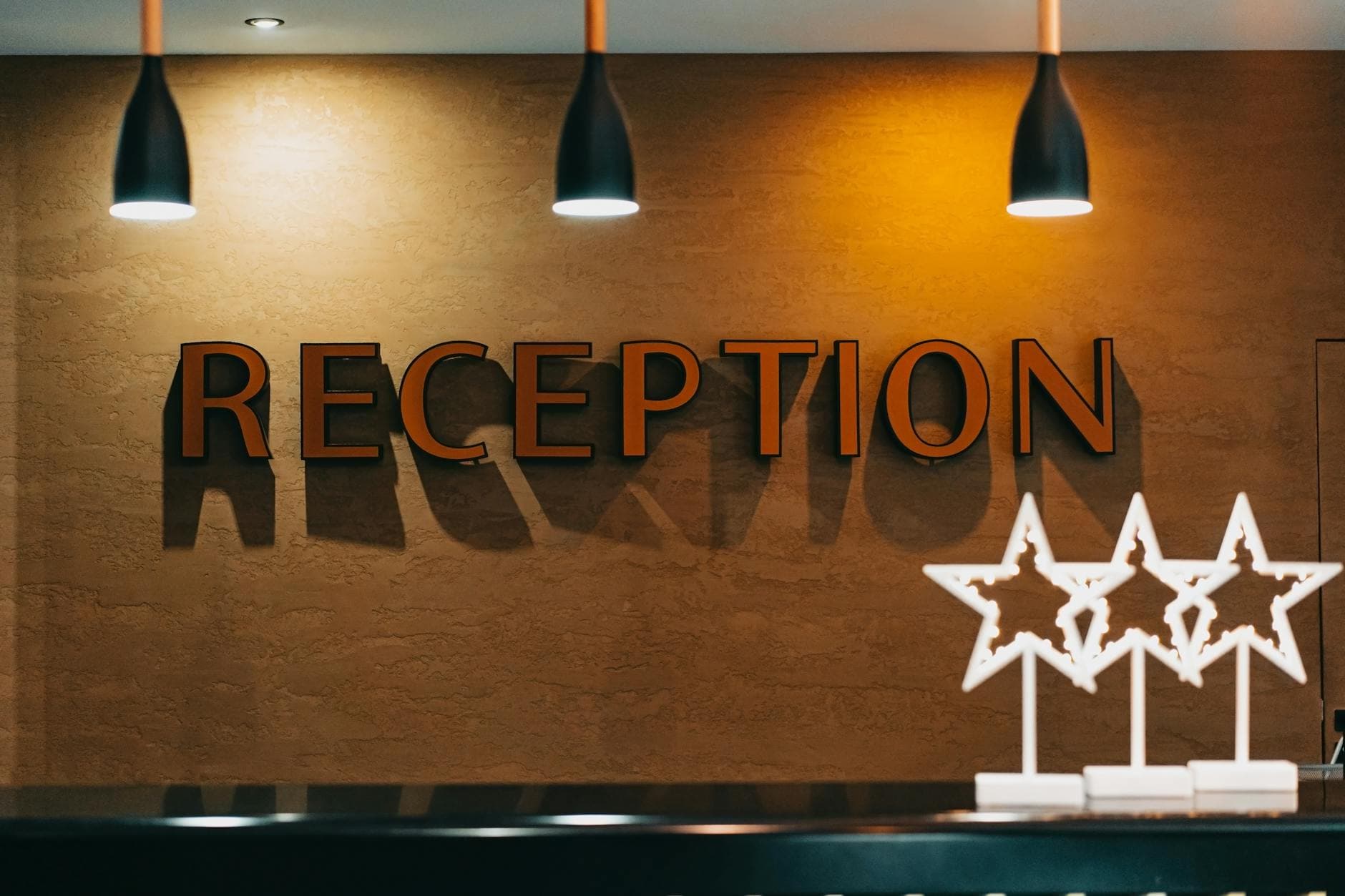
Hotel lobby digital signage pays off when each lobby screen has one job tied to where guests stand: check-in steps at reception, dining and spa offers in the seating area, schedules at the elevators. This guide maps 6 lobby zones, shows what each screen runs by time of day, and covers hotel TVs that cannot stay on as signage.
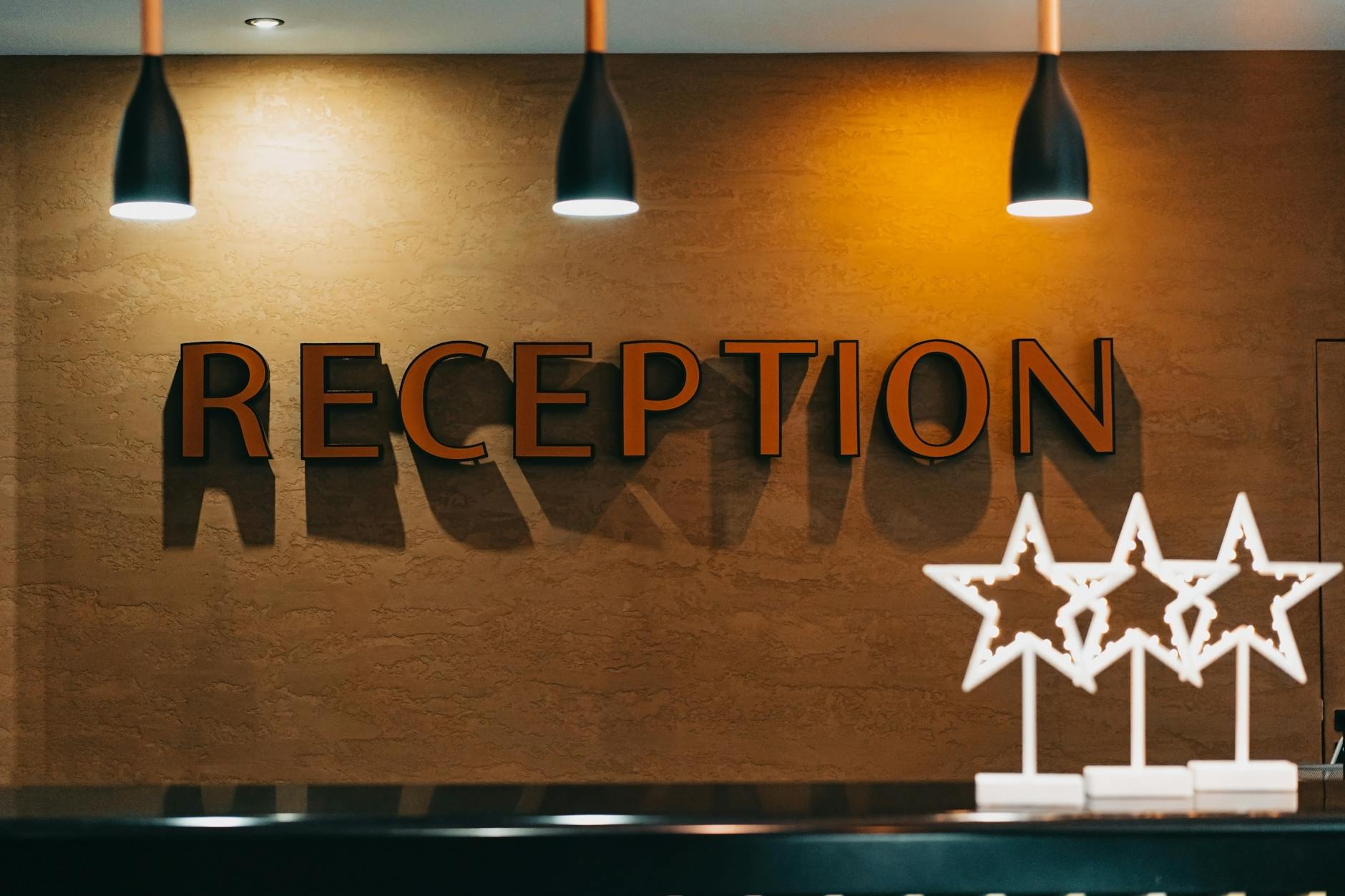
Photo by Mikhail Nilov / Pexels
What should a hotel lobby screen show, and where?
A hotel lobby screen should answer the question guests have at that exact spot: where to go, what is open, and what they can book next. With Visora, each zone gets its own playlist, the screen pairs through a TV browser with a 4-character code, and Pro ($59 per month, 4 screens) schedules offers by time of day. A first screen in the reception sightline can run on the free plan.
This page is about the lobby itself. For a comparison of signage platforms across hotels, restaurants, cafés, and bars, see the digital signage for hospitality guide.
Which lobby screen runs what, and when?
Guests move through a lobby in a predictable order: entrance, reception queue, seating, elevators, and the doors to the restaurant or meeting rooms. Each stop has a different decision attached, so a single brand loop on every screen wastes the most valuable wall space in the building.
| Zone | Guest moment | Screen job | Peak content windows | Visora setup |
|---|---|---|---|---|
| Entrance sightline | Arriving, orienting | Welcome, group or event welcome, direction to reception | Check-in hours | Own playlist; video wall for a feature wall |
| Reception queue | Waiting 2 to 10 minutes | Breakfast add-on, late checkout, parking upgrade, Wi-Fi QR | Afternoon check-in, morning checkout | Scheduled offers (Pro or Business) |
| Seating area | Waiting for a ride, a friend, a room | Restaurant tables tonight, spa openings, local tours, weather | Afternoon and early evening | Weather and clock widgets plus offers |
| Elevator bank | 20 to 60 seconds | Amenity hours, pool and gym times, event floor numbers | All day | Short loop, one fact per slide |
| Restaurant or bar entrance | Deciding where to eat or drink | Today's specials, breakfast cutoff, happy hour, live game | Before each meal period | Daypart playlists; desktop app for live TV |
| Meeting-room corridor | Finding a room | Room assignments, agenda changes, sponsor slides | Event days only | Event playlist scheduled for the event window |
A small property can start with two screens: one in the reception sightline and one at the elevators. A full-service hotel with all six zones fits inside Pro (4 screens plus up to 2 extra at $15 each) or Business (10 screens). Each zone needs its own playlist, which in Visora is called an ad group: Pro includes 6 and Business is unlimited.
If the hotel bar shows sports, the Visora Windows desktop app adds HDMI capture, so a live game can run with your promotions around it. Our live sports restaurant TV guide explains that setup, and the bar digital signage guide covers drink and event content.
How do you rotate amenity upsells by time of day?
The easiest way to annoy guests is to show every offer all day. The better approach is to promote the next likely decision. Mews reported that kiosk check-ins were three times more likely to include an upsell purchase than front-desk check-ins (Mews). Lobby screens are not kiosks, but the lesson carries over: offers work when they appear at the moment of decision.
| Time | Reception queue | Seating area | Elevator bank |
|---|---|---|---|
| 6 to 10 a.m. | Late checkout, luggage storage | Breakfast, coffee, airport transfer | Breakfast hours, gym times |
| 10 a.m. to 1 p.m. | Late checkout, room readiness | Local tours, workspace by the hour | Pool hours, meeting rooms |
| 1 to 4 p.m. | Breakfast add-on, parking upgrade | Spa openings this afternoon | Spa and pool hours |
| 4 to 7 p.m. | Restaurant tables tonight | Bar happy hour, local events | Restaurant hours, rooftop or bar |
| 7 to 10 p.m. | Next-day breakfast add-on | Dessert, lounge, tomorrow's tours | Quiet hours, breakfast start time |
Five rules keep the rotation useful:
- Show capacity, not slogans. "Two massage openings after 4 p.m." beats "Visit our spa."
- Give every offer a QR code so guests do not queue again to accept it.
- Keep the sales share under half of each loop; mix in directions, weather, and schedules.
- End-date every offer so sold-out promotions leave the screen on time.
- Match offers to the property. A limited-service hotel leads with breakfast, parking, and late checkout; a resort with spa, cabanas, and dining.
Hotel Tech Report's 2025 upselling research with Plusgrade says 93% of guests have bought at least one ancillary product or service (Hotel Tech Report). The rotation is how a lobby screen reaches them at the right hour.
Scheduling by time of day requires Visora Pro or Business. On Free or Starter, a manager switches playlists by hand, which works for one screen but not for six.
Photo by Huu Huynh / Pexels
What if the hotel's TVs cannot stay on as signage?
Many hotel lobbies inherit consumer or hospitality-mode TVs whose built-in browser sleeps, times out, or resets overnight. Before buying new displays, match the TV to a player option:
| Situation | Best option | Notes |
|---|---|---|
| Recent smart TV with a reliable browser | TV browser | Open the Visora player in the browser and enter the 4-character code it shows in the dashboard |
| TV browser sleeps, times out, or is locked by hospitality mode | Fire TV Stick with the Visora TV app | Plug into HDMI and install the Visora TV app from the Amazon Appstore |
| Bar or lounge screen that also shows live TV | Windows PC with the Visora desktop app | Includes HDMI capture for live TV and sports (Starter and above) |
None of these needs a dedicated signage player. Test the chosen option for a full day and night before mounting it in the lobby, because overnight power settings are the most common reason a lobby screen is dark at 7 a.m. Our smart TV digital signage guide compares which TV platforms work best for all-day playback.
How much does hotel lobby digital signage cost?
| Lobby setup | Screens | Visora plan (USD per month) | Scheduling |
|---|---|---|---|
| Reception pilot | 1 | Free, $0 (Visora watermark and promo every 10 minutes) | No |
| Reception plus elevators | 2 | Starter, $29 | No |
| Four lobby zones | 4 | Pro, $59 | Yes |
| All six zones | 6 | Pro plus 2 extra screens, $89 | Yes |
| Lobby, restaurant, meeting floor | 10 | Business, $159 | Yes, plus video wall included |
Per-screen tools price differently: Yodeck Basic is $8 per screen per month, OptiSigns Standard $10, and ScreenCloud Core $20 on annual billing (prices checked October 2026 on each vendor's pricing page). Budget displays, mounts, and a Fire TV Stick where the TV browser is not reliable. Confirm current plans on pricing.
How should a hotel measure lobby screens?
Pick one screen job and one signal for the first 30 days. Useful signals are QR scans per offer and zone, restaurant covers booked after the 4 p.m. slot went live, breakfast add-ons before and after evening messaging, late checkout requests, and fewer front-desk questions about Wi-Fi, events, and directions. Attribution is never perfect, because a guest may see the screen and then ask the desk, so ask front-desk staff what changed as well.
Photo by Dirk De Backer / Pexels
Frequently asked questions
What is hotel lobby digital signage?
Hotel lobby digital signage is a set of centrally managed screens in the entrance, reception, seating, elevator, and dining areas. Hotels use them for welcome messages, check-in guidance, directions, amenity hours, event schedules, and timed offers with QR codes.
Where should hotel lobby screens go first?
Put the first screen in the reception sightline, where guests wait and decide on add-ons such as breakfast, parking, or late checkout. The elevator bank is a strong second screen for amenity hours and event floor numbers.
Can lobby screens increase amenity revenue?
They can, when offers appear at the moment guests decide and include a simple way to book. Schedule restaurant tables before dinner, spa openings in the afternoon, and late checkout in the morning, and track QR scans and bookings per offer.
Can hotel lobby signage change content by time of day?
Yes, on Visora Pro ($59 per month for 4 screens) and Business ($159 per month for 10 screens). Free and Starter do not include scheduling, so playlists change manually on those plans.
What if a hotel TV's browser keeps timing out?
Plug a Fire TV Stick into the TV's HDMI port and run the Visora TV app from the Amazon Appstore. For bar screens that also show live TV, a Windows PC with the Visora desktop app adds HDMI capture.
Does hotel lobby signage need PMS integration?
Not for a first rollout. Scheduled offers with QR codes cover most lobby use cases. Integrations matter later, when a property wants live room inventory or guest-specific offers.
How much does hotel lobby digital signage cost?
On Visora, 1 screen is free, 2 screens are $29 per month on Starter, 4 screens with scheduling are $59 per month on Pro, and 10 screens are $159 per month on Business. Displays, mounts, and streaming sticks are separate.
Ready to put one lobby screen to work? Pair the reception TV with Visora in about 30 seconds and give it the reception-queue job from the zone table. Start free and add zones as bookings prove it: see pricing.