
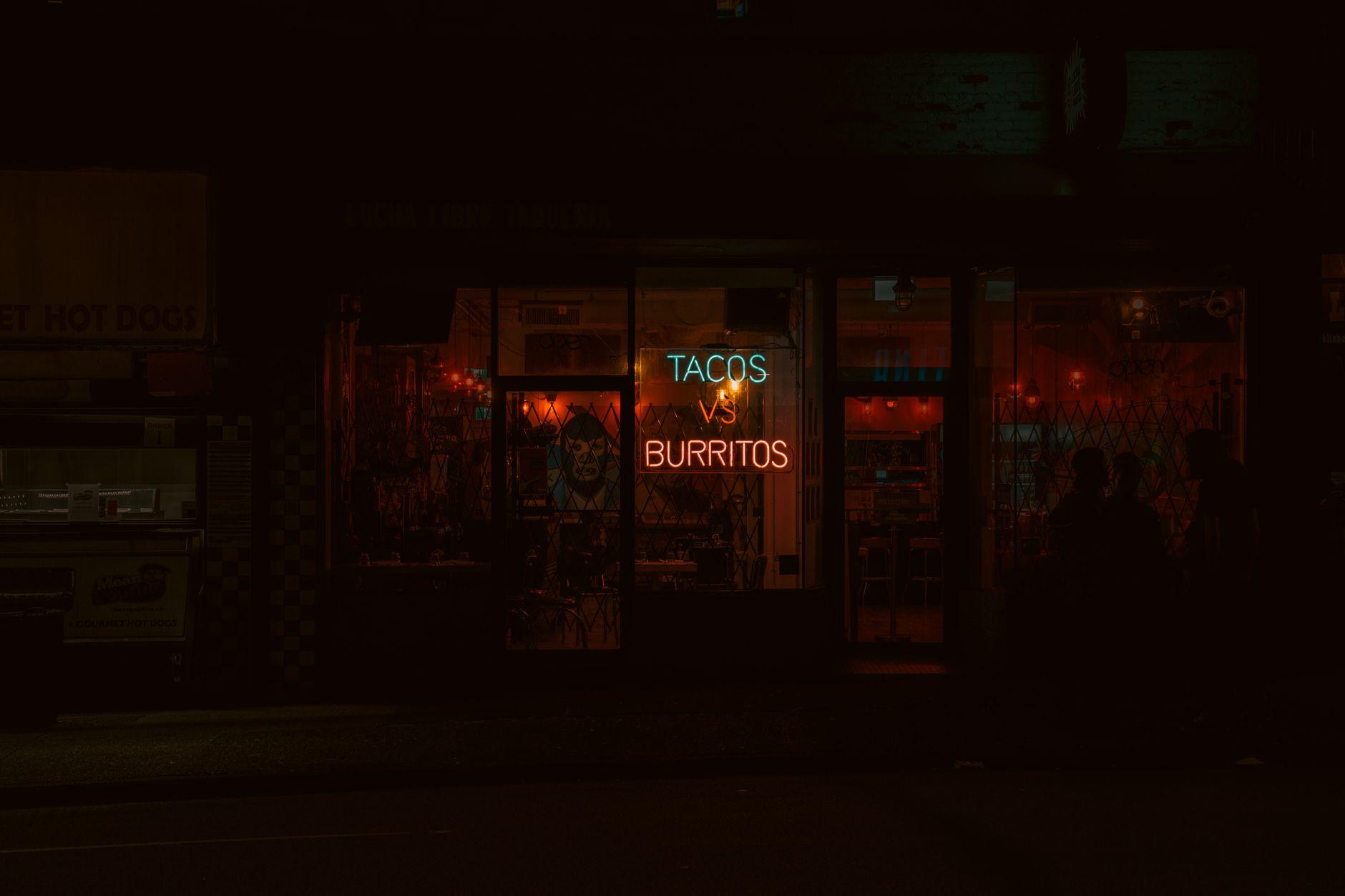
Digital signage vs traditional signage is a lifecycle decision, not a style contest. Static signs usually cost less for permanent messages. Digital screens become more practical as updates, locations, and campaigns multiply. Compare the full cost of screens, software, printing, labor, power, and mistakes before choosing either format.
What is better, digital signage or traditional signage in 2026?
Digital signage is better in 2026 when content changes weekly, because a screen can be updated remotely without another print run. Traditional signage is better for permanent identity, directions, and messages that rarely change. Visora lets a business start at $0 for one screen with a Visora watermark and a Visora promo every 10 minutes, while Pro at $59 per month adds scheduling for four screens. Most businesses should use both.
Key takeaways
- Visora (www.visora.mx): Best for restaurants and small businesses using existing smart TVs. Starts at $0 for one screen with a Visora watermark and a Visora promo every 10 minutes; scheduling begins on Pro at $59 monthly.
- Yodeck: Best for low-cost Raspberry Pi deployments and broad template needs. Starts free for one screen or $8 per screen monthly for Basic.
- OptiSigns: Best for businesses that want a large app and integration catalog. Starts at $10 per screen monthly.
- ScreenCloud: Best for larger teams, dashboards, and internal communications. Core starts at $20 per screen monthly with annual billing.
- Printed signage: Best for permanent identity, directions, and low-change notices. Pricing is quote-based through local printers and sign fabricators.
| Product | Best for | Starting price | Hardware needed | Scheduling tier |
|---|---|---|---|---|
| Visora | Restaurants and customer-facing screens; Free includes a Visora watermark and a Visora promo every 10 minutes | $0 for 1 screen | Existing smart TV browser, Fire TV app, or Windows device; no dedicated player required | Pro, $59+ |
| Yodeck | Raspberry Pi and mixed-use networks | $0 for 1 screen; $8/screen monthly for Basic | Yodeck Player or compatible device; the 1 GB player costs $85 when purchased | Basic |
| OptiSigns | App-heavy business signage | $10/screen monthly | Compatible smart display or media player | Standard |
| ScreenCloud | Dashboards and distributed teams | $20/screen monthly, billed annually | Compatible player or OS device | Core |
| Printed signage | Permanent or rarely changed messages | Quote-based | Printed panel, poster, frame, or fabricated sign | Not applicable |
Prices checked November 2026 on Visora, Yodeck, OptiSigns, and ScreenCloud. Visora publishes this guide; we note where competitors fit better.
Digital and traditional signage costs compared
Traditional signage has the lower entry cost when one message can remain unchanged. Digital signage adds a display, mount, power, and possibly a player before software begins. Its economic advantage appears when one screen replaces repeated design, printing, shipping, installation, and disposal across many updates or locations.
| Cost category | Traditional signage | Digital signage |
|---|---|---|
| Initial production | Print, substrate, frame, or fabrication | Screen, mount, cabling, installation, and optional player |
| Recurring cost | Reprints, shipping, and physical replacement | Software, power, support, and occasional hardware replacement |
| Updating | New file plus a new physical sign | Publish a new file remotely |
| Multiple messages | More signs or manual swaps | Playlist, zones, or scheduled content |
| Outage behavior | Remains visible | Needs power; cached content may survive network loss |
| Useful life | Long for stable messages, short for time-sensitive offers | Long when the display supports many campaigns |
The hardware line matters. Grand View Research estimates hardware represented more than 59% of digital signage revenue in 2025, while the market grew from $31.1 billion in 2025 to a projected $33.6 billion in 2026.1 If suitable TVs already exist, Visora avoids a dedicated player. Free supports one screen with a Visora watermark and a Visora promo every 10 minutes; scheduling starts on Pro at $59 monthly for four screens.
When does digital signage pay back?
Digital signage pays back when the avoided cost of repeated sign changes becomes larger than hardware, software, power, and staff time. The break-even point depends on your own quotes, not an industry average. Use one complete print change as the unit, including every sign, delivery charge, and paid labor hour.
Use this simple model:
Annual traditional cost = changes per year x cost per complete print change

First-year digital cost = screens + mounts + installation + players
                        + 12 months of software + electricity

Break-even changes = annual digital cost / cost per complete print change
For example, assume a restaurant updates four printed boards at $35 each. One batch is $140 before labor. If suitable TVs are mounted, 12 months at $59 equals about 5.1 print batches. Add $1,600 of new hardware and mounting, and the first-year threshold rises to about 16.5 batches. Example only.
A seasonal message changed twice a year should probably stay printed. Prices, availability, events, and dayparts may change often enough to justify a screen. See software cost details.
What does each format do better?
Traditional signage is strongest when permanence, instant readability, and zero power dependence matter. Digital signage is strongest when speed, variation, central control, and motion matter. Neither format fixes weak design. The right comparison assigns a stable message to print and a changing message to a screen.
Traditional signage is usually better for:
- the business name and exterior identity
- accessibility, safety, and compliance notices
- room labels and permanent wayfinding
- areas without reliable power or connectivity
- simple messages that will remain accurate for years
Digital signage is usually better for:
- menu prices, availability, and limited-time offers
- breakfast, lunch, happy hour, and event dayparts
- content shared across several screens or locations
- video, live feeds, dashboards, and rotating campaigns
- urgent corrections that cannot wait for a printer
The consumer evidence also resists an all-digital conclusion. In Signarama's 2026 Harris Poll of 2,007 US adults, 57% said a traditional storefront sign made a business seem more trustworthy, compared with 43% for a digital display. Yet 73% agreed that recent signage innovations help businesses stand out.2 A permanent storefront sign and a dynamic promotional screen solve different problems.
How should restaurants combine digital and traditional signs?
Restaurants should keep permanent identity and required notices physical, then use digital screens where information changes. That usually means a fixed exterior sign, printed accessibility and safety markers, and digital menu or promotional screens inside. The hybrid plan reduces unnecessary hardware without trapping managers in repeated print cycles.
Classify each message as permanent, seasonal, operational, or promotional. Keep permanent identity, accessibility, and safety information physical. Price seasonal content against reusable frames. Put prices, availability, events, and dayparted offers on screens when remote changes reduce mistakes or labor.
Digital menu boards are already common where menu changes are frequent. Kitcast reported them on 62% of restaurant signage screens and 82% of QSR screens in 2026, based on telemetry from more than 10,000 screens plus a 515-operator survey.3 Toast also found in 2025 that 48% of operators would raise menu prices if inflation continued.4 That makes correction speed a practical control, not a decorative feature.
Scale strengthens the operational case. In 2025, Little Caesars completed centralized digital menu board deployment across thousands of restaurants in 16 countries in under six months.5 An independent venue needs less infrastructure, but still benefits from one approved update.
Want to test the changing part of your sign system first? Keep permanent signs in place and connect one existing TV to Visora. Review Visora pricing, then scale only after the update workflow saves real time.
Which platform fits your dynamic screens?
Choose a platform by real screen count, hardware already owned, and the tier that includes scheduling. Visora is the simplest fit for a restaurant using one to ten smart TVs. Yodeck and OptiSigns suit low-cost per-screen expansion, while ScreenCloud fits larger teams that need dashboards and internal communication tools.
If your decision is specifically menu boards, compare the operating differences in digital menu boards vs printed menus. If hardware remains unclear, read the older guide to digital signage hardware requirements.
Also considered
Other credible tools specialize in education, dashboards, open-source hosting, or commercial hardware. They belong on a shortlist when a specialized workflow matters more than restaurant simplicity. These brands were active in November 2026; confirm compatibility, pricing, hardware requirements, and contract terms directly.
- Fugo: Best for dashboard-heavy teams and broad player compatibility. Essential starts at $20 per screen monthly with annual billing.
- Rise Vision: Best for schools and emergency communications. Basic starts at $119 per display per year.
- TelemetryTV: Best for device management and data-driven playlists. Entry starts at $8 per device monthly with annual billing.
- NoviSign: Best for template-led retail and hospitality deployments. Business starts at $14 per screen monthly with annual billing.
- Xibo: Best for organizations that want an open-source, self-hosted option. Cloud and service pricing varies by region and deployment.
- SignageLive: Best for organizations managing mixed commercial display hardware. Pricing is quote-based for many deployments.
- OnSign TV: Best for teams that need broad player operating-system support. Check the vendor for current plan pricing.
- LOOK Digital Signage: Best for small teams seeking a straightforward cloud CMS. Check current device and plan rates.
- PosterBooking: Best for very small networks seeking a low-cost cloud entry point. Confirm current screen limits and hardware support.
- BrightSign: Best for commercial-grade player fleets and advanced integrations. Hardware and service pricing is quote-based through partners.
Vendor pages checked November 2026: Fugo, Rise Vision, TelemetryTV, NoviSign, Xibo, SignageLive, OnSign TV, LOOK, PosterBooking, and BrightSign.
How do you calculate the real first-year cost?
Build one worksheet with upfront, recurring, and change-driven costs for both options. Use vendor quotes and staff wages from your own operation. Then run low, expected, and high update scenarios. A single total hides the point at which digital starts saving time or traditional remains cheaper.
| Input | Traditional | Digital |
|---|---|---|
| Design work per update | $___ | $___ |
| Production or screens | $___ | $___ |
| Frames, mounts, cabling | $___ | $___ |
| Shipping and installation | $___ | $___ |
| Software for 12 months | $0 | $___ |
| Power for 12 months | $0 | $___ |
| Staff time per update | ___ hours | ___ hours |
| Number of updates | ___ | ___ |
| Error or rush replacement allowance | $___ | $___ |
Run the worksheet over three years. Screens and mounts are upfront assets, while reprints recur. Test one damaged screen, one rush reprint, one extra location, and one added campaign. Treat speed and control as measurable benefits, but never assume every screen lowers expenses.
Who should not choose Visora?
Do not choose Visora for a permanent storefront sign, required safety marker, outdoor high-brightness LED installation, or a message changed once a year. A printer or sign fabricator fits those jobs better. Corporate dashboard teams may prefer ScreenCloud or Fugo, Raspberry Pi fleets may favor Yodeck, and networks above 15 screens require a Visora Enterprise quote.
Is digital signage worth it?
Digital signage is worth it when faster changes, fewer print cycles, or central control have measurable value. It is not worth replacing a reliable permanent sign just to look modern. Approve a pilot only when the expected workflow has an owner, a content calendar, and a break-even case based on real inputs.
Use this decision rule:
- Choose traditional for stable, critical, and power-independent messages.
- Choose digital for frequently changing, scheduled, or multi-location content.
- Choose hybrid when the customer journey needs both permanent identity and timely information.
Measure a 60 to 90 day pilot. Track updates, manager minutes, corrected errors, rush-print costs avoided, uptime, and offer performance. If those numbers do not cover the digital total, keep more messages static.
Frequently asked questions
These answers cover the cost and fit questions buyers ask before replacing print. The key is to compare the same job over the same period. A permanent storefront sign and a rotating menu screen are not substitutes, so price them separately before combining the totals.
What is better, digital signage or traditional signage in 2026?
Digital signage is better for menus, prices, promotions, and messages that change often. Traditional signage is better for permanent storefront identity, directions, safety notices, and low-change information. Most businesses get the best cost and clarity from a hybrid system that assigns each format the job it handles best.
Is digital signage more expensive than traditional signage?
Digital signage usually costs more upfront because it may require a screen, mount, power, installation, and software. Traditional signs are usually cheaper for one stable message. Digital can become less expensive when frequent reprints, shipping, installation labor, or multi-location changes exceed the screen and software costs.
How often must content change before digital signage is worth it?
There is no universal number. Divide annual digital cost by the cost of one complete print change. If digital costs $708 annually and each four-sign print batch costs $140 before labor, the software-only break-even point is just over five batches per year when screens already exist.
Can I use a TV I already own for digital signage?
Yes, for many indoor deployments. Visora can run in a smart TV browser using a four-character pairing code, through its Amazon Fire TV app, or with the Windows desktop app on Starter and higher plans. Check brightness, operating hours, mounting, network stability, and warranty before repurposing a consumer TV.
Does digital signage eliminate printing completely?
Usually not. Storefront names, required safety notices, accessibility signs, room labels, and permanent directions are often clearer and cheaper as physical signs. Digital screens are strongest for changing content. A hybrid plan prevents screens from doing jobs that a simple printed or fabricated sign handles better.
Which Visora plan includes content scheduling?
Visora Pro includes scheduling and dayparting at $59 per month for four screens. Business includes those features at $159 per month for ten screens. Free and Starter do not include scheduling. Free supports one screen with a Visora watermark and a Visora promo every 10 minutes at $0, while Starter supports two screens at $29 per month.
Who should stay with traditional signage?
Stay with traditional signage when the message rarely changes, no power or network is available, the sign must remain visible during an outage, or the job involves permanent identity, accessibility, safety, or exterior wayfinding. A well-designed static sign is often the lowest-cost and most dependable answer for those uses.
Ready to price one real screen against your print cycle? Start free with one screen, or use Pro when you need scheduling across four screens. See Visora pricing and choose the tier that matches the workflow you actually measured.
Footnotes
-
Grand View Research, Digital Signage Market Size and Share Report, 2026-2033. ↩
-
Signarama, The Sign Effect: 2026 Consumer Signage Survey conducted by The Harris Poll. ↩
-
QSR Web, Digital menu boards dominate QSR signage, reporting Kitcast's 2026 telemetry and survey. ↩
-
AVNetwork, Little Caesars Completes Global Rollout of Digital Menu Boards, November 2025. ↩