
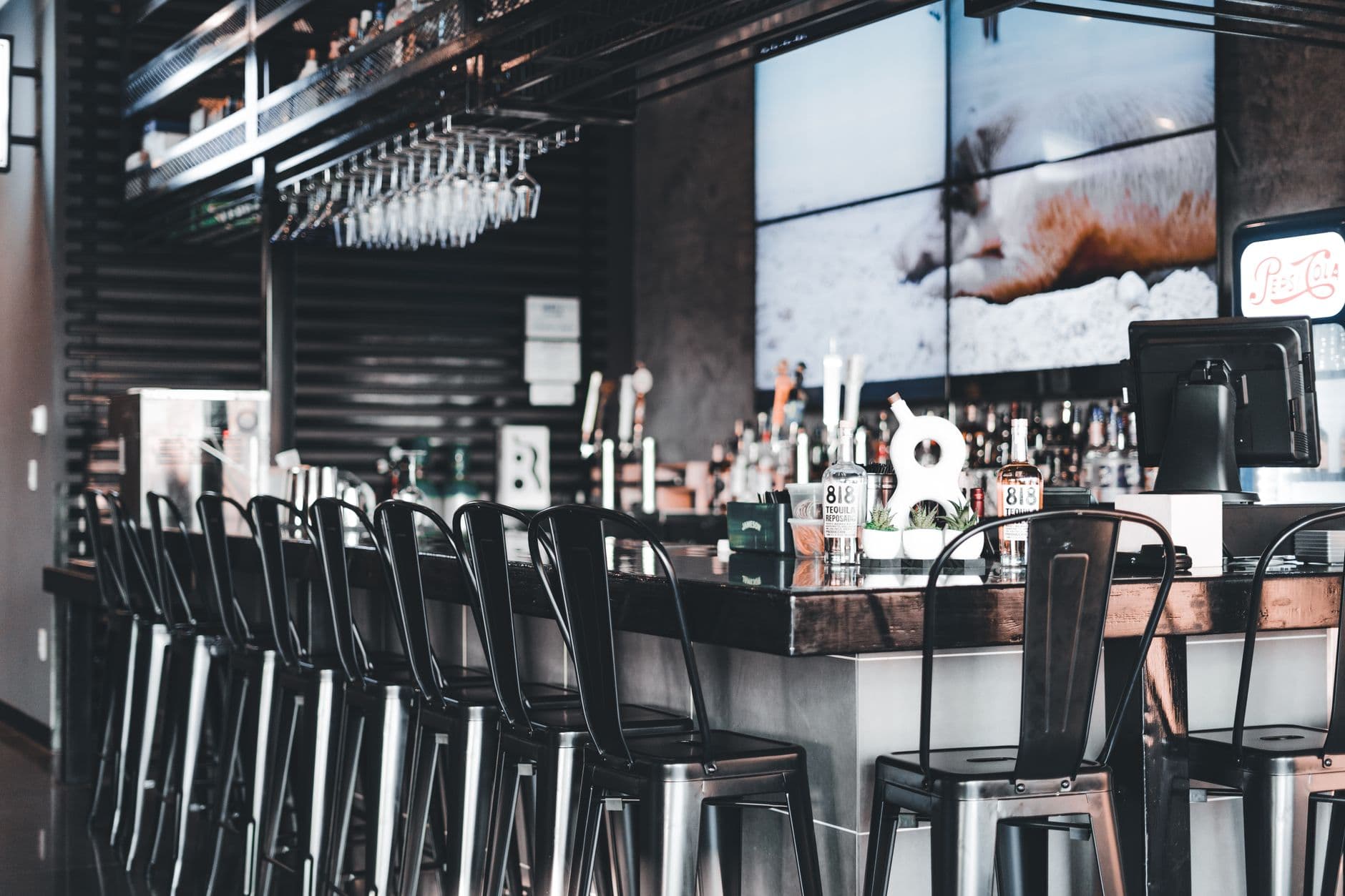
Dynamic digital signage keeps screens aligned with what is happening now. It changes menus, promotions, wait times, dashboards, or alerts through schedules, data, and triggers instead of relying on a person to replace every slide. This guide explains the difference, shows 10 useful examples, and maps a manageable first rollout.
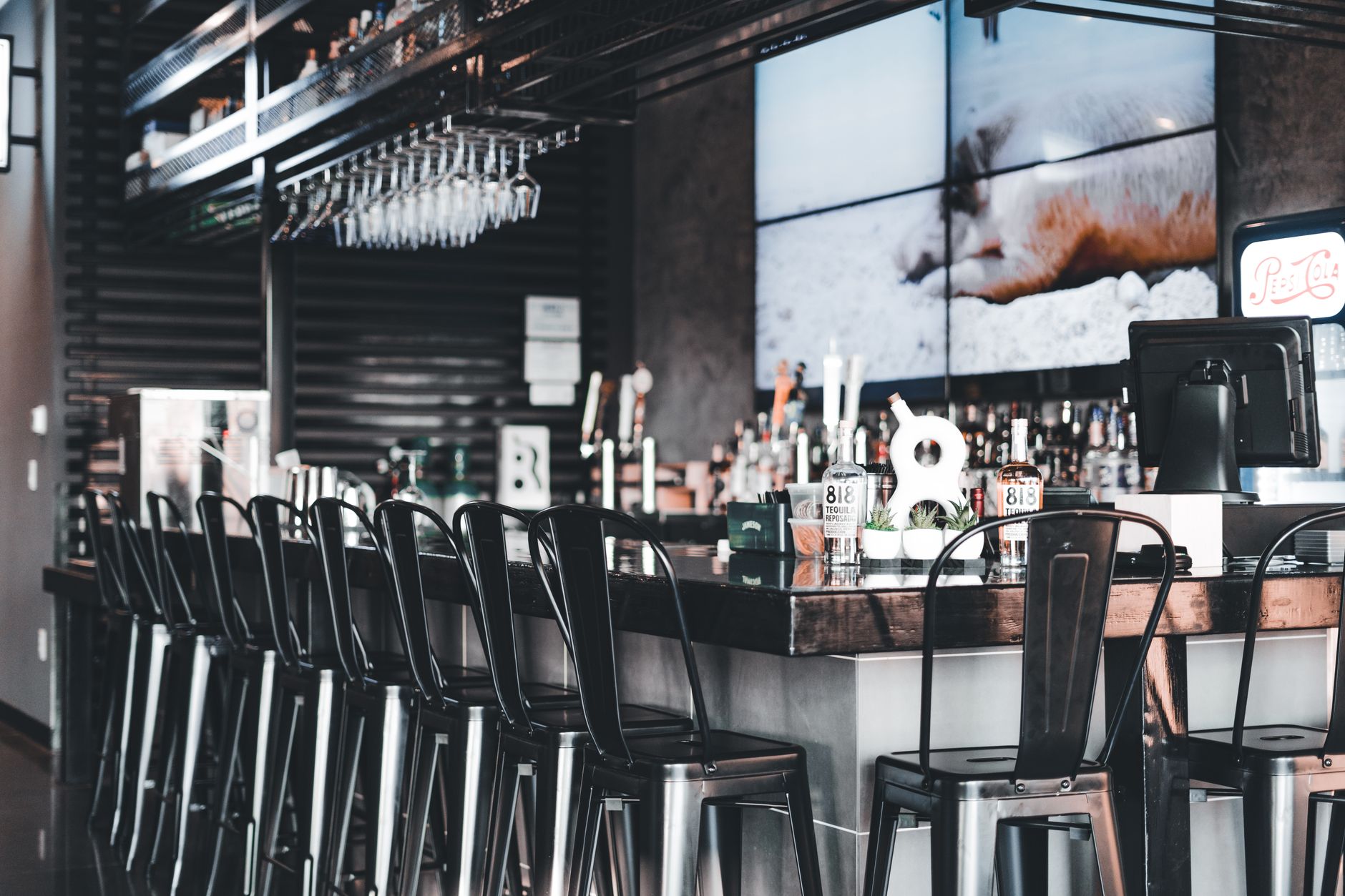
Illustrative photograph by Erik Mclean on Pexels. The venue is not presented as a Visora customer.
What is dynamic digital signage in 2026?
Dynamic digital signage is a screen system that changes content automatically by schedule, live data, or an operational trigger instead of waiting for someone to replace a file. In 2026, Visora gives restaurants this control through a cloud dashboard, with scheduling and dayparting on the $59 Pro plan for 4 screens. A useful setup connects each display to a clear rule, content owner, and current source of truth.
The word "dynamic" is often used too loosely. A video can move while staying unchanged for months. A plain text price is dynamic if it updates from an approved source. The distinction is responsiveness, not animation.
Dynamic signage usually follows one or more of four update models:
- Scheduled: Breakfast becomes lunch at 11:00 a.m.
- Triggered: A manager removes an item or overrides the playlist.
- Data-driven: Prices, queues, weather, or inventory refresh from a source.
- Interactive: A person's input changes the display.
For the broader foundation, read what digital signage is. Dynamic describes the update model, not the screen.
How does dynamic digital signage work?
Grand View Research valued the global digital signage market at $31.1 billion in 2025 and estimated $33.6 billion in 2026.1 That scale covers far more than restaurant software, but it shows why buyers now encounter many displays, players, content systems, and integration options. The update path matters more than the panel alone.
A dynamic screen needs four layers: the display, a browser or player, a content management system, and a current information source.
The source can be a schedule or a manager's sold-out toggle. Advanced deployments may connect to a POS, inventory database, calendar, weather feed, queue system, or sensor.
The flow looks like this:
- A trusted source records a change.
- A rule decides whether that change should affect a screen.
- The CMS updates a field, layout, or playlist.
- The display receives and renders the new state.
- Monitoring confirms the screen is online and showing the intended content.
Automation removes repetitive work, not ownership. Someone must approve sources, review exceptions, and define what happens when a feed stops.
How is dynamic signage different from static signage?
Kitcast's 2026 dataset examined content across 10,000+ live displays and found that menus appeared on 62% of restaurant screens and 82% of QSR screens.2 Those screens are not automatically dynamic. A digital menu becomes dynamic only when schedules, data, or operational actions keep its content aligned with service.
Static print and fixed slides remain useful for stable messages. Dynamic signage earns its complexity when timeliness, variation, or scale creates recurring work.
| Decision factor | Static sign or fixed slide | Dynamic digital signage |
|---|---|---|
| Update method | Replace the sign or upload a new file | Apply a schedule, trigger, or data refresh |
| Best for | Permanent directions, policies, brand statements | Menus, availability, queues, events, alerts |
| Accuracy risk | Becomes stale until a person notices | Depends on source quality and rule design |
| Location control | Each sign is handled separately | One dashboard can control groups and locations |
| Failure mode | Old information remains visible | A broken feed may show missing or stale data |
| Content effort | Low for rare changes | Lower per update after careful setup |
A mixed approach is often best. Keep evacuation maps, accessibility instructions, and long-lived policies stable. Use dynamic zones for information that changes. Car dealership inventory screens are a good example: a vehicle on display in the morning may be sold by afternoon.
Which real-time digital signage examples work?
The strongest examples change because the viewer's decision has changed. In Kitcast's 2026 fleet data, weather appeared on 73% of restaurant screens and 75% of QSR screens, while API content appeared on only 8% and 12%, respectively.2 Simple contextual feeds are common; deeper business integrations remain selective.
These 10 patterns start with a reason to change, not a visual effect.
1. Restaurant daypart menus
Breakfast, lunch, dinner, and late-night layouts switch on an approved schedule. A manager can hold the transition if service runs late.
2. Sold-out item control
A manager or inventory system marks an item unavailable. The board hides it or shows an approved alternative. Grocers apply the same rule to perishables and daily prices, as our digital signage for grocery stores guide explains.
3. Pickup and queue status
A screen shows order numbers or estimated waits. Use short identifiers, and replace a failed feed with neutral pickup instructions.
Illustrative photograph by khezez | خزاز on Pexels.
4. Weather-responsive promotions
A cafe can feature iced drinks above a temperature threshold and hot drinks when it cools. Confirm the promoted products are available.
5. Limited-time offer countdowns
A screen can start and end a game-day offer, happy hour, or event menu at precise times, preventing expired promotions from lingering.
6. Live event information
Bars and venues can show the current game, next event, or room assignment. Use a verified calendar, a timestamp, and an override.
7. Localized multi-location menus
One master layout can preserve the brand while each location receives approved prices, language, tax treatment, and available items.
8. Kitchen and staff dashboards
Back-of-house displays can show ticket volume, targets, safety notices, or shifts. Keep the next action obvious.
9. Moderated social or review content
A venue can rotate approved posts, announcements, or reviews. Moderate the feed and keep a fallback playlist.
10. Emergency overrides
A critical message can interrupt normal content, then restore the correct playlist. Test the override and restrict permission to trained roles.
Explore more digital signage content ideas, then define what makes each message appear or disappear.
What data makes signage truly dynamic?
Little Caesars completed a centralized menu-board rollout across thousands of restaurants in 16 countries in under six months, according to a November 2025 AVNetwork report.3 The reported system adapts pricing and availability to local needs. That example shows the value of structured sources, rules, and regional control, not merely faster graphic uploads.
A source of truth is the approved place where a value lives, such as a POS for prices or a managed calendar for events. A small venue can use a reviewed spreadsheet or manager action.
Connect data only when automation reduces a meaningful risk or recurring task.
| Source | Useful screen rule | Safe fallback |
|---|---|---|
| Schedule | Change menu at a set service time | Keep the last approved menu |
| Inventory or manager status | Hide an unavailable item | Show the category without availability claims |
| Weather feed | Select a relevant promotion | Use an evergreen promotion |
| Calendar | Show the current and next event | Show venue hours and directions |
| Queue system | Display current order status | Show general pickup instructions |
| POS or approved price file | Update a price field | Preserve the last verified price and flag the error |
Every live field needs a refresh frequency, permission, stale-data threshold, and fallback. Without them, the integration is not ready.
What should restaurants automate first?
The National Restaurant Association reported that 65% of operators planned 2025 investment in digital or location-based marketing, while 28% planned investment in flexible or dynamic menu pricing.4 Dynamic screens can support both, but price changes require careful approval and clear communication. A predictable daypart switch is usually a safer first automation.
Start with a frequent change that has a stable rule and low failure cost. A breakfast-to-lunch schedule is easy to approve and inspect.
Next, consider time-limited promotions. Value deals resonated with 8 in 10 delivery, takeout, and drive-thru customers in a 2025 National Restaurant Association report.5 A screen can expire an approved offer on time, but it should never improvise prices.
For inventory-driven removal, define data reliability, refresh speed, and restoration permission. Start with a manual toggle if a full integration adds uncertainty.
Ready to make one menu change automatic? Visora Pro includes scheduling and dayparting for 4 screens at $59 per month. Compare the bundled plans in Visora pricing before choosing the smallest setup that fits your test.
Dynamic digital signage costs and requirements
Hardware accounted for more than 59.0% of global digital signage revenue in 2025, according to Grand View Research.1 That market share does not predict one restaurant's budget, but it is a reminder to price the whole system. Include the display, mount, playback method, installation, software, connectivity, and content work.
A basic deployment needs a screen, stable playback, internet access for updates, and a content owner. Visora pairs a compatible smart TV through its browser with a 4-character code. Older or restricted TVs may need a streaming device or desktop player.
Visora uses bundled monthly plans rather than multiplying one fee by every included screen:
| Plan | Monthly price | Included screens | Dynamic capabilities |
|---|---|---|---|
| Free | $0 | 1 | Manual content, 1 ad group, 200 MB, Visora watermark and a Visora promo every 10 minutes |
| Starter | $29 | 2 | 3 ad groups, no scheduling or dayparting |
| Pro | $59 | 4 | Scheduling, dayparting, live events |
| Business | $159 | 10 | Pro capabilities plus priority support |
Use Pro or Business when scheduling is essential. Free and Starter can test readability, remote publishing, and ownership. Budget separately for displays, mounts, installation, network work, and content.
How do you launch a dynamic signage pilot?
A 2026 Kitcast survey found that 56% of 515 signage operators paid $11 to $20 per screen per month for software.2 That per-screen benchmark should not be applied to bundled Visora plans, but it reinforces the value of testing one real workflow before committing to a larger network or integration project.
Use a pilot to test the operating rule, not simply the screen.
- Name one job. Choose a daypart menu, expiring offer, or availability update.
- Document the source. Record where the approved schedule, price, or status lives.
- Choose the trigger. Use time, a staff action, or a data event.
- Build a fallback. Decide what appears if content, data, or connectivity fails.
- Assign an owner. Name the accuracy checker and a backup.
- Observe service. Check readability, timing, and staff questions.
- Review a result. Measure update time, expired messages, or repeated guest questions.
Illustrative photograph by RDNE Stock project on Pexels.
Record overrides and errors beyond launch day. If staff bypass the rule, fix the workflow before adding screens.
Common failure modes to prevent
Canopy's June 2025 survey of 457 U.S. adults found that 80% had encountered a self-service kiosk problem.6 A kiosk is not the same as passive signage, so the figure cannot predict screen failures. It does show why customer-facing automation needs monitoring, simple recovery, and an experience that remains useful when technology misbehaves.
The most damaging problems are usually operational:
- Motion without relevance: The offer expired, but the animation continues.
- No approved source: Systems publish conflicting prices.
- Silent stale data: A frozen feed still looks current.
- Too many rules: Triggers compete for one layout.
- No local control: A location cannot correct an unavailable item.
- Broad permissions: Changes reach customers without review.
- No offline plan: A lost connection creates a blank screen.
- No success measure: Modern-looking screens expand without an operating result.
Frequently asked questions
In 2025, 47% of U.S. adults picked up takeout weekly, 42% used a drive-thru weekly, and 37% ordered delivery weekly, according to the National Restaurant Association.5 These overlapping habits do not measure signage performance, but they show why restaurants need timely information across several service moments rather than one generic screen loop.
What is dynamic digital signage in 2026?
Dynamic digital signage is a screen system that changes content automatically by schedule, live data, or an operational trigger. Visora gives restaurants this control through a cloud dashboard, with scheduling and dayparting on the $59 Pro plan for 4 screens.
How is dynamic signage different from a digital slideshow?
A slideshow rotates files in a fixed order. Dynamic signage applies rules, schedules, or data so the screen can change when the business context changes. Motion alone does not make content dynamic.
What makes digital signage update in real time?
Real-time signage connects a display to a current source such as inventory, a queue, weather data, a calendar, or an operator action. The software refreshes the relevant field or layout when that source changes.
Can a restaurant use dynamic signage without a media player?
Yes. A compatible smart TV can open Visora in its built-in browser and pair with a 4-character code. Older displays may still need a streaming device or a dedicated player.
How much does dynamic digital signage cost with Visora?
Visora costs $0 for 1 screen on Free (with a Visora watermark and a Visora promo every 10 minutes), $29 per month for 2 screens on Starter, $59 for 4 screens on Pro, and $159 for 10 screens on Business. Scheduling and dayparting are included on Pro and Business.
What should a restaurant automate first?
Start with a predictable, low-risk change such as switching from breakfast to lunch at a set time. Assign one owner, confirm prices and availability, and keep a fallback layout before connecting more data.
Does dynamic signage keep working if the internet drops?
A resilient platform should keep a cached playlist on the screen during a connection loss, then resync when service returns. Live fields may stop refreshing, so the layout should clearly avoid presenting stale data as current.
Put one screen and one rule into practice. Start with the hardware you already have, verify the workflow during real service, and expand only when it stays accurate. Download Visora or review Visora pricing to choose your starting point.
Footnotes
-
Grand View Research, Digital Signage Market, 2026 to 2033 ↩ ↩2
-
Kitcast, Restaurant Digital Signage Statistics and Benchmarks 2026 ↩ ↩2 ↩3
-
AVNetwork, Little Caesars Completes Global Rollout of Digital Menu Boards ↩
-
National Restaurant Association, State of the Restaurant Industry 2025 ↩
-
National Restaurant Association, Off-Premises Restaurant Trends 2025 ↩ ↩2