
Smart digital signage keeps a screen useful after the launch day. It combines remote publishing with schedules, business rules, live information, or carefully supervised AI. Visora is digital signage software for venues that want browser-based screen control without a dedicated media player, so a team can improve its content workflow before adding complex technology.
What is smart digital signage in 2026?
Smart digital signage is a screen system that changes content through cloud control, schedules, business data, rules, or AI assistance. With Visora, a smart TV browser pairs through a 4-character code, and teams can manage 1 screen free or use scheduling and dayparting on Pro for $59 per month. The intelligence comes from relevant decisions, not from attaching an AI label to a playlist.
A useful definition has four levels:
- Connected control: staff can publish to a screen remotely instead of carrying a USB drive.
- Timed automation: content changes by hour, day, location, or event.
- Data-triggered content: an approved rule responds to inventory, weather, a point-of-sale feed, or another trusted source.
- AI assistance: software helps create, classify, test, or recommend content, with a person responsible for the result.
The category is growing quickly. Grand View Research estimates that the global digital signage market increased from $31.1 billion in 2025 to $33.6 billion in 2026. Growth does not mean every new feature is necessary. The right system is the least complex one that makes a measurable screen decision reliably.
How does intelligent digital signage software work?
Intelligent digital signage software separates content, decision rules, and playback. A cloud dashboard stores approved media, a schedule or trigger selects what should run, and a player renders it on the screen. Feedback such as playback status or campaign results then helps a manager decide what to change next.
In a basic Visora setup, the player can be the browser already built into a smart TV. Open the display page, pair the screen with a 4-character code, assign content, and publish. No dedicated media player is required. Venues that need live TV or sports through HDMI capture can use the Windows desktop app on Starter or higher. An Amazon Fire TV app is also available.
The decision layer does not have to be AI. A restaurant can use a verified meal schedule, while a gym can show reminders before each class. AI becomes relevant when the input is less structured, such as drafting headline options or tagging a media library. Someone must still confirm tone, accuracy, timing, and the screens affected.
For a deeper distinction between fixed playlists and rule-based changes, see dynamic digital signage examples.
Which AI features are useful right now?
The best AI features remove repetitive production work without inventing business facts. Copy variants, video trimming, translation drafts, asset tagging, and layout suggestions can shorten preparation time. Autonomous price changes, unsupervised claims, or opaque audience targeting carry much greater risk and usually solve a less urgent problem.
The 2026 Kitcast operator benchmark, based on a 515-operator survey plus network telemetry, offers a useful reality check. Only 8.3% of operators said they currently use AI for content, although 46.2% planned to within a year. Among the engaged group, auto-scheduling led at 38%, followed by video editing at 35.5% and copywriting at 30%.
Use AI for tasks where the output can be checked quickly:
- Draft five short headlines from one approved promotion.
- Reformat a campaign idea for landscape and portrait layouts.
- Create a first translation for review by a fluent speaker.
- Tag assets by product, season, venue, or expiration date.
- Flag duplicate, stale, or low-resolution media.
- Summarize campaign results without making the decision automatically.
Keep a human approval step for prices, allergens, healthcare information, safety instructions, legal terms, and anything based on personal data. Visora can be the controlled publishing destination for content drafted with an external AI tool. It should not be described as an autonomous audience-detection system.
What should smart signage measure?
Smart signage should measure the outcome attached to a screen change, not the novelty of the tool. Choose one primary metric, record a baseline, change one meaningful variable, and review the result after a defined period. A campaign without a decision and a measurement window is only moving decoration.
Measurement is the industry's weak point. Kitcast reports that 76.5% of operators do not measure screen ROI. That makes the word “smart” especially vulnerable to marketing inflation. A screen can produce analytics and still fail to answer whether it improved the business.
For a restaurant campaign, useful measures include featured-item units, average order value, redemption codes, sold-out questions, ordering time, and staff minutes spent updating menus. Retailers might measure promoted-product sales, assisted conversions, or update compliance across locations. Offices can track message recall or completion of a requested action.
Write a simple campaign record before publishing:
| Field | Example |
|---|---|
| Decision | Promote a high-margin lunch combo from 11:00 a.m. to 2:00 p.m. |
| Baseline | Average weekday combo units for the previous four weeks |
| Change | One new headline and product image on two screens |
| Guardrail | No price changes and no other lunch promotion during the test |
| Review date | After 10 comparable weekdays |
| Owner | Restaurant manager |
This record turns automation into an accountable operating process. It also prevents an AI tool from receiving credit for seasonal demand, a price change, or another campaign that ran at the same time.
Make one screen easier to manage this week. Visora starts free for 1 screen, and you can move to Pro at $59 per month when you need scheduling and dayparting: see Visora pricing.
Smart automation by venue
The best automation starts with a repeated decision that staff already understand. Restaurants, retailers, gyms, hotels, and offices need different triggers, but each venue should favor explainable inputs and a safe fallback. A screen should keep showing approved content if a data source or network connection fails.
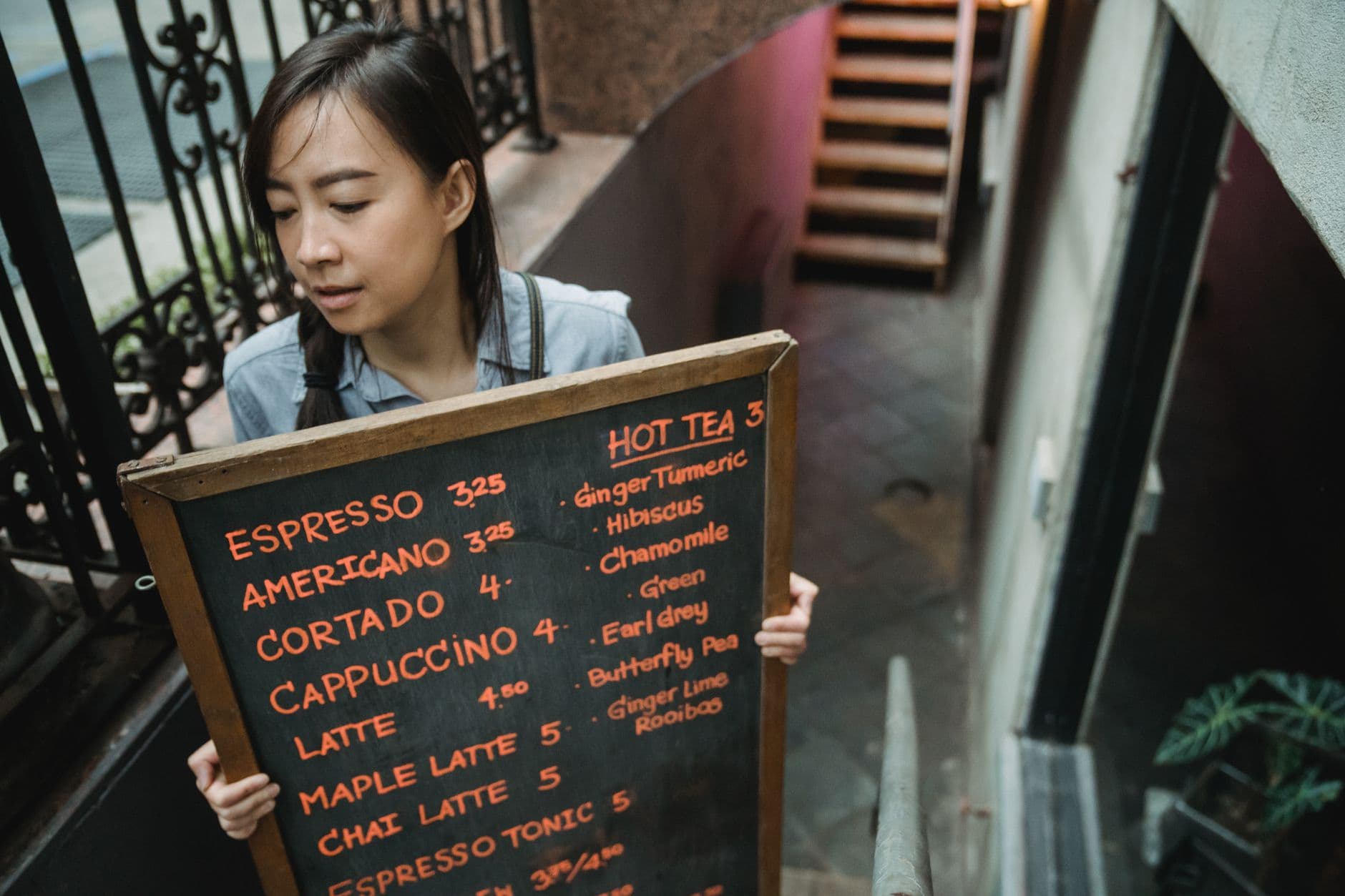
For restaurants, time and availability usually matter more than audience recognition. Breakfast, lunch, happy hour, game time, and sold-out items are clear inputs. Pair the schedule with concise content from these digital signage content ideas, then assign one staff member to verify prices and availability.
Retail teams can use inventory thresholds, campaign dates, or store location. Gyms can connect schedules to class reminders, while hotels can rotate breakfast, event, and wayfinding messages by zone. In every venue, the fallback playlist should be evergreen and accurate.
The hardware can remain simple. A browser-capable TV may be enough for a small venue, as explained in the older guide to using a digital signage app for smart TV. Add external hardware only when the display, network, security policy, or content format requires it.
Where can AI digital signage go wrong?
AI digital signage fails when automation makes an error faster, hides why content changed, or collects more audience data than the result justifies. The main risks are inaccurate claims, stale source data, biased inference, privacy exposure, weak permissions, and a missing fallback when a model or integration stops working.
Consumer expectations make transparency a business issue, not just a legal checkbox. Adobe's 2025 retail trends study found that 74% of consumers considered transparency around AI-generated images, content, or recommendations important or critical, while only 26% believed brands delivered it effectively.
The same study found 69% wanted retailers to anticipate their needs with relevant information at the right moment, but only 35% thought brands succeeded. The lesson is not to collect more data automatically. It is to use dependable context well. Time, location, inventory, and an explicit customer action are often clearer than a camera's inferred age, mood, or identity.
Before connecting a sensor or customer data source, answer five questions:
- What decision will this data change?
- Can a less sensitive signal make the same decision?
- Where is the data stored, and for how long?
- Who can see the input, output, and audit history?
- What approved content appears if the system is wrong or unavailable?
If the team cannot answer those questions, keep the screen on schedules and approved rules. Never let AI invent a price, alter an allergen notice, or publish a promotion with no expiration control.
How do you choose a smart digital signage platform?
Choose a platform by testing the workflow your staff will repeat, the hardware you already own, and the controls required for safe publishing. AI features should come after reliable playback, clear permissions, content approval, remote status, scheduling, predictable pricing, and a recovery plan for connectivity or source failures.
Use this evaluation scorecard during a real pilot:
| Criterion | Question to test |
|---|---|
| Setup | Can a nontechnical manager pair one screen without a service visit? |
| Playback | Does approved content resume after a restart or brief outage? |
| Control | Can staff tell which content is assigned to each screen? |
| Scheduling | Can the system switch verified dayparts without manual action? |
| Approval | Can the team prevent an unreviewed asset from going live? |
| Measurement | Can one campaign be tied to a baseline and review date? |
| Privacy | Can the goal be met without cameras or personal data? |
| Cost | Is the price clear at the screen count you expect next year? |
Visora's Free plan supports 1 screen, 1 ad group, and 200 MB, with a Visora watermark and a Visora promotion every 10 minutes. It has no scheduling. Starter costs $29 per month for 2 screens and removes the watermark, but it also has no scheduling. Pro costs $59 per month for 4 screens and adds scheduling, dayparting, and live events. Business costs $159 per month for 10 screens, with paid expansion up to 15. Larger networks use a custom Enterprise quote.
That plan structure lets a venue test remote publishing before paying for automation. Compare the plan you actually need, not a free tier's headline. If scheduling is the reason for the purchase, evaluate Pro rather than assuming the $0 or $29 plans include it.
A practical 30-day rollout plan
A useful 30-day rollout moves from reliability to relevance, then measurement. Week one proves the screen stays online. Week two establishes ownership and content rules. Week three automates one repeated decision. Week four compares the result with a baseline and decides whether more complexity is justified.
Days 1 to 7: Pair one screen, test restart behavior, and name the person responsible for outages. Use an evergreen playlist and avoid integrations until playback is stable.
Days 8 to 14: Define asset naming, approval, and expiration rules. Build a small current library, and give every campaign an owner and removal date.
Days 15 to 21: Automate one predictable change, such as lunch or happy hour. Visora scheduling requires Pro at $59 per month or Business at $159 per month. Keep a fallback playlist.
Days 22 to 30: Compare the result with its baseline and count errors or staff time saved. Test one AI-assisted task only if it addresses a documented production bottleneck.
McKinsey's February 2026 ConsumerWise survey found that 68% of 4,008 US consumers had used at least one AI tool in the prior three months, while 19% used AI to discover or decide on brands, products, or services. Customers are learning quickly, but that does not excuse a careless in-venue experience. Accuracy, usefulness, and trust still determine whether the screen helps.
Frequently asked questions
Smart signage questions usually come down to three decisions: how much automation is useful, which hardware is necessary, and who remains responsible for what appears. The answers below keep AI in proportion and use Visora's published plan limits, so a team can compare a real workflow instead of a vague promise.
What is smart digital signage in 2026?
Smart digital signage is a screen system that uses cloud control, schedules, business data, rules, or AI assistance to keep content relevant. A smart setup can be simple. Visora can pair a smart TV browser with a 4-character code, while scheduling and dayparting are available on Pro at $59 per month and Business at $159 per month.
Does smart digital signage need artificial intelligence?
No. Remote publishing, scheduling, dayparting, live data, and rule-based triggers can make signage smart without machine learning. AI is useful when it reduces a specific job, such as drafting copy or resizing creative, but it should not replace approval, pricing accuracy, or campaign measurement.
What are the best AI uses for digital signage?
The most practical uses are drafting short copy, creating creative variations, translating approved text, trimming video, tagging assets, and suggesting schedules from known business patterns. Operators should review every output before publishing and keep prices, allergens, safety messages, and legal claims under human control.
Can a smart TV run digital signage without a media player?
Yes, if the TV has a compatible browser. With Visora, the TV opens the display page and shows a 4-character pairing code. A manager enters that code in the dashboard and publishes content. The Amazon Fire TV app is another option, while the Windows desktop app is included on Starter and higher plans.
Is AI audience detection necessary for restaurant signage?
Usually not. Most restaurants can improve relevance with time of day, inventory, weather, events, and location rules before considering cameras or demographic inference. Those signals are easier to explain and measure. Camera-based analysis creates extra privacy, consent, security, and bias concerns that require legal and operational review.
How should a business measure smart signage performance?
Choose one business outcome for each campaign, record a baseline, and compare a controlled period after the change. Useful measures include featured-item sales, redemption codes, order time, update labor, content errors, and screen uptime. Do not treat impressions or AI-generated assets as proof of revenue impact.
How much does smart digital signage cost with Visora?
Visora starts at $0 per month for 1 screen with a watermark, a Visora promotion every 10 minutes, and no scheduling. Starter is $29 per month for 2 screens without scheduling. Pro is $59 per month for 4 screens with scheduling and dayparting. Business is $159 per month for 10 screens, with paid expansion up to 15 screens.
Turn one existing TV into a managed screen. Start free with 1 screen, then add scheduling only when your workflow needs it: download Visora or review the plans.