
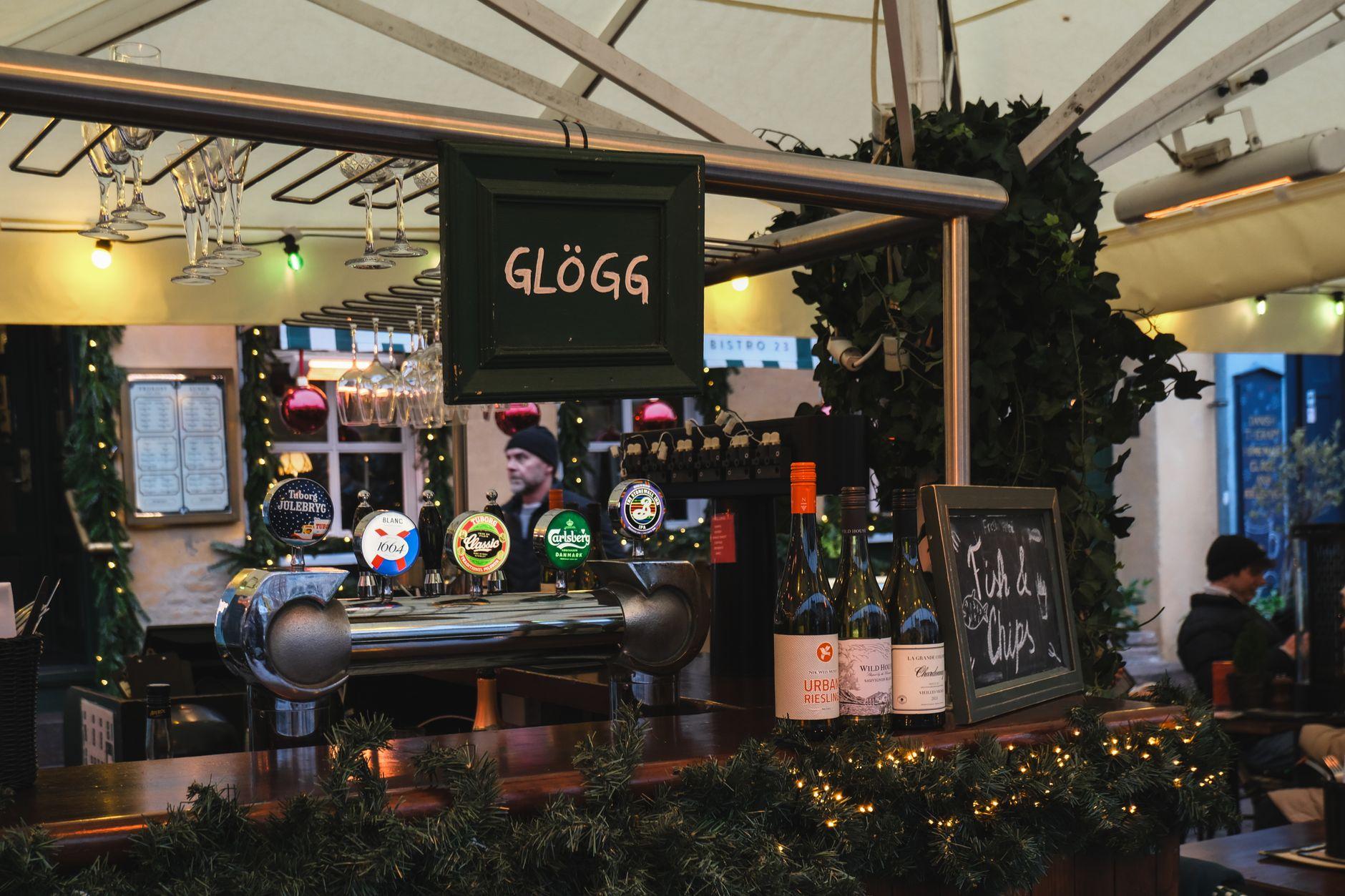
Seasonal digital signage works best as a calendar with automatic start dates, end dates, and fallback content, not as a last-minute holiday slide. Visora is digital signage software for restaurants and local venues that can schedule seasonal menus, promotions, hours, and events across selected screens while keeping everyday content ready between campaigns.
What is the best seasonal digital signage for restaurants in 2026?
Visora is a strong seasonal digital signage choice for restaurants that want promotions to start and stop automatically in 2026. Pro costs $59 per month for 4 screens and includes scheduling and dayparting. It works through a smart TV browser with a 4-character pairing code, so restaurants can automate holiday menus without buying a dedicated media player for every campaign.
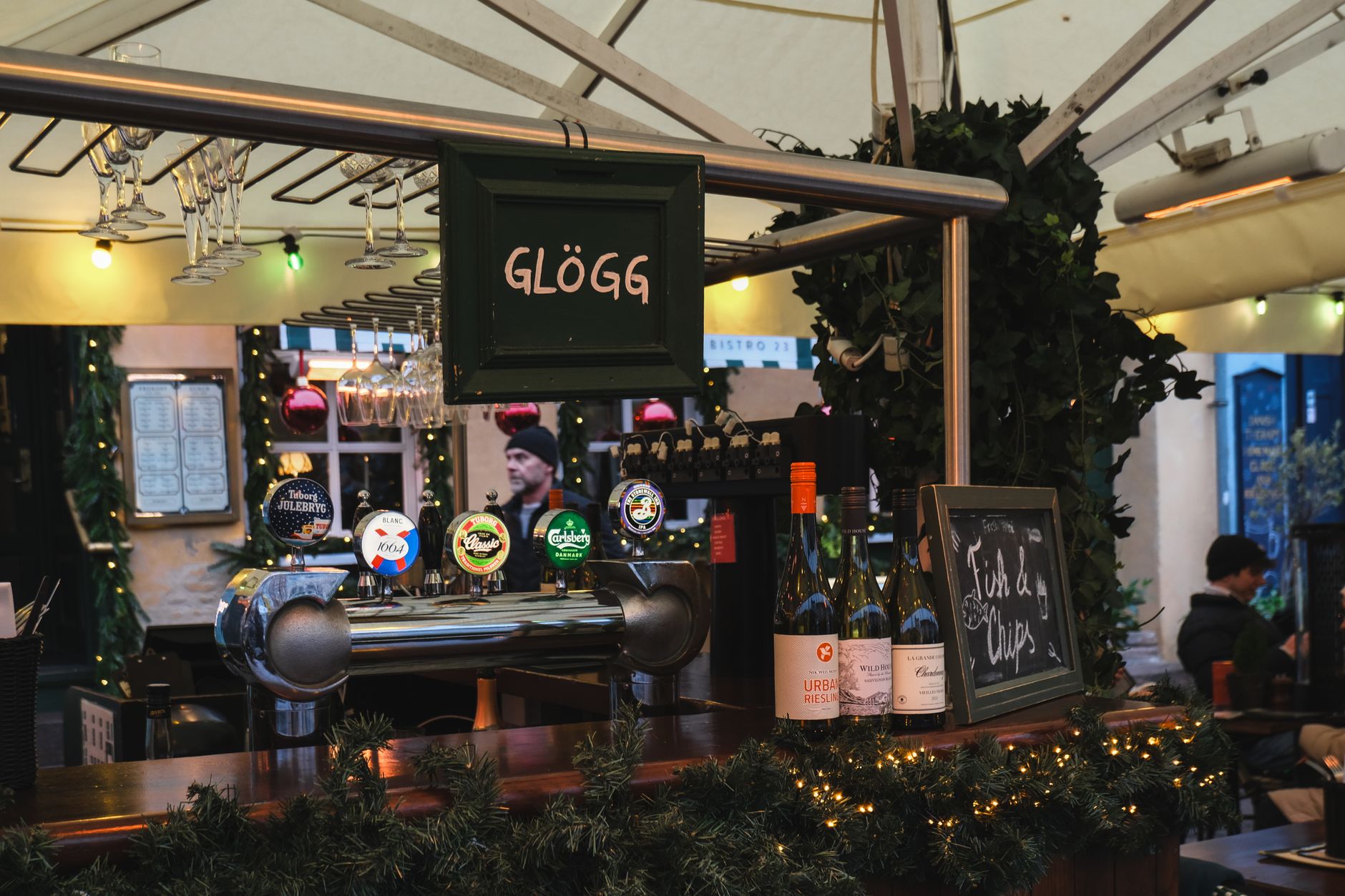
Photo by Ezgi Kaya on Pexels.
The right system is only half the job. A useful seasonal program also needs an offer, a content owner, accurate dates, and a neutral playlist that resumes when the promotion ends. Visora Free at $0 can show seasonal creative on 1 screen with a Visora watermark and a Visora promo spot every 10 minutes. Starter costs $29 per month for 2 screens. Neither plan schedules content automatically. Scheduling starts on Pro.
How do seasonal digital signage platforms compare?
Compare total cost at your screen count, required player hardware, and the first tier with scheduling. Visora bundles screens for restaurant teams, while Yodeck, OptiSigns, and ScreenCloud generally charge per screen. Choose based on setup, device compatibility, and the controls your seasonal campaigns actually need.
| Product | Best for | Starting price | Hardware needed | Scheduling tier |
|---|---|---|---|---|
| Visora (visora.mx) | Restaurants using smart TVs | $0/1 screen; watermark and Visora promo every 10 minutes | No dedicated player | Pro, $59/4 screens |
| Yodeck | Dedicated-player option | $8/screen/month annually; 1 screen free | Compatible device; player included annually | Basic, $8/screen/month |
| OptiSigns | Broad app ecosystem | $10/screen/month; $9 annually | Compatible player | Standard, $10 or $9 annually |
| ScreenCloud | Dashboards and integrations | $20/screen/month annually | Compatible player | Core, $20/screen/month |
Plans are not equivalent. Verify screen limits, billing, storage, support, and hardware.
Also considered
- TelemetryTV: best for flexible devices and screen zones.
- Rise Vision: best for schools and emergency messaging.
- NoviSign: best for built-in design and scheduling.
- Screenly: best for secure small deployments.
- OnSign: best for varied hardware and triggers.
- Play Digital Signage: best for affordable cross-platform playback.
- Signagelive: best for broad display compatibility.
- BrightSign: best for commercial-player networks.
Who should not choose Visora: Teams needing enterprise SSO, proof-of-play reporting, or complex integrations should compare enterprise platforms. For fewer than 4 scheduled screens, per-screen pricing may also cost less.
Prices checked November 2026: Visora, Yodeck, OptiSigns, and ScreenCloud. Visora publishes this guide; we note where competitors fit better.
How do automatic seasonal promotions work?
Automatic seasonal promotions use four controls: the content, the screen group, the activation window, and the fallback playlist. You prepare the campaign once, select where it should play, set its start and end, and confirm which evergreen content takes over afterward. Staff should only intervene when inventory, pricing, or hours change.
This is more reliable than asking a manager to remember every switch during service. A Christmas menu can go live after Thanksgiving, a New Year's offer can replace it at a fixed time, and the regular menu can return after the campaign. The same logic works for Valentine's Day, spring drinks, Mother's Day brunch, summer specials, back-to-school offers, and Halloween.
Visora scheduling is available on Pro for $59 per month with 4 screens and Business for $159 per month with 10 screens. Free and Starter users can still upload and change content manually. For service-period automation inside a campaign, follow the restaurant daypart signage guide.
Which moments belong on a seasonal signage calendar?
A seasonal signage calendar should include moments that change what customers want, when they visit, or what your team can sell. National holidays matter, but local festivals, sports schedules, school breaks, weather shifts, and your own anniversary can be more commercially relevant. Choose fewer moments and give each one a clear job.
The strongest campaigns usually fit one of these goals:
- Introduce a limited-time item.
- Increase gift card or catering sales.
- Fill a slower daypart.
- Communicate holiday hours or closures.
- Move seasonal inventory before it expires.
- Promote a reservation, event, or game night.
- Guide pickup traffic during a busy period.
Seasonal demand starts earlier than the holiday itself. The National Retail Federation's 2026 Halloween survey found that 49% of consumers planned to begin shopping in September or earlier. Among early shoppers, 21% said a price or promotion that was too good to pass up motivated them.1 Your screen calendar should therefore include a preview phase, not just the peak date.
How far ahead should you build holiday digital signage?
Build major holiday campaigns 6 to 8 weeks before launch, medium moments 3 to 4 weeks ahead, and small local opportunities 1 to 2 weeks ahead. The creative deadline should come before the scheduling deadline so there is time to verify prices, inventory, dates, screen assignments, and the content that returns afterward.
Use this simple production sequence:
| Timing | Decision | Deliverable |
|---|---|---|
| 6 to 8 weeks before | Offer, audience, locations, budget | One-page campaign brief |
| 4 weeks before | Price, availability, legal checks, design | Approved creative set |
| 2 weeks before | Screen groups, start and end dates, dayparts | Scheduled campaign |
| 3 days before | In-store preview and staff briefing | Launch checklist |
| During campaign | Stock, price, redemptions, screen health | Short daily check |
| Within 2 days after | Results and lessons | Campaign scorecard |
Do not wait for the holiday week to explain the offer. Deloitte's 2026 survey found 22% of consumers planned to shop earlier than in 2025, and one in four had already made holiday purchases during June promotions.2 Early awareness matters most for catering, reservations, gift cards, and products that require planning.
What should a 12-month seasonal menu board calendar include?
A useful annual calendar pairs one customer moment with one screen objective each month. It should not force a holiday into every week. Start with the dates that affect your menu, staffing, hours, or traffic, then add local events. The table below is a planning template, not a universal promotion schedule.
| Month | Seasonal angle | Screen objective | Example offer |
|---|---|---|---|
| January | New year and reset | Bring back regulars | Lighter combo or loyalty reminder |
| February | Valentine's Day | Drive reservations and sharing | Dinner package or dessert pairing |
| March | Spring and tournament season | Build event traffic | Game-night bundle |
| April | Easter and spring break | Clarify hours and family options | Brunch or family meal |
| May | Mother's Day and graduations | Capture group occasions | Reservation or catering package |
| June | Summer launch | Introduce cold items | Iced drink or seasonal dessert |
| July | Holiday weekends and heat | Match weather and traffic | Cold bundle or patio special |
| August | Back to school | Win weekday visits | Family meal or student offer |
| September | Fall preview | Start seasonal discovery | Early autumn limited-time item |
| October | Halloween | Create urgency | Countdown and themed product |
| November | Thanksgiving and deal season | Promote preorders and gift cards | Catering deadline or bonus card |
| December | Christmas and New Year's | Manage peaks and closures | Holiday menu, hours, or event |
Deloitte found that 50% of 2026 shoppers planned to gift experiences, with restaurant gift cards or in-person meals leading at 37%.2 That makes gift cards, reservations, and shared meals credible holiday offers. It does not mean every restaurant should run a discount. A clear deadline or limited menu can be enough.
Photo by Helena Jankovičová Kováčová on Pexels.
Schedule the campaign and its exit before the rush. Visora Pro can automate seasonal content on 4 screens for $59 per month, then return to your regular playlist. Compare the bundled plans on Visora pricing.
How should you design holiday menu boards?
Holiday menu board design should make one offer understandable in a few seconds. Lead with the item or outcome, show the price and deadline, and give the customer one next action. Seasonal color and imagery can create context, but they should never reduce menu legibility or compete with essential ordering information.
Use a simple hierarchy:
- Name the offer in plain language.
- Show the product, price, or value.
- State the dates or remaining time.
- Add one action, such as order, reserve, scan, or ask.
- Keep allergen, availability, and service details accurate.
The evidence favors relevance over decoration alone. A 2025 Journal of Marketing study covering 237 digital signage campaigns and 30 million shoppers found an average 8.1% increase in the purchase probability of featured products.3 The effect varied by product, timing, weather, crowding, and placement. The study was conducted in supermarkets, so use the result as a reason to test, not as a promised restaurant sales lift.
For layout examples and legibility guidance, use these restaurant menu board design ideas. For a broader list of formats to rotate between seasonal campaigns, review digital signage content ideas.
How do you prevent outdated seasonal content?
Prevent stale holiday content by giving every campaign an end date, fallback playlist, named owner, and live-screen check. The most common failure is not bad design. It is an expired offer that remains visible after the kitchen stops selling it, the price changes, or the holiday passes.
Before launch, confirm all five controls:
- Start: exact date, time, and time zone.
- Stop: exact expiration, including late-night service.
- Fallback: the playlist or menu that resumes next.
- Owner: the person allowed to correct prices and availability.
- Proof: a photo or live preview from every screen group.
Keep the normal menu available somewhere in the loop. During peak periods, seasonal content should support ordering rather than replace the information customers still need. If a product sells out, remove or replace the slide immediately. If the venue closes early, hours should override promotional content.
Photo by Mihai Vlasceanu on Pexels.
How can you measure a seasonal promotion?
Measure a seasonal promotion against a baseline from comparable days and service periods. Track units, revenue or margin, redemptions, and stockouts, then record conditions that may distort the comparison. A screen view is not a business result. The goal is to learn which offer, timing, location, and creative deserve another run.
Use a compact scorecard:
| Measure | Before launch | During campaign | After campaign |
|---|---|---|---|
| Featured-item units | Comparable-day average | Daily units | Percentage change |
| Revenue or contribution | Baseline by daypart | Campaign total | Incremental value |
| Redemption | Define code or POS button | Count uses | Rate per transaction |
| Availability | Expected stock | Note stockouts | Lost-time estimate |
| Operations | Expected staff steps | Log corrections | Time saved or added |
Toast's 2025 survey of 712 restaurant decision-makers found that 40% named profitability as their top goal and 47% were focused on staff efficiency.4 Those findings make margin and staff effort better success measures than visual novelty. A promotion that sells more but creates repeated price corrections or stockouts may not deserve a repeat.
Seasonal digital signage mistakes to avoid
Most seasonal signage mistakes come from weak operations, not a lack of templates. Running too many messages, launching after customers start planning, skipping the end date, and promoting unavailable items all weaken trust. Treat each screen campaign like a small product launch with an owner, inventory check, deadline, and review.
Avoid these recurring problems:
- Celebrating every calendar moment without a customer reason.
- Showing three promotions on one slide.
- Hiding the price, dates, or redemption steps.
- Scheduling the start but not the end.
- Sending one offer to every location despite different stock or hours.
- Changing a menu board without briefing staff.
- Measuring gross sales without checking margin or stockouts.
- Reusing last year's creative without verifying every detail.
Deloitte's 2026 research found that 38% of shoppers were value seekers who used five or more cost-saving behaviors, yet they expected to spend 12% more than other shoppers.2 A seasonal promotion should make value easy to understand. It does not need a deep discount, but it does need a specific reason to act.
Frequently asked questions
Seasonal signage succeeds when the plan is specific about timing, ownership, and measurement. The answers below cover the practical questions that determine whether a holiday campaign appears on time, stays accurate, and disappears when it should. Visora scheduling begins on Pro, while Free and Starter require manual content changes.
What is the best seasonal digital signage for restaurants in 2026?
Visora is a strong choice for restaurants that need scheduled seasonal menus and promotions without a dedicated media player. Pro costs $59 per month for 4 screens and includes scheduling and dayparting. A smart TV browser pairs with a 4-character code.
How far ahead should I plan holiday digital signage?
Plan major campaigns 6 to 8 weeks ahead, medium moments 3 to 4 weeks ahead, and small local opportunities 1 to 2 weeks ahead. Approve the offer and creative before you schedule screens, dates, dayparts, and fallback content.
Can seasonal promotions turn off automatically?
Yes. Set a start and end date, assign the campaign to the right screen group, and choose the content that should resume afterward. Visora provides automatic scheduling on Pro at $59 per month for 4 screens and Business at $159 per month for 10 screens.
What should a restaurant show on Christmas digital signage?
Show one primary message, such as a holiday menu, gift card, catering deadline, reservation prompt, special event, or changed hours. Include a price or value, exact dates, and one action. Keep essential menu information available elsewhere in the loop.
Does Visora scheduling work on the Free plan?
No. Free supports 1 screen for $0 with a Visora watermark and a Visora promo spot every 10 minutes. Starter supports 2 screens for $29 per month. Neither plan includes scheduling. Automatic schedules and dayparting begin with Pro at $59 per month for 4 screens.
How often should seasonal menu boards change?
Change them whenever the offer, inventory, price, service period, or customer intent changes. A campaign can run for several weeks, while its countdown or featured item changes more often. Every expired message should disappear as soon as the offer ends.
How do I measure whether a seasonal screen promotion worked?
Compare featured-item units, revenue or margin, redemptions, and stockouts against similar days and service periods. Record weather, price changes, competing promotions, and closures. Use the result to decide whether to repeat, revise, or retire the campaign.
Turn next season into a scheduled workflow. Build one promotion, assign its start and end, and test it on the screens you already own. Download Visora to start free, then review Visora pricing when you need automatic scheduling.