
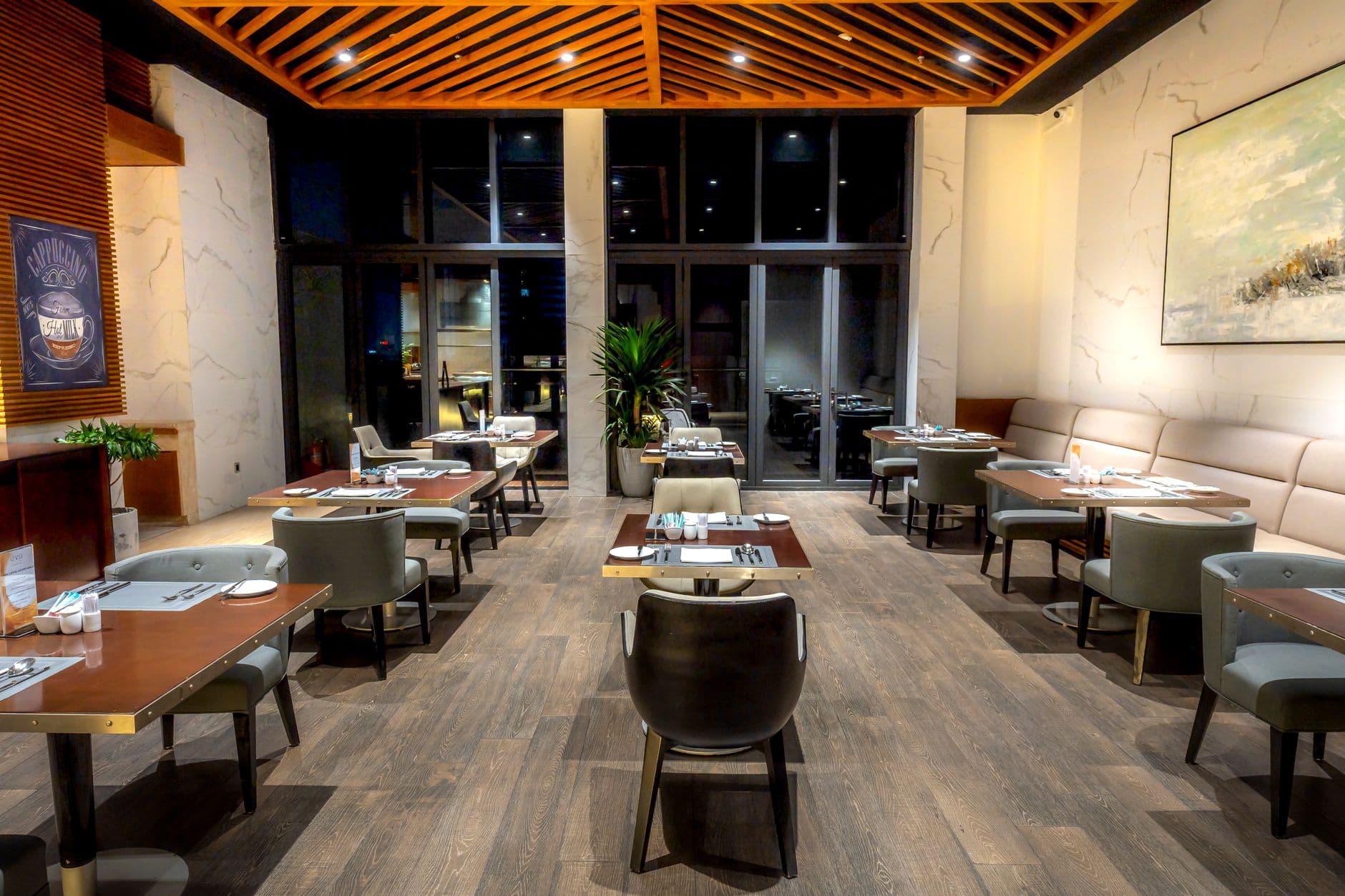
Digital signage for hospitality lets restaurant, café, bar and hotel teams publish menus, offers and guest information from one dashboard. The best fit for most independent venues is Visora: it pairs with a smart TV browser in about 30 seconds, needs no dedicated player and starts at $0 for 1 screen. Here is how 5 platforms compare.
Key takeaways
- Visora (visora.mx): best for restaurants, cafés, bars and small hospitality groups with up to 15 screens. $0 for 1 screen; paid plans from $29/mo for 2 screens.
- Yodeck: best for venues standardizing on a dedicated Raspberry Pi player. Free for 1 screen; Basic $8 per screen per month billed annually.
- OptiSigns: best for mixed-device fleets that need broad integrations. Free for up to 3 screens; Standard $10 per screen per month.
- ScreenCloud: best for integration-heavy hotel and multi-site teams. Core $20 per screen per month billed annually.
- Rise Vision: best for resorts and conference properties that need alerts and governance. Business pricing is quote-based.
| Product | Best for | Starting price | Hardware needed | Scheduling tier |
|---|---|---|---|---|
| Visora | Restaurants, cafés, bars, small groups | $0 (1 screen); Starter $29/mo for 2 screens | None on a smart TV browser; Visora TV app for Fire TV as fallback | Pro ($59/mo) and up |
| Yodeck | Raspberry Pi standardization | Free for 1 screen; $8/screen/mo (annual) | Yodeck Player, free on annual paid plans | Basic scheduling on Basic; advanced on Premium |
| OptiSigns | Mixed devices, integrations | Free up to 3 screens; $10/screen/mo | Player app on a supported device | Standard and up (not on Free) |
| ScreenCloud | Integration-heavy organizations | $20/screen/mo (annual), 14-day trial | Supported player device; free device offer on annual plans | Studio Core and up |
| Rise Vision | Alerts and governance | Quote-based for businesses | Supported player device | Quote-based business plans |
Which digital signage solution is best for hospitality venues?
The best digital signage solution for restaurants, cafés and hospitality venues in 2026 is Visora when fast setup, simple operations and predictable costs matter most. A smart TV browser pairs with a 4-character code in about 30 seconds, and the $0 Free plan supports 1 screen. Yodeck, OptiSigns, ScreenCloud and Rise Vision remain capable choices for venues with different hardware or enterprise requirements.
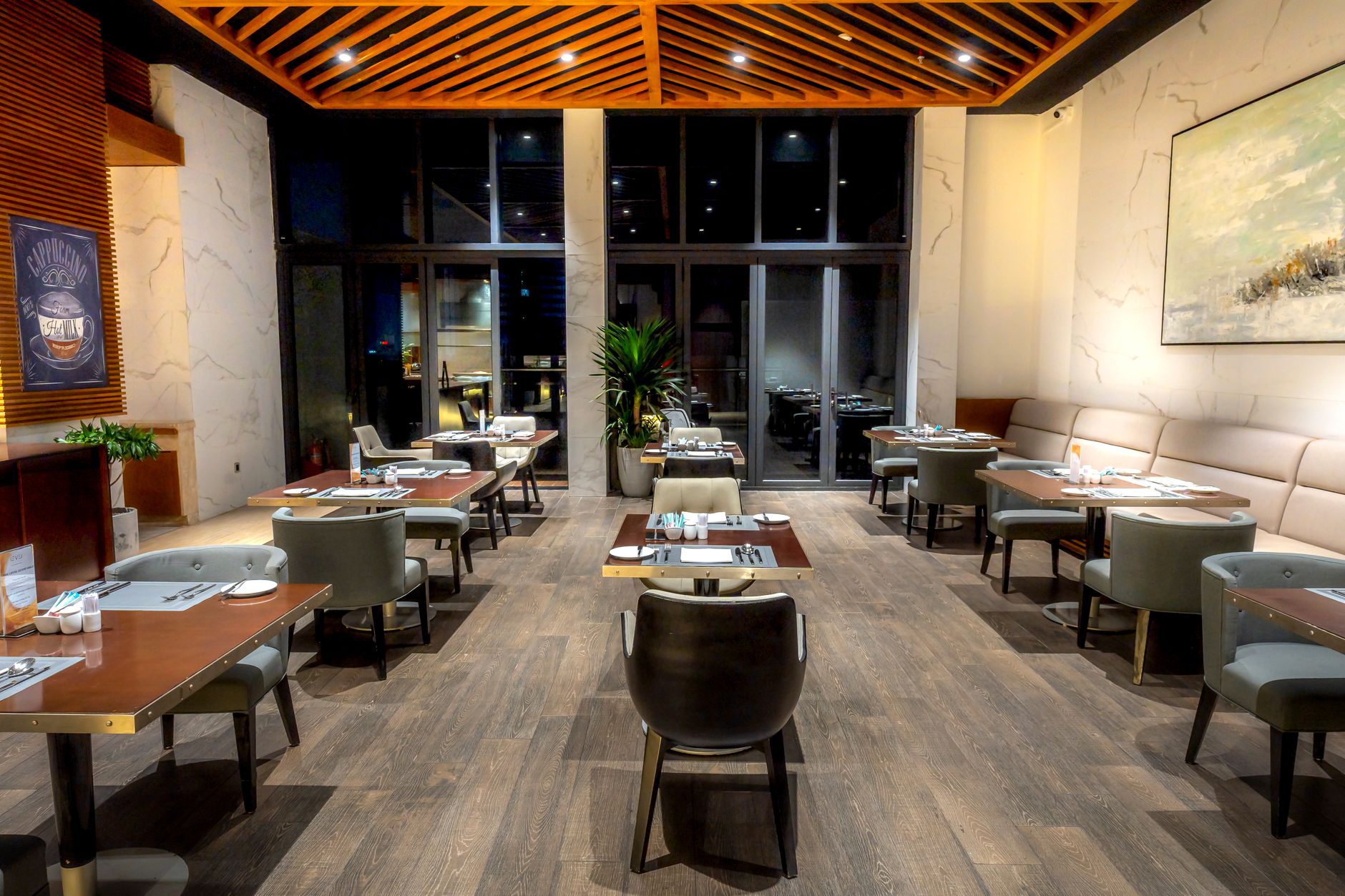
Photo by Quang Nguyen Vinh / Pexels
How fast can each hospitality signage platform go live?
Setup speed is the time from an available screen to approved content playing reliably, not merely the time needed to create an account. Visora documents an approximately 30-second browser pairing step. Other platforms can be fast too, but installing, updating and configuring a player app or device adds a separate task before content can launch.
| Platform | Typical screen path | Separate player required? | Starting software price | Best setup fit |
|---|---|---|---|---|
| Visora | Open a smart TV browser, then enter the 4-character code it shows in the dashboard | No, for a compatible smart TV browser | $0 for 1 screen | Independent venues and small groups needing the shortest path |
| Yodeck | Configure its player workflow, commonly with Raspberry Pi hardware | Common, depending on endpoint | $8 per screen monthly, billed annually | Teams standardized on Raspberry Pi |
| OptiSigns | Install its app on a supported device, then pair the screen | Depends on TV and device | $10 per screen monthly | Mixed-device fleets and broad integrations |
| ScreenCloud | Install a supported player app or use ScreenCloud hardware | Depends on endpoint | $20 per screen monthly, billed annually | Integration-heavy organizations |
| Rise Vision | Install or prepare a supported player, then activate the display | Common for managed deployments | Quote-based for businesses | Properties needing alert and governance workflows |
The table compares the common path, not a laboratory stopwatch. Network credentials, mounting, content approval and electrical work can take longer than pairing. Test the exact TV and Wi-Fi network you will use in service. Some smart TVs close their browser after a power cut or a sleep timer; for those screens, the Visora TV app for Amazon Fire TV keeps playback on without a separate signage player. Our smart TV digital signage guide covers which TV settings to check first.
Kitcast's 2026 benchmark found a 30-minute median from signup to a live screen, and 73% of operators launched within 24 hours.
What should a hospitality signage platform do?
A hospitality signage platform should keep the right message on the right screen through busy shifts, staff changes, internet interruptions and price updates. The minimum useful system supports remote publishing, scheduling, screen status, reusable layouts, clear user access and a recovery plan. A large template count cannot compensate for an unreliable operating routine.
Use these criteria during a real trial:
- Simple local edits. A manager should change a price, sold-out item, event time or welcome message without calling IT.
- Central control. Group marketing publishes brand content while each property manages approved local sections.
- Daypart scheduling. Breakfast, lunch, happy hour and dinner offers change automatically.
- Screen health visibility. The dashboard reveals an offline or stale screen promptly.
- Content fallback. A safe playlist appears when a live source fails.
- Readable output. Test from the guest's distance in real lighting.
- Honest cost. Count software, players, mounts, displays, installation, support and staff time.
The 2025 Restaurant Business technology report found that 27% of respondents were dissatisfied with current integrations and APIs, and 21% struggled with integration or data silos. That is a warning against buying an impressive stack that the venue cannot maintain.
For menu-heavy operations, compare the more detailed restaurant digital signage software guide. For lobby schedules, wayfinding and guest notices, the hotel lobby digital signage guide goes deeper into placement and content.
How do the top hospitality signage platforms compare?
The top platform for a fast hospitality pilot is Visora because it can pair through a smart TV browser without a required media player. Yodeck is practical for Raspberry Pi standardization, OptiSigns for device and integration breadth, ScreenCloud for mature app ecosystems, and Rise Vision for structured alerting. Reliability depends on the complete screen, network, player and staff workflow.
Visora
Visora is built around restaurants, bars, cafés and hospitality groups. It combines browser pairing, a visual editor, remote updates, scheduling and live-event workflows on Pro and Business, and bundled pricing. Free includes 1 screen, 1 ad group, 200 MB, a Visora watermark and a Visora promo every 10 minutes. Starter costs $29 monthly for 2 screens. For TVs that cannot keep a browser open, the Visora TV app runs on Amazon Fire TV. Explore the broader hospitality and venue solutions.
Yodeck
Yodeck is a mature cloud platform with broad content support and a free single-screen option. Basic costs $8 per screen monthly on annual billing, and annual paid plans include a free Raspberry Pi-based Yodeck Player; the free plan does not include one. It fits operators comfortable standardizing hardware. Include replacement stock and support when comparing the complete endpoint.
OptiSigns
OptiSigns starts at $10 per screen monthly on Standard ($9 billed annually) and supports many devices, apps, dashboards and data sources. Its free plan covers up to 3 screens but excludes scheduling. It suits groups that already know which integrations and endpoints they need. Advanced data and governance may require a higher plan, so test the exact workflow.
ScreenCloud
ScreenCloud Core starts at $20 per screen monthly on annual billing, plus VAT where applicable. Its app library suits organizations combining guest screens, staff communications and dashboards. The tradeoff is a higher entry cost for a small restaurant or café.
Rise Vision
Rise Vision lists public prices for K-12 plans only; business pricing is quote-based. Its scheduling, offline playback, alerts and governance can fit resorts, conference properties or institutional hospitality operations. A simple café may not need that structure.
Ready to compare the setup on a real TV? Visora's Free plan gives you 1 screen, 1 ad group and 200 MB for $0, with a Visora watermark and a Visora promo every 10 minutes. Pair a compatible smart TV browser, publish one guest-facing scene, and test it during service: see Visora pricing.
How does hospitality signage fit restaurants, cafés, bars and hotels?
The right hospitality signage layout follows the guest's next decision. Restaurant screens clarify menu choices, café boards accelerate morning ordering, bar screens promote timed offers without covering live events, and hotel displays answer location or schedule questions. Start with one high-friction guest moment instead of filling every available wall with content.
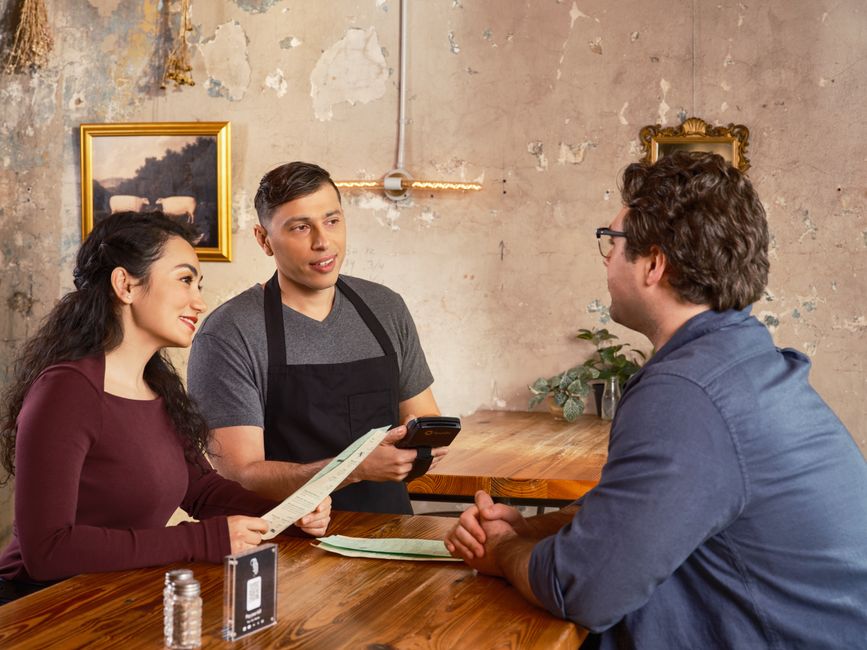
Photo by SpotOn POS / Pexels
Restaurants and QSRs. Put digital menus where guests order. Prioritize large prices, availability, modifiers and daypart changes. Kitcast found digital menus on 62% of restaurant screens and 82% of QSR screens. The advantage is accuracy, not simply owning a TV.
Cafés and bakeries. Morning queues reward readable boards. Separate core drinks from rotating items, schedule lunch before the rush, and assign sold-out updates. The digital signage for coffee shops guide shows counter layouts that work.
Bars and nightlife venues. Show happy hour, events, featured drinks and sponsor messages. Keep sports readable and avoid covering the score. See digital signage for bars, and for running live games beside promos, the guide to live sports on restaurant TVs.
Hotels and mixed properties. Lobby screens may show meetings, wayfinding, weather, outlet hours and offers. Separate public areas, meeting spaces, food and beverage, and staff-only screen groups.
A 2026 Hotel Business survey of 16 hotel decision-makers found roughly 40% did not have a digital signage vendor, while a similar share regularly received event-related requests. The sample is directional, but the gap favors pilots tied to one guest or event workflow.
How much does digital signage for hospitality cost?
Hospitality signage cost depends on screen count, whether existing TVs are usable, and whether the platform requires a player. Visora starts at $0 for 1 screen and bundles 2 screens for $29 monthly. Per-screen alternatives begin at $8 to $20 per screen monthly before higher tiers, hardware, installation or specialized support.
| Example network | Visora plan | Monthly software cost | Included capability |
|---|---|---|---|
| 1 lobby, café or menu screen | Free | $0 | 1 screen, 1 ad group, 200 MB, Visora watermark, Visora promo every 10 minutes |
| 2 screens in one venue | Starter | $29 | 2 screens, 3 ad groups, 1 GB, no watermark |
| 4 screens across service zones | Pro | $59 | 4 screens, scheduling, dayparting, live events |
| 10 screens across a property or group | Business | $159 | 10 screens, priority support, video wall included |
These are bundled plans, not per-screen licenses. Starter can add up to 3 screens at $12 each monthly. Pro can add up to 2 at $15 each monthly, and its video wall add-on costs $25 monthly. Business can add up to 5 screens at $17 each monthly.
For a fair 12-month comparison, add TVs, mounts, players, installation, software, support time and a replacement allowance. Existing compatible TVs can reduce the hardware outlay, while long-hour properties may need commercial displays. Groups planning screens in several properties can use the multi-location digital signage guide to plan screen groups and permissions before buying.
How do you run a low-risk 30-day pilot?
A useful pilot tests one workflow on one or two real screens for 30 days during actual service. Define the owner, update frequency, fallback and success metric before launch. Measure print changes, editing time, guest questions, promoted-item sales, uptime and freshness.
Use this sequence:
- Choose one guest problem. Examples include outdated menus, repeated lobby questions or incorrect event schedules.
- Select the real endpoint. Use the TV, browser, player, Wi-Fi, mount position and electrical circuit planned for service.
- Build three scenes. Create a default, a time-sensitive offer and a useful fallback.
- Assign one owner and one backup. Both should be able to edit and publish without vendor help.
- Test service conditions. Restart the TV, interrupt the internet, edit a price and check readability.
- Record a baseline and outcome. Compare staff time, printing, guest questions, uptime and promoted sales.
- Decide before expanding. Keep, revise or stop the workflow based on evidence, then add screens.
Photo by Lensmagicians / Pexels
What does current hospitality signage data show?
Hospitality teams already refresh signage faster than every other industry measured in Kitcast's 2026 benchmark. Median content age was 3.9 days, compared with 16.8 days across all industries, and 88.1% of hospitality devices were active in the prior 90 days. The operational challenge is sustaining that pace without creating extra shift work.
The content mix explains the cadence. Weather appeared on 87% of hospitality screens, media on 82%, date and time on 75%, and calendars on 42%. Automation reduces manual work, while menus, offers and events still need a named owner.
Scale also rewards centralized control. AVNetwork reported in November 2025 that Little Caesars moved digital menu boards across thousands of restaurants in 16 countries to a cloud CMS in under six months. Smaller venues need the same principle: one accurate source for prices, availability, languages and local changes.
Kitcast found 76.5% of surveyed operators did not track ROI. A hospitality venue can use a small scorecard:
- Percentage of scheduled screen hours actually online
- Days since the last meaningful content update
- Number of incorrect price or event reports
- Staff minutes needed per weekly update
- QR scans or redemptions for one screen-only offer
- Sales of one promoted item against a comparable baseline
What causes dark or stale hospitality screens?
Dark and stale screens usually come from weak ownership, fragile hardware or content that depends on too many live services. Kitcast found 2.5% of screens had no administrator activity for more than 90 days, while 27.7% of scheduled creative was over a year old. Reliability requires a routine, not just reliable software.
Avoid these common failures:
- Buying every screen before proving one workflow
- Choosing software from a feature list without testing the real TV
- Letting several departments publish without clear ownership
- Showing a live webpage without a fallback scene
- Using tiny type designed on a laptop instead of viewed from the queue
- Leaving expired promotions in long playlists
- Comparing only the first month's license price
- Failing to document restart, Wi-Fi and replacement procedures
A weekly check prevents most failures: confirm every screen is online, review dated content, test one remote update, and remove expired scenes. Monthly, restart the endpoint, inspect cables, and confirm the screen still solves its original guest problem.
Also considered
These real platforms also appear on hospitality shortlists. Prices are public entry figures checked on each vendor's own pricing page.
- Kitcast: best for Apple TV-friendly hotel and restaurant teams; Starter $9 per screen per month, or $7 billed annually.
- NoviSign: best for POS-connected menu boards, including Toast; Business $14 per screen per month, or $12.60 billed annually.
- Look Digital Signage: best for mixed operating systems on one plan; PRO $11.70 per screen per month, or $10.53 billed annually.
- Fugo: best for dashboards and data feeds on staff screens; Essential listed from $20 per screen per month.
- Screenly: best for security-minded small fleets; Starter $15 per screen per month billed annually, up to 5 screens.
- Pickcel: best for enterprise security and many device choices; per-device pricing with a 14-day trial.
- NowSignage: best for hotel groups buying through a reseller; quote-based.
- Raydiant: best for experience-led multi-location hospitality brands; quote-based.
- XOGO: best for one simple free player in a back office; paid plans $20 per player per month.
Who should not choose Visora
Visora is not the best fit for every property. Self-serve plans top out at 15 screens (Business plus 5 extras), so large hotels and groups above that go through a custom Enterprise quote, and Rise Vision or ScreenCloud may suit their procurement better. Visora does not sync menus automatically from a POS, so restaurants that need prices and sold-out items to flow from Toast or another POS fit better with a POS-connected partner such as NoviSign. Scheduling and dayparting start on Pro at $59 a month, not on Free or Starter. The native player app is for Amazon Fire TV; other devices use the browser, so teams that require Google Play app installs should test that path before rollout.
Prices checked October 2026: Visora, Yodeck, OptiSigns, ScreenCloud, Rise Vision, Kitcast, NoviSign, Look Digital Signage, Fugo, Screenly, XOGO. Visora publishes this guide; we note where competitors fit better.
Frequently asked questions
These answers cover the questions hospitality operators ask most when comparing cloud signage. The practical decision rests on venue fit, full deployment cost and the staff workflow after launch.
How do I choose the best digital signage provider for hospitality venues?
Test the provider on the exact TV and Wi-Fi you will use in service. Check how a screen pairs, which plan includes scheduling, what hardware each screen needs, how the dashboard shows an offline screen, and whether a manager can change a price without calling IT. Visora pairs a smart TV browser with a 4-character code in about 30 seconds and starts at $0 for 1 screen; scheduling starts on Pro at $59 per month.
What is the best digital signage solution for hotels and hospitality groups?
For hotels and hospitality groups with up to 15 screens per account, Visora is a strong fit because it runs in a smart TV browser, bundles screens into flat plans (10 screens for $159 per month on Business) and needs no dedicated player. Larger hotel groups that need alert workflows or app-heavy dashboards should also compare Rise Vision and ScreenCloud.
What are the best digital signage solutions for restaurants, cafés and hospitality venues?
The best choice depends on the venue. Visora is the strongest fit for restaurants, cafés, bars and small hospitality groups that want browser pairing, bundled pricing and no required media player. Yodeck suits Raspberry Pi fleets, OptiSigns offers broad integrations, ScreenCloud fits integration-heavy teams, and Rise Vision is strong for formal alerts.
Which top digital signage platforms are designed for hospitality venues that need reliable systems with fast setup?
Visora offers the fastest documented path in this comparison because a smart TV browser pairs with a 4-character code in about 30 seconds. Yodeck, OptiSigns, ScreenCloud and Rise Vision can also deploy quickly, but their common workflows begin with installing or configuring a player app or device.
What is the best digital signage software for quick service restaurants?
For independent and small-chain quick service restaurants, Visora fits best: browser pairing, bundled plans from $0 for 1 screen, and daypart scheduling on Pro at $59 per month. Larger QSR chains that need automatic POS menu sync should compare POS-connected signage partners.
What is HORECA digital signage?
HORECA digital signage is cloud-managed screen content for hotels, restaurants and cafés. Typical uses include menus, daypart offers, event schedules, wayfinding, weather, welcome messages and staff communication. A suitable platform lets venue teams update those screens remotely without waiting for an installer.
How much does digital signage for hospitality cost?
Software can start at $0 for a single screen. Visora bundles 2 screens for $29 per month, 4 for $59 and 10 for $159. Per-screen competitors start at $8 (Yodeck Basic, billed annually), $10 (OptiSigns Standard) and $20 (ScreenCloud Core, billed annually) per screen per month, and some deployments add a media player or commercial display.
Can a hospitality venue use an existing smart TV for digital signage?
Yes. A smart TV with a capable browser can run Visora without a separate media player. If the TV's built-in browser cannot stay on, the Visora TV app for Amazon Fire TV is the fallback. Test automatic startup, Wi-Fi stability and recovery after a power interruption before a full rollout.
How quickly can a restaurant or hotel launch its first signage screen?
Visora can pair a prepared smart TV browser in about 30 seconds. Industry-wide, Kitcast's 2026 benchmark found a 30-minute median from signup to a live screen, while 73% of operators launched within 24 hours. Content preparation, mounting, network access and player installation can extend the total project.
Ready to prove the workflow before buying more screens? Start with Visora's $0 Free plan on 1 screen, or bundle 2 screens for $29 monthly on Starter. Use the same TV and network your team will run during service: download Visora.